Add a Scene or Reference Photo
Choose Text to Video to describe a new scene, or Image to Video to begin with a clear photo. Identify the subject, setting, and one main action so the intended moment is easy to understand.
 AI Photo Editor
Turn text, images, video clips, and audio into cinematic videos with MiniMax H3. Direct characters, motion, camera movement, visual style, voice, and pacing in one workflow, then create coherent multi-shot scenes with native stereo sound.
Turn text, images, video clips, and audio into cinematic videos with MiniMax H3. Direct characters, motion, camera movement, visual style, voice, and pacing in one workflow, then create coherent multi-shot scenes with native stereo sound.
MiniMax H3 AI Video Generator is a multimodal model that brings written direction and reference material into a shared creative context. It can generate moving scenes with native stereo sound. Its appeal lies in how a character, a setting, and a clear instruction can work together to shape a short visual story.
On AI Photo Editor, you can begin with text or an image, describe the action, camera movement, and sound, then set the duration, resolution, and aspect ratio using the generator options.
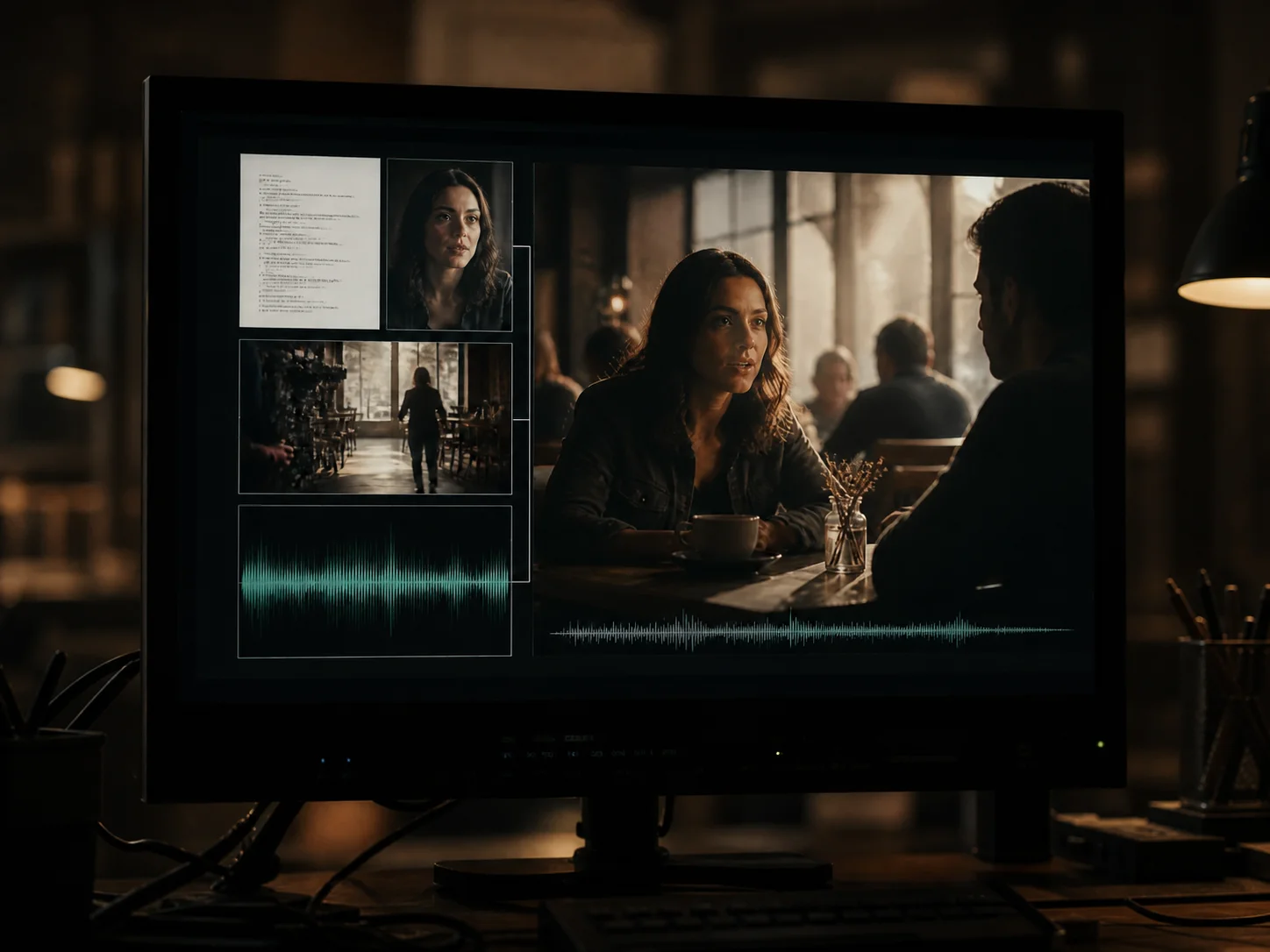
Choose Text to Video to describe a new scene, or Image to Video to begin with a clear photo. Identify the subject, setting, and one main action so the intended moment is easy to understand.
Add camera direction and atmosphere to your prompt, set the duration, framing, and resolution using the available options, then generate your video.
Watch the complete clip before downloading. Check character details, movement, and composition, and listen to the audio when present. Adjust the prompt and generate again when the result needs a different pace or focus.



Create visuals faster without design skills. Turn ideas into images, thumbnails, social posts, and creative assets in seconds.
Accelerate your creative workflow. Use AI Photo Editor to generate concepts, references, and visual directions, then refine them into production-ready designs.
Produce high-converting visuals on demand. Create ads, campaign visuals, and branded images quickly.
MiniMax H3 is a general-purpose multimodal video model that understands text, images, video, and audio in one shared context. It can generate video with native stereo sound, follow reference media, edit existing footage, and connect multiple shots.
Yes. Text to Video starts from a written scene, while Image to Video uses an uploaded photo as a visual starting point. Add a prompt to describe the action and generate the video.
MiniMax H3 can generate native stereo audio with the video, including dialogue, ambient sound, music, and sound effects. Review the result to make sure the audio timing matches the scene.
MiniMax H3 can use text, image, video, and audio reference material. The available upload types and quantity limits are shown in the generator.
Use a clear reference when available, keep one main action in focus, and explain how the camera should follow it. Review faces, hands, product details, and pacing, then refine the prompt.
Create stunning AI videos from text or images with multiple models.

Google image generation

OpenAI image generation

ByteDance video generation

Google video generation

Kuaishou video generation

xAI image & video generation
AI Photo Editor is your go-to AI video toolkit for generating, editing, and enhancing videos.
Turn a written scene into a short video.
Add movement to a photo or illustration.
Explore short scenes with Grok Imagine.
Guide character animation with a motion reference.
Turn a portrait into a painting-inspired clip.
Develop text and image-based video ideas.