Add Input
Write a prompt with the subject, setting, action, camera path, lighting, mood, and style. For image-to-video creation, upload a clear source image with one easy-to-identify main subject.
 AI Photo Editor
Describe a new scene with text or upload an image as the visual starting point. Guide the subject, action, camera movement, lighting, and style, then generate a coherent video clip.
Describe a new scene with text or upload an image as the visual starting point. Guide the subject, action, camera movement, lighting, and style, then generate a coherent video clip.
Wan 3.0 is an AI video model for creating scenes from text prompts or reference images. It reads the subject, action, environment, camera direction, and style as one visual brief, helping the generated motion feel purposeful rather than disconnected.
With AI Photo Editor, you can start from a written concept or animate an existing portrait, product image, illustration, or landscape. The workflow suits social clips, product visuals, character stories, advertising concepts, and cinematic drafts that need controlled framing and recognizable subjects.
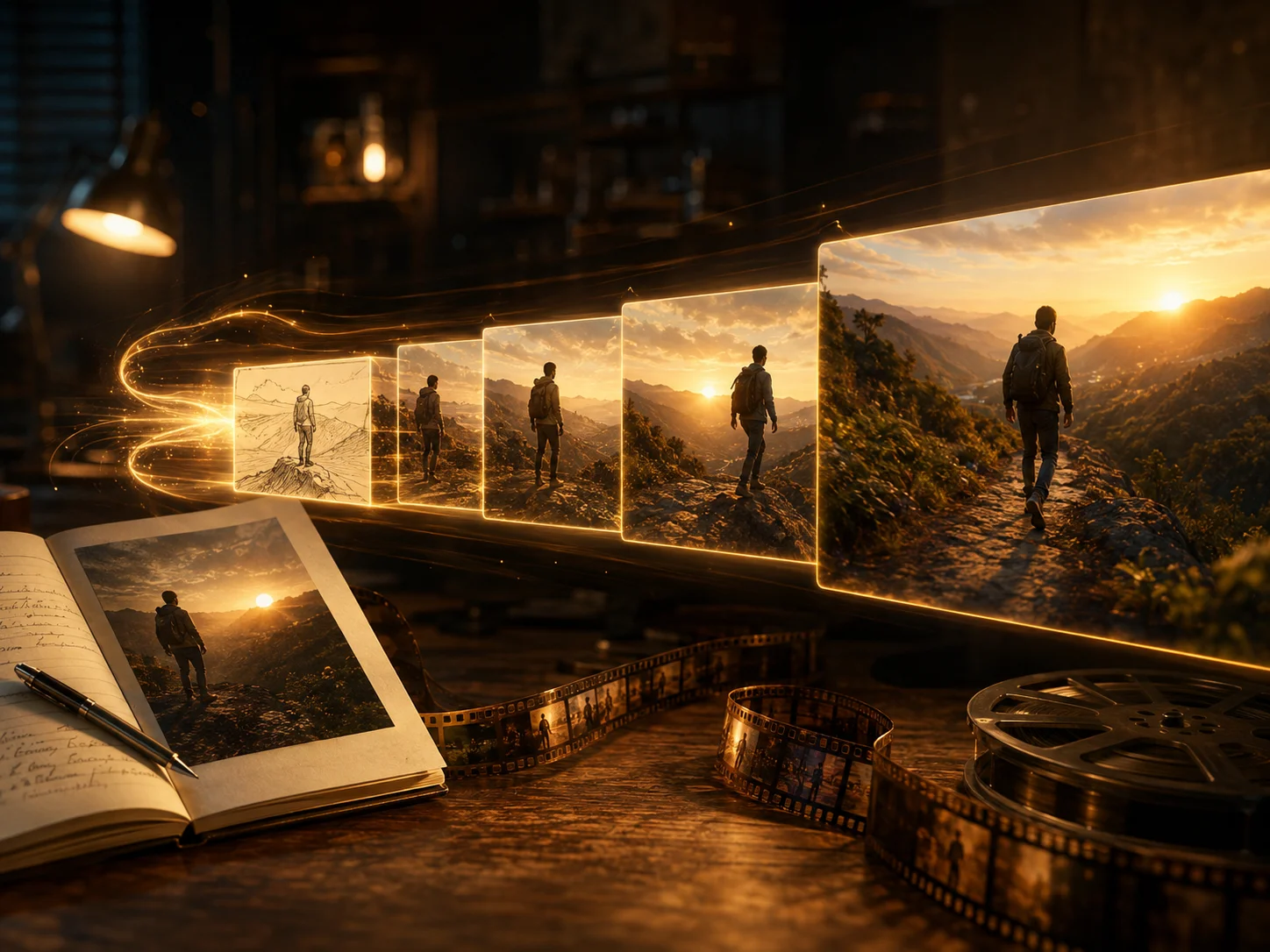
Write a prompt with the subject, setting, action, camera path, lighting, mood, and style. For image-to-video creation, upload a clear source image with one easy-to-identify main subject.
Choose text-to-video or image-to-video, select the available model settings, and explain how the scene should change from beginning to end. Generate when the action and camera direction are clear.
Review motion, framing, faces, hands, objects, lighting, and subject consistency. Refine one part of the prompt at a time when a detail drifts, then download the strongest result.
Build an original scene from a written concept or animate an existing visual. Choose text when you want open-ended creation and an image when the initial subject, composition, or style should remain recognizable.
Describe what moves, how fast it moves, and how the environment responds. A defined action gives the clip stronger temporal structure and helps natural movement support the scene instead of distracting from it.
Specify pans, zooms, tracking, tilts, or a steady camera, then connect the opening, main action, and ending. This helps the clip read as one intentional shot rather than a collection of unrelated effects.
Use a clean reference and stable descriptions for faces, clothing, products, props, colors, and environments. Consistent visual cues help the subject remain recognizable as the action and camera angle change.



Create visuals faster without design skills. Turn ideas into images, thumbnails, social posts, and creative assets in seconds.
Accelerate your creative workflow. Use AI Photo Editor to generate concepts, references, and visual directions, then refine them into production-ready designs.
Produce high-converting visuals on demand. Create ads, campaign visuals, and branded images quickly.
Wan 3.0 is an AI video model that turns written scene descriptions or reference images into generated clips with directed motion, coherent framing, and recognizable subjects.
Yes. Choose text-to-video to build a scene from a prompt, or image-to-video to animate an uploaded visual while using it to guide the subject, composition, and initial style.
Describe the subject, action, environment, camera movement, lighting, style, pacing, and how the scene should end. Explain changes over time instead of listing unrelated visual adjectives.
Use a sharp, uncluttered reference image and keep descriptions of faces, clothing, products, props, colors, and environments stable. Avoid conflicting instructions when the camera or action changes.
Complex prompts, low-quality references, fast movement, reflective surfaces, crowded scenes, or extreme camera changes can introduce artifacts. Simplify the brief and regenerate after correcting one variable at a time.
Create stunning AI videos from text or images with multiple models.

Google image generation

OpenAI image generation

ByteDance video generation

Google video generation

Kuaishou video generation

xAI image & video generation
AI Photo Editor is your go-to AI video toolkit for generating, editing, and enhancing videos.
Turn a written idea or prompt into a generated video scene.
Animate a still image with natural motion and camera movement.
Generate cinematic video content from text or images.
Explore Wan models for text-guided and image-guided video creation.
Generate cinematic clips with Wan 2.7 from text or images.
Animate characters from a reference image and driving video.
Start from a prompt or reference image, direct the subject and camera movement, and generate a cinematic clip with natural motion and coherent visual details.