Add Input
Describe the subject, composition, lighting, colors, style, and any text you want in the image. To edit or combine existing visuals, upload one or more clear reference images.
 AI Photo Editor
Write a prompt to create a new image, or add one or more reference images and describe the edits or elements to combine. Choose an aspect ratio, then generate a polished image guided by your instructions.
Write a prompt to create a new image, or add one or more reference images and describe the edits or elements to combine. Choose an aspect ratio, then generate a polished image guided by your instructions.
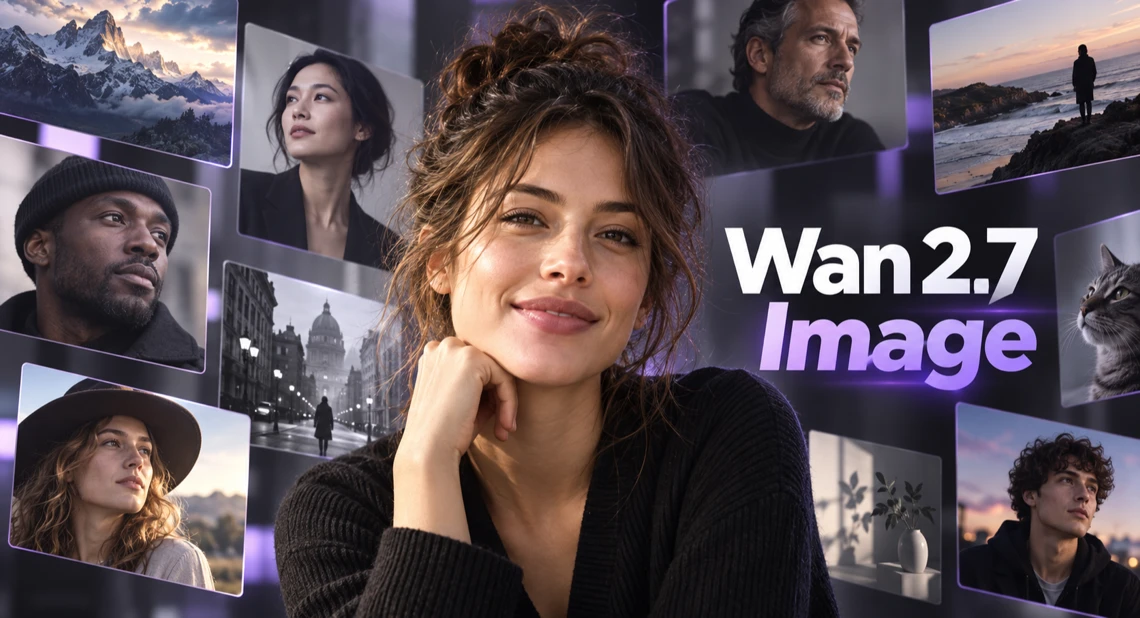
Wan 2.7 Image is an AI image generation and editing model that interprets detailed instructions before rendering. It can build a visual from text or transform existing images while keeping the requested subject, composition, color direction, and style in focus.
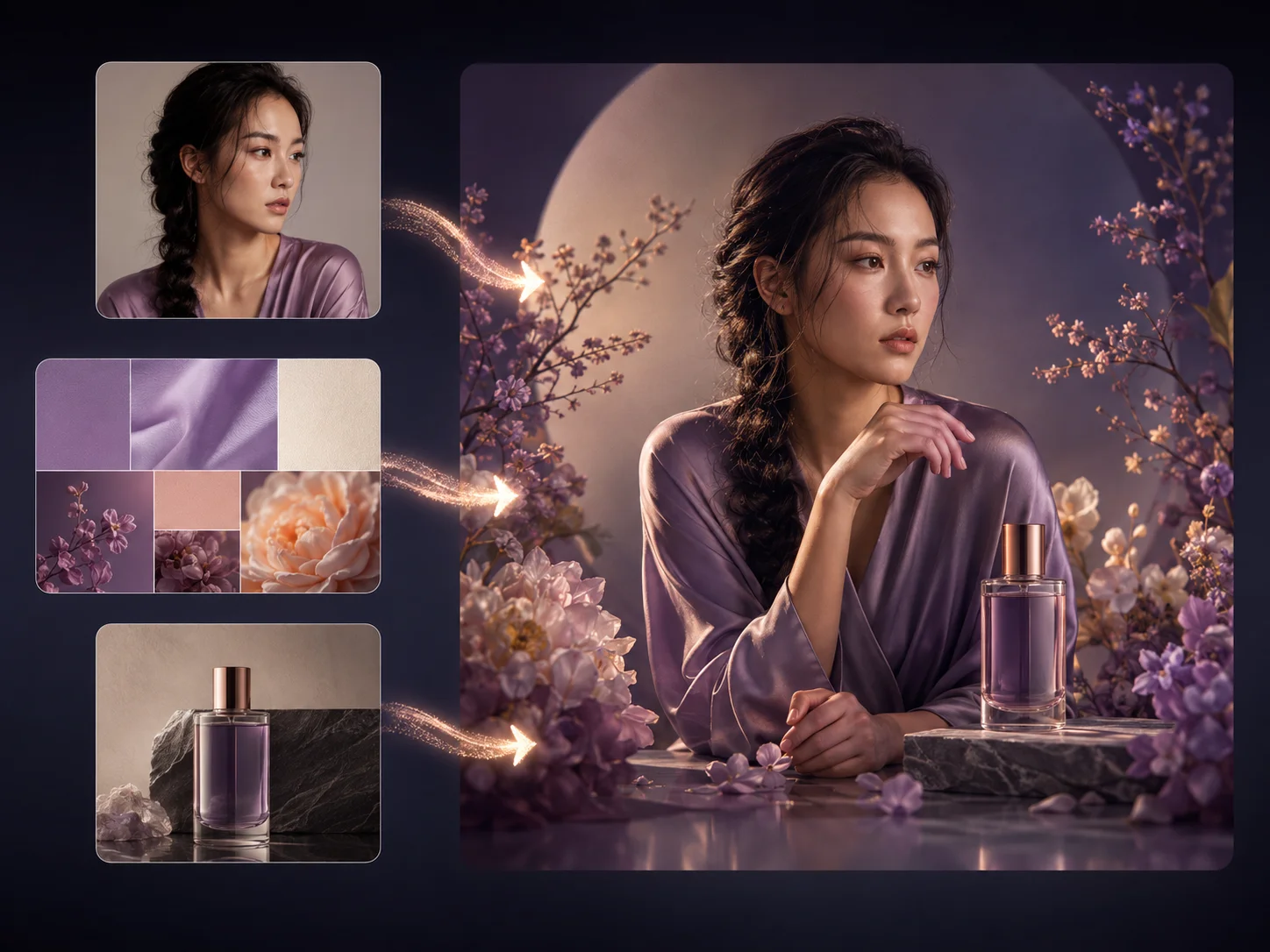
With AI Photo Editor, you can combine a prompt with multiple references to guide different parts of one result. This supports practical work such as posters with readable text, branded visuals with controlled colors, character concepts that stay recognizable, and high-resolution creative assets.
Describe the subject, composition, lighting, colors, style, and any text you want in the image. To edit or combine existing visuals, upload one or more clear reference images.
Choose the aspect ratio that fits your project and refine the prompt to explain what should be preserved, changed, or fused. Start generation when the instructions and references are ready.
Check prompt accuracy, text legibility, color balance, and subject consistency in the result. Adjust the prompt or references if needed, then download the image you want to keep.
Thinking mode analyzes the requested scene and relationships before generation, helping complex compositions and multi-part instructions resolve into a more coherent first result.
Improved text rendering helps create posters, packaging, labels, interface concepts, and other layouts where words need to remain clear and visually integrated.
Use prompts and visual references to direct palettes, facial traits, hairstyles, clothing, and accessories so related images can share a more stable creative identity.
Describe natural-language changes to an existing image or supply separate references for the person, object, background, or style. Wan 2.7 combines those directions into one cohesive output.



Create visuals faster without design skills. Turn ideas into images, thumbnails, social posts, and creative assets in seconds.
Accelerate your creative workflow. Use AI Photo Editor to generate concepts, references, and visual directions, then refine them into production-ready designs.
Produce high-converting visuals on demand. Create ads, campaign visuals, and branded images quickly.
Wan 2.7 Image is an AI model for creating new visuals from text and editing existing images with natural-language instructions and visual references.
Yes. Enter a detailed prompt to use the text-to-image workflow. A reference image is optional and is useful when you want to preserve, edit, or combine specific visual elements.
Upload one or more source images, then describe what should change and what should remain. The model uses those images to guide the subject, background, composition, color, or style of the result.
Yes. Its text rendering and reference control are designed for clearer words and more stable character traits, although complex layouts may still benefit from prompt refinement and another generation.
Review the subject, composition, hands and faces, embedded text, color accuracy, and consistency with your references. Regenerate with clearer instructions if an important detail does not match your intent.
Create stunning AI videos from text or images with multiple models.

Google image generation

OpenAI image generation

ByteDance video generation

Google video generation

Kuaishou video generation

xAI image & video generation
AI Photo Editor is your go-to AI video toolkit for generating, editing, and enhancing videos.
Turn a written idea or prompt into a generated video scene.
Animate a still image with natural motion and camera movement.
Generate cinematic video content from text or images.
Explore Wan models for text-guided and image-guided video creation.
Create cinematic clips from prompts, images, and visual references.
Generate expressive AI videos from text prompts or source images.
Turn a prompt into a new image or guide an edit with visual references. Refine the composition, color, text, and character details until the result fits your idea.