Add a Prompt or Reference Images
Describe the subject, composition, lighting, typography, colors, and intended format. For guided creation or editing, upload one or more reference images that show the content you want to preserve or combine.
 AI Photo Editor
Turn a detailed prompt into a new image, or guide generation and editing with multiple visual references. Grok Imagine Image 2.0 brings composition, subject details, style, and format into one polished result.
Turn a detailed prompt into a new image, or guide generation and editing with multiple visual references. Grok Imagine Image 2.0 brings composition, subject details, style, and format into one polished result.
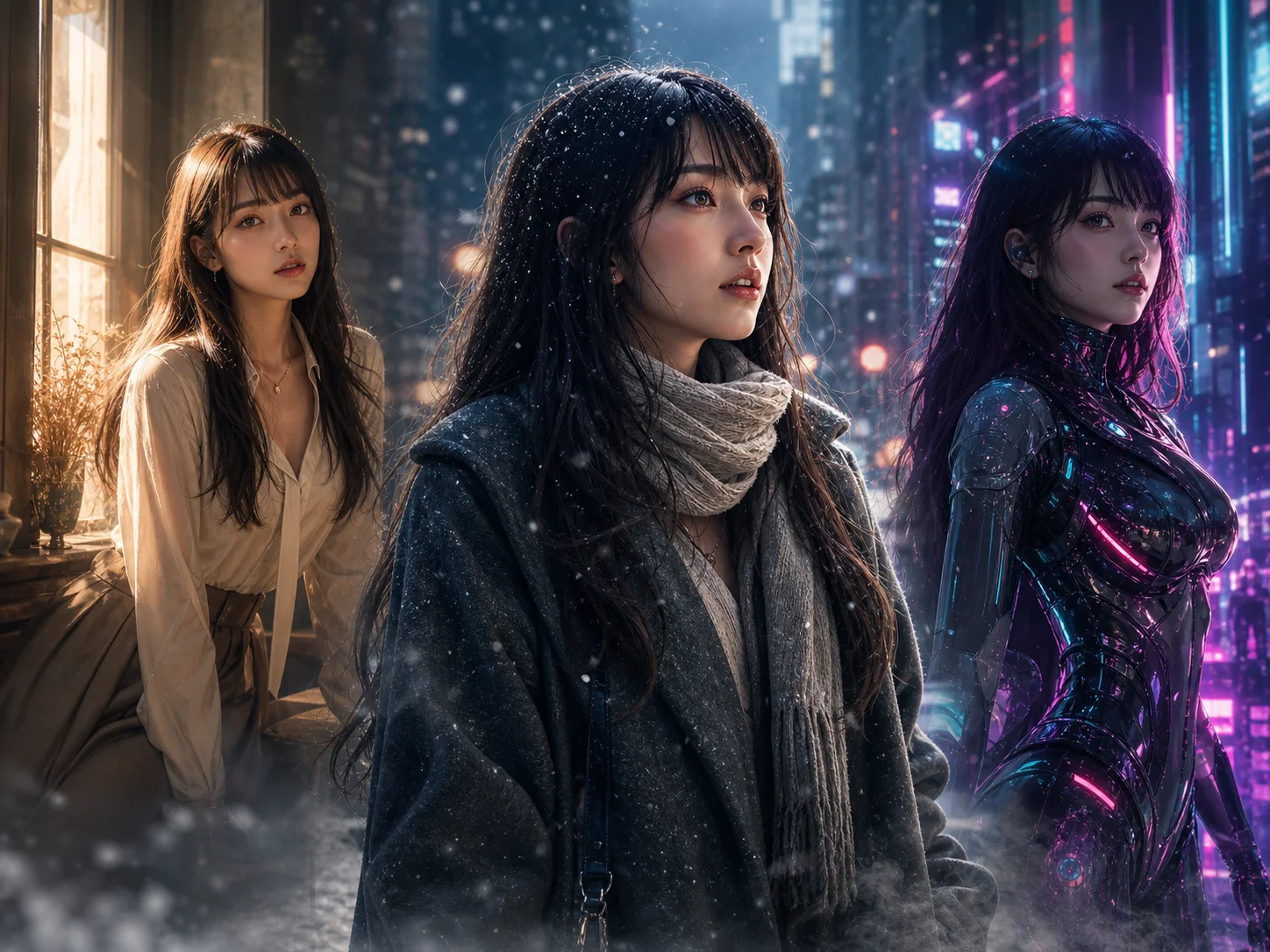
Grok Imagine Image is an xAI model for text-to-image generation and reference-guided image editing. It can interpret creative directions for photography, design, illustration, typography, composition, lighting, and visual style within one workflow.
On AI Photo Editor, the Grok Imagine 2.0 generator lets you create from text, refine an uploaded image, combine multiple references, or adapt one approved visual to another format. This supports iterative work without rebuilding the entire composition for every change.
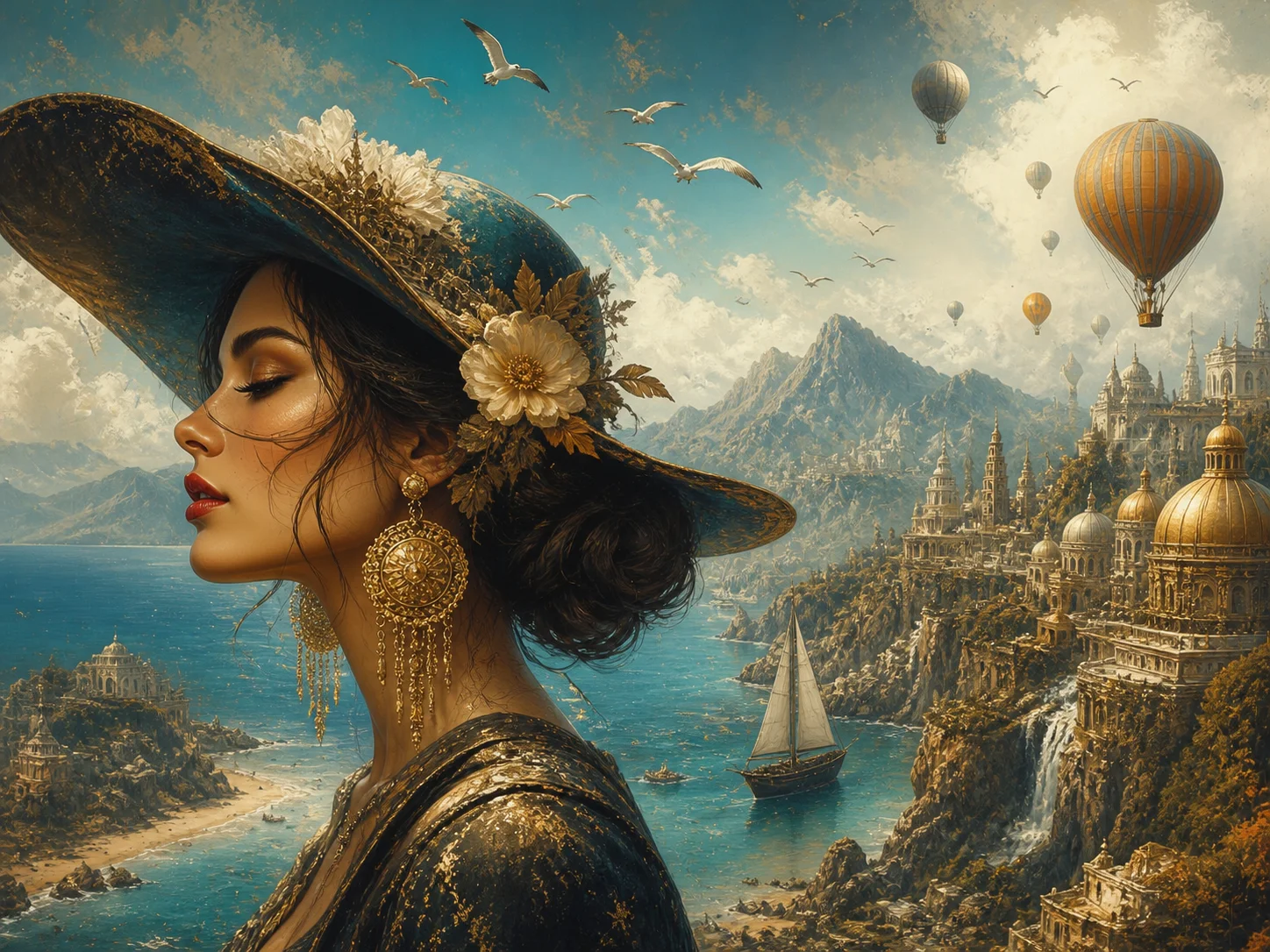
Describe the subject, composition, lighting, typography, colors, and intended format. For guided creation or editing, upload one or more reference images that show the content you want to preserve or combine.
Choose the aspect ratio and output settings, then generate the image. State exactly what should change and what should remain untouched when refining an existing image.
Check subject fidelity, text clarity, composition, and style consistency. Download the result, or revise one instruction at a time to create a controlled alternative.
Use prompt-guided regional editing to change clothing, objects, backgrounds, or selected details while preserving the rest of an approved composition. Focused revisions reduce the need to regenerate an entire image for one small correction.
Bring characters, clothing, products, locations, props, and style cues into one creative direction. Grok Imagine Image 2.0 interprets how each source should influence the final composition, aligning lighting, perspective, depth, and visual language so the result feels intentionally designed rather than manually assembled.
Select a new ratio and let the model fill and recompose the frame around the important subject. The Grok Imagine 2.0 generator helps adapt one idea to square posts, vertical stories, wide banners, and other publishing formats.
Develop characters, locations, props, and scenes as separate assets while maintaining a shared visual direction. This makes it easier to prepare connected illustrations, campaign sets, storyboards, and early video concepts.



Create visuals faster without design skills. Turn ideas into images, thumbnails, social posts, and creative assets in seconds.
Accelerate your creative workflow. Use AI Photo Editor to generate concepts, references, and visual directions, then refine them into production-ready designs.
Produce high-converting visuals on demand. Create ads, campaign visuals, and branded images quickly.
It is an xAI image model for creating visuals from text prompts and refining images with reference-guided instructions. On AI Photo Editor, it supports both new image generation and iterative image editing in one workflow.
Yes. Start with a text prompt when creating a new visual, or upload reference images when you want to preserve subjects, guide style, combine content, or make a controlled edit.
Describe the exact region or detail that should change and state what must remain untouched. The editing workflow can target selected areas, remove a background, or refine individual elements without intentionally rebuilding the whole scene.
Give each reference a clear role, such as subject, clothing, setting, product, or style. The model can use up to 5 inputs in one generation and interprets them as coordinated creative guidance rather than stacking them as separate layers.
You can create photography concepts, illustrations, posters, product visuals, character art, campaign assets, storyboards, and connected scene sets. Aspect-ratio controls also help adapt a result to different publishing formats.
Create stunning AI videos from text or images with multiple models.

Google image generation

OpenAI image generation

ByteDance video generation

Google video generation

Kuaishou video generation

xAI image & video generation
AI Photo Editor is your go-to AI video toolkit for generating, editing, and enhancing videos.
Generate expressive videos from text prompts or reference images with xAI's creative model.
Create original videos from text prompts or reference images.
Turn a written scene, script, or idea into a generated video.
Animate a still photo with prompt-guided motion and cinematic effects.
Generate cinematic video with Google's Veo model from text or visual references.
Create dynamic AI videos with controlled movement and visual consistency.
Generate a new visual from text or refine existing images with precise edits, multiple references, smart resizing, and consistent creative direction on AI Photo Editor.