Pick a mode and write your prompt
Choose Normal, Fun, Custom, or Spicy depending on the tone you want. Upload an image if you want to animate a still, or start with a text prompt — describe scene, camera, action, and dialogue if any.
 AI Photo Editor
Create images and short AI videos with synchronized audio. Start from a prompt or image, choose a style direction, and generate motion, dialogue, sound effects, or music in one workflow.
Create images and short AI videos with synchronized audio. Start from a prompt or image, choose a style direction, and generate motion, dialogue, sound effects, or music in one workflow.
Grok Imagine is xAI's image and video generation model, designed to create visual content from prompts and images. It can support workflows such as text-to-image, image editing, text-to-video, and image-to-video, making it useful for fast creative ideation and short-form video production.
With AI Photo Editor, you can use Grok Imagine to create short videos with built-in audio direction, including ambient sound, sound effects, dialogue-style output, or music-style atmosphere. It helps turn a simple idea into a more complete audio-visual clip.
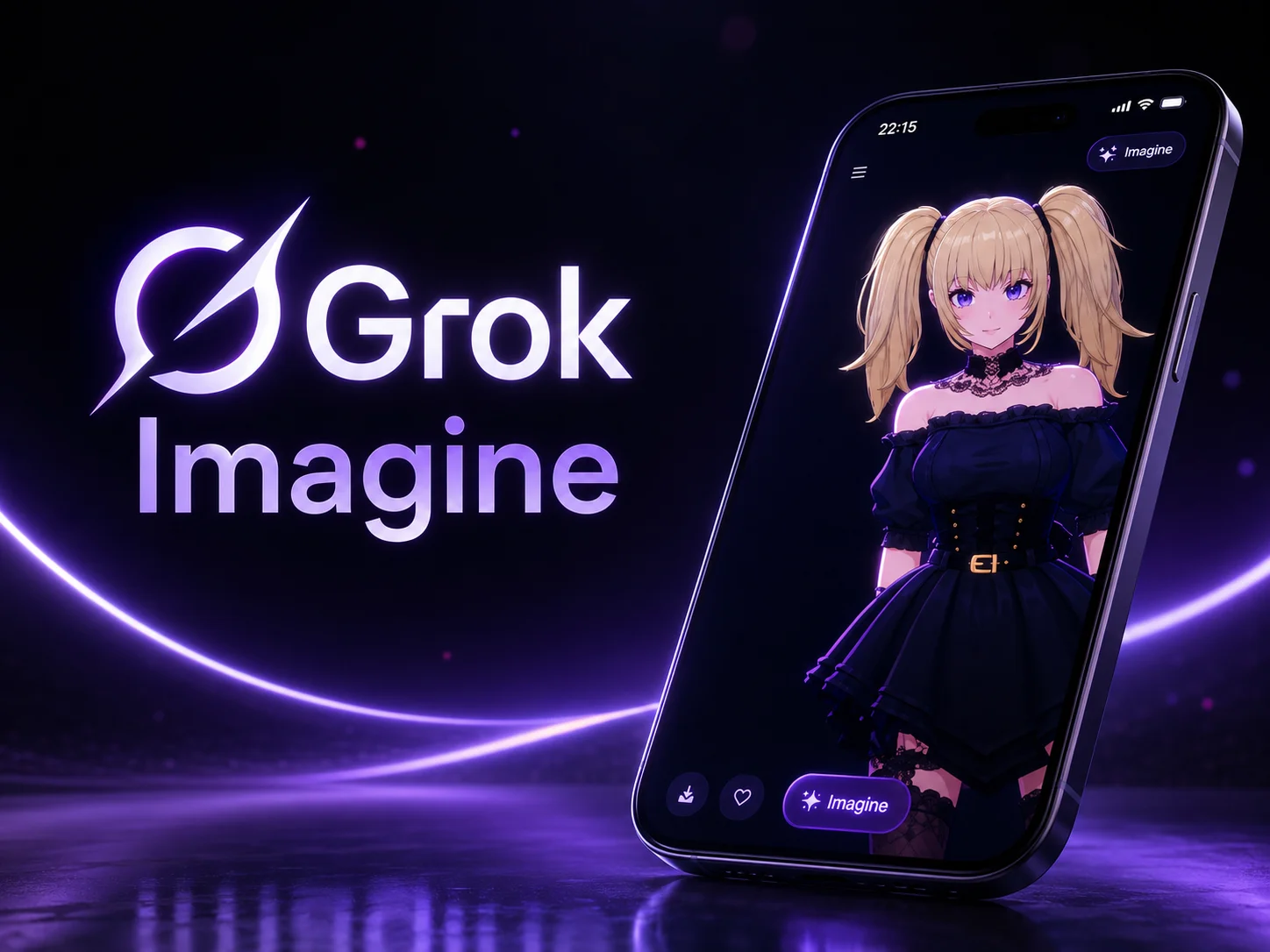
Choose Normal, Fun, Custom, or Spicy depending on the tone you want. Upload an image if you want to animate a still, or start with a text prompt — describe scene, camera, action, and dialogue if any.
Click generate and AI Photo Editor routes the request to the Grok Imagine model — Aurora renders cinematic visuals at 720p, synthesizes synchronized audio in the same pass, and returns 4 variations to choose from in about 17 seconds.
Compare the 4 takes, pick the one that hits the brief, export in your preferred aspect ratio, and post directly to YouTube, Reels, TikTok, or use it in product, marketing, or storytelling projects.
Most generators give you silent footage and leave the sound design to you. Grok Imagine produces dialogue, ambient audio, and sound effects in the same pass as the visuals, with accurate lip-sync — production-ready audio without a separate editing step.
Each prompt returns 4 unique takes with different creative interpretations — useful for comparing camera angles, tones, or pacing before committing. On AI Photo Editor, that means you spend the same credits and get 4 starting points instead of 1.
Normal for balanced, professional content. Fun for dynamic creative variations. Custom for precise control. Spicy for more expressive, artistic takes with looser content rules. Switch the mode instead of rewriting the prompt from scratch.
From prompt to finished video with audio takes about 17 seconds — xAI reports this is 2-4x faster than competing models. On AI Photo Editor, that turnaround means you can iterate prompts in real time instead of queueing and waiting between takes.



Create visuals faster without design skills. Turn ideas into images, thumbnails, social posts, and creative assets in seconds.
Accelerate your creative workflow. Use AI Photo Editor to generate concepts, references, and visual directions, then refine them into production-ready designs.
Produce high-converting visuals on demand. Create ads, campaign visuals, and branded images quickly.
Grok Imagine is xAI's image and video generation model for creating visuals from prompts and images. With AI Photo Editor, you can use it to create short AI videos with motion and audio direction.
Yes. Describe the scene, action, style, camera movement, and audio mood, and AI Photo Editor can help generate a Grok Imagine video from your prompt.
Yes. You can upload an image as a visual reference, then use Grok Imagine to add motion, depth, lighting changes, and audio direction.
Grok Imagine is known for native audio-video generation. In AI Photo Editor, audio behavior depends on the selected model mode, prompt, and generation settings.
You can use AI Photo Editor to create social videos, image animations, concept clips, product previews, story tests, meme videos, and short cinematic ideas with Grok Imagine.
Create stunning AI videos from text or images with multiple models.

Google image generation

OpenAI image generation

ByteDance video generation

Google video generation

Kuaishou video generation

xAI image & video generation
AI Photo Editor is your go-to AI video toolkit for generating, editing, and enhancing videos.
Cinematic 1080p video with synchronized native audio by Google.
Cinematic multi-shot videos powered by Wan AI on AI Photo Editor.
Generate cinematic videos from text or images in minutes.
Turn scripts and prompts into videos without filming.
Keep characters and scenes consistent across a generated video.
Animate static images with realistic, lifelike movement.
Create short AI videos with Grok Imagine on AI Photo Editor. Turn prompts or images into motion clips with synced audio direction, visual style, and fast creative iteration.