Add Input
Write the subject, canvas, layout, exact text, colors, visual hierarchy, and style you want. Upload reference images when the result should preserve or edit a specific person, product, object, composition, or visual direction.
 AI Photo Editor
Create information-rich visuals with Qwen Image 3.0 using long-prompt understanding, multilingual text rendering, precise dense layouts, and unified generation and reference-guided editing.
Create information-rich visuals with Qwen Image 3.0 using long-prompt understanding, multilingual text rendering, precise dense layouts, and unified generation and reference-guided editing.
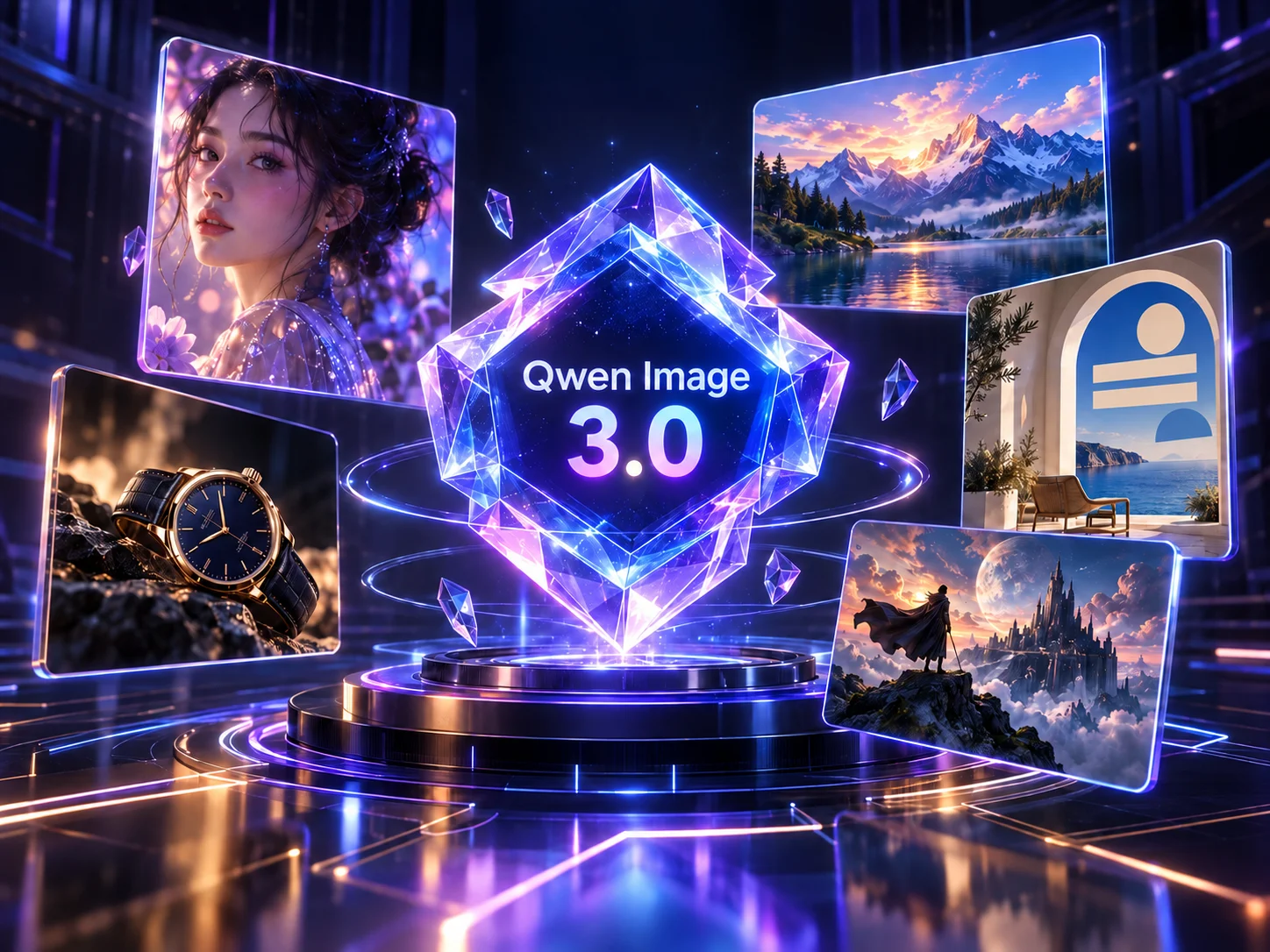
Qwen Image 3 combines text-to-image generation and reference-guided editing for visual work that needs more than a single subject. It can interpret long prompts, organize many elements in one composition, render multilingual text, and preserve important details from source images.
On AI Photo Editor, you can use the model for posters, infographics, interface concepts, storyboards, product grids, campaign boards, and other layout-rich images. Begin with text alone or add references when identity, product shape, composition, or style needs clearer direction.
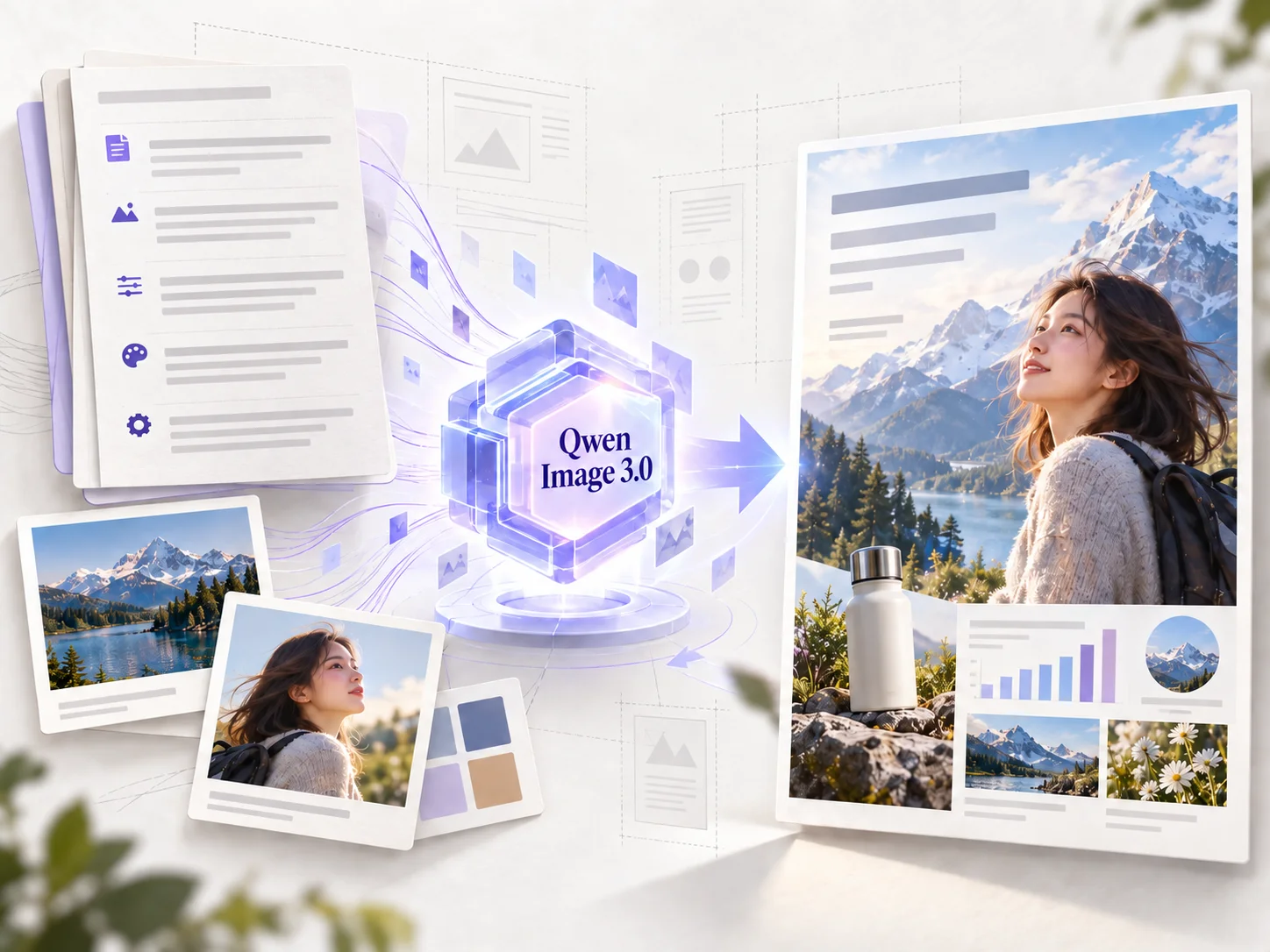
Write the subject, canvas, layout, exact text, colors, visual hierarchy, and style you want. Upload reference images when the result should preserve or edit a specific person, product, object, composition, or visual direction.
Choose an aspect ratio and clarify what should change and what must remain recognizable. Generate after the prompt and optional references define the intended content, structure, and relationships between elements.
Inspect the full-size image for spelling, numbers, labels, alignment, faces, product shape, and reference consistency. Refine a specific area when needed, then download the result that best matches your brief.
Qwen Image 3 can process long, multi-part prompts that describe layout, copy, palette, sections, labels, and relationships between elements. This makes it practical for dense visual briefs that would otherwise require several separate generations.
Build posters, menus, infographics, interface concepts, and editorial layouts with headlines, labels, and short copy inside the image. The model supports multilingual designs, while important wording should still be checked before publishing.
Guide generation with existing people, products, sketches, mood boards, or compositions. Focused instructions help change the requested area while keeping identity, product shape, colors, and other recognizable details aligned with the source.
Generate information-rich compositions with multiple subjects, small visual details, structured panels, and clear hierarchy. This supports practical work such as storyboards, campaign boards, product grids, documents, and educational graphics.



Create visuals faster without design skills. Turn ideas into images, thumbnails, social posts, and creative assets in seconds.
Accelerate your creative workflow. Use AI Photo Editor to generate concepts, references, and visual directions, then refine them into production-ready designs.
Produce high-converting visuals on demand. Create ads, campaign visuals, and branded images quickly.
Qwen Image 3.0 is Alibaba's image generation and editing model for information-rich visual work. It supports prompts up to 4,500 tokens, multilingual text rendering, dense layouts, and reference-guided editing in one workflow, making it suited to infographics, interface concepts, storyboards, campaign boards, and other complex compositions.
No. You can create a new image from a text prompt alone. Reference images are optional and useful when a person, product, object, composition, or style needs to remain recognizable or guide the result.
Yes. It can organize headlines, labels, panels, graphics, and multiple visual elements in one image, making it suitable for posters, infographics, interface concepts, storyboards, and other structured designs.
Yes. Upload one or more reference images and describe what should change and what should stay recognizable. The model can use the source content as context while applying focused natural-language edits.
Review spelling, numbers, labels, layout alignment, faces, hands, small objects, product shape, and consistency with every reference image. Refine the prompt and generate again when a critical detail is incorrect.
Create stunning AI videos from text or images with multiple models.

Google image generation

OpenAI image generation

ByteDance video generation

Google video generation

Kuaishou video generation

xAI image & video generation
AI Photo Editor is your go-to AI video toolkit for generating, editing, and enhancing videos.
Turn a written idea or prompt into a generated video scene.
Animate a still image with natural motion and camera movement.
Generate cinematic video content from text or images.
Create and edit detailed images from prompts or visual references.
Generate expressive images from text prompts and visual ideas.
Create cinematic clips from prompts, images, and visual references.
Turn long prompts and visual references into detailed, layout-rich images. Create new artwork, refine existing visuals, and keep text, structure, and recognizable details aligned with your brief.