FLUX 2 AI Image Generator & Editor

Turn a detailed prompt or optional visual references into a new image, or refine an existing one. FLUX 2 keeps subjects consistent while balancing realistic lighting, spatial logic, and legible text.

FLUX 2 Max is not exposed by Kie. This page uses FLUX 2 Pro.

0/5000
6Generate

FLUX 2 AI Image Generator & Editor

Turn a detailed prompt or optional visual references into a new image, or refine an existing one. FLUX 2 keeps subjects consistent while balancing realistic lighting, spatial logic, and legible text.

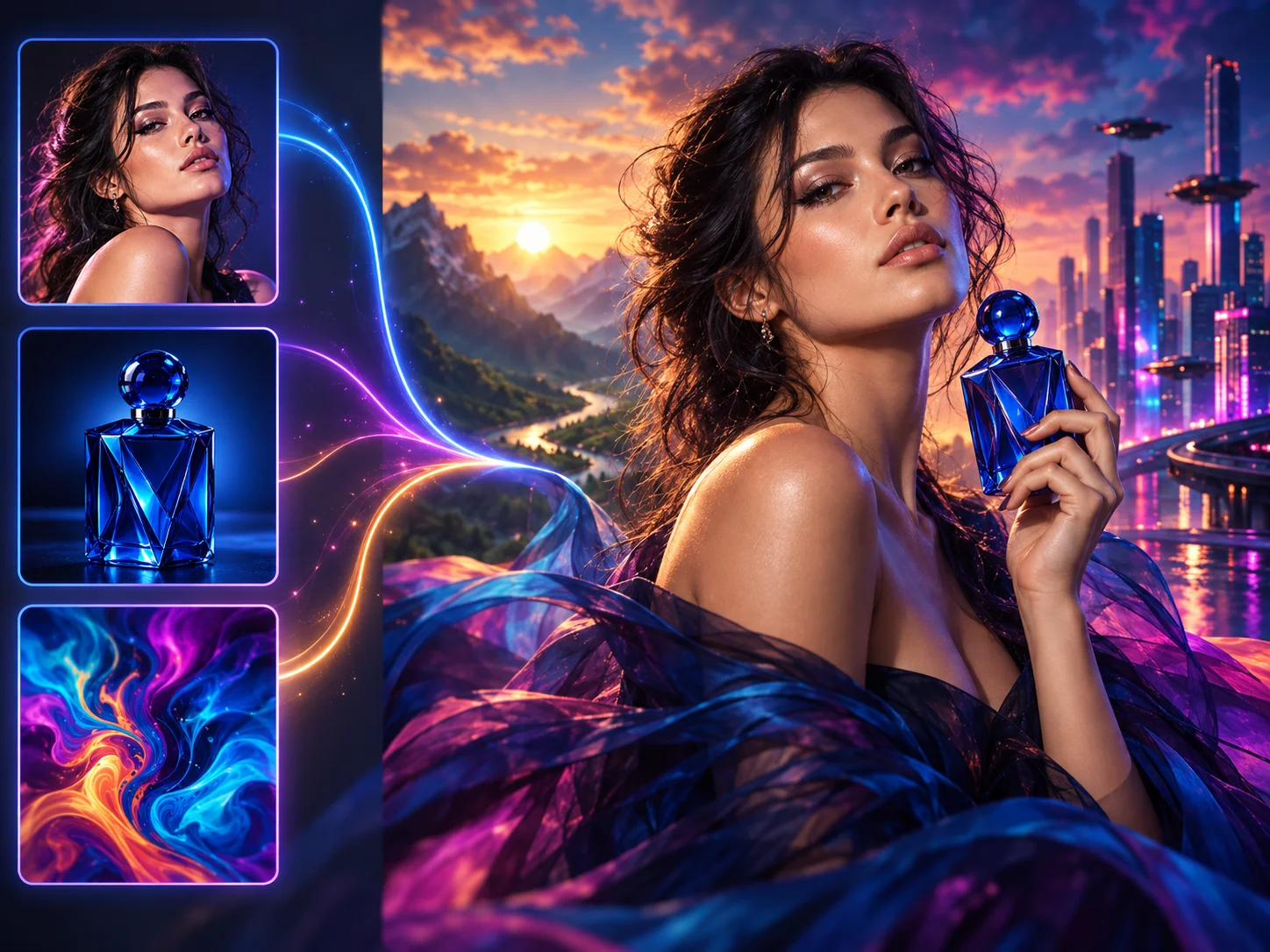
Production-ready image created with FLUX 2
About

What Is FLUX 2?

Developed by Black Forest Labs, FLUX.2 is a generation-and-editing model family built for production creative work. It brings text-to-image, natural-language editing, and multi-reference control into one workflow, with stronger prompt following, photorealism, typography, and subject consistency than earlier FLUX models.

On AI Photo Editor, FLUX 2 is a practical fit for product imagery, character-led campaigns, posters, interface concepts, storyboards, and brand assets. Start from words, guide the result with references, or revise an existing visual while keeping the scene coherent.

FLUX 2 generation and editing workflow

How to Use FLUX 2 AI Image Generator

01

Build a Clear Visual Brief

Describe the subject, purpose, setting, composition, lighting, colors, style, and any text that belongs in the image. Explain how the elements relate so FLUX 2 can follow the full scene instead of treating each detail separately.

02

Guide Identity with References

Add references when the same person, product, object, palette, or style must remain recognizable. State what each reference controls and which traits should carry into the new scene or edited image.

03

Generate, Check, and Refine

Generate the image, then inspect identity, perspective, lighting, text, and small details. Refine the instructions where needed and download the version that keeps both the creative direction and practical requirements intact.

Why Choose FLUX 2 AI Image Generator

Production-Ready Generation and Editing

Move from a written concept to a new image, then revise objects, style, or composition with natural-language instructions. One workflow supports both fresh creation and targeted changes to existing visuals.

Multi-Reference Subject Consistency

Guide characters, products, and visual styles with multiple references so related assets retain the face, object, or art direction that matters. This is especially useful for campaign sets and scene variations.

Photorealism Grounded in Real-World Logic

FLUX 2 handles lighting, perspective, textures, materials, and spatial relationships with greater stability. Product shots, portraits, and photography-style scenes can look more coherent instead of visibly synthetic.

Stronger Typography and Prompt Control

The flux.2 model follows structured prompts for subject placement, props, color, and composition while rendering short text more clearly. It is a useful option for posters, labels, interface concepts, and infographics that still need review before publishing.

AI Video Generator Tutorials & Reviews

AI Video Generator Tutorial 1AI Video Generator Tutorial 2AI Video Generator Tutorial 3

Who Use AI Photo Editor

Creators

Create visuals faster without design skills. Turn ideas into images, thumbnails, social posts, and creative assets in seconds.

Designers

Accelerate your creative workflow. Use AI Photo Editor to generate concepts, references, and visual directions, then refine them into production-ready designs.

Marketers

Produce high-converting visuals on demand. Create ads, campaign visuals, and branded images quickly.

QUESTIONS & ANSWERS

FAQs About FLUX 2 AI Image Generator

What is FLUX 2?+

FLUX.2 is an image generation and editing model family developed by Black Forest Labs for production creative work. It combines text-to-image generation, natural-language editing, and multi-reference control, with stronger photorealism, typography, prompt following, and subject consistency than earlier FLUX models.

Can FLUX 2 both generate and edit images?+

Yes. You can create a new image from text, revise an existing image with natural-language instructions, or use visual references to guide identity, composition, and style within the same workflow.

How do references improve FLUX 2 results?+

References give the model concrete guidance for faces, products, objects, palettes, composition, or style. Explain the role of each image and the traits that must remain recognizable to improve consistency across related outputs.

Can FLUX 2 create readable text inside images?+

Yes, especially for short labels, headlines, signs, interface elements, and poster copy. Results can vary with text length and layout complexity, so review spelling, spacing, and alignment before publishing.

How is FLUX 2 different from FLUX.1 Kontext?+

FLUX.1 Kontext is an earlier editing-focused model, while FLUX 2 combines generation, editing, and multi-reference guidance in a newer production-oriented family. FLUX 2 also places greater emphasis on realism, typography, prompt following, and stable scene control.

Discover More on AI Photo Editor's Models

Create stunning AI videos from text or images with multiple models.

Kling

Kling

Kuaishou video generation

AI Video Tools You May Like

AI Photo Editor is your go-to AI video toolkit for generating, editing, and enhancing videos.

Qwen Image 3

Create and edit detailed images with prompt and reference guidance.

Qwen Image 2

Generate and refine images with text instructions and optional references.

GPT Image

Create expressive visuals and edit images with natural-language direction.

Grok Imagine Image

Turn prompts into creative images for concepts, stories, and social posts.

Build Consistent Images with FLUX 2

Generate new visuals, edit existing images, and use references to keep characters, products, and brand direction consistent. Bring realistic lighting, clearer text, and controlled composition into one FLUX 2 workflow.