Wan AI Video Generator

Create cinematic AI videos with Wan AI on AI Photo Editor. Start from text, images, or references, then generate, preview, and refine your video.

0/20000
Advanced settings
120Generate

Wan AI Video Generator

Create cinematic AI videos with Wan AI on AI Photo Editor. Start from text, images, or references, then generate, preview, and refine your video.

About

What is Wan AI?

Wan AI is an AI video model family designed for text-to-video, image-to-video, and reference-guided video generation. It is often used for cinematic motion, visual style variation, multi-scene clips, and structured storytelling from simple prompts.

With AI Photo Editor, you can use Wan AI to create videos for social posts, product visuals, story concepts, creative tests, and short cinematic scenes. The workflow helps you move from an idea or reference image to a generated video without traditional filming or complex editing.

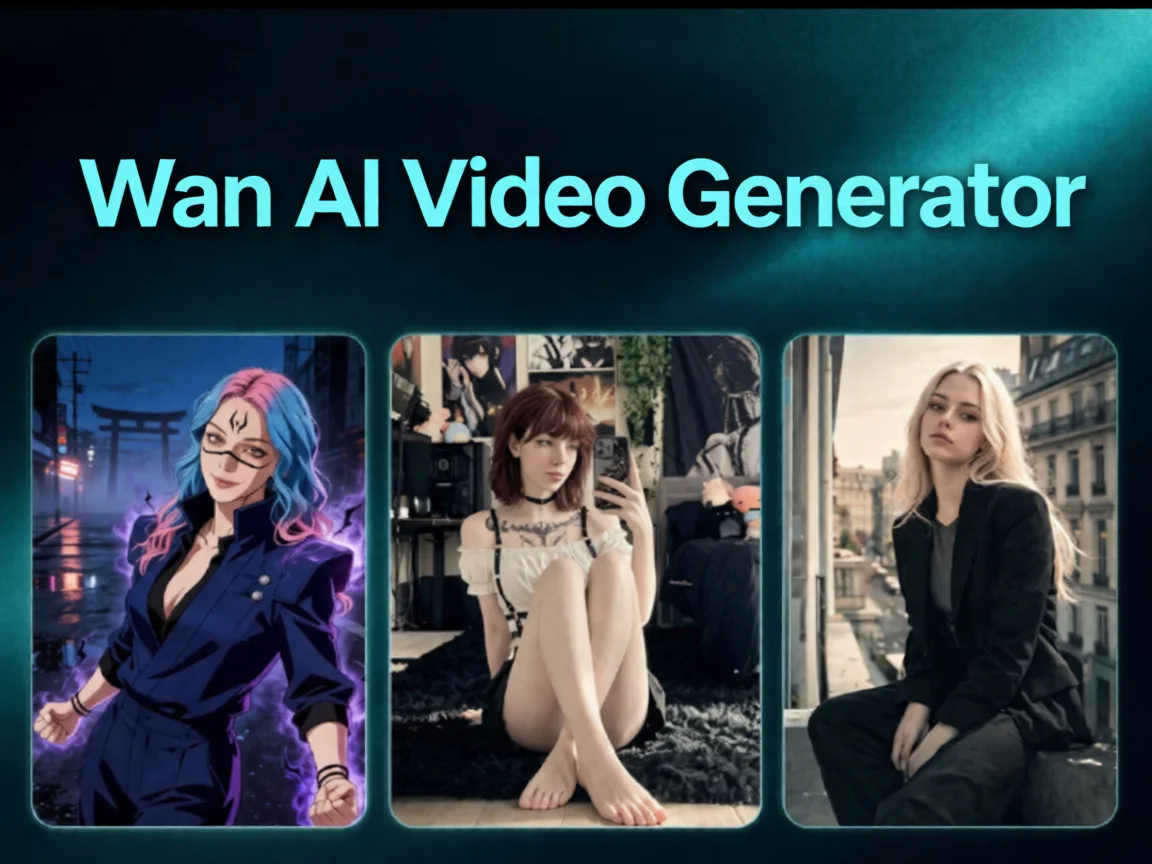
Wan AI Video Generator preview

How to generate a video with Wan AI online?

01

Pick your input — text, image, or video reference

Start with a text prompt, upload a still image for image-to-video, or drop in a reference video to lock the style, character, and scene identity. For multi-shot output, write your prompt as Shot 1 / Shot 2 / Shot 3.

02

Let AI Photo Editor run the Wan AI model

Click generate and AI Photo Editor routes the request to the Wan AI model — it breaks the prompt into shots, maintains character identity across takes, syncs the camera motion, and renders up to 15 seconds of cinematic footage in a few minutes.

03

Preview, refine, and export

Watch the finished clip, tweak the prompt or reference if the pacing needs work, regenerate when needed, and export in HD MP4 for social, product pages, or storytelling projects.

Why Use Wan AI for Video Generation?

Create cinematic clips from simple prompts

Wan AI can turn a short idea into a visually directed clip with scene, motion, lighting, and style. This makes it useful when you want fast visual drafts or polished short videos.

Support text-to-video and image-to-video workflows

You can begin with a written prompt or an image reference. AI Photo Editor makes Wan AI useful for both original scene generation and bringing still visuals into motion.

Build stronger multi-shot stories

For narrative ideas, Wan AI can help structure connected shots, camera changes, and scene progression, making short clips feel less like isolated fragments.

Iterate styles and concepts faster

Creators can generate multiple versions of a scene, compare visual directions, and refine prompts before investing in heavier production or editing work.

AI Video Generator Tutorials & Reviews

AI Video Generator Tutorial 1AI Video Generator Tutorial 2AI Video Generator Tutorial 3

Who Use AI Photo Editor

Creators

Create visuals faster without design skills. Turn ideas into images, thumbnails, social posts, and creative assets in seconds.

Designers

Accelerate your creative workflow. Use AI Photo Editor to generate concepts, references, and visual directions, then refine them into production-ready designs.

Marketers

Produce high-converting visuals on demand. Create ads, campaign visuals, and branded images quickly.

QUESTIONS & ANSWERS

FAQs About Wan AI

What is Wan AI?+

Wan AI is an AI video generation model used for creating videos from text prompts, images, and reference-based inputs. With AI Photo Editor, you can use Wan AI in a guided online workflow.

Can I use Wan AI for text-to-video?+

Yes. AI Photo Editor lets you describe a scene, motion, camera direction, and style, then use Wan AI to generate a video from that prompt.

Can I create videos from images with Wan AI?+

Yes. You can upload an image as a starting point, and Wan AI can generate motion and video output based on that visual reference.

Does Wan AI support multi-shot storytelling?+

Wan AI is useful for structured video ideas. In AI Photo Editor, you can write shot-by-shot prompts to guide scene order, camera changes, and narrative flow.

How long does Wan AI video generation take?+

Generation time depends on clip length, input type, settings, and queue load. Most short Wan AI generations on AI Photo Editor are designed for a fast preview-and-refine workflow.

Discover More on AI Photo Editor's Models

Create stunning AI videos from text or images with multiple models.

Kling

Kling

Kuaishou video generation

AI Video Tools You May Like

AI Photo Editor is your go-to AI video toolkit for generating, editing, and enhancing videos.

Text to Video

Turn scripts and prompts into videos without filming.

AI Video Edit

Edit and refine videos instantly with simple text prompts.

Wan AI Video Generator

Create cinematic Wan AI videos with AI Photo Editor. Turn prompts, images, and references into polished clips for social media, product visuals, ads, and storytelling.








