Add your text or script
Paste a short script, idea, or even bullet points. This can be a product description, story, or social media post.
 AI Photo Editor
Paste your text, choose a format, and get a video you can use for posts, ads, or quick content drafts.
Paste your text, choose a format, and get a video you can use for posts, ads, or quick content drafts.
Text to video is a type of generative AI that turns written input into a video automatically. Instead of filming or editing manually, you describe what you want, and the system generates visuals, motion, and sometimes audio to match.
Under the hood, these models use techniques like diffusion to convert language into sequences of images over time. They break text into scenes and generate frames that align with the meaning of each sentence, creating a coherent video output.
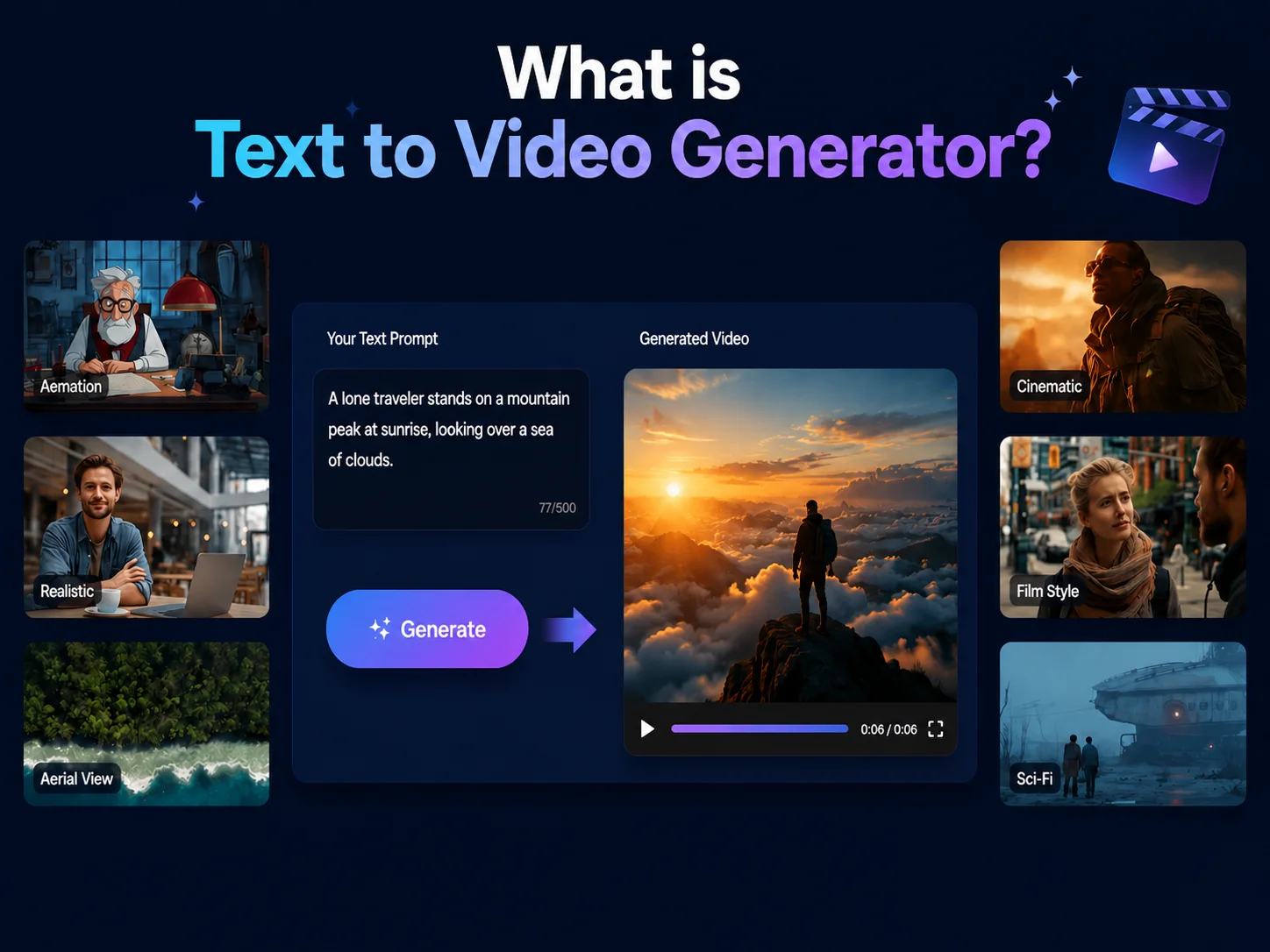
Paste a short script, idea, or even bullet points. This can be a product description, story, or social media post.
Select how the content should appear — scene layout, pacing, and basic visual style.
Preview the result and export it. You can use it directly or refine it further in your workflow.
Not every idea comes with images or clips. This is common for tutorials, ads, or short content. Instead of searching for assets, you can generate a basic video directly from text and adjust it later if needed.
Sometimes you just want to see if an idea works before putting time or budget into it. Creating a quick video from text makes it easier to test messaging, structure, or tone.
Blog posts, product descriptions, and scripts often sit unused after publishing. Text to video gives them another use, turning written content into something more visual and shareable.
Posting regularly requires a steady flow of content. Writing is faster than recording or editing video. Text to video helps turn written ideas into visual posts so you can keep up without spending hours per video.



Create visuals faster without design skills. Turn ideas into images, thumbnails, social posts, and creative assets in seconds.
Accelerate your creative workflow. Use AI Photo Editor to generate concepts, references, and visual directions, then refine them into production-ready designs.
Produce high-converting visuals on demand. Create ads, campaign visuals, and branded images quickly.
Paste your text, choose a format, and generate the video. You can preview and export the result.
Yes, the process uses automation to turn text into video, but the main goal is to simplify video creation from written content.
No. The process is based on text input, so it's easier than traditional video editing tools.
Yes. It works well for short-form content like posts, ads, and simple explainers.
Create stunning AI videos from text or images with multiple models.

Google image generation

OpenAI image generation

ByteDance video generation

Google video generation

Kuaishou video generation

xAI image & video generation
AI Photo Editor is your go-to AI image toolkit for generating, editing, and enhancing photos and artwork.
Try realistic hair color effects in just a few clicks.
Try new hairstyles in seconds with natural-looking results.
Easily change a person's pose in any photo.
Expand your image — wider borders, better framing.
Remove watermarks while preserving image quality.
Upscale photos to higher resolution with sharper detail.
Turn text into video in minutes. Create simple videos from scripts, ideas, or prompts without editing skills. Works for social media, marketing, and content creation.