Add an Idea or Image
Describe the TikTok scene you want to create, including the subject, action, setting, and mood, or upload a clear image as the visual starting point.
 AI Photo Editor
Describe a short TikTok scene or upload an image to animate. Choose a model, then guide subject motion, camera direction, framing, and visual style for a vertical clip.
Describe a short TikTok scene or upload an image to animate. Choose a model, then guide subject motion, camera direction, framing, and visual style for a vertical clip.
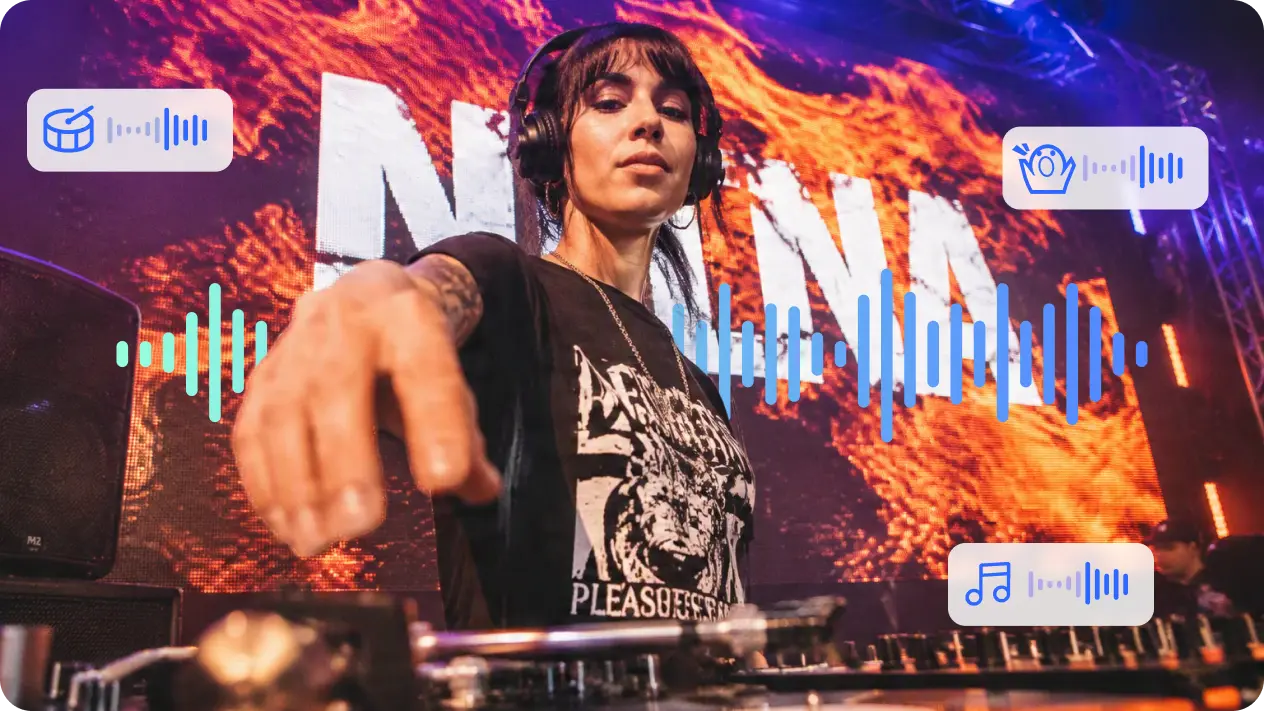
An AI TikTok video generator turns a written idea or still image into a short vertical video scene. Instead of filming every concept, define one clear subject, action, setting, camera movement, and visual mood.
Use text-to-video to build a new scene, or choose image-to-video when a product photo, character, illustration, or social visual should become animated. A TikTok AI video generator helps you test different directions for creator posts, product hooks, ads, and trend-inspired content.
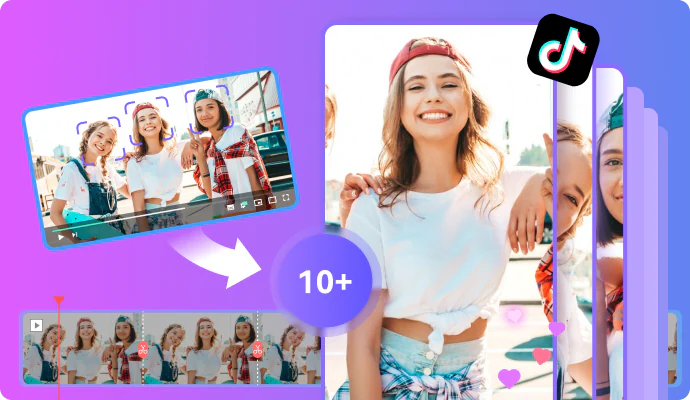
Describe the TikTok scene you want to create, including the subject, action, setting, and mood, or upload a clear image as the visual starting point.
Choose text-to-video or image-to-video, select an available model and settings, and generate the clip. Adjust framing, movement, or style when you need another version.
Review the subject, motion, composition, and vertical framing. Adjust the input if needed, then download the version that fits your TikTok post or campaign.
Turn a written idea into a new visual clip without arranging a location, camera setup, actors, or source footage for every concept.
Upload a product image, character, illustration, or campaign visual and guide how the subject and camera should move in the generated scene.
Test different actions, moods, camera directions, and visual styles before choosing the clip that best matches your post, hook, or campaign concept.
Generate visual drafts for creator posts, product showcases, storytelling, trend-inspired scenes, and vertical campaigns without filming each idea from scratch.



Create visuals faster without design skills. Turn ideas into images, thumbnails, social posts, and creative assets in seconds.
Accelerate your creative workflow. Use AI Photo Editor to generate concepts, references, and visual directions, then refine them into production-ready designs.
Produce high-converting visuals on demand. Create ads, campaign visuals, and branded images quickly.
It is a video creation workflow that turns a written idea or uploaded image into a short vertical scene suited to TikTok-style content. Your input guides the subject, action, framing, motion, and visual tone.
Yes. Choose text-to-video mode and describe the scene, subject, action, camera movement, lighting, and style you want the clip to show.
Yes. Choose image-to-video mode, upload a clear source image, and guide how the subject, background, or camera should move in the generated clip.
It can create scenes for creator posts, product hooks, visual stories, character concepts, ads, and trend-inspired short-form content.
No. This page generates a new video scene from text or one image. It does not provide a multi-clip timeline for assembling captions, voiceovers, transitions, and several uploaded videos into a finished production.
Create stunning AI videos from text or images with multiple models.

Google image generation

OpenAI image generation

ByteDance video generation

Google video generation

Kuaishou video generation

xAI image & video generation
AI Photo Editor is your go-to AI video toolkit for generating, editing, and enhancing videos.
Turn a written idea or prompt into a generated video scene.
Animate a still image with natural motion and camera direction.
Generate video scenes from text prompts or images.
Create influencer-style scenes for social posts and campaign ideas.
Generate promotional scenes for products, brands, and campaigns.
Create visual video content without filming yourself on camera.
Start with a written idea or image and generate a short vertical clip for creator content, product ideas, visual stories, and social campaigns.