Add a prompt or upload an image
Describe the scene, subject, action, style, camera movement, and mood. You can also upload an image when you want to animate a person, product, character, or reference frame.
 AI Photo Editor
Generate cinematic AI videos from text prompts or images with realistic motion, stable characters, smooth camera movement, and high-quality visual detail.
Generate cinematic AI videos from text prompts or images with realistic motion, stable characters, smooth camera movement, and high-quality visual detail.
Kling AI Video Generator is an AI video creation tool that turns written prompts and still images into cinematic clips. It focuses on realistic motion, coherent scenes, stable characters, smooth camera movement, and polished visual quality.
With AI Photo Editor, you can use Kling AI for text-to-video, image-to-video, character animation, social clips, cinematic drafts, and story-driven scenes. It helps creators move from a simple idea or reference image to a usable video without traditional filming or complex editing.
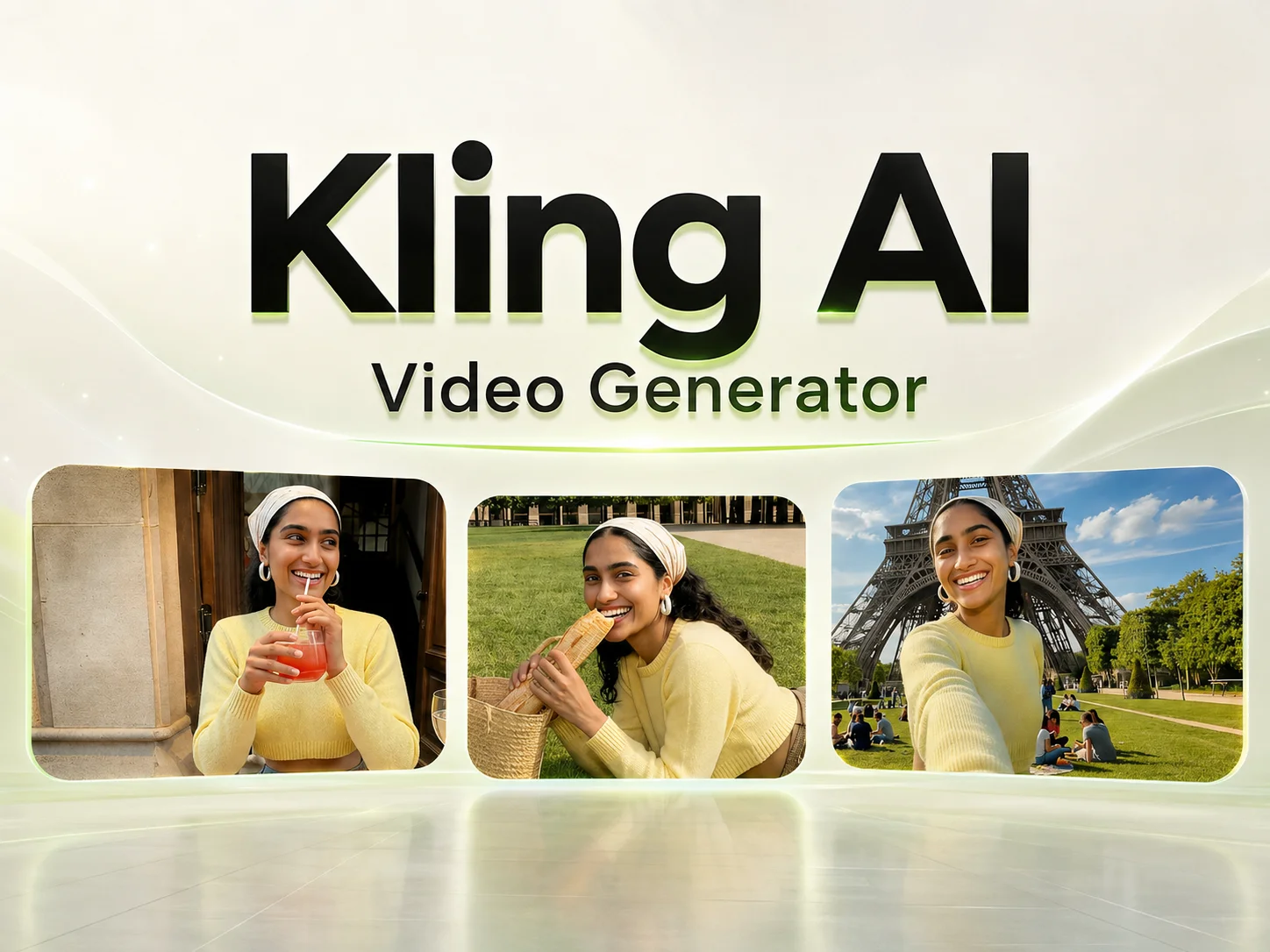
Describe the scene, subject, action, style, camera movement, and mood. You can also upload an image when you want to animate a person, product, character, or reference frame.
Choose the aspect ratio, duration, visual style, and motion direction. For stronger control, describe camera moves like zoom, pan, tracking shot, orbit, or close-up.
Generate the Kling AI video, preview character consistency and motion quality, then download or refine it for social media, ads, product pages, or creative projects.
Walking, running, fighting, dancing — Kling AI keeps body balance, cloth flow, and object interaction grounded in real physics. Subjects stop jittering halfway through the take, and transitions feel natural instead of glitchy.
Faces, body proportions, and expressions stay stable from the first frame to the last. On AI Photo Editor, that consistency is what makes longer 15-second narratives usable instead of the character drifting halfway through.
Upload a starting frame and an ending frame, and Kling AI generates the cinematic motion in between. You decide exactly where the scene starts and lands — useful for storyboards, ad cuts, or intro/outro sequences in short content.
A single prompt can produce up to 6 different shots with their own camera angles, framing, and action — a real storyboard, not just a single long take. AI Photo Editor surfaces this directly in the generator, so you can plan a sequence the way a director would.



Create visuals faster without design skills. Turn ideas into images, thumbnails, social posts, and creative assets in seconds.
Accelerate your creative workflow. Use AI Photo Editor to generate concepts, references, and visual directions, then refine them into production-ready designs.
Produce high-converting visuals on demand. Create ads, campaign visuals, and branded images quickly.
Kling AI Video Generator turns prompts or still images into cinematic videos with realistic motion, stable characters, and smooth camera movement. With AI Photo Editor, you can use it in an online guided workflow.
Yes. AI Photo Editor lets you use Kling AI from either a written prompt or an uploaded image, depending on whether you want to create a new scene or animate an existing visual.
Kling AI is built to improve consistency across frames, including faces, body proportions, clothing, and scene details. Results still depend on prompt clarity and input quality.
Yes. You can describe camera movement in your prompt, such as pan, zoom, tilt, tracking shot, orbit, push-in, pull-out, or close-up, and AI Photo Editor will use Kling AI to follow that direction.
No. Add a prompt or image, choose settings, and let AI Photo Editor generate the Kling AI video. You can preview the result and refine details afterward.
Create stunning AI videos from text or images with multiple models.

Google image generation

OpenAI image generation

ByteDance video generation

Google video generation

Kuaishou video generation

xAI image & video generation
AI Photo Editor is your go-to AI video toolkit for generating, editing, and enhancing videos.
Cinematic 1080p video with synchronized native audio by Google.
Cinematic multi-shot videos powered by Wan AI on AI Photo Editor.
xAI's image and video generation with native audio in seconds.
Generate cinematic videos from text or images in minutes.
Turn scripts and prompts into videos without filming.
Animate static images with realistic, lifelike movement.
Run Kuaishou's Kling AI model on AI Photo Editor — realistic motion, stable characters, multi-shot storytelling, and cinematic clips up to 15 seconds, ready to share.