Add a Prompt or Image
Describe the subject, action, environment, and visual style, or upload a clear image when you want stronger control over the character, composition, and opening frame.
 AI Photo Editor
Describe a scene with text or upload an image as the visual starting point. Guide the subject, action, camera movement, lighting, and mood to generate a cinematic video with coherent motion and synchronized sound.
Describe a scene with text or upload an image as the visual starting point. Guide the subject, action, camera movement, lighting, and mood to generate a cinematic video with coherent motion and synchronized sound.
Kling 3.0 Omni brings text understanding, image guidance, motion, camera direction, and audio generation into one video model. It can turn a written idea or still visual into a structured moving scene while maintaining the intended subject, atmosphere, and shot direction.
With AI Photo Editor, the kling o3 and kling v3 omni workflow gives creators a direct path from prompt or image to cinematic output. It is suited to story concepts, ads, product visuals, character scenes, and social clips that need coherent shots and synchronized sound.
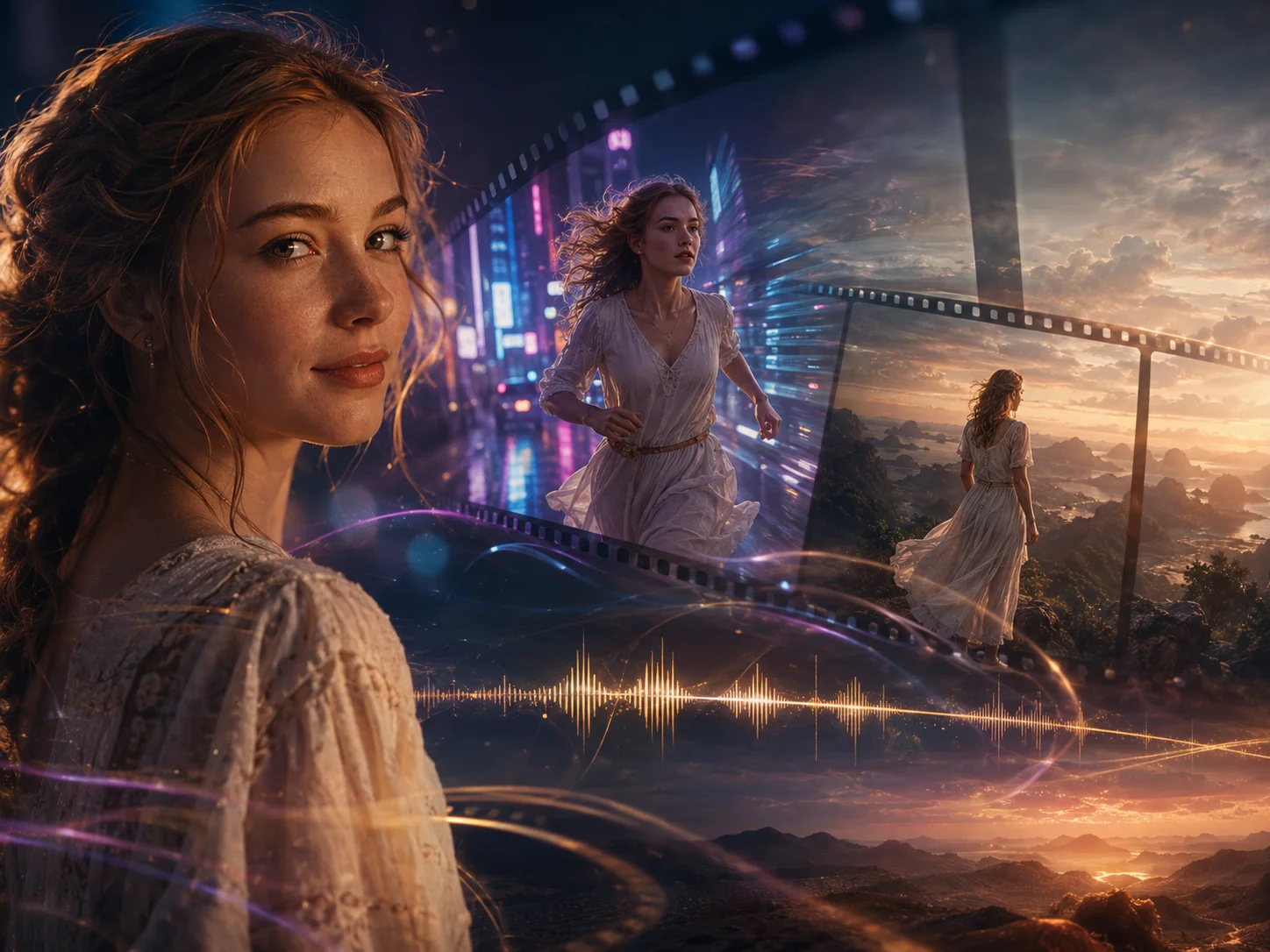
Describe the subject, action, environment, and visual style, or upload a clear image when you want stronger control over the character, composition, and opening frame.
Choose the available duration, aspect ratio, quality, and audio options. Add camera movement and shot order to the prompt when you want a more deliberate multi-shot result, then start generation.
Review subject identity, motion, shot transitions, prompt accuracy, and audio timing. Refine the prompt or source image when needed, then download the preferred video.
Move between text-led creation and image-guided animation without changing the overall workflow. Kling 3.0 Omni interprets scene instructions and visual references together so the subject, style, and shot intent remain connected.
The kling o3 pipeline can generate visuals and sound as part of the same result, including dialogue direction, ambience, and effects when supported by the chosen settings. This reduces separate timing and mixing work.
Build short sequences with clearer camera changes, transitions, and subject continuity. The model is designed to keep characters, objects, and visual style more stable while the story moves between shots.
Generate clips up to 15 seconds where available, giving actions, camera moves, and narrative beats more room to develop. The kling v3 omni workflow is useful for ads, product moments, dialogue scenes, and social storytelling.



Create visuals faster without design skills. Turn ideas into images, thumbnails, social posts, and creative assets in seconds.
Accelerate your creative workflow. Use AI Photo Editor to generate concepts, references, and visual directions, then refine them into production-ready designs.
Produce high-converting visuals on demand. Create ads, campaign visuals, and branded images quickly.
Kling 3.0 Omni is a unified multimodal AI video model that combines text understanding, image guidance, video generation, camera direction, subject consistency, and native audio in one workflow.
Yes. Use a text prompt when you want the model to construct a scene from an idea, or upload an image when the subject, composition, or visual style should guide the generated motion.
Yes. Supported settings can generate native audio with the video, including dialogue direction, environmental sound, and effects. Check the selected model option because audio behavior can vary by mode.
Available workflows can support clips up to 15 seconds. Exact duration, resolution, credit cost, and generation time depend on the selected mode and quality settings.
Keep identity details, wardrobe, environment, lighting, and style consistent in the prompt. A clean reference image and explicit shot order can help the model maintain the subject as the camera and action change.
Create stunning AI videos from text or images with multiple models.

Google image generation

OpenAI image generation

ByteDance video generation

Google video generation

Kuaishou video generation

xAI image & video generation
AI Photo Editor is your go-to AI video toolkit for generating, editing, and enhancing videos.
Create cinematic multi-shot videos from text or images with consistent subjects and synchronized audio.
Turn written scene directions into moving clips with selectable AI models and settings.
Animate a still image with guided subject movement, camera direction, and visual continuity.
Guide video generation with visual, video, or audio references for stronger creative control.
Transfer movement from a driving video to a reference character with controlled performance.
Turn a portrait and audio into a talking AI avatar with natural expressions and accurate lip sync.
Turn a prompt or image into a coherent cinematic video with multi-shot direction, consistent subjects, and synchronized sound in AI Photo Editor.