FLUX 2 Max AI Image Generator & Editor

Turn layered prompts or optional source images into high-fidelity visuals. FLUX 2 Max follows nuanced intent while preserving faces, products, colors, lighting, materials, and composition for demanding creative work.

FLUX 2 Max is not exposed by Kie. This page uses FLUX 2 Pro.

0/5000
6Generate

FLUX 2 Max AI Image Generator & Editor

Turn layered prompts or optional source images into high-fidelity visuals. FLUX 2 Max follows nuanced intent while preserving faces, products, colors, lighting, materials, and composition for demanding creative work.

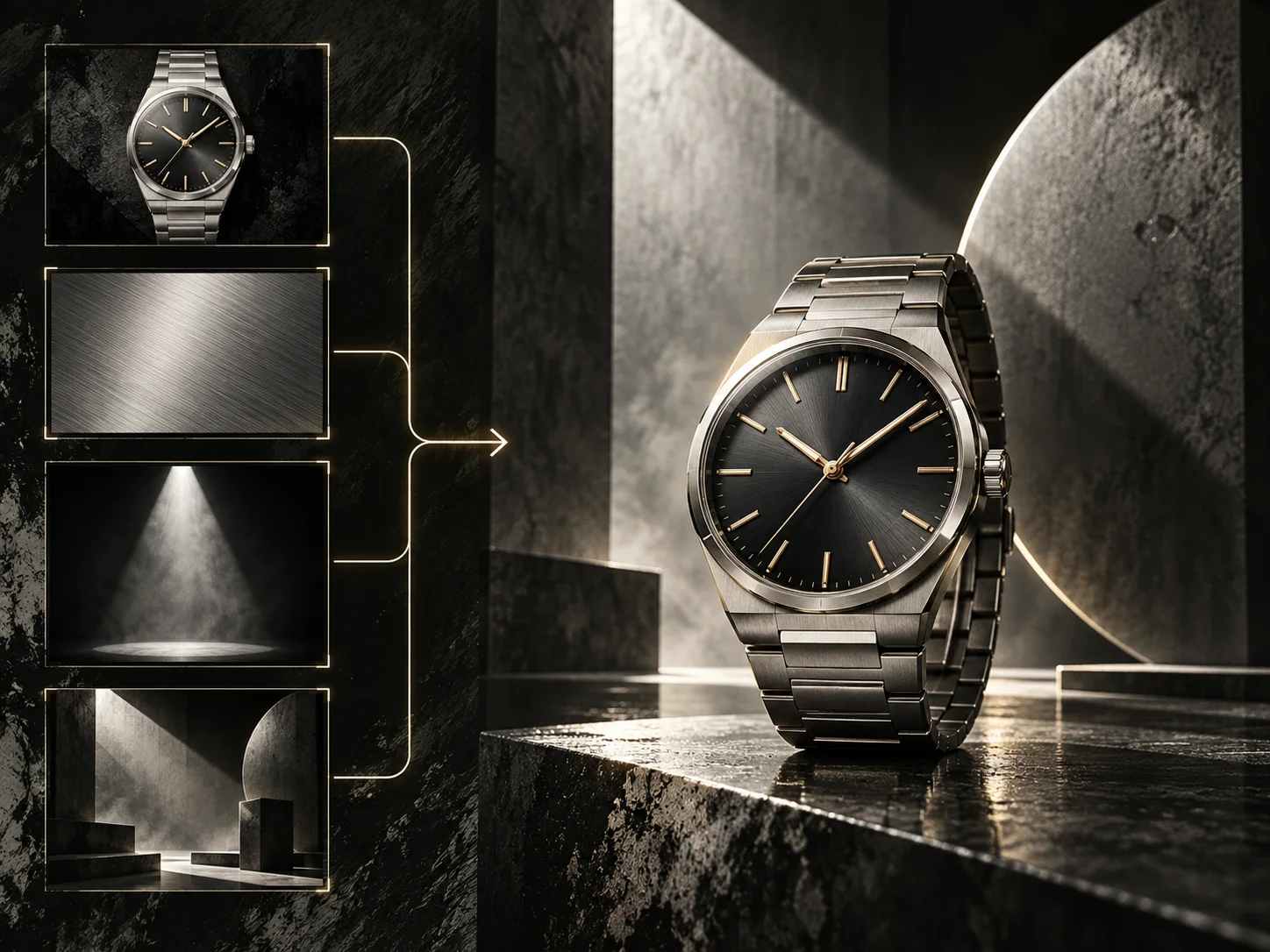
High-fidelity commercial image created with FLUX 2 Max
About

What Is FLUX 2 Max?

FLUX.2 Max is the flagship and top-tier model in the FLUX.2 family from Black Forest Labs. It is built for high-fidelity generation and image-conditioned editing where complex instructions, fine materials, human features, lighting, and layout all need to hold together.

On AI Photo Editor, FLUX 2 Max is suited to product marketing, ecommerce imagery, editorial compositions, interior concepts, premium food photography, and client deliverables. Use it when a polished result must preserve the intended visual identity under close review.

FLUX 2 Max flagship image generation and editing workflow

How to Use FLUX 2 Max AI Image Generator

01

Write a Layered Creative Brief

Define the subject, intended use, composition, camera angle, lighting, palette, materials, mood, style, and required text. Include non-negotiable details so FLUX 2 Max can interpret both the visual direction and its constraints.

02

Add Sources for Precision

Use source images to anchor a face, product, object, color palette, composition, or style. Explain which reference controls each element and which features must remain faithful in the generated or edited result.

03

Inspect High-Stakes Details

Generate the image and review faces, product geometry, surfaces, colors, lettering, lighting, and edge detail at full size. Refine the brief where necessary, then download the version ready for your campaign or client workflow.

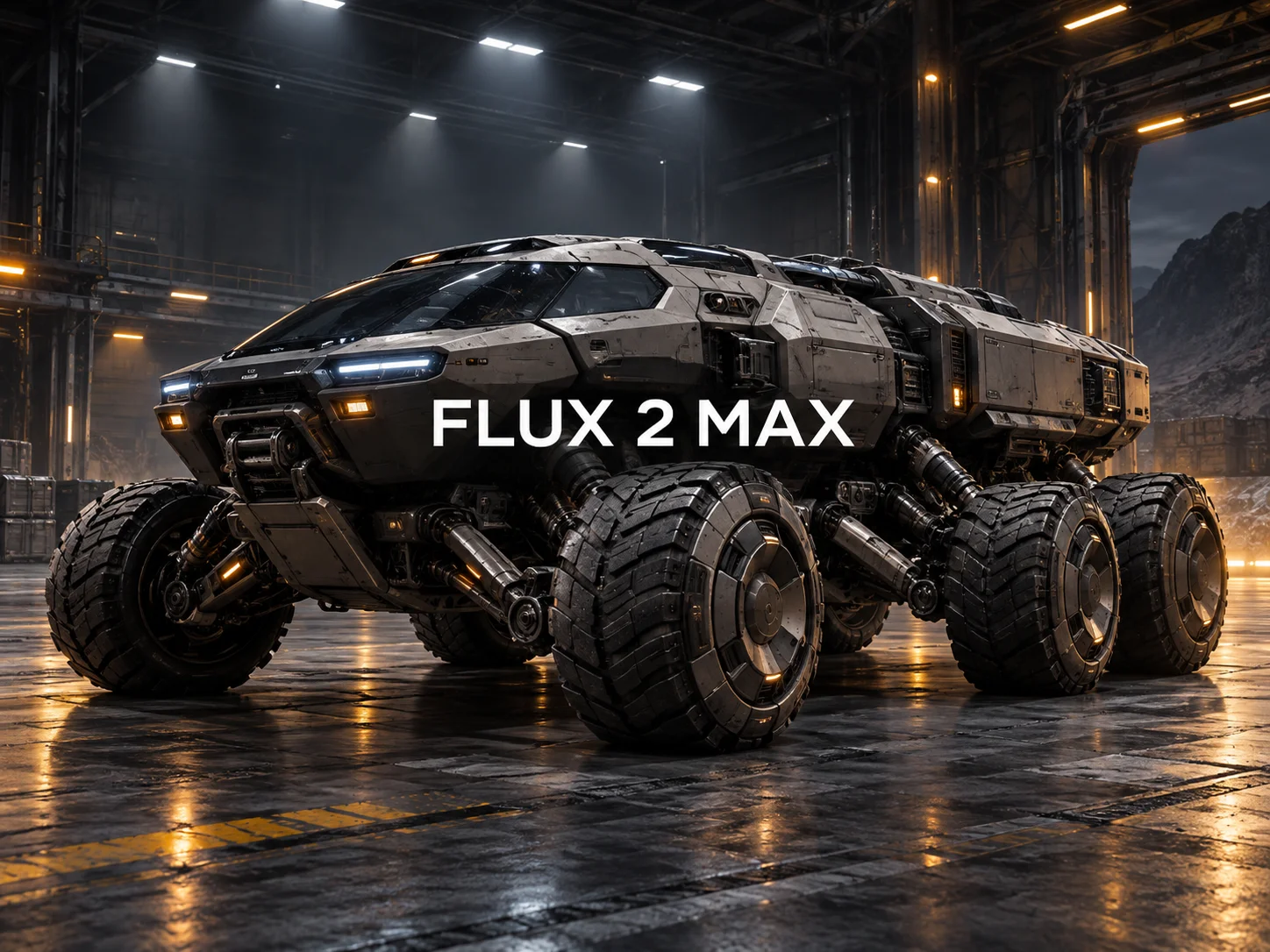
Why Use FLUX 2 Max AI Image Generator

Flagship Fidelity for High-Stakes Work

FLUX 2 Max is positioned as the top-tier model in its family for work where accuracy is difficult to compromise. It preserves colors, lighting, faces, textures, and product surfaces with the fidelity needed for polished commercial imagery.

Nuanced Understanding of Complex Briefs

Move beyond a list of objects and describe why each element belongs in the scene. The model follows layered instructions for placement, mood, materials, color, and composition while keeping the overall creative intent coherent.

Reference-Guided Editing with Precise Control

Use source images to steer subject identity, product appearance, composition, or style while continuing to direct changes in natural language. The flux.2 max workflow supports both new generation and image-conditioned refinement.

Explore More Directions Without Losing the Brief

Produce varied interpretations from the same creative brief while retaining its essential constraints. This helps teams compare product treatments, campaign directions, and stylistic options without rebuilding the concept from scratch.

AI Video Generator Tutorials & Reviews

AI Video Generator Tutorial 1AI Video Generator Tutorial 2AI Video Generator Tutorial 3

Who Use AI Photo Editor

Creators

Create visuals faster without design skills. Turn ideas into images, thumbnails, social posts, and creative assets in seconds.

Designers

Accelerate your creative workflow. Use AI Photo Editor to generate concepts, references, and visual directions, then refine them into production-ready designs.

Marketers

Produce high-converting visuals on demand. Create ads, campaign visuals, and branded images quickly.

QUESTIONS & ANSWERS

FAQs About FLUX 2 Max AI Image Generator

What is FLUX 2 Max?+

FLUX.2 Max is the flagship and top-tier image model in the FLUX.2 family from Black Forest Labs. It is designed for high-fidelity generation and editing where complex instructions, precise composition, materials, lighting, people, products, and text all need to remain coherent.

How is FLUX 2 Max different from standard FLUX 2?+

FLUX 2 Max is positioned as the most capable model in the family. Standard FLUX 2 covers broad production generation and editing, while Max places greater emphasis on top-tier fidelity, nuanced instruction following, and preserving colors, lighting, faces, materials, and products for demanding work.

Does FLUX 2 Max support image-to-image generation and editing?+

Yes. In addition to text-to-image generation, it accepts source images for image-conditioned workflows. References can guide subject identity, product appearance, composition, or style while natural-language instructions define the intended change.

What prompts work best with FLUX 2 Max?+

Detailed, structured prompts work best. Describe the purpose, subject, setting, composition, camera perspective, lighting, palette, materials, mood, style, required text, and non-negotiable constraints in a clear order.

What types of work are best suited to FLUX 2 Max?+

It is best suited to high-detail commercial work such as ecommerce product imagery, product marketing, editorial layouts, interior concepts, premium food photography, campaign visuals, and client deliverables where fidelity is difficult to compromise.

Discover More on AI Photo Editor's Models

Create stunning AI videos from text or images with multiple models.

Kling

Kling

Kuaishou video generation

AI Video Tools You May Like

AI Photo Editor is your go-to AI video toolkit for generating, editing, and enhancing videos.

FLUX 2

Generate and edit detailed images with text prompts and visual references.

FLUX Kontext

Edit images with contextual instructions while preserving important visual details.

Qwen Image 3

Create and edit detailed images with prompt and reference guidance.

Qwen Image 2

Generate and refine images with text instructions and optional references.

GPT Image

Create expressive visuals and edit images with natural-language direction.

Grok Imagine Image

Turn prompts into creative images for concepts, stories, and social posts.

Create High-Fidelity Work with FLUX 2 Max

Translate complex briefs and source images into polished results that preserve faces, products, materials, colors, lighting, and layout. Use the flagship FLUX 2 Max workflow when every visible detail matters.