Add Your Creative Input
Write a prompt describing the subject, setting, action, lighting, mood, visual style, and camera movement. For image-to-video, upload a clear reference image that establishes the starting composition.
 AI Photo Editor
Describe a scene with text or upload a reference image, then generate a short video with guided subject motion, visual continuity, cinematic framing, and camera direction.
Describe a scene with text or upload a reference image, then generate a short video with guided subject motion, visual continuity, cinematic framing, and camera direction.
Runway Gen-4 and Gen-4 Turbo are video-generation options focused on turning creative direction into coherent moving scenes. You can begin with a written prompt or guide the result with a reference image, then define the subject, action, atmosphere, and camera behavior.
On AI Photo Editor, this workflow is designed for cinematic concepts, product shots, character moments, social clips, advertising ideas, and visual story drafts. Aleph is referenced separately as a video-editing model, so this generator stays focused on text-to-video and image-to-video creation.
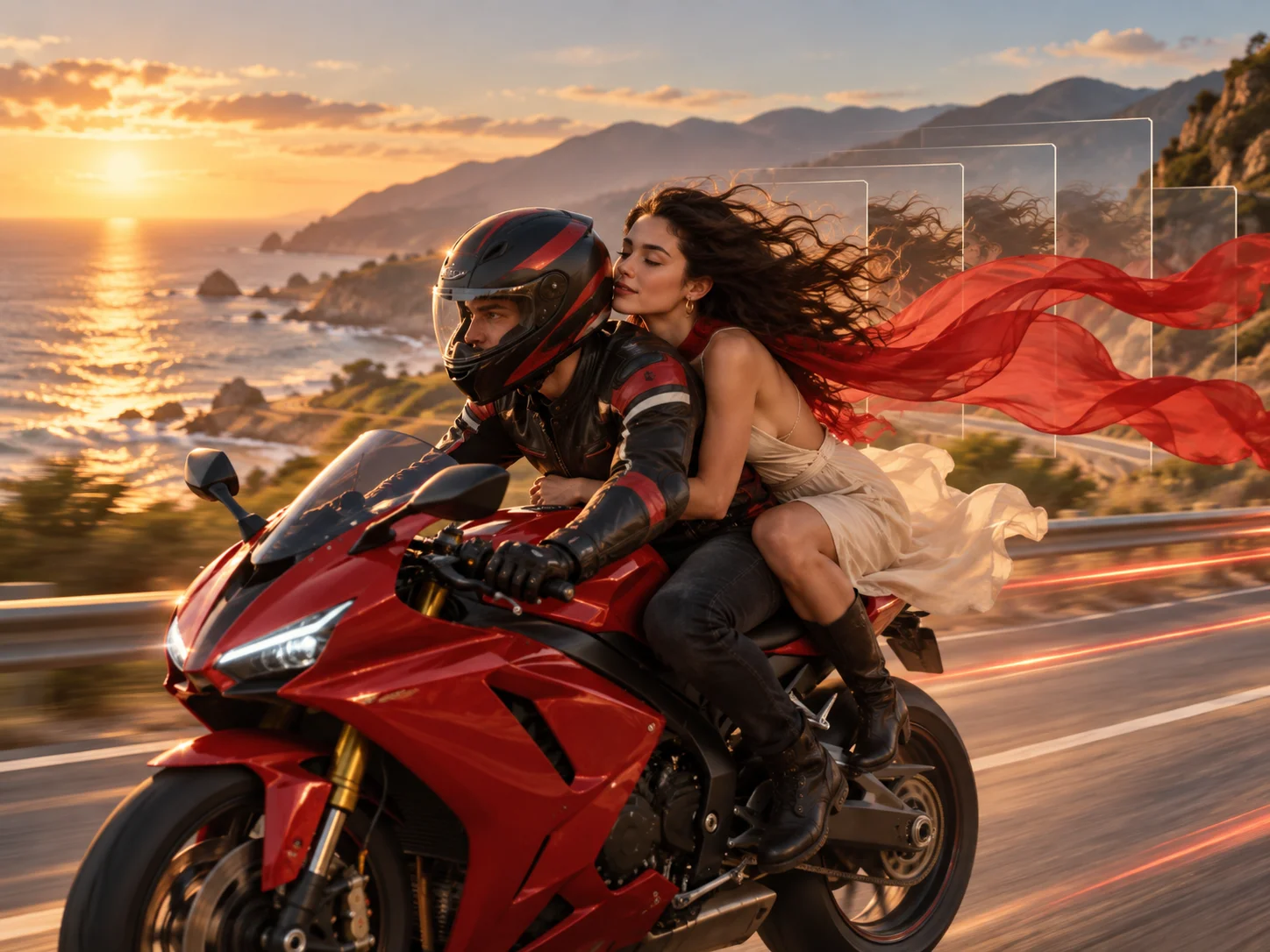
Write a prompt describing the subject, setting, action, lighting, mood, visual style, and camera movement. For image-to-video, upload a clear reference image that establishes the starting composition.
Choose text-to-video or image-to-video, review the creative direction, and start generation. Use positive, direct instructions so the intended motion and framing are easier to interpret.
Review subject consistency, motion, camera behavior, and scene continuity. Refine the prompt or reference when necessary, then download the version that best fits your project.
Explore an original scene from a written description, or anchor the result to an existing composition with an uploaded image. Both paths provide a practical starting point for short-form video ideas.
Build motion around a recognizable subject, setting, and visual direction. Clear prompts and image guidance help reduce abrupt changes while keeping the clip connected to the original concept.
Describe character actions, environmental movement, framing, pans, zooms, and other camera choices. Specific direction gives each generated scene a clearer visual purpose.
Use the Turbo option when you want to explore drafts, previews, and alternative scene directions efficiently. Compare variations, refine the input, and select the strongest concept for further production.



Create visuals faster without design skills. Turn ideas into images, thumbnails, social posts, and creative assets in seconds.
Accelerate your creative workflow. Use AI Photo Editor to generate concepts, references, and visual directions, then refine them into production-ready designs.
Produce high-converting visuals on demand. Create ads, campaign visuals, and branded images quickly.
Runway Gen-4 and Gen-4 Turbo are AI video generation models developed by Runway as upgrades to Gen-3 Alpha Turbo. Gen-4 improves motion realism, prompt understanding, cinematic control, and subject and scene consistency, while Gen-4 Turbo prioritizes faster generation and more efficient creative iteration.
Gen-4 advances beyond Gen-3 Alpha Turbo with more dynamic and realistic video, stronger visual control, better prompt understanding, and improved motion consistency. These changes help creators direct detailed scenes with greater continuity and precision.
Runway Gen-4 supports filmmakers, videographers, marketers, content creators, and independent artists producing short films, music videos, product advertising, social content, and other cinematic concepts.
Complex multi-shot scenes and technically ambitious sequences may not be perfect in every generation. Review subject continuity, motion, composition, and scene changes, then refine the prompt or generate another version when needed.
No. Aleph is presented in the referenced material as an in-context video-editing model for changing existing footage. This page uses generation workflows for creating videos from text or images instead.
Create stunning AI videos from text or images with multiple models.

Google image generation

OpenAI image generation

ByteDance video generation

Google video generation

Kuaishou video generation

xAI image & video generation
AI Photo Editor is your go-to AI video toolkit for generating, editing, and enhancing videos.
Explore coherent AI video creation from text prompts and reference images.
Create cinematic videos from text and images with the latest Wan workflow.
Build expressive AI videos with cinematic movement and visual continuity.
Turn prompts and visual references into polished cinematic video concepts.
Generate creative video scenes from text or image-based direction.
Explore prompt-driven video generation for stories, ads, and social clips.
Turn a written idea or reference image into a short video with guided motion, stable visual direction, and room to refine each creative decision.