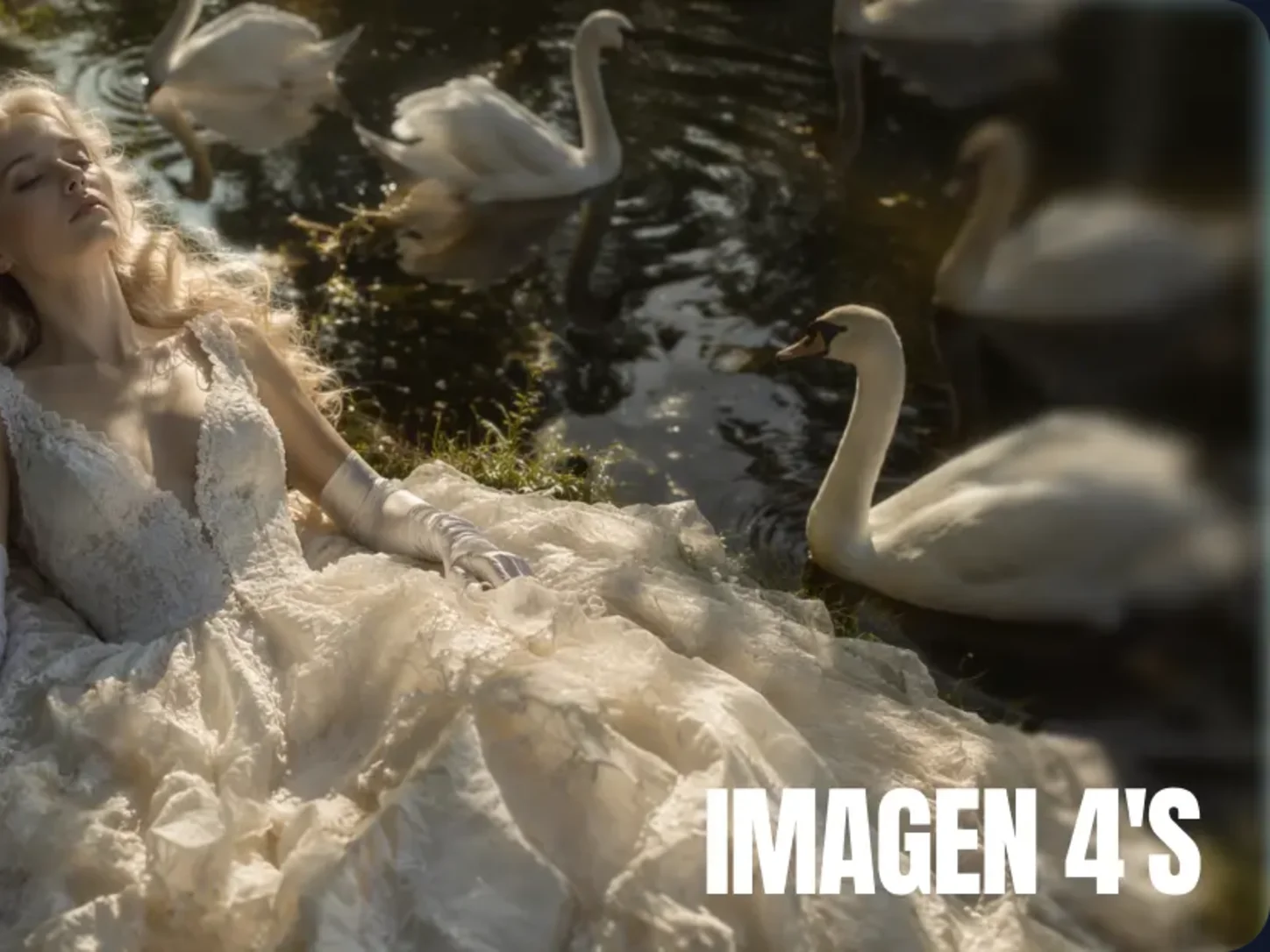
Imagen 4 AI Image Generator

Create lifelike photos, expressive illustrations, and text-rich designs with Google Imagen 4. Bring fine detail and clear typography to posters and product visuals.

0/5000
Advanced settings
5Generate

Imagen 4 AI Image Generator

Create lifelike photos, expressive illustrations, and text-rich designs with Google Imagen 4. Bring fine detail and clear typography to posters and product visuals.

Imagen 4 AI Image Generator preview
About

Turn Ideas into Detailed Visuals with Google Imagen 4

Imagen 4 is an AI image generation model from Google DeepMind that turns written descriptions into high-quality visuals. It interprets subjects, environments, composition, lighting, typography, and style so a detailed prompt can guide both realistic scenes and expressive artwork.

On AI Photo Editor, you can start from text or add reference images to shape the creative direction. The workflow suits product concepts, posters, branded graphics, illustrations, social posts, storyboards, and other projects that benefit from strong prompt understanding and polished detail.

Turn Ideas into Detailed Visuals with Google Imagen 4 illustration

How to Use Imagen 4 for AI Image Generation

01

Add Your Prompt or Reference Images

Write a clear description of the subject, setting, visual style, composition, lighting, colors, and any text that should appear. Upload reference images when you want the result to follow an existing visual direction.

02

Configure and Generate

Choose the aspect ratio and other available settings for your intended use, then start generation. Keep important requirements explicit and compare variations when exploring different layouts or styles.

03

Preview, Refine, and Download

Review subject accuracy, typography, composition, color, and fine detail. Refine the prompt or references when needed, generate another version, and download the image that best matches your project.

Why Use Imagen 4 for AI Image Creation

Render Photorealistic Detail

Create convincing landscapes, people, animals, products, materials, and natural environments with carefully rendered texture, reflections, lighting, and depth. Detailed prompts help define the visual result more precisely.

Follow Complex Prompt Direction

Describe multiple visual requirements in one structured prompt, including subject relationships, scene context, style, mood, and composition. Stronger language understanding helps the output stay aligned with the creative brief.

Create Clearer Text and Typography

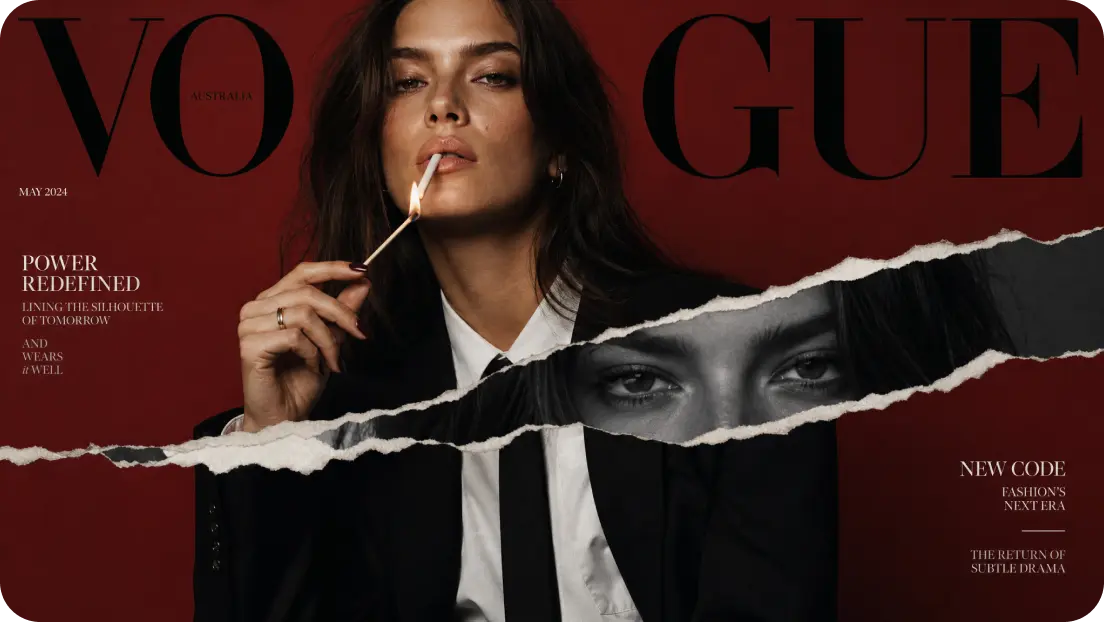
Generate visuals that include more readable words, labels, signs, and designed type. This is useful for poster concepts, packaging drafts, comics, infographics, and branded layouts that combine imagery with text.

Explore Styles with Polished Output

Move between photorealism, illustration, painting, abstract art, animation-inspired looks, and other aesthetics while preserving crisp detail. Output up to 2K supports closer review and versatile creative use.

AI Video Generator Tutorials & Reviews

AI Video Generator Tutorial 1AI Video Generator Tutorial 2AI Video Generator Tutorial 3

Who Use AI Photo Editor

Creators

Create visuals faster without design skills. Turn ideas into images, thumbnails, social posts, and creative assets in seconds.

Designers

Accelerate your creative workflow. Use AI Photo Editor to generate concepts, references, and visual directions, then refine them into production-ready designs.

Marketers

Produce high-converting visuals on demand. Create ads, campaign visuals, and branded images quickly.

QUESTIONS & ANSWERS

FAQs About Imagen 4 AI Image Generation

What is Imagen 4?+

Imagen 4 is an AI image generation model developed by Google DeepMind. It creates detailed visuals from text prompts and supports a broad range of outputs, including photorealistic scenes, illustrations, typography-focused designs, and stylized artwork.

Can Imagen 4 use reference images?+

Yes. The configured generator accepts optional reference images alongside your prompt. References help establish subjects, composition, colors, or visual direction, while the text describes the changes and final result you want.

What styles can I create with Imagen 4?+

You can explore photorealistic, illustrative, painterly, abstract, animation-inspired, and other visual styles. Describe the aesthetic, materials, lighting, color palette, and composition clearly to guide the result.

Can Google Imagen 4 create readable text in images?+

It is designed to improve in-image text and typography, making it useful for concepts involving signs, labels, posters, packaging, comics, or infographics. Complex copy may still require review and another generation pass.

What should I include in an Imagen 4 prompt?+

Include the main subject, environment, action or pose, composition, viewpoint, lighting, colors, style, and any required text. Put essential constraints in direct language and refine one element at a time when adjusting the output.

Discover More on AI Photo Editor's Models

Create stunning AI videos from text or images with multiple models.

Kling

Kling

Kuaishou video generation

AI Video Tools You May Like

AI Photo Editor is your go-to AI video toolkit for generating, editing, and enhancing videos.

Qwen Image 2

Generate and refine detailed AI images with text prompts or visual references.

Qwen Image 3

Explore a newer Qwen image workflow for creative generation and editing.

FLUX Kontext

Edit images with contextual instructions while preserving important visual details.

FLUX 2

Create polished AI images from detailed creative direction and references.

FLUX 2 Max

Generate high-detail visual concepts for design, marketing, and creative work.

FLUX 3

Explore advanced image generation for expressive and production-oriented visuals.

Create Polished Images with Google Imagen 4

Turn a detailed prompt or visual reference into a high-quality image with strong composition, readable typography, varied styles, and refined detail.