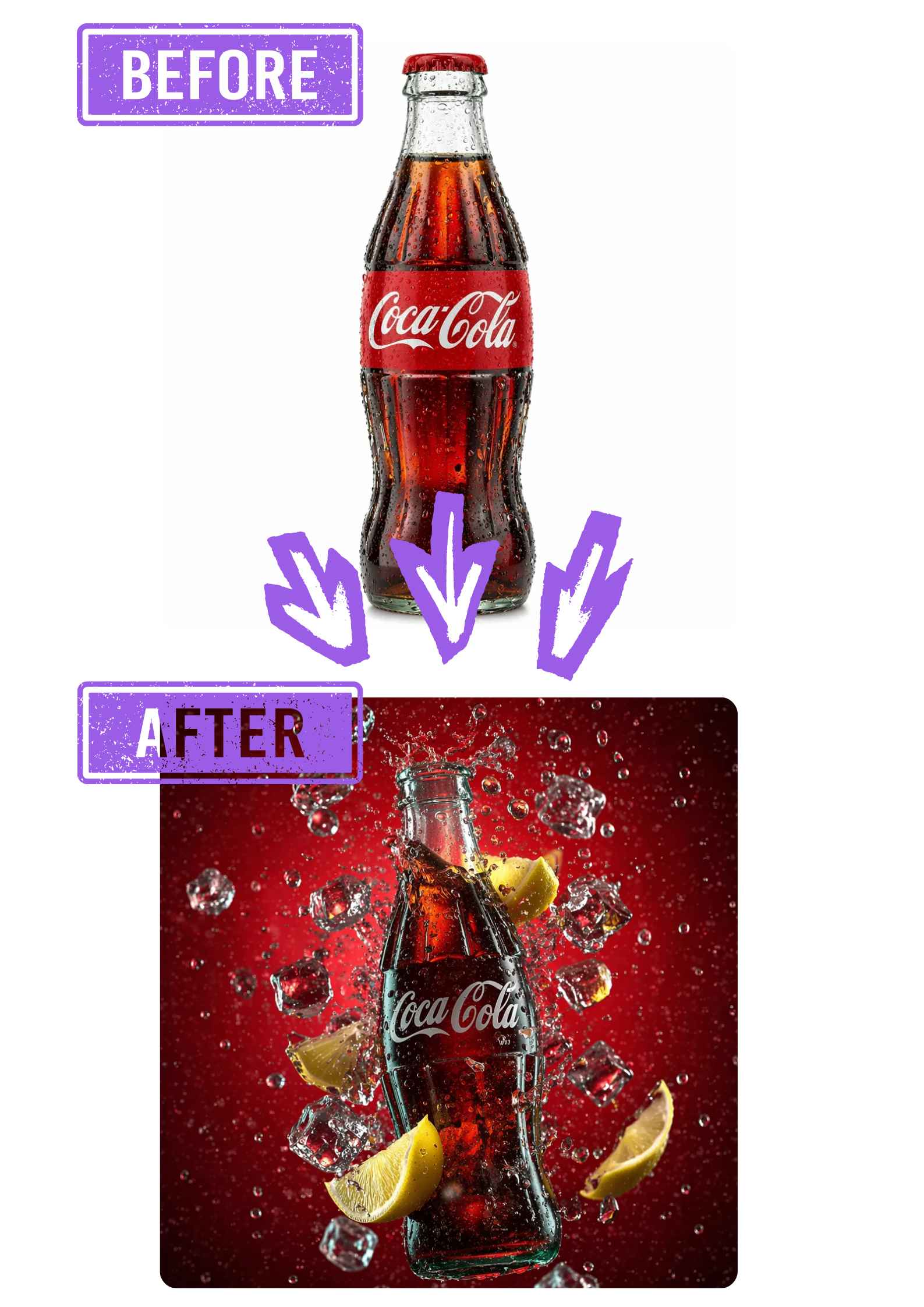
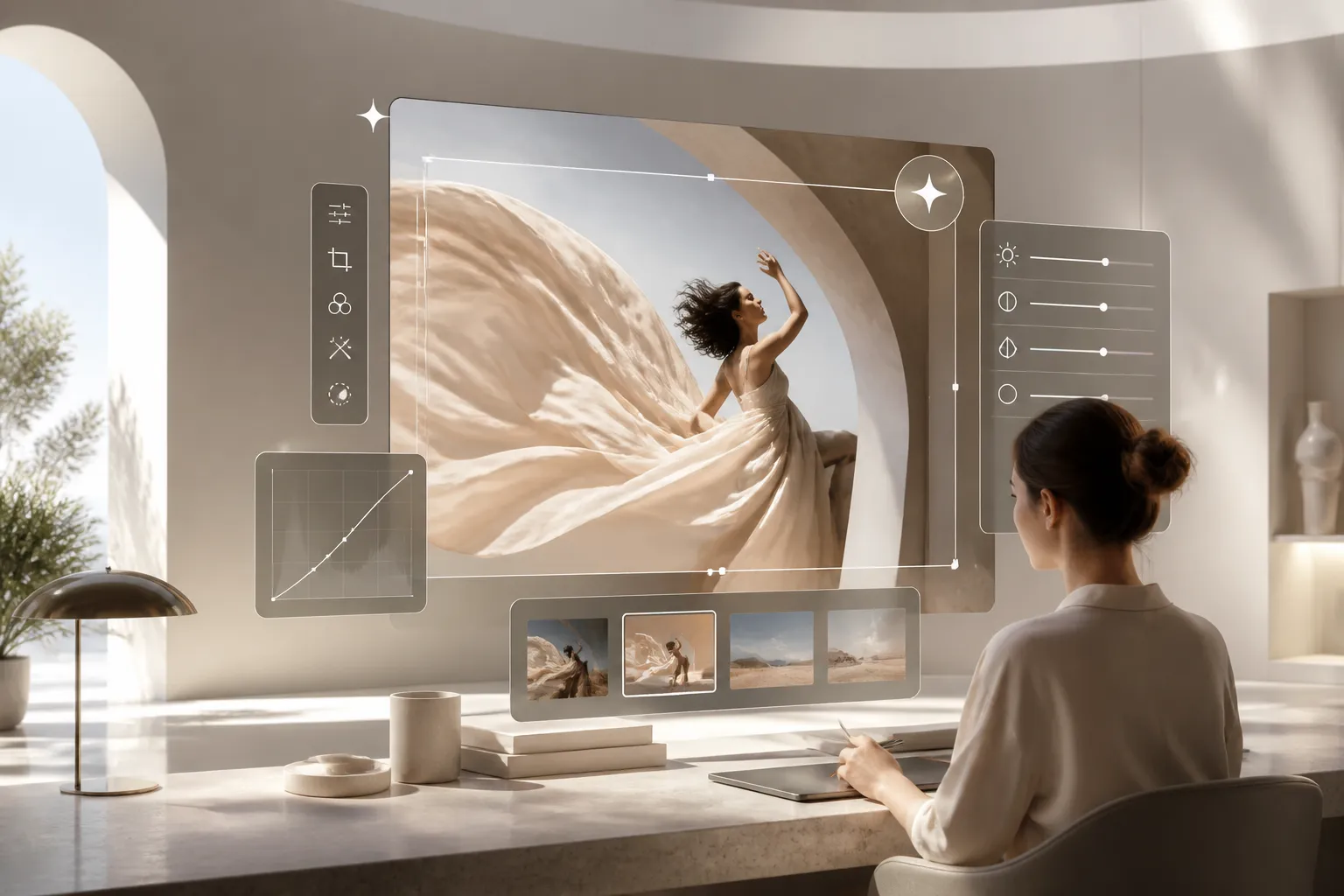
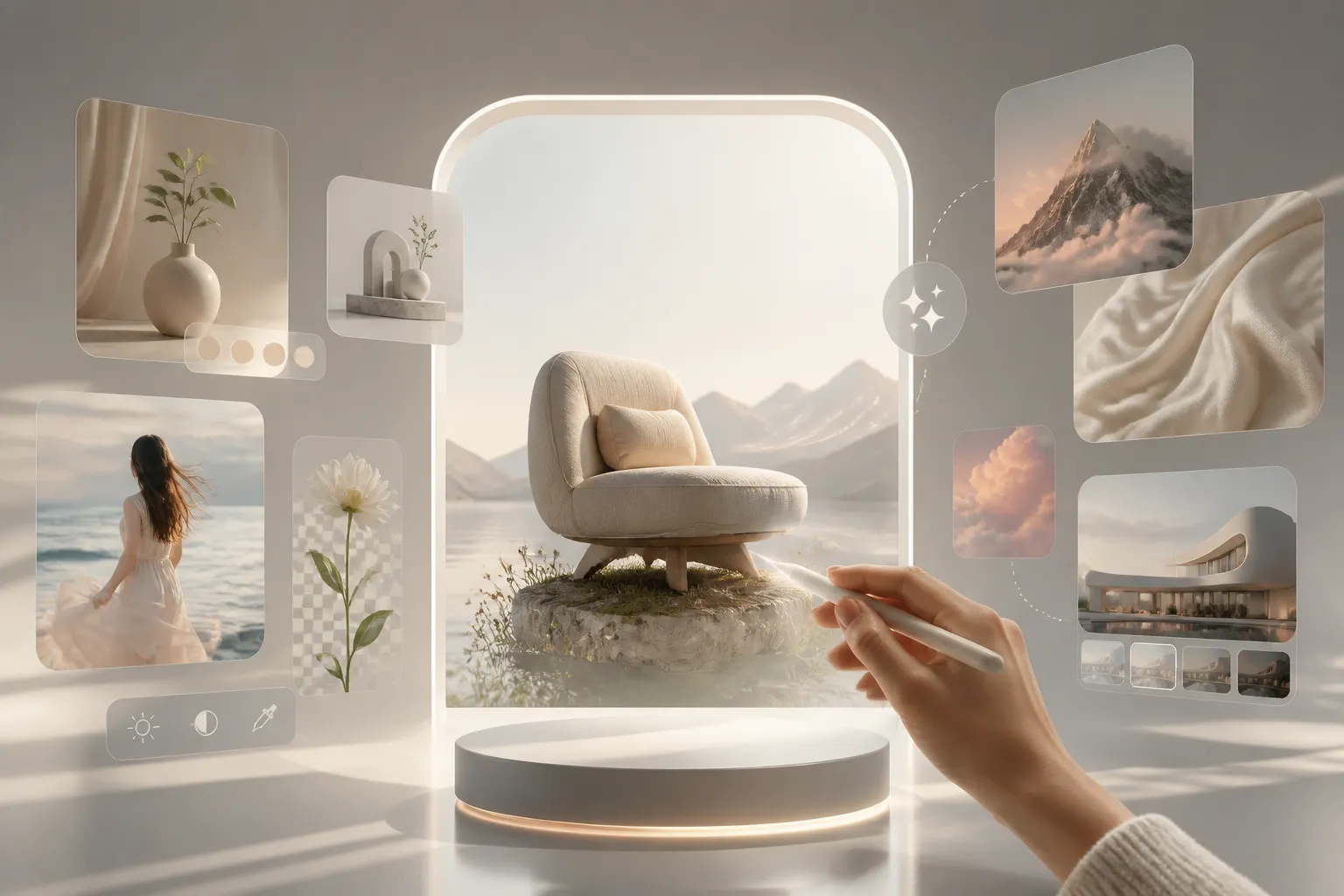
The all-in-one platform for modern creative teams. Remove backgrounds, erase objects, and enhance quality with AI Photo Editor.
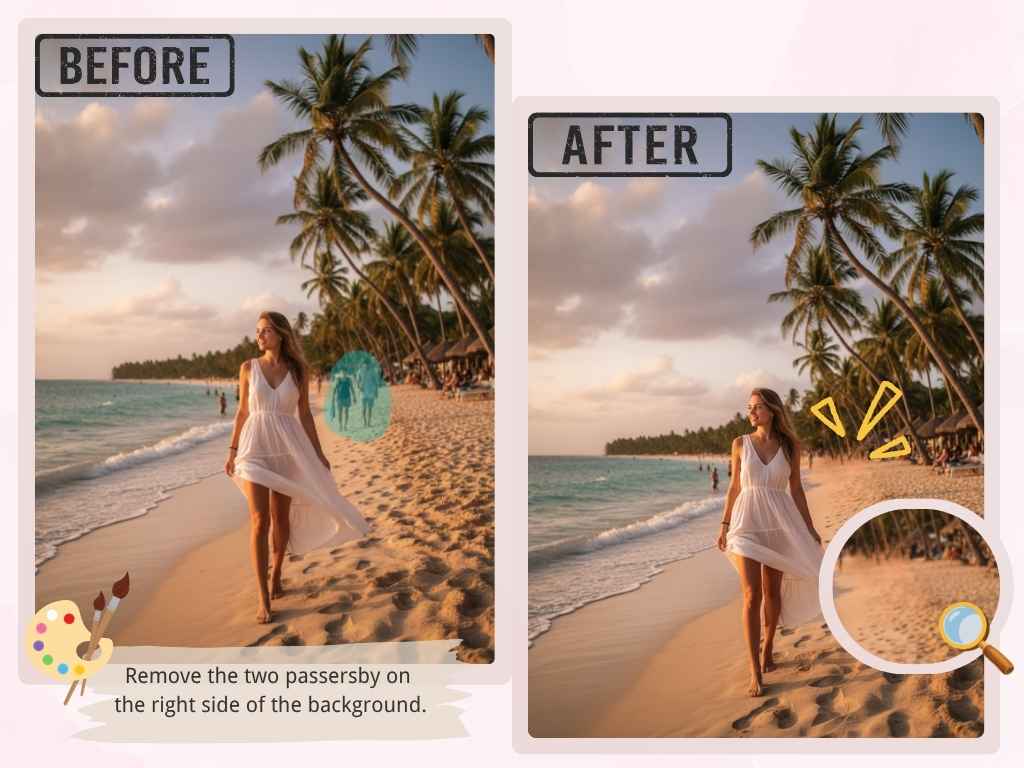
Seamless Object Removal with AI Photo Editor
Whether it is an accidental photobomber or a distracting object, our AI photo editor analyzes surrounding textures and lighting to reconstruct the missing area. Describe what you want to remove and refine the result, keeping your composition and your creative workflow simple.
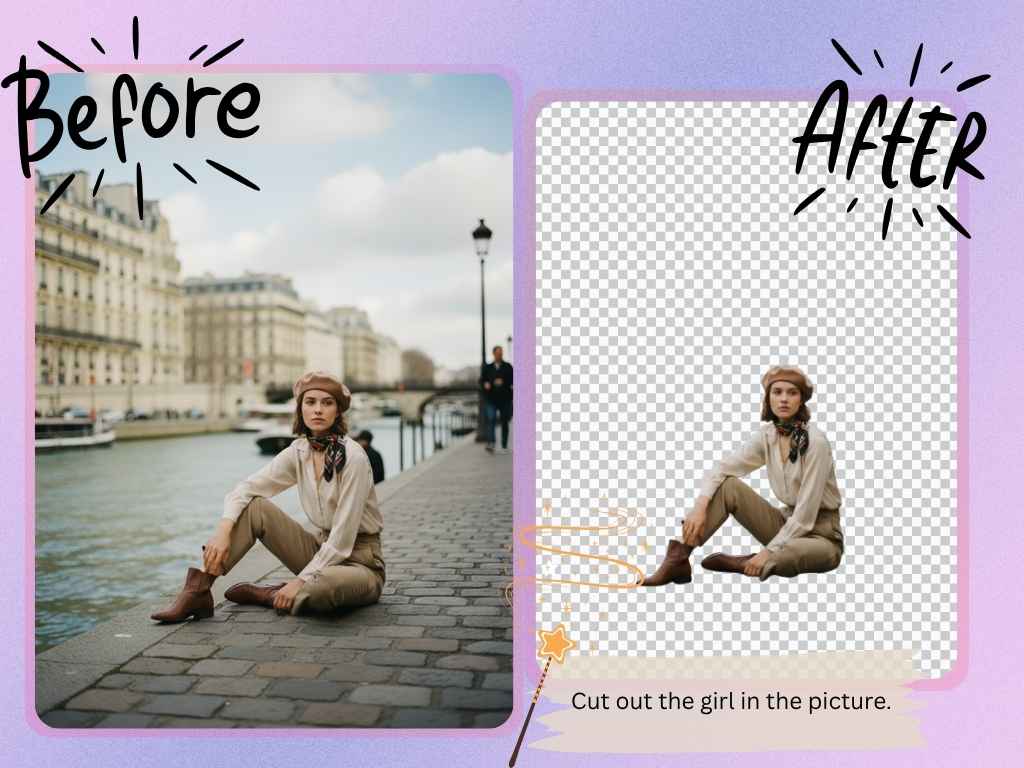
Background Isolation using Smart AI Image Editor
Handling fine hair strands or transparent glass usually requires hours of manual masking. Our AI image editor helps you replace distracting backgrounds and create cleaner product images. Image-to-image technology refines the scene while preserving the details that matter, giving sellers and creators a flexible starting point for their next visual.
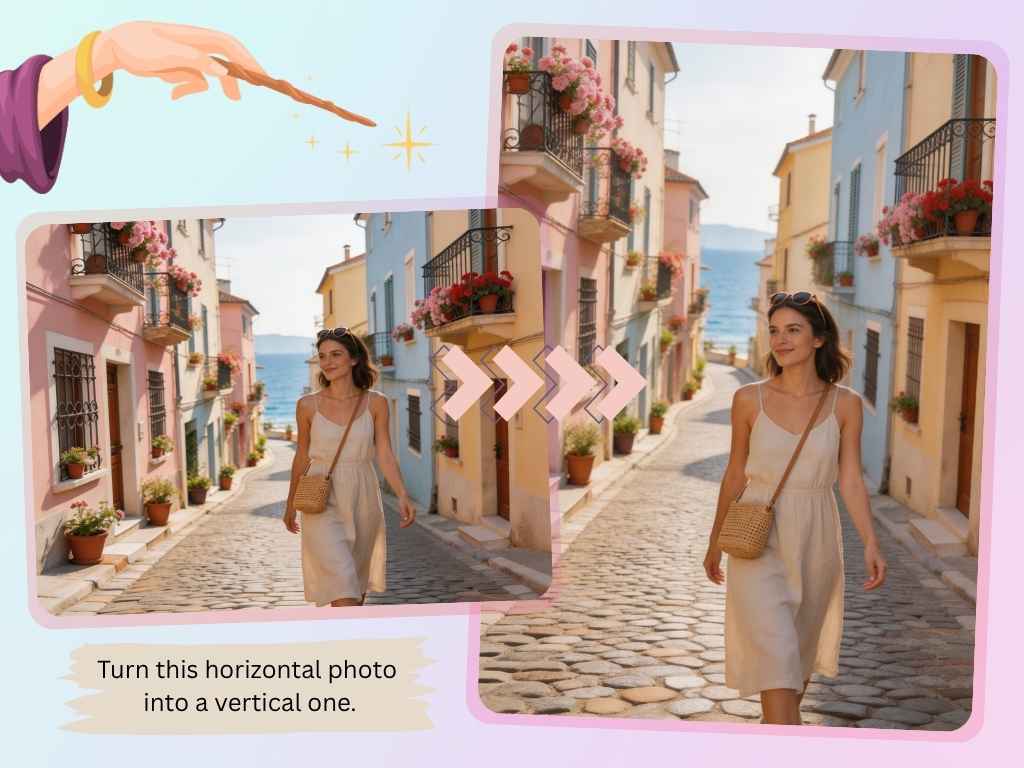
Generative Fill for Free AI Photo Editor Online
Whether adapting a vertical portrait for a horizontal banner or recovering cropped details, AI Photo Editor helps you reimagine the scene perspective and style. You can also create a new image from text when you want to explore a fresh visual direction before refining or expanding the result further.
Professional AI Image Editor Online to 4K Resolution
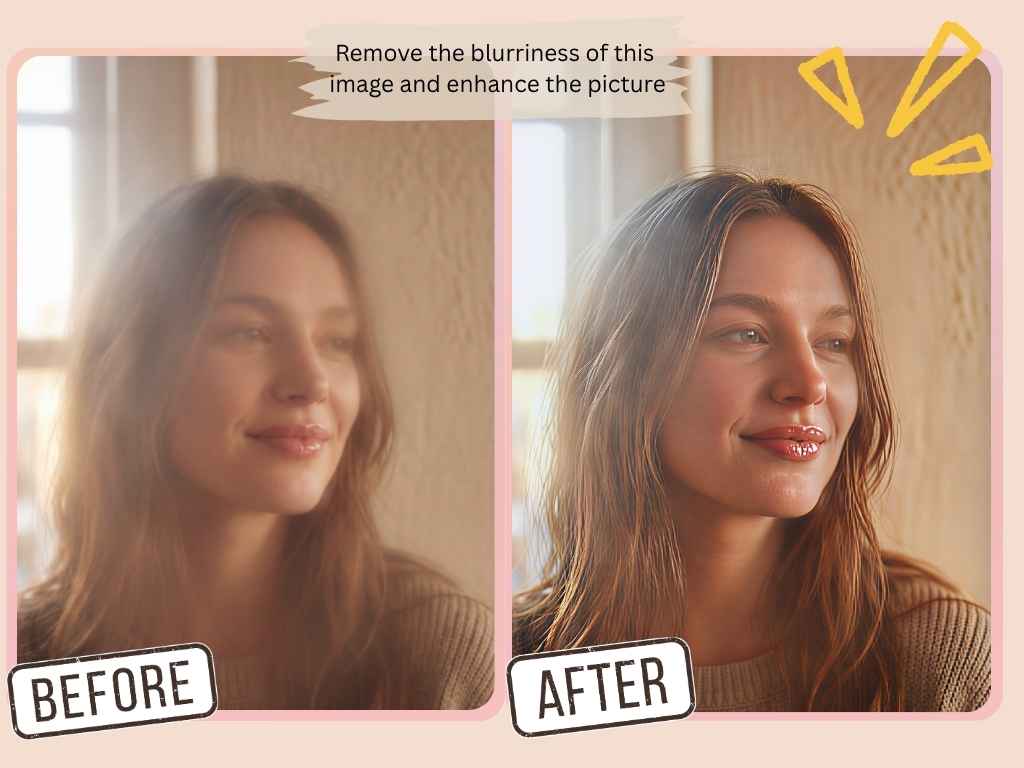
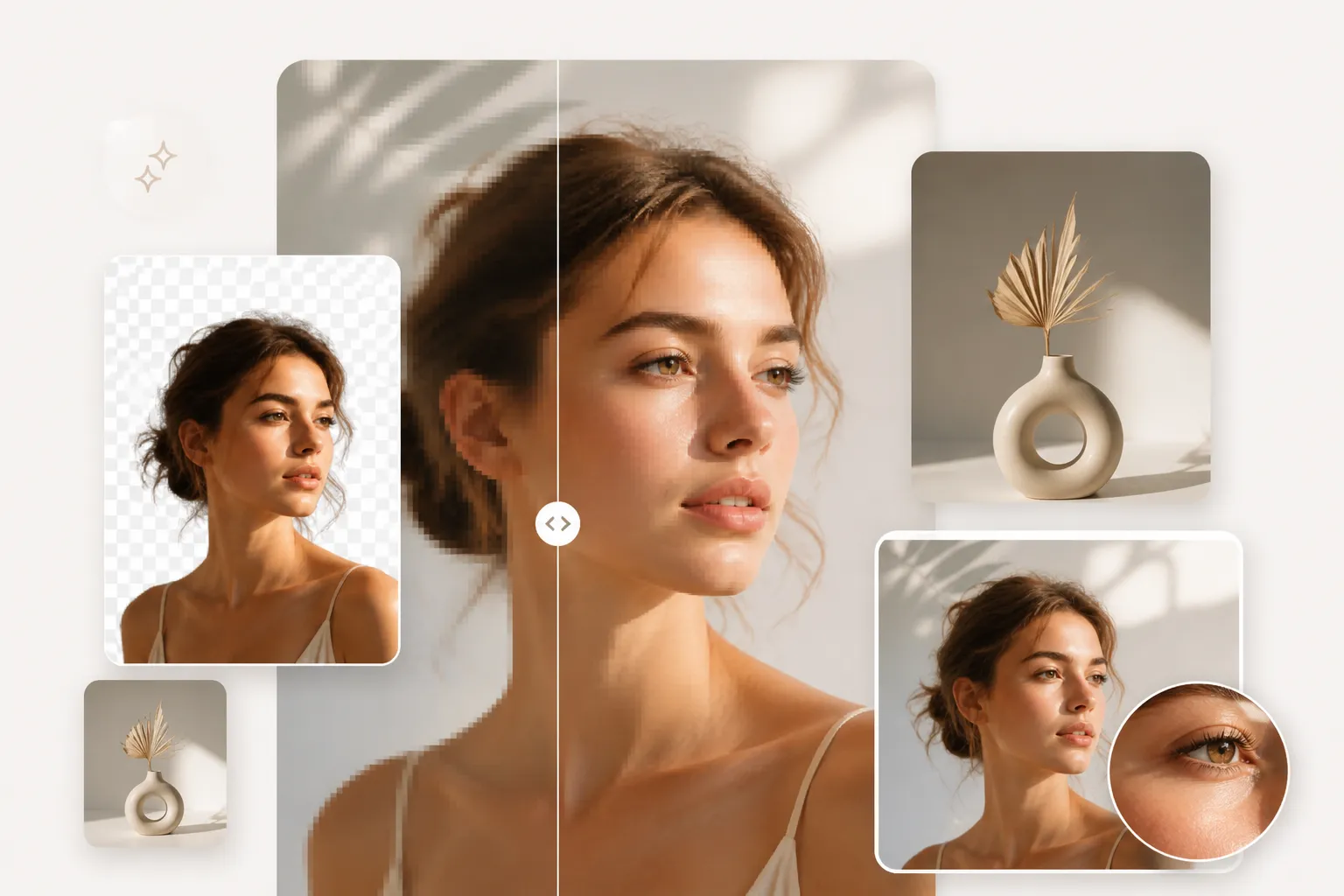
Recover facial details, reduce compression noise, and sharpen textures with AI-assisted enhancement. Choose a supported resolution in the editor when you need a clearer image for larger displays or detailed visuals. Available output sizes depend on the selected model; preview your result to check fine details before downloading.
Why Creators Choose AI Photo Editor for AI Photo Editing
AI Processing for Creative Workflows
Edit high-resolution images with a simple text prompt. Submit your task, follow its progress, and explore another idea while the configured AI model works on your image.
Clear Privacy and Data Practices
Make informed choices about the images you upload. Editing uses the configured AI and storage providers; our privacy policy explains how your content and account information are handled.
Flexible Models and Transparent Credits
Choose the model that fits your creative task and see its credit cost before generating. Check your account balance and available plans to find the right option for your workflow.
Create Instantly with AI Photo Editor Online
1
Upload Your Image
Drag and drop your file directly into our interface. We support JPG, PNG, and WebP to get you started instantly.
2
Enter Your AI Command
Simply type your instruction, such as “remove background,” “erase object,” or “enhance quality,” and click Generate. Our AI image editor turns your instructions into a new visual.
3
Download Your Finished Image
Review the result and download your polished image. Refine your prompt and try again whenever you want a different look.
Brand Value: The AI Photo Editor Approach
Smarter Than Your Average Editor
At AI Photo Editor, we believe professional design should feel approachable. We bring image editing into a clear browser workflow, so you can spend less time learning complex tools and more time focusing on your creative vision.
More Than Just a Tool
Whether you are a student, a startup founder, or a social media creator, explore your ideas with AI-assisted editing. Move from a rough concept to a polished visual, then keep refining until it fits your project.
Quality for Every Creative Project
From product images to portrait enhancements, select the model and output settings that suit your project. Preview the details and download your finished result for your next presentation, post, or campaign.
Your Content, Informed Choices
Upload content you have permission to use and review the terms that apply to your selected AI model. Our privacy policy explains storage and processing, helping you make informed decisions about your creative files.
Creative Workflows for Our AI Image Editor Online
Example prompts to inspire your next project
Product Photography
“Remove the cluttered background from this product photo and replace it with a clean studio setting. Keep the original colors and material texture.”
Travel Memories
“Remove the distracting objects behind the main subject. Preserve the landscape, natural lighting, and the atmosphere of the original photo.”
Website Banners
“Reimagine this portrait-oriented image as a wide website banner. Keep the subject visible and leave space on the left for a headline.”
Photo Restoration
“Improve this older photograph with clearer details and balanced lighting. Keep the person’s identity and the original photographic style.”
Social Media
“Create a warm editorial look for this image with softer lighting and a consistent color palette, while keeping the main subject unchanged.”
Design Exploration
“Explore a new visual style for this image using soft pastel colors and illustrated textures. Keep the original composition recognizable.”
Frequently Asked Questions About Our AI Image Editor
Is AI Photo Editor free to use?
Available credits and plans are shown in your account. Generation consumes credits according to the selected model and settings; check the displayed cost before submitting a task.
Do I need to register to use this AI photo editor?
You can explore the editor before signing in. Sign in when prompted to generate images, manage your credits, and access your creation history.
Does this AI photo editor add a watermark?
The editor lets you download the result returned by the selected AI provider. Output characteristics can vary between models, so preview the generated image before using it.
Does your AI photo editor support HD downloads?
Supported output sizes depend on the selected model. Choose from the resolution settings available in the editor, then download the generated result at its returned resolution.
Do I need to install software to use this AI photo editor online?
No installation is required. AI Photo Editor runs directly in your web browser, so you can upload an image, describe your edits, and download the result from one place.
Can I use this AI image editor on my mobile phone?
Yes. The interface adapts to smaller screens, letting you upload photos, write prompts, and review results from a mobile browser.
Can I use edited images for commercial projects?
Commercial use depends on your rights to the original image and the terms of your selected AI provider. Review those terms and ensure you have the necessary permissions before publishing.
How is my data handled when using the AI photo editor?
Uploaded images are processed by the configured AI and storage providers. Refer to our privacy policy for details about data handling and retention; automatic deletion after a fixed period is not guaranteed.
How does AI photo editing compare to manual editing?
AI editing turns natural-language instructions into visual changes, reducing repetitive work. Results depend on your image, prompt, and selected model; detailed retouching may still benefit from manual review.
What file formats does your AI image editor support?
You can upload JPG, PNG, and WebP images. The editor displays the current upload limit, and the output format depends on the selected model and generated result.