Add Text or an Image
Describe the subject, action, environment, camera movement, lighting, mood, pacing, and sound. For image-to-video, upload a clear image that establishes the main subject and opening composition.
 AI Photo Editor
Write a scene prompt or upload a reference image, then generate a coherent video with purposeful motion, consistent subjects, continuous camera direction, and synchronized sound.
Write a scene prompt or upload a reference image, then generate a coherent video with purposeful motion, consistent subjects, continuous camera direction, and synchronized sound.
Wan 3.0 Video Prime is a speed-focused AI video model that turns written scene descriptions or reference images into moving sequences. It interprets the subject, action, setting, camera direction, pacing, and sound as one creative brief, helping each shot develop with visual continuity.
On AI Photo Editor, text-to-video supports open-ended scene creation, while image-to-video uses an uploaded visual to guide the opening subject and composition. The workflow suits longer narrative beats, product showcases, social campaigns, concept videos, and cinematic drafts that need faster iteration.
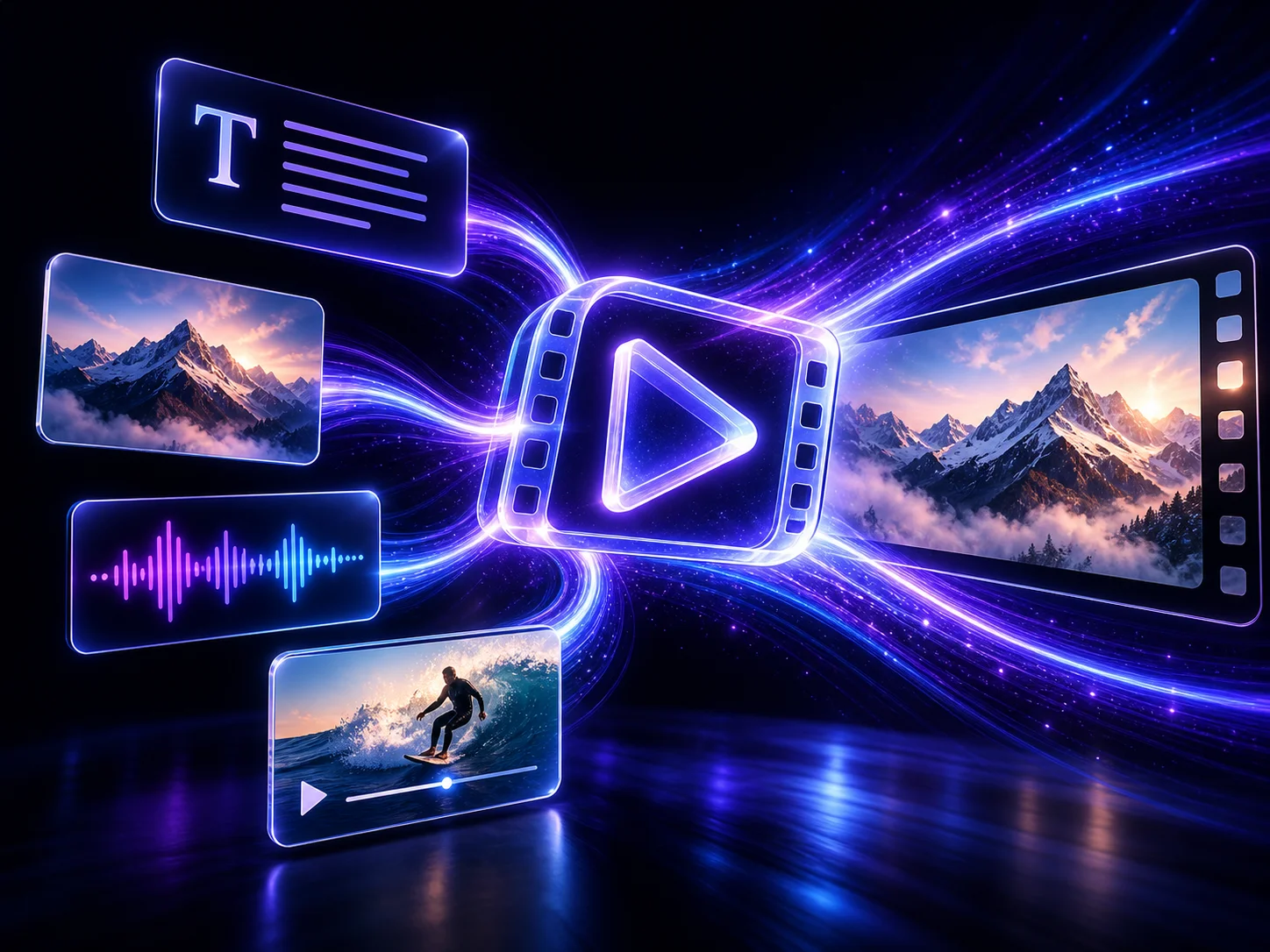
Describe the subject, action, environment, camera movement, lighting, mood, pacing, and sound. For image-to-video, upload a clear image that establishes the main subject and opening composition.
Choose text-to-video or image-to-video, review the available duration, format, and quality settings, then keep the direction focused on one coherent scene before generating.
Review subject consistency, camera flow, motion, visual details, and sound timing. Refine one instruction or reference at a time, generate another version if needed, and download the strongest result.
Build a new scene from a written direction or animate an uploaded visual. Text-to-video gives you broader creative freedom, while image-to-video helps the initial subject, framing, and style remain recognizable.
Explore alternate hooks, camera paths, scene pacing, product reveals, and visual styles with less waiting between drafts. Faster generation makes it practical to compare several creative directions before choosing a final clip.
Create sequences up to 30 seconds when the available settings support them, giving actions, camera movement, and narrative beats more room to unfold without relying on frequent cuts.
Describe dialogue, ambience, music, or effects together with the visual action. Clear direction helps the generated sound follow scene timing, character performance, and on-screen movement more naturally.



Create visuals faster without design skills. Turn ideas into images, thumbnails, social posts, and creative assets in seconds.
Accelerate your creative workflow. Use AI Photo Editor to generate concepts, references, and visual directions, then refine them into production-ready designs.
Produce high-converting visuals on demand. Create ads, campaign visuals, and branded images quickly.
Wan 3.0 Video Prime is Alibaba’s speed-focused variant of the Wan 3.0 multimodal video model. It can use text, image, video, and audio references to guide visuals and sound. Compared with standard Wan 3.0 Video, Prime retains the main creative capabilities while prioritizing faster end-to-end generation.
Yes. Choose text-to-video to build a scene from a written brief, or image-to-video to animate an uploaded visual while using its subject, composition, and style to guide the opening shot.
Supported workflows can generate clips up to 30 seconds when that duration is available in the selected settings. The exact options shown in the generator may vary with the active model configuration.
Yes. Supported workflows can create or coordinate dialogue, ambience, music, and sound effects with the visual action. Describe sound direction clearly so timing and on-screen movement follow the same scene plan.
Use one clear scene, define the subject and action, specify the camera path and pacing, and keep visual and sound instructions consistent. For image-to-video, start with a sharp image that has an uncluttered main subject.
Create stunning AI videos from text or images with multiple models.

Google image generation

OpenAI image generation

ByteDance video generation

Google video generation

Kuaishou video generation

xAI image & video generation
AI Photo Editor is your go-to AI video toolkit for generating, editing, and enhancing videos.
Create cinematic scenes from text or images with directed motion, coherent shots, and stable subjects.
Generate short-to-medium AI videos with multimodal references and structured scene progression.
Transfer character motion and performance from a reference video to a source image.
Create cinematic video from text or images with realistic movement, visual control, and synchronized audio.
Generate expressive multi-shot video with cinematic motion, visual continuity, and coordinated sound.
Turn text or an image into a polished video with cinematic camera direction and controlled visual change.
Turn a focused prompt or reference image into a longer, coherent AI video with purposeful motion, consistent visual direction, synchronized sound, and faster iteration.