Choose Text or Image Input
Begin with a written scene description, or upload a clear reference image to establish the subject, composition, color, and starting frame. Keep the core idea focused on one coherent shot.
 AI Photo Editor
Turn a detailed prompt or reference image into a cinematic video with directed camera movement, physically believable action, and coherent subjects across the shot.
Turn a detailed prompt or reference image into a cinematic video with directed camera movement, physically believable action, and coherent subjects across the shot.
Runway Gen 4.5 is designed to translate detailed creative direction into expressive moving scenes. Start from text alone or use an image as the visual foundation, then describe the subject, action, timing, lens, framing, lighting, and camera path you want to see.
On AI Photo Editor, the workflow supports concept films, product shots, advertising ideas, character moments, social clips, and visual storyboards. Strong prompt adherence and more convincing physical behavior help complex directions remain readable from the opening frame through the final movement.
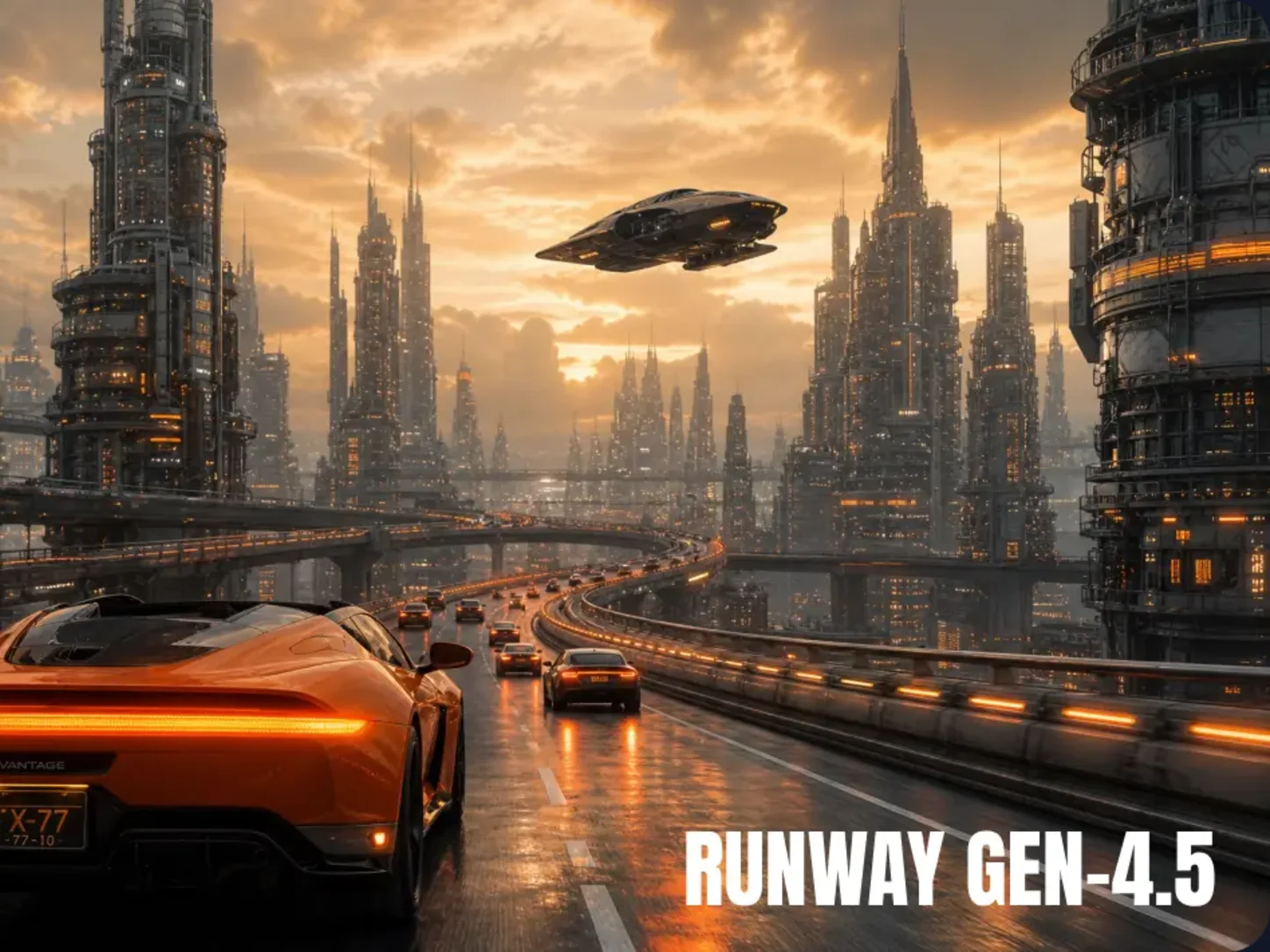
Begin with a written scene description, or upload a clear reference image to establish the subject, composition, color, and starting frame. Keep the core idea focused on one coherent shot.
Describe what happens, when it happens, and how the camera observes it. Add useful details such as lens choice, camera height, movement, subject blocking, lighting, and pacing without mixing unrelated scene changes.
Generate the clip, then review motion, physical behavior, framing, subject consistency, and fine details. Adjust one instruction at a time and generate again until the scene matches your intended direction.
Define actions, timing, composition, camera movement, and visual style in one structured prompt. Clear direction helps the generated shot stay closer to the intended sequence instead of reducing it to a general mood.
Build scenes where people, objects, fabrics, liquids, and environmental elements respond with more believable weight, momentum, and interaction. This makes action and product shots feel more grounded.
Keep important facial, clothing, surface, and environmental details readable as the subject or camera moves. Better temporal coherence reduces distracting drift and supports a more polished result.
Coordinate subject movement, framing, camera height, pans, tracking, and timing within a single shot. This gives filmmakers, marketers, and creators greater control over cinematic concepts and visual storytelling.



Create visuals faster without design skills. Turn ideas into images, thumbnails, social posts, and creative assets in seconds.
Accelerate your creative workflow. Use AI Photo Editor to generate concepts, references, and visual directions, then refine them into production-ready designs.
Produce high-converting visuals on demand. Create ads, campaign visuals, and branded images quickly.
Runway Gen-4.5 is Runway's frontier AI video model for native text-to-video and reference-guided generation. It improves complex prompt understanding, realistic physics, natural motion, temporal consistency, and precise camera control for professional cinematic workflows.
Gen-4.5 improves prompt adherence, motion quality, physical accuracy, image-to-video consistency, temporal coherence, and precise camera control while retaining the efficient generation workflow associated with Gen-4.
Write the prompt like a concise shot plan. State the subject, action, lens or framing, camera height, movement, lighting, environment, and event order. Specific production direction is more useful than relying on broad mood words alone.
Complex shots can still show causal-order errors, objects appearing or disappearing between frames, or actions resolving too easily. Keep each clip focused, review continuity carefully, and split major scene changes into separate generations.
The referenced model information presents Gen-4.5 as a visual video generator rather than a native audio generator. Plan dialogue, sound effects, or music as a separate production step when your final project needs sound.
Create stunning AI videos from text or images with multiple models.

Google image generation

OpenAI image generation

ByteDance video generation

Google video generation

Kuaishou video generation

xAI image & video generation
AI Photo Editor is your go-to AI video toolkit for generating, editing, and enhancing videos.
Explore coherent video creation from text prompts and reference images with the previous Runway generation.
Create cinematic AI video concepts with an earlier Runway workflow.
Generate cinematic video scenes from text and image direction with Wan 3.0.
Build expressive videos with cinematic motion and visual continuity.
Turn prompts and visual references into polished cinematic video ideas.
Create imaginative moving scenes from text prompts or image-based direction.
Transform a detailed idea or reference image into a cinematic scene with believable motion, directed camera work, and coherent visual details.