Add Your Input
Write a clear prompt describing the subject, action, setting, camera movement, lighting, and sound. For image-to-video, upload a recognizable starting image and describe how the scene should move.
 AI Photo Editor
Describe a scene for text-to-video or upload a starting image for image-to-video, choose the available settings, and generate a polished short clip with coherent motion and sound.
Describe a scene for text-to-video or upload a starting image for image-to-video, choose the available settings, and generate a polished short clip with coherent motion and sound.
Happy Horse 1.1 is an AI video model for turning written scene directions or a source image into a short cinematic clip. Also searched as HappyHorse 1.1, it focuses on stable subject appearance, controlled motion, and visual continuity so a concept can become a more usable sequence instead of disconnected frames.
The model can generate video and audio in the same workflow, including ambient sound, effects, or spoken dialogue when supported by the request. HappyHorse-1.1 is especially useful for short ads, character moments, product clips, creator content, and story concepts that benefit from synchronized sound and multilingual lip movement.
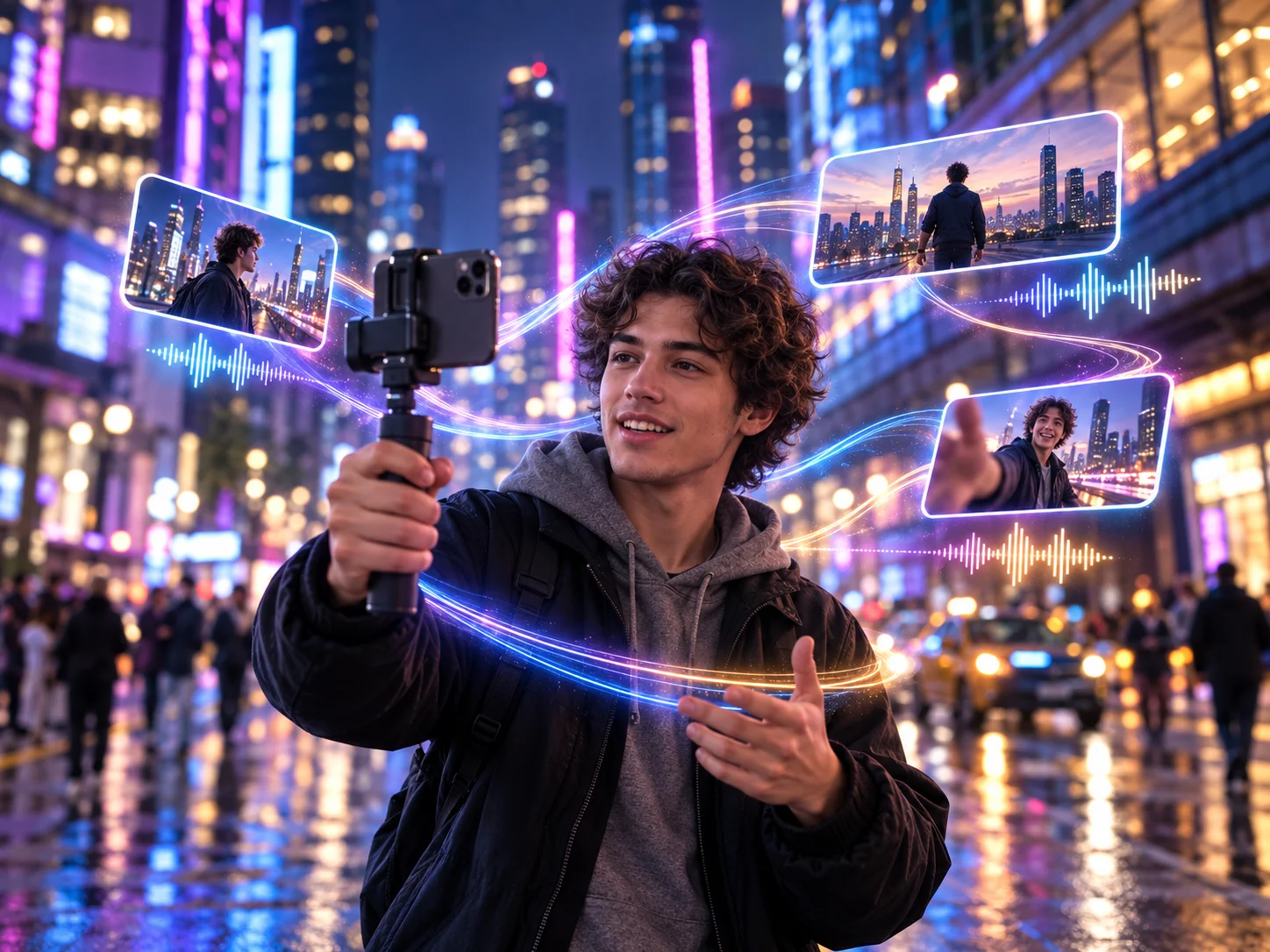
Write a clear prompt describing the subject, action, setting, camera movement, lighting, and sound. For image-to-video, upload a recognizable starting image and describe how the scene should move.
Choose text-to-video or image-to-video, then adjust the available duration, aspect ratio, resolution, and other controls. Keep one main action and one clear camera direction for a focused short clip.
Review subject consistency, motion, framing, dialogue timing, and audio alignment. Refine the input or settings when needed, regenerate, and download the strongest result.
Generate visual action and corresponding sound within one workflow instead of building a silent clip first. This can help dialogue, ambience, footsteps, product sounds, and other audio cues feel connected to visible events.
Match visible mouth movement more closely to generated speech across supported languages. This makes Happy Horse 1.1 practical for character dialogue, presenter clips, localized ads, and short explainers where timing affects credibility.
Start from a portrait, product shot, character image, or scene reference and animate it while preserving recognizable features. The HappyHorse 1.1 workflow helps reduce distracting identity or design changes during motion.
Direct subject action, camera movement, lighting, and scene pacing through a focused prompt. Stable motion and clearer visual continuity help short ads, story shots, and social clips feel more deliberate.



Create visuals faster without design skills. Turn ideas into images, thumbnails, social posts, and creative assets in seconds.
Accelerate your creative workflow. Use AI Photo Editor to generate concepts, references, and visual directions, then refine them into production-ready designs.
Produce high-converting visuals on demand. Create ads, campaign visuals, and branded images quickly.
Happy Horse 1.1 is an updated AI video model from Alibaba. On AI Photo Editor, you can create a short video from a text prompt or a starting image. It focuses on coherent motion, consistent subjects, and audio that matches the scene.
Yes. HappyHorse 1.1 is a compact spelling of the same model name. Both terms refer to the 1.1 video-generation version and not to a separate workflow or different model.
Yes. Upload a source image to establish the opening composition and recognizable subject, then describe the intended action and camera movement. The generated video uses the image as its visual starting point.
Yes. The model can generate visual action and native audio in one workflow, including spoken dialogue and multilingual lip synchronization for supported requests. Clear, concise dialogue usually gives the model a more focused timing target.
HappyHorse-1.1 is another searchable spelling for Happy Horse 1.1. It refers to the same text-to-video and image-to-video model presented on this page, not a separate edition.
Create stunning AI videos from text or images with multiple models.

Google image generation

OpenAI image generation

ByteDance video generation

Google video generation

Kuaishou video generation

xAI image & video generation
AI Photo Editor is your go-to AI video toolkit for generating, editing, and enhancing videos.
Create cinematic video from text or images with realistic movement, visual control, and synchronized audio.
Generate expressive multi-shot videos with cinematic movement, visual continuity, and coordinated sound.
Turn text or images into longer AI video scenes with reference-guided continuity and coordinated sound.
Produce polished videos from text or images with cinematic camera direction and controlled visual change.
Transform prompts or images into short clips with directed motion, coherent visuals, and native audio capabilities.
Animate a still image into a dynamic clip while preserving its central subject, composition, and visual direction.
Turn a prompt or source image into a cinematic short clip with stable motion, recognizable subjects, and synchronized sound using HappyHorse-1.1.