Add Input
Write the subject, composition, lighting, colors, style, and exact text you want to see. Upload reference images when you need to edit an existing visual or guide specific people, objects, layouts, or styles.
 AI Photo Editor
Create production-ready visuals with Qwen Image 2.0, featuring stronger prompt understanding, native 2K detail, accurate in-image text, and unified image generation and editing.
Create production-ready visuals with Qwen Image 2.0, featuring stronger prompt understanding, native 2K detail, accurate in-image text, and unified image generation and editing.
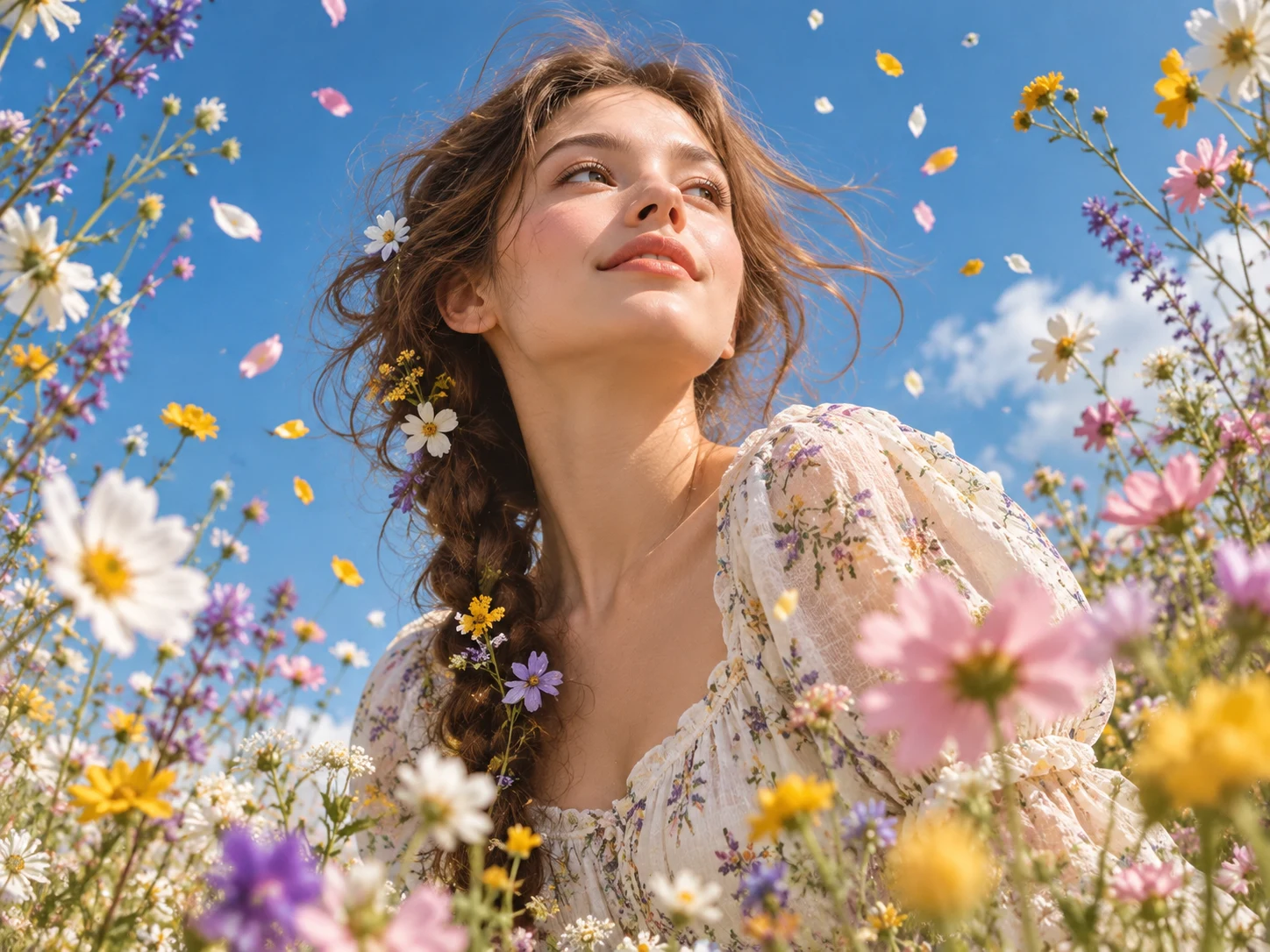
Qwen Image 2 unifies text-to-image creation and natural-language image editing in one model. It can interpret detailed prompts, structured layouts, multiple visual elements, and text that needs to appear inside the image before producing a coherent result.
On AI Photo Editor, you can begin with an idea or guide the result with reference images. The workflow supports practical visuals such as posters, infographics, portraits, product concepts, presentation graphics, and social media assets with clear details and native 2K output.
Write the subject, composition, lighting, colors, style, and exact text you want to see. Upload reference images when you need to edit an existing visual or guide specific people, objects, layouts, or styles.
Choose an aspect ratio and clarify what the model should preserve, replace, add, remove, or combine. Start generation after the prompt and optional references express the intended result.
Review the composition, embedded text, fine details, and consistency with your references. Refine the instructions when necessary, then download the version that best fits your project.
Qwen Image 2 handles multi-part prompts and relationships between subjects, objects, text, and layout. This helps turn a complex creative brief into a more organized image without splitting the task across several tools.
Create posters, signs, infographics, presentation graphics, labels, and social assets with more legible typography. Detailed wording and layout instructions help the model place text as part of the visual design.
Native 2K output preserves sharper textures, lighting, materials, faces, and environmental details for work that needs more than a quick concept draft.
Start from text, refine an uploaded image, or combine guidance from several references. Natural-language editing makes it easier to change content while keeping the requested composition, subject identity, and visual direction in view.



Create visuals faster without design skills. Turn ideas into images, thumbnails, social posts, and creative assets in seconds.
Accelerate your creative workflow. Use AI Photo Editor to generate concepts, references, and visual directions, then refine them into production-ready designs.
Produce high-converting visuals on demand. Create ads, campaign visuals, and branded images quickly.
Qwen Image 2.0 is an image generation and editing model developed by Alibaba. It brings native 2K output, complex prompt understanding, readable in-image typography, and photorealistic rendering into one workflow, making it useful for posters, comics, infographics, presentation graphics, and other production-focused visuals.
No. You can generate a new image from text alone. Reference images are optional and become useful when you want to preserve, edit, or combine specific subjects, objects, compositions, or styles.
Yes. Upload an image and describe what should change and what should remain. The model can apply natural-language edits while using the source visual as context for the result.
It is designed to improve text rendering for posters, infographics, labels, signs, and other text-rich visuals. Important names, numbers, and publishing copy should still be reviewed before use.
Review prompt accuracy, embedded text, faces and hands, small objects, lighting, and consistency with any reference images. Refine the prompt and generate again when a critical detail is incorrect.
Create stunning AI videos from text or images with multiple models.

Google image generation

OpenAI image generation

ByteDance video generation

Google video generation

Kuaishou video generation

xAI image & video generation
AI Photo Editor is your go-to AI video toolkit for generating, editing, and enhancing videos.
Turn a written idea or prompt into a generated video scene.
Animate a still image with natural motion and camera movement.
Generate cinematic video content from text or images.
Explore Wan models for text-guided and image-guided video creation.
Create cinematic clips from prompts, images, and visual references.
Generate expressive AI videos from text prompts or source images.
Turn detailed prompts and visual references into native 2K images. Create new artwork, refine existing visuals, and keep text, composition, and fine details aligned with your idea.