Add Input
Write a prompt that describes the subject, action, setting, camera movement, lighting, mood, and style. For image-to-video creation, upload a clear image with the main subject easy to identify.
 AI Photo Editor
Turn a prompt into a new video scene or animate a reference image. Choose the available settings, then generate a clip with guided motion, visual continuity, and synchronized audio.
Turn a prompt into a new video scene or animate a reference image. Choose the available settings, then generate a clip with guided motion, visual continuity, and synchronized audio.
Wan 2.7 is an AI video model built for text-to-video and image-to-video creation. It interprets the subject, action, setting, camera direction, and visual style in your prompt to produce a cinematic scene with smoother motion and stronger narrative continuity.
With AI Photo Editor, you can start from a written concept or animate an existing visual reference. Use it for character-led stories, product shots, social clips, advertising concepts, and short cinematic sequences where framing, motion, identity, and audio need to work together.
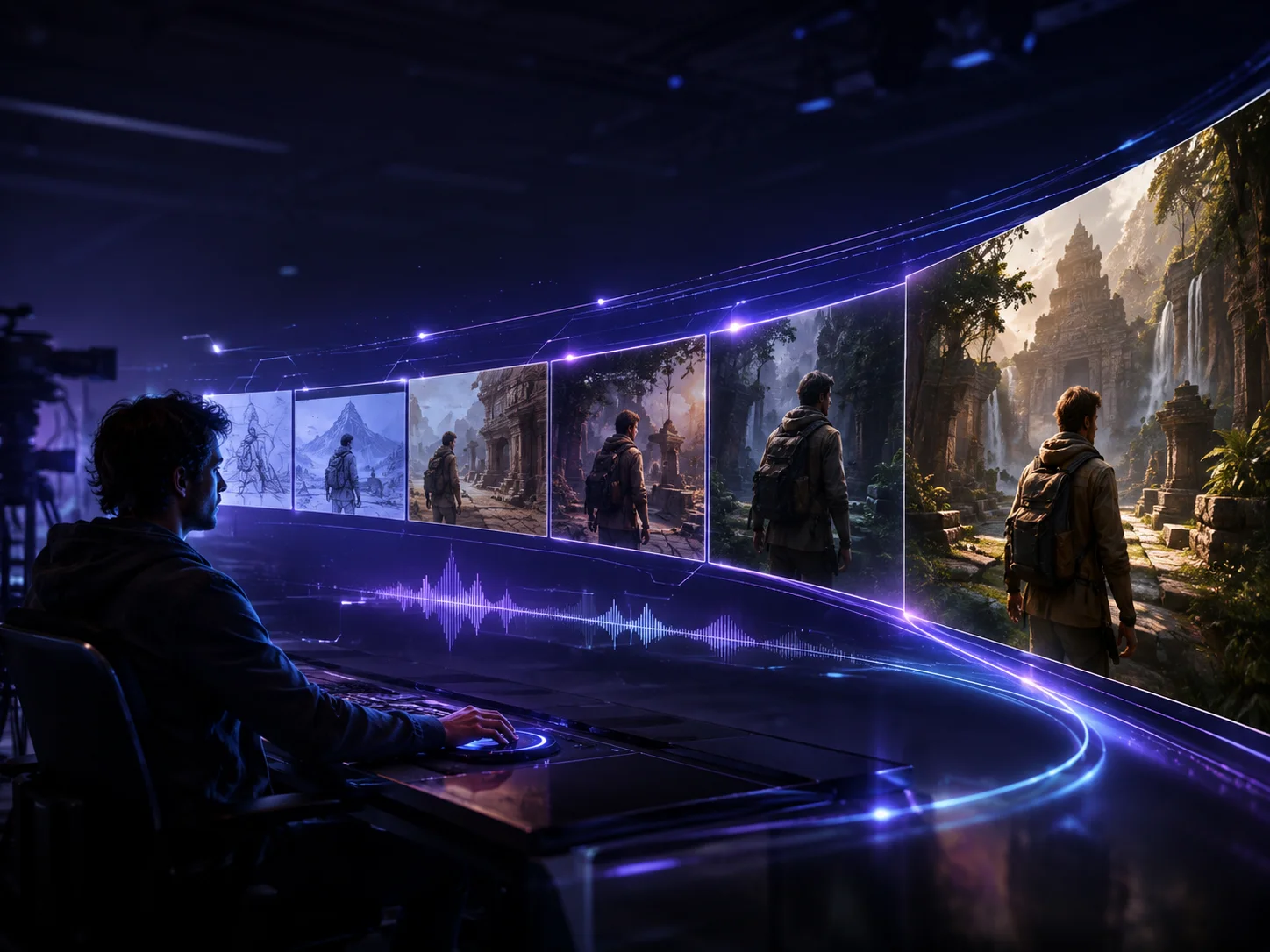
Write a prompt that describes the subject, action, setting, camera movement, lighting, mood, and style. For image-to-video creation, upload a clear image with the main subject easy to identify.
Choose text-to-video or image-to-video, select the available duration, resolution, and aspect ratio, then generate. Use direct motion and camera instructions to guide how the scene develops.
Review motion quality, framing, character consistency, and audio timing. Refine the prompt or source image if an important detail drifts, then download the version that fits your project.
Build a scene from a written idea or animate an existing visual. These two workflows let you choose between open-ended creation and tighter control over the subject, composition, and starting look.
Context-aware generation interprets objects, spatial relationships, lighting, and movement together. This helps complex prompts resolve into purposeful shots instead of disconnected frames.
Direct pans, zooms, tilts, tracking shots, or rotations while defining a realistic, cinematic, animated, vintage, or illustrative visual direction. Clear instructions help each shot support the intended story.
Wan 2.7 is designed to preserve recognizable faces, clothing, proportions, colors, and style as subjects move, while generating audio that follows the visual pacing for a more unified result.



Create visuals faster without design skills. Turn ideas into images, thumbnails, social posts, and creative assets in seconds.
Accelerate your creative workflow. Use AI Photo Editor to generate concepts, references, and visual directions, then refine them into production-ready designs.
Produce high-converting visuals on demand. Create ads, campaign visuals, and branded images quickly.
Wan 2.7 is an AI video model for generating cinematic clips from text prompts or source images, with support for controlled motion, visual continuity, character consistency, and synchronized audio.
Yes. Use text-to-video when you want to build a scene from a written concept, or image-to-video when an uploaded visual should guide the subject, composition, and starting appearance.
Available workflows can provide 720p or 1080p output, durations up to 15 seconds, and common landscape, portrait, square, and 4:3 aspect ratios. Choose the settings shown in the generator for the selected model.
Yes. The model is designed to preserve key identity details across motion and generate audio alongside the visuals. Clear references and direct prompts can improve consistency, but complex scenes may still vary.
Very complex prompts, low-quality reference images, unusually fast movement, reflective surfaces, or extreme camera angles can introduce artifacts. Simplify the scene, use a cleaner image, and describe motion more directly before regenerating.
Create stunning AI videos from text or images with multiple models.

Google image generation

OpenAI image generation

ByteDance video generation

Google video generation

Kuaishou video generation

xAI image & video generation
AI Photo Editor is your go-to AI video toolkit for generating, editing, and enhancing videos.
Turn a written idea or prompt into a generated video scene.
Animate a still image with natural motion and camera movement.
Generate cinematic video content from text or images.
Explore Wan models for text-guided and image-guided video creation.
Create longer cinematic AI videos with coherent shots and consistent subjects.
Animate characters from a reference image and driving video.
Start from a prompt or image, direct the subject and camera movement, and generate a cinematic clip with coherent motion, stable visual details, and synchronized audio.