Add Your Input
Describe the subject, action, setting, visual style, camera direction, and sound in a clear prompt. For image-to-video, upload a recognizable image and explain how its subject or camera should move.
 AI Photo Editor
Write a scene prompt for text-to-video or upload a source image for image-to-video, choose the available settings, and generate a directed short clip with coherent motion.
Write a scene prompt for text-to-video or upload a source image for image-to-video, choose the available settings, and generate a directed short clip with coherent motion.
PixVerse V6 is an AI video model designed to turn written instructions or a source image into a directed cinematic sequence. It interprets subject action, framing, camera movement, lighting, and scene pace so creators can shape how a shot develops instead of relying on random motion.
The model is positioned for short-form production that needs more than a single visual beat. Multi-shot structure, native audio, flexible aspect ratios, and output up to 1080p make it useful for social clips, ads, product moments, story concepts, and fast campaign drafts.
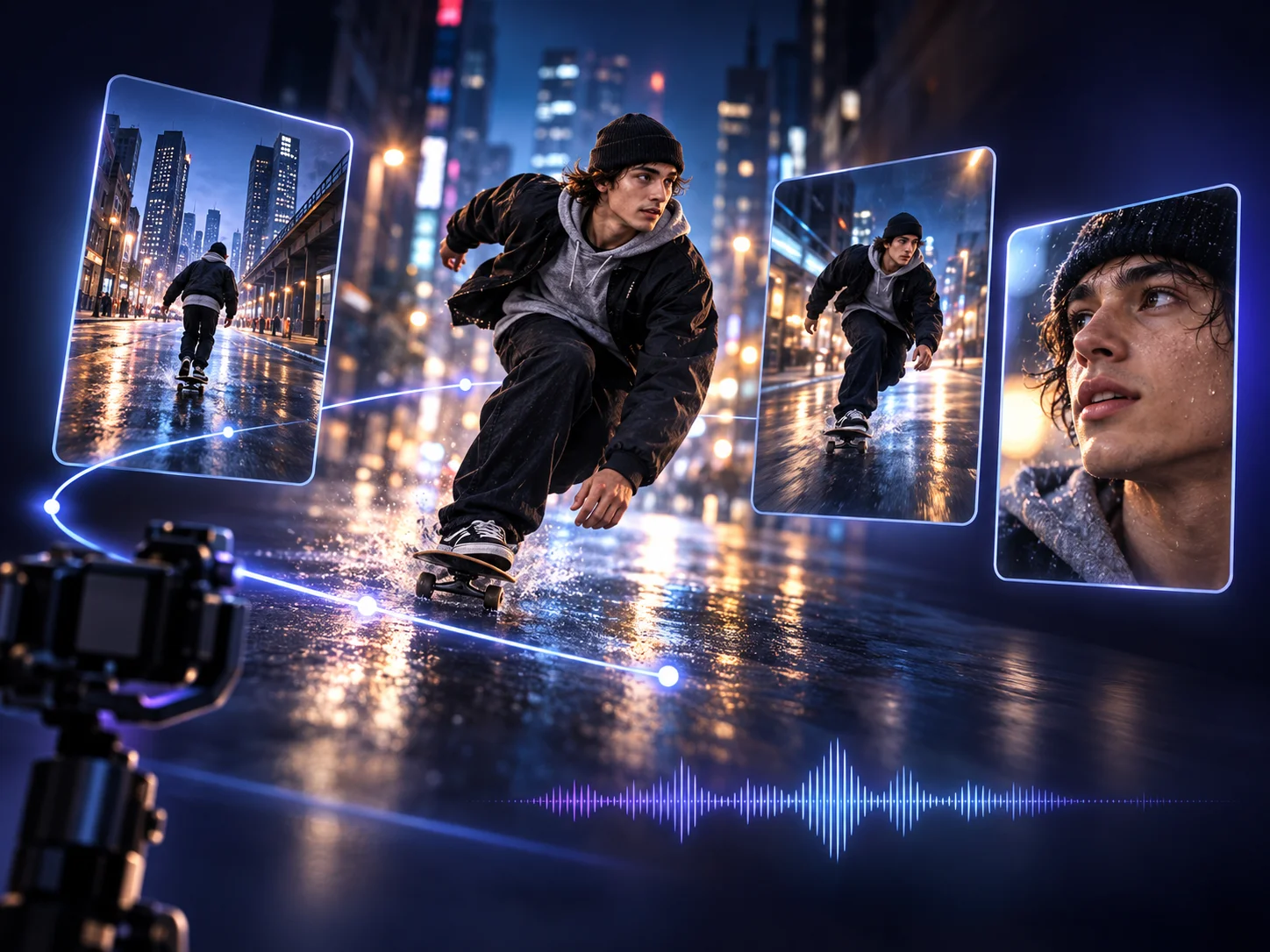
Describe the subject, action, setting, visual style, camera direction, and sound in a clear prompt. For image-to-video, upload a recognizable image and explain how its subject or camera should move.
Choose text-to-video or image-to-video, then set the available duration, resolution, and aspect ratio. Use direct camera language such as push-in, pan, tilt, orbit, follow, or close-up when a specific visual rhythm matters.
Review framing, subject consistency, physical interaction, motion strength, shot transitions, and audio timing. Refine competing actions or unclear directions, regenerate, and download the strongest version.
Shape perspective and pacing with explicit camera instructions. Push-ins, pans, tilts, tracking shots, POV movement, aerial views, and close-ups help generated scenes feel intentionally directed rather than visually accidental.
Arrange wide, medium, and close shots around one clear subject and action. Repeating literal identity anchors across shot descriptions can improve continuity when the viewpoint or framing changes.
Generate sound as part of the scene workflow so dialogue, ambience, and effects can follow visible action more closely. A concise sound direction gives the model a clearer cue than several competing audio requests.
Create clips up to 15 seconds with output up to 1080p when those settings are available. Flexible aspect ratios help prepare landscape, vertical, or square assets for different publishing channels.



Create visuals faster without design skills. Turn ideas into images, thumbnails, social posts, and creative assets in seconds.
Accelerate your creative workflow. Use AI Photo Editor to generate concepts, references, and visual directions, then refine them into production-ready designs.
Produce high-converting visuals on demand. Create ads, campaign visuals, and branded images quickly.
PixVerse V6 is PixVerse’s AI video model for turning text prompts or images into short videos. It supports clips up to 15 seconds at 1080p, with multi-shot storytelling, guided camera movement, and native audio.
Yes. Use text-to-video when starting from a new concept, or upload a source image when its subject, composition, or visual identity should guide the motion. Both modes benefit from direct action and camera instructions.
Yes. Define the sequence clearly and repeat the same literal identity anchors when the camera cuts or framing changes. This gives the model a stronger basis for keeping the subject recognizable across shots.
Yes. Native audio can be generated as part of the video workflow so dialogue, ambience, or effects align more closely with the visible scene. Keep audio directions concise and connected to specific actions.
Replace vague style language with literal subject details, reduce competing actions, repeat identity anchors across shots, and simplify camera instructions. Then review motion strength, duration, aspect ratio, and resolution before regenerating.
Create stunning AI videos from text or images with multiple models.

Google image generation

OpenAI image generation

ByteDance video generation

Google video generation

Kuaishou video generation

xAI image & video generation
AI Photo Editor is your go-to AI video toolkit for generating, editing, and enhancing videos.
Generate cinematic video from text or images with realistic movement, visual control, and synchronized audio.
Create expressive video with fast generation, controlled movement, and a workflow suited to iterative production.
Turn prompts or images into longer cinematic scenes with reference-guided continuity and coordinated sound.
Produce polished videos from text or images with cinematic camera direction and controlled visual change.
Transform prompts or images into short clips with directed motion, coherent visuals, and native audio capabilities.
Animate a still image into a dynamic clip while preserving its central subject, composition, and visual direction.
Turn a prompt or source image into a cinematic short clip with controlled camera movement, coherent shots, native audio, and flexible output formats.