Add a Character Image and Driving Video
Upload a clear reference image that shows the character's face, clothing, body shape, and style. Add a driving video with a visible performer and the complete motion you want to transfer.
 AI Photo Editor
Upload a character reference image and a driving video, then add a focused prompt for appearance, background, or camera viewpoint. Transfer the source performance into a new character video while preserving recognizable identity and natural motion.
Upload a character reference image and a driving video, then add a focused prompt for appearance, background, or camera viewpoint. Transfer the source performance into a new character video while preserving recognizable identity and natural motion.
Wan Animate 2 is a character-animation workflow that uses a reference image to define the target character and a driving video to provide movement over time. Instead of reducing the performance to a simple pose sequence, it uses the video as the main motion signal for body movement, gestures, and expressions.
With AI Photo Editor, you can pair those inputs with a concise prompt describing the character, background, and preferred viewpoint. The result is a newly rendered animation designed to follow the supplied performance while keeping the character's face, clothing, body, and visual style recognizable.
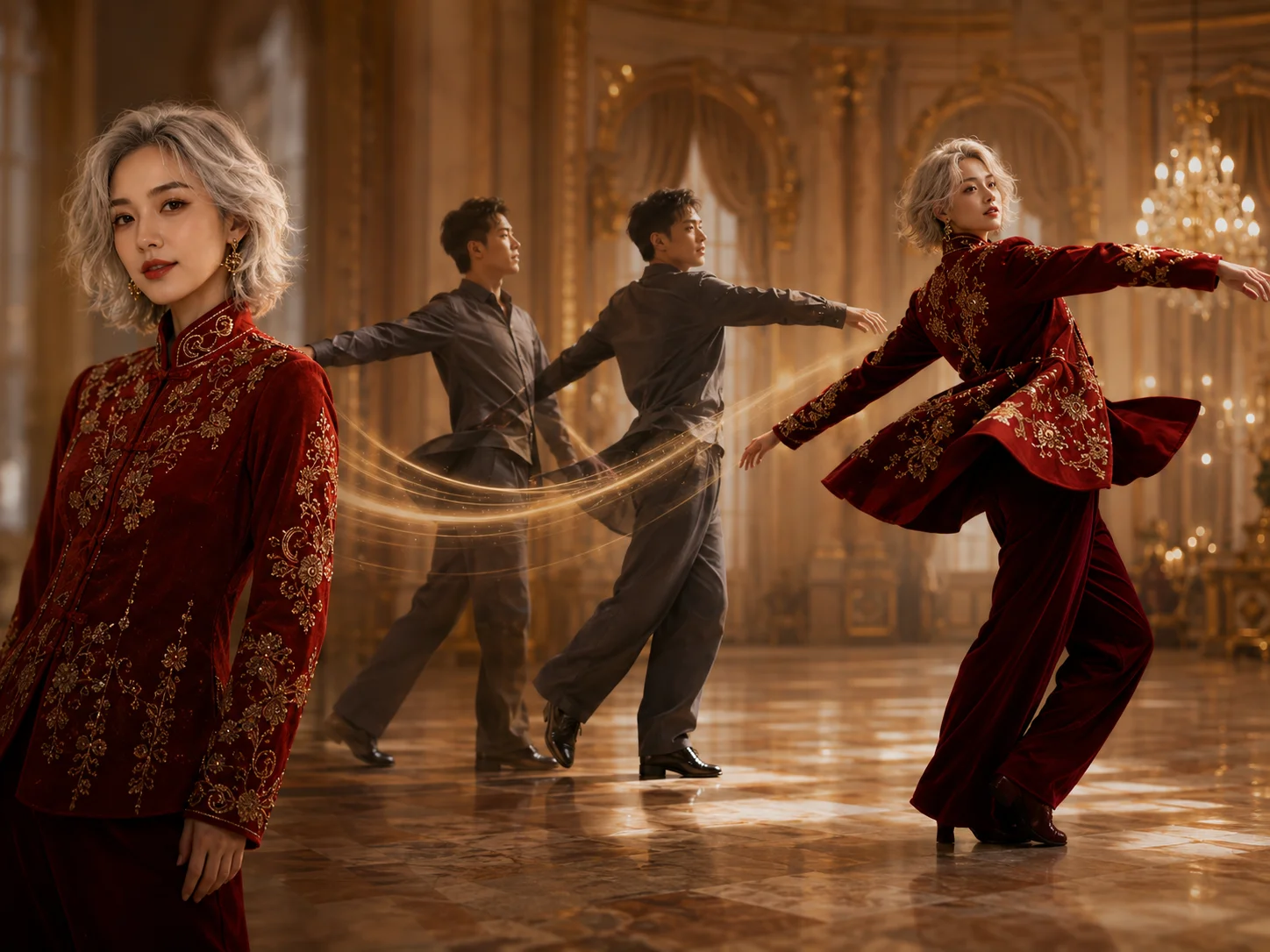
Upload a clear reference image that shows the character's face, clothing, body shape, and style. Add a driving video with a visible performer and the complete motion you want to transfer.
Describe the character appearance and background, then add a concise viewpoint instruction when you want the output camera to differ from the source. Start generation after reviewing the available settings.
Review identity, facial expression, hands, clothing, motion timing, and any newly generated viewpoint details. Refine the inputs when needed, then download the preferred character animation.
Use a driving video as the main motion source so the generated character can follow body movement, gestures, facial expressions, and performance timing with more detail than a basic pose sequence.
Let the reference image guide the face, body, clothing, colors, and visual style throughout the animation. Clear inputs help reduce unwanted character drift across changing poses and expressions.
Add a focused viewpoint instruction when the motion is useful but the driving video's camera does not match your target shot. Review newly revealed character and costume details after larger perspective changes.
Apply motion to realistic people, illustrated characters, cartoons, robots, animals, and other stylized subjects while keeping the source image as the visual identity reference.



Create visuals faster without design skills. Turn ideas into images, thumbnails, social posts, and creative assets in seconds.
Accelerate your creative workflow. Use AI Photo Editor to generate concepts, references, and visual directions, then refine them into production-ready designs.
Produce high-converting visuals on demand. Create ads, campaign visuals, and branded images quickly.
Wan Animate 2 is a character-animation model that combines a character reference image, a driving video, and optional text guidance. It transfers the video's motion and expressions into a newly rendered character animation while using the image to guide identity and appearance.
Prepare one clear character image and a driving video that shows the desired performance. A concise prompt can describe appearance, background, and viewpoint, while the driving video should provide the action rather than repeating it in the prompt.
It is designed to keep the reference character's recognizable face, body, clothing, and visual style while transferring motion. Rapid turns, occlusion, motion blur, unusual proportions, or large scale changes can still cause drift, so review difficult frames carefully.
Yes. A focused text instruction can guide the output toward another viewpoint while the driving video supplies motion. Large camera changes may require the model to reconstruct unseen details, so check the face, costume, props, and background for consistency.
Do not assume every available model or workflow is real time. Generation speed depends on the selected implementation, model variant, hardware, clip length, and current service demand. Use a short test clip to evaluate the actual turnaround before planning a live workflow.
Create stunning AI videos from text or images with multiple models.

Google image generation

OpenAI image generation

ByteDance video generation

Google video generation

Kuaishou video generation

xAI image & video generation
AI Photo Editor is your go-to AI video toolkit for generating, editing, and enhancing videos.
Transfer movement from a reference performance to a character while guiding body motion and visual consistency.
Generate a coherent video from visual references while maintaining character and style direction.
Upload a portrait and reference dance video to create a personalized motion-transfer clip.
Animate a still image with prompt-guided subject movement and cinematic camera direction.
Turn a written scene, action, and visual direction into an original generated video.
Explore Wan video generation for text-based ideas and image-guided motion.
Bring a character image and driving performance together in AI Photo Editor. Transfer movement and expressions, guide the viewpoint, and create an animation that keeps the character recognizable.