Add a Character and Motion Video
Upload a clear character image with a visible subject, then add a motion source video between 3 and 30 seconds. A clean, unobstructed performance gives the model clearer pose and gesture information.
 AI Photo Editor
Upload one character image and a 3–30 second motion reference video. Choose whether orientation follows the image or video, add an optional style prompt, select output quality, and transfer the performance to your character.
Upload one character image and a 3–30 second motion reference video. Choose whether orientation follows the image or video, add an optional style prompt, select output quality, and transfer the performance to your character.
Kling 3.0 Motion Control uses a character image as the visual identity and a reference video as the motion source. It maps body movement, gestures, posture, and facial performance onto the character instead of inventing the action from a text prompt alone.
With AI Photo Editor, the kling motion control workflow gives creators a direct way to produce dance clips, performance transfers, character swaps, virtual creator content, and action scenes while keeping the subject recognizable across movement.
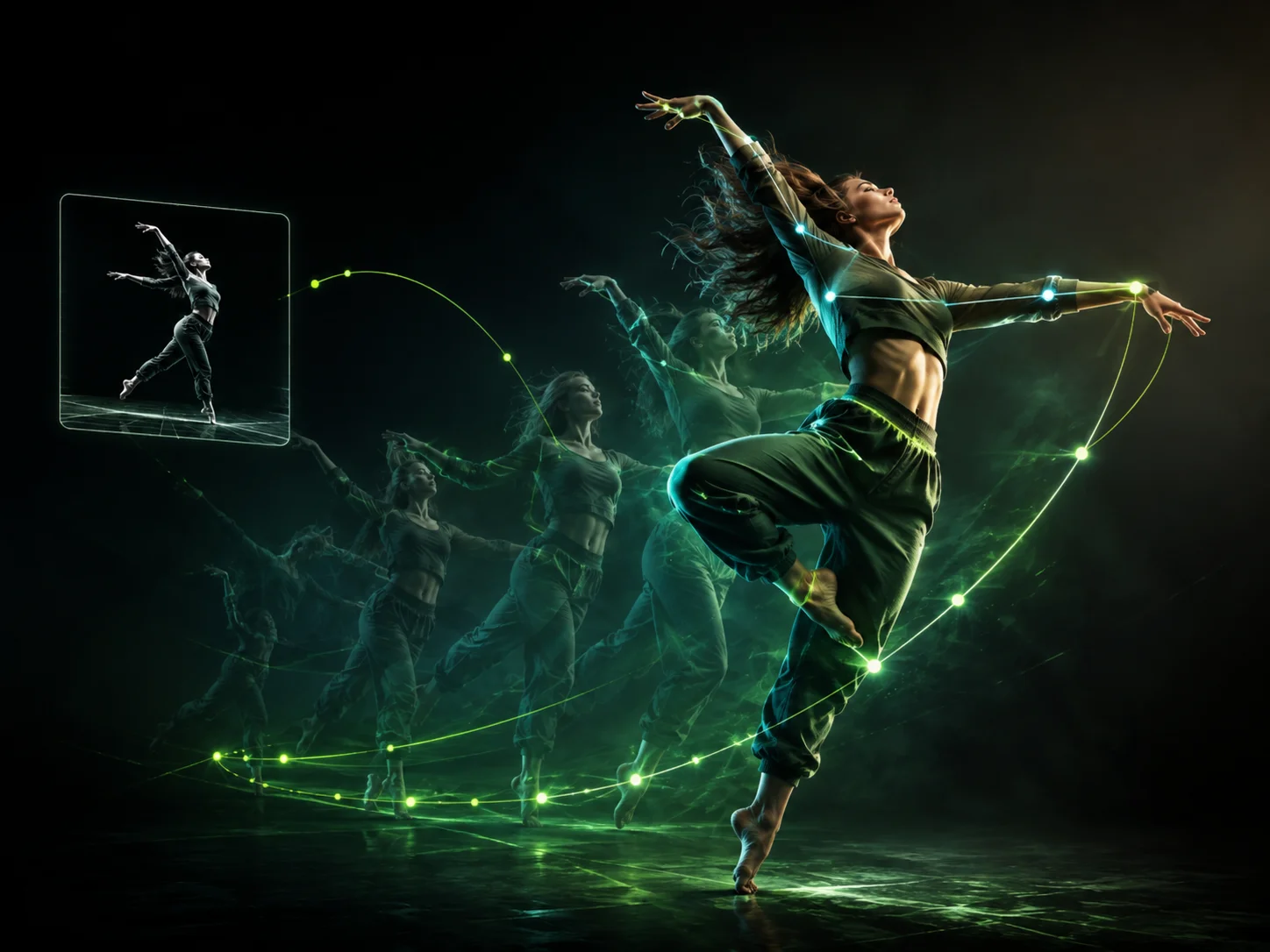
Upload a clear character image with a visible subject, then add a motion source video between 3 and 30 seconds. A clean, unobstructed performance gives the model clearer pose and gesture information.
Choose whether character orientation follows the reference image or source video, select standard or professional quality, and optionally describe the desired animation style before generating.
Review identity stability, facial details, hand movement, body motion, and contact with surrounding objects. Adjust the source materials or prompt when needed, then download the preferred result.
The kling motion control pipeline takes movement from an uploaded performance rather than relying on unpredictable prompt interpretation. Use a dance, gesture, or action clip to give the character a concrete motion path.
Keep the face, expression, clothing, and recognizable character traits more consistent as the subject turns, moves, and changes pose. This is useful for recurring characters and virtual creator content.
Transfer full-body performance, hand articulation, and smaller gestures with stronger spatial continuity. Clear source footage can help preserve choreography and expressive movement through the generated clip.
Choose whether the character follows the image or video orientation, then generate in standard or professional quality corresponding to the available 720p and 1080p output tiers.



Create visuals faster without design skills. Turn ideas into images, thumbnails, social posts, and creative assets in seconds.
Accelerate your creative workflow. Use AI Photo Editor to generate concepts, references, and visual directions, then refine them into production-ready designs.
Produce high-converting visuals on demand. Create ads, campaign visuals, and branded images quickly.
Kling 3.0 Motion Control is a reference-driven character animation model. It combines a character image with a motion source video and transfers the performance while working to preserve the subject's identity and facial details.
You need one character image and one motion reference video between 3 and 30 seconds. A prompt is optional and can describe style or adjustments, but the source video supplies the actual movement.
It is designed to preserve recognizable identity and facial structure during motion. Results still depend on source-image clarity, occlusion, pose complexity, and how closely the character proportions match the reference performance.
It works well for dance and performance transfer, character swaps, virtual influencer content, expressive gestures, and action scenes where a specific reference performance should drive the animation.
The current workflow offers standard and professional quality tiers corresponding to 720p and 1080p output. Higher quality uses more credits, and the total cost depends on the reference video's duration.
Create stunning AI videos from text or images with multiple models.

Google image generation

OpenAI image generation

ByteDance video generation

Google video generation

Kuaishou video generation

xAI image & video generation
AI Photo Editor is your go-to AI video toolkit for generating, editing, and enhancing videos.
Create cinematic multi-shot videos from text or images with consistent subjects and synchronized audio.
Combine text, images, video, and audio references for unified multimodal video generation.
Turn a portrait and audio into a talking AI avatar with natural expressions and accurate lip sync.
Animate a portrait by transferring movement from a driving performance video.
Turn a still image into a moving clip with guided subject and camera motion.
Guide generated motion with visual, video, or audio references for stronger control.
Bring a character image to life with a specific reference performance. Transfer body movement, gestures, and expressions with identity-aware motion in AI Photo Editor.