Add Your Prompt or References
Describe the subject, setting, composition, lighting, colors, style, and exact words that should appear. Upload reference images when the result should follow an existing person, product, layout, or aesthetic direction.
 AI Photo Editor
Create photorealistic posters, product visuals, and brand graphics with Ideogram 3.0, featuring readable text within images and a cohesive visual style.
Create photorealistic posters, product visuals, and brand graphics with Ideogram 3.0, featuring readable text within images and a cohesive visual style.
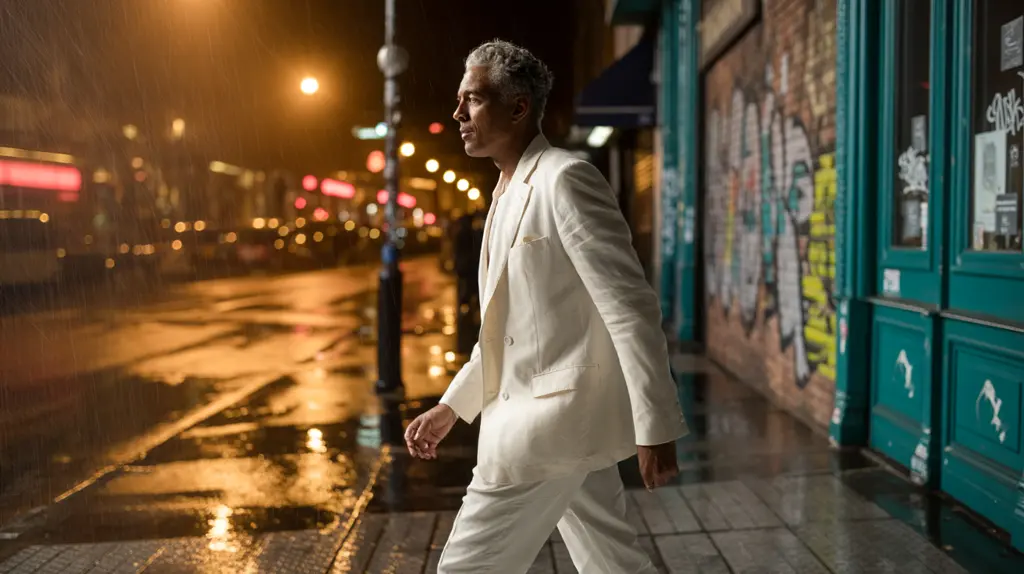
Ideogram 3.0 is an AI image model built for text-to-image creation and reference-guided editing. It combines strong prompt alignment, photorealistic rendering, readable in-image text, and reusable style direction so complex creative briefs can become coherent visual results.
On AI Photo Editor, use Ideogram 3.0 for posters, packaging concepts, advertisements, product images, logos, social graphics, and other designs where words and visuals must work together. Start from text alone or add references when composition, subject identity, colors, or style need more control.
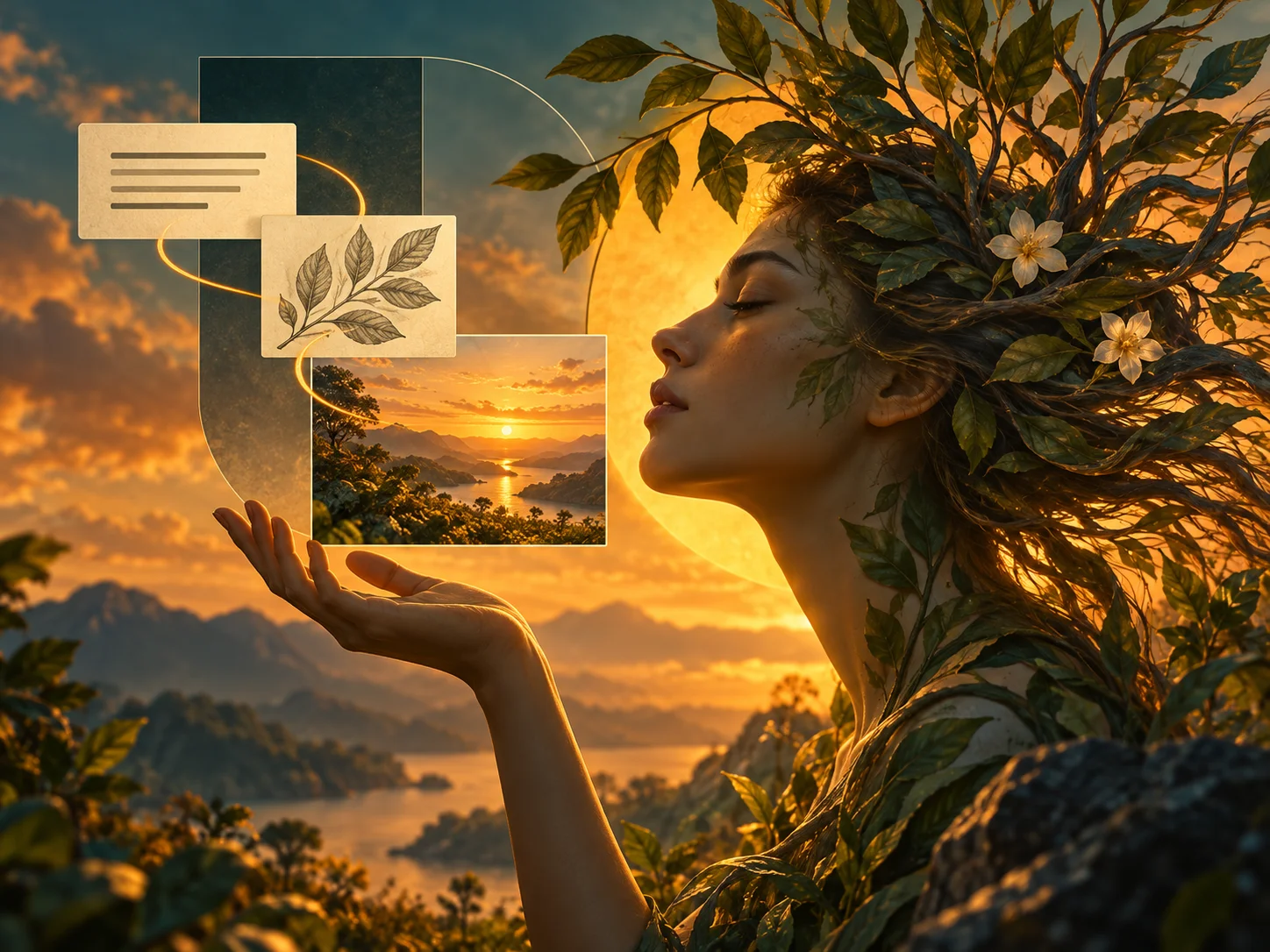
Describe the subject, setting, composition, lighting, colors, style, and exact words that should appear. Upload reference images when the result should follow an existing person, product, layout, or aesthetic direction.
Choose an aspect ratio and keep important requirements explicit. When typography matters, place the exact copy in quotation marks and explain its position, hierarchy, font character, and relationship to the surrounding imagery.
Inspect spelling, letter shapes, subject accuracy, composition, lighting, and reference consistency at full size. Refine one requirement at a time when needed, generate another variation, and download the best result.
Create posters, signs, packaging, ads, logos, and social graphics with designed words inside the composition. Ideogram 3.0 is built to improve spelling, legibility, typography, and the visual relationship between text and imagery.
Generate people, products, environments, materials, reflections, and lighting with a polished photographic look. Clear direction for viewpoint, depth, lens character, and illumination helps shape a more convincing result.
Guide new generations with visual references so a collection can share a recognizable palette, lighting approach, texture, and design language. This is useful for campaign sets, brand concepts, and related content series.
Combine subjects, copy, layout, style, mood, and composition in one structured prompt. Strong prompt alignment helps Ideogram V3 organize these requirements into a deliberate image rather than an unrelated visual variation.



Create visuals faster without design skills. Turn ideas into images, thumbnails, social posts, and creative assets in seconds.
Accelerate your creative workflow. Use AI Photo Editor to generate concepts, references, and visual directions, then refine them into production-ready designs.
Produce high-converting visuals on demand. Create ads, campaign visuals, and branded images quickly.
Ideogram 3.0 is an AI image-generation model developed by Ideogram. It creates realistic images and designed graphics from text prompts, with a particular strength in rendering readable text within images. Style references can help keep the visual look consistent across posters, packaging, logos, and other brand designs.
No. You can create a new image from a text prompt alone. Uploading reference images is optional and useful when you want to preserve a subject, product, composition, palette, or visual style.
Yes. Text rendering is one of the model's central strengths. For stronger results, include the exact wording in quotation marks and describe its placement, scale, visual hierarchy, and typography style.
Use it for posters, advertisements, product images, packaging concepts, signs, logos, social graphics, editorial visuals, illustrations, and photorealistic scenes that may combine designed text with imagery.
Check every word and letter, then review subject identity, small details, composition, lighting, colors, and consistency with uploaded references. Important commercial copy should always be verified before publishing.
Create stunning AI videos from text or images with multiple models.

Google image generation

OpenAI image generation

ByteDance video generation

Google video generation

Kuaishou video generation

xAI image & video generation
AI Photo Editor is your go-to AI video toolkit for generating, editing, and enhancing videos.
Create detailed, layout-rich images with long prompts, multilingual text, and visual references.
Generate polished images with realistic detail, varied styles, and clearer typography.
Produce high-detail visual concepts for design, marketing, and production work.
Explore advanced image generation for expressive and production-oriented visuals.
Turn text prompts and visual ideas into expressive generated images.
Generate and refine detailed images from prompts or visual references.
Turn a detailed prompt or visual reference into a polished image with readable typography, realistic detail, controlled composition, and a consistent creative style.