Add a Character Video
Upload a video featuring a person, avatar, or animated character with a visible face. Clear framing, steady lighting, and limited obstruction around the mouth help the model read facial movement.
 AI Photo Editor
Upload a video with a clearly visible face, then enter a script for generated speech or add your own voice or song. Match mouth movement, timing, pauses, and facial performance to the selected audio.
Upload a video with a clearly visible face, then enter a script for generated speech or add your own voice or song. Match mouth movement, timing, pauses, and facial performance to the selected audio.
The model analyzes the visible face in an existing person or character video, then adjusts mouth shapes and expression timing to follow a new speech or singing track. The original visual identity and performance remain the foundation while the dialogue changes.
With AI Photo Editor, the synchronization workflow can support voice replacement, multilingual dubbing, corrected dialogue, avatar speech, animated-character performances, and social clips without manually aligning every phoneme on a timeline.
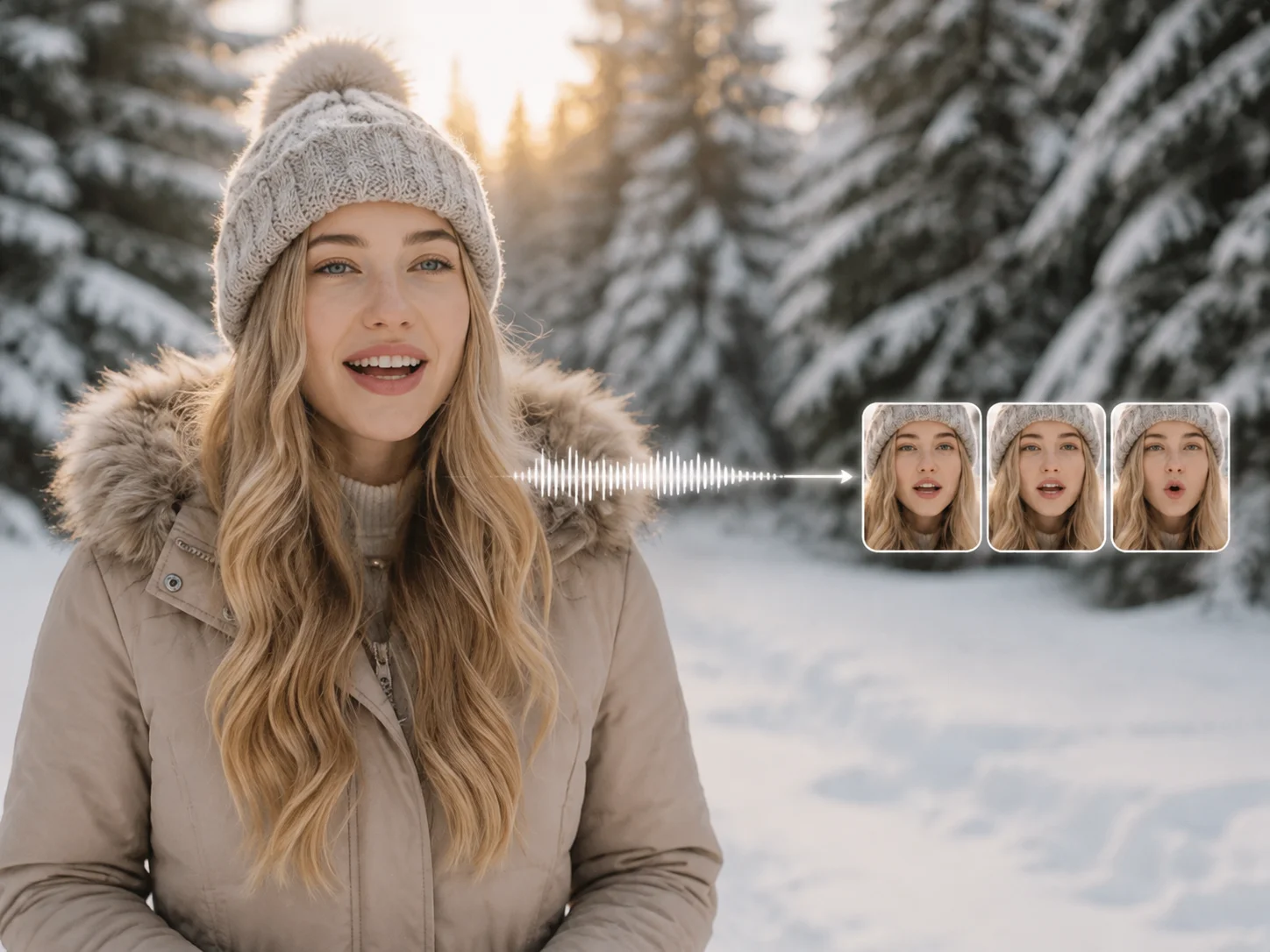
Upload a video featuring a person, avatar, or animated character with a visible face. Clear framing, steady lighting, and limited obstruction around the mouth help the model read facial movement.
Enter a script and choose a generated voice, or upload a recording or song. Review the language and voice settings, then start synchronization so the mouth movement follows the new audio.
Check pronunciation timing, pauses, mouth shapes, expression continuity, and the transition between spoken phrases. Refine the script or audio when needed, then download the preferred video.
Analyze the rhythm and phonetic structure of speech or singing, then align visible mouth movement with words, pauses, and emphasis for a more believable talking performance.
Use text-to-speech when you need a generated voice, or provide your own recording when tone, personality, or musical delivery matters. The synchronization process adapts the facial timing to the chosen track.
Rework the spoken language for tutorials, marketing, education, and social content while keeping the original character and scene. This makes localized versions easier to produce from one visual source.
Apply synchronized speech or singing to real people, avatars, and animated characters when the face is sufficiently visible. This supports explainers, virtual hosts, character dialogue, and performance clips.



Create visuals faster without design skills. Turn ideas into images, thumbnails, social posts, and creative assets in seconds.
Accelerate your creative workflow. Use AI Photo Editor to generate concepts, references, and visual directions, then refine them into production-ready designs.
Produce high-converting visuals on demand. Create ads, campaign visuals, and branded images quickly.
This video synchronization feature matches a visible character's mouth movement and facial timing to speech, singing, an uploaded recording, or a generated voice.
Use footage with one clearly visible face, stable lighting, a useful view of the mouth, and limited occlusion. Extreme angles, rapid cuts, covered mouths, or very small faces can reduce synchronization quality.
Yes. A text workflow can generate speech from a selected voice before matching it to the character. You can also upload your own recording or song when you need a specific delivery.
Yes. You can provide speech in another supported language and synchronize it to the same visual performance. Pronunciation, voice quality, and how clearly the face appears will affect the final result.
Yes. A clear vocal track can be used for singing or performance clips. Complex head turns, strong facial obstruction, or noisy audio may require cleaner source material for more stable mouth movement.
Create stunning AI videos from text or images with multiple models.

Google image generation

OpenAI image generation

ByteDance video generation

Google video generation

Kuaishou video generation

xAI image & video generation
AI Photo Editor is your go-to AI video toolkit for generating, editing, and enhancing videos.
Create cinematic multi-shot videos from text or images with consistent subjects and synchronized audio.
Combine text, images, video, and audio references for unified multimodal video generation.
Transfer movement from a driving video to a reference character with controlled performance.
Combine a voice recording with a visual source to create expressive talking videos.
Turn a music track and reference visual into a rhythm-driven performance video.
Turn a portrait and audio into a talking avatar with natural expression and synchronized lip movement.
Match a character video to new speech, a different language, or a vocal performance with naturally timed mouth movement in AI Photo Editor.