Upload Your Video
Add the low-resolution, old, noisy, or compressed footage you want to improve. A clean source with recognizable subjects and stable exposure gives the enhancement process more useful information.
 AI Photo Editor
Upload a low-resolution, old, or compressed video, choose the available upscale settings, and produce a clearer 1080p or 4K version with restored detail and smoother motion.
Upload a low-resolution, old, or compressed video, choose the available upscale settings, and produce a clearer 1080p or 4K version with restored detail and smoother motion.
Topaz Video Upscaler uses AI-assisted processing to increase video resolution while reconstructing details that basic pixel stretching cannot recover. It analyzes footage frame by frame to improve perceived sharpness, reduce visible noise and compression artifacts, and create a cleaner high-resolution result.
On AI Photo Editor, you can upload old recordings, low-resolution clips, downloaded footage, social videos, product shots, or archival material for enhancement. Select the available output settings, preview the result, and refine the processing when the source needs a different balance of detail, smoothness, and natural texture.
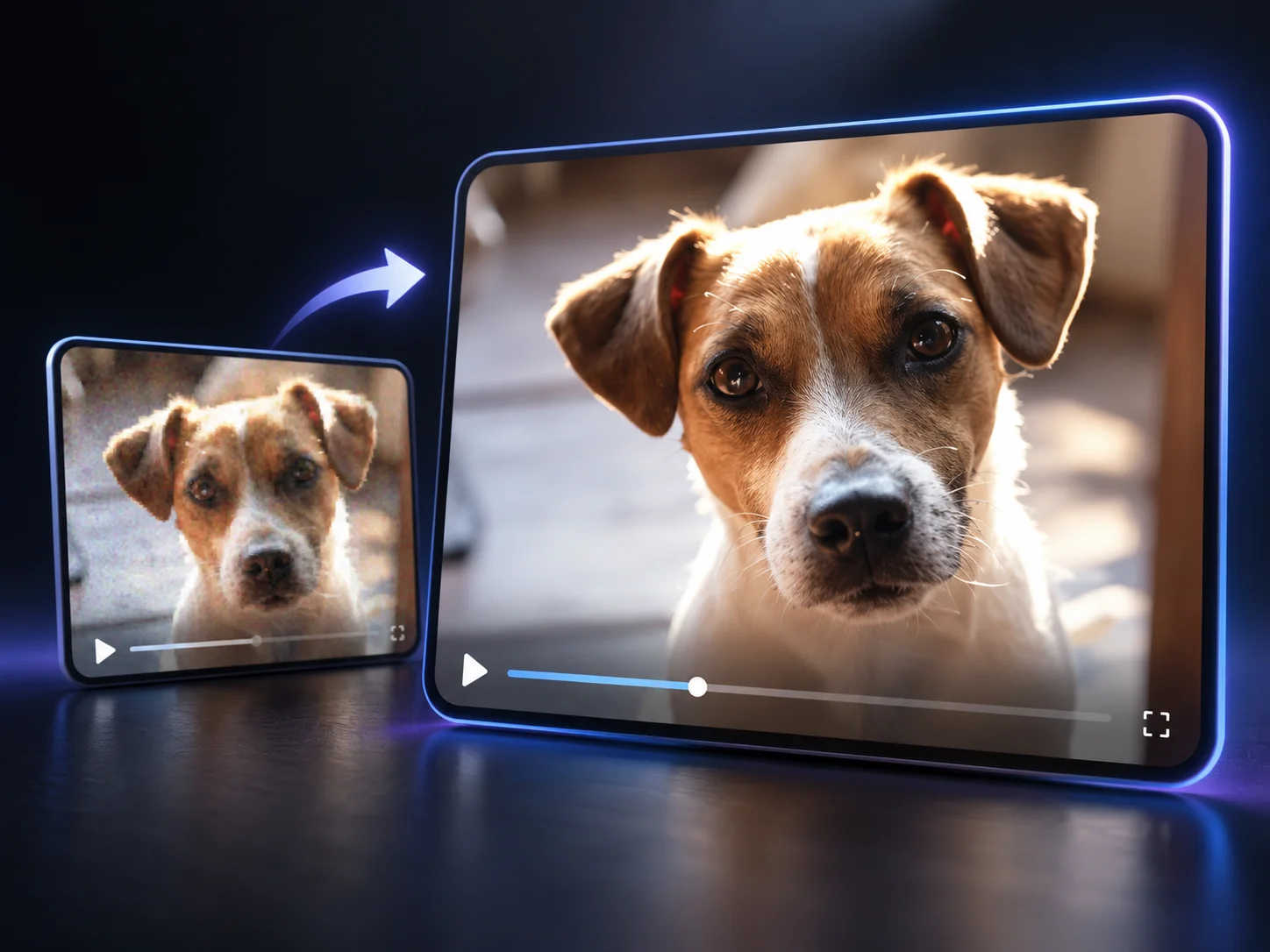
Add the low-resolution, old, noisy, or compressed footage you want to improve. A clean source with recognizable subjects and stable exposure gives the enhancement process more useful information.
Choose the available output resolution and enhancement options, then start processing. Use a moderate setting for already-clean footage and stronger restoration only when the source visibly needs it.
Check faces, textures, edges, motion, noise, and compression artifacts in the preview. Adjust the settings when details look too soft or overprocessed, then download the strongest result.
Increase the resolution of SD or HD footage for larger screens, modern publishing formats, editing timelines, and archive masters. Available output choices let you match the enhanced file to its intended use.
AI-assisted reconstruction improves fine textures, object boundaries, and perceived clarity instead of simply enlarging existing pixels. This helps older or softer footage look more defined.
Clean up visible pixelation, blockiness, ringing, and distracting noise while retaining a natural-looking image. Source quality still matters, so severely damaged footage may not recover every lost detail.
Supported enhancement workflows can refine frame pacing and reduce choppy motion when compatible options are available. This is useful for action footage, older recordings, and clips prepared for smoother playback.



Create visuals faster without design skills. Turn ideas into images, thumbnails, social posts, and creative assets in seconds.
Accelerate your creative workflow. Use AI Photo Editor to generate concepts, references, and visual directions, then refine them into production-ready designs.
Produce high-converting visuals on demand. Create ads, campaign visuals, and branded images quickly.
Topaz Video Upscaler is an AI-assisted video enhancement workflow that increases resolution while improving visible detail, edge clarity, noise, compression artifacts, and motion. It is designed for footage that needs a cleaner 1080p or 4K result.
Yes. It can reduce visible noise, pixelation, blur, and compression artifacts while reconstructing clearer textures and edges. Results vary with the source, and severely damaged footage may not recover information that is completely missing.
Yes, when 4K is available in the current output settings. Choose a target resolution that suits the source and intended use; pushing extremely low-quality footage too far can make artifacts more noticeable.
It depends on the selected settings. Some workflows preserve the source frame rate by default, while compatible options may retime or interpolate frames for smoother motion. Review the available controls before processing.
SD or HD footage with recognizable subjects, moderate blur, visible compression, noise, or a need for larger output generally works well. Very small, heavily damaged, or aggressively compressed sources may have limited recoverable detail.
Create stunning AI videos from text or images with multiple models.

Google image generation

OpenAI image generation

ByteDance video generation

Google video generation

Kuaishou video generation

xAI image & video generation
AI Photo Editor is your go-to AI video toolkit for generating, editing, and enhancing videos.
Increase video resolution and improve clarity for sharper playback on larger screens and modern publishing formats.
Reduce visible blur and recover clearer subjects, textures, and edges in soft or motion-affected footage.
Generate cinematic videos from text or images with realistic motion, visual control, and synchronized audio.
Turn text or images into short videos with directed movement, coherent visuals, and native audio capabilities.
Create expressive multi-shot videos with cinematic motion, visual continuity, and coordinated sound.
Generate polished videos from text or images with cinematic camera direction and controlled visual change.
Upload low-resolution, old, or compressed footage and produce a clearer high-resolution version with restored details, reduced noise, sharper edges, and smoother motion.