Add a Photo or Text Prompt
Upload a clear image of the starting subject or describe the person, location, building, or landscape you want at the beginning of the shot.
 AI Photo Editor
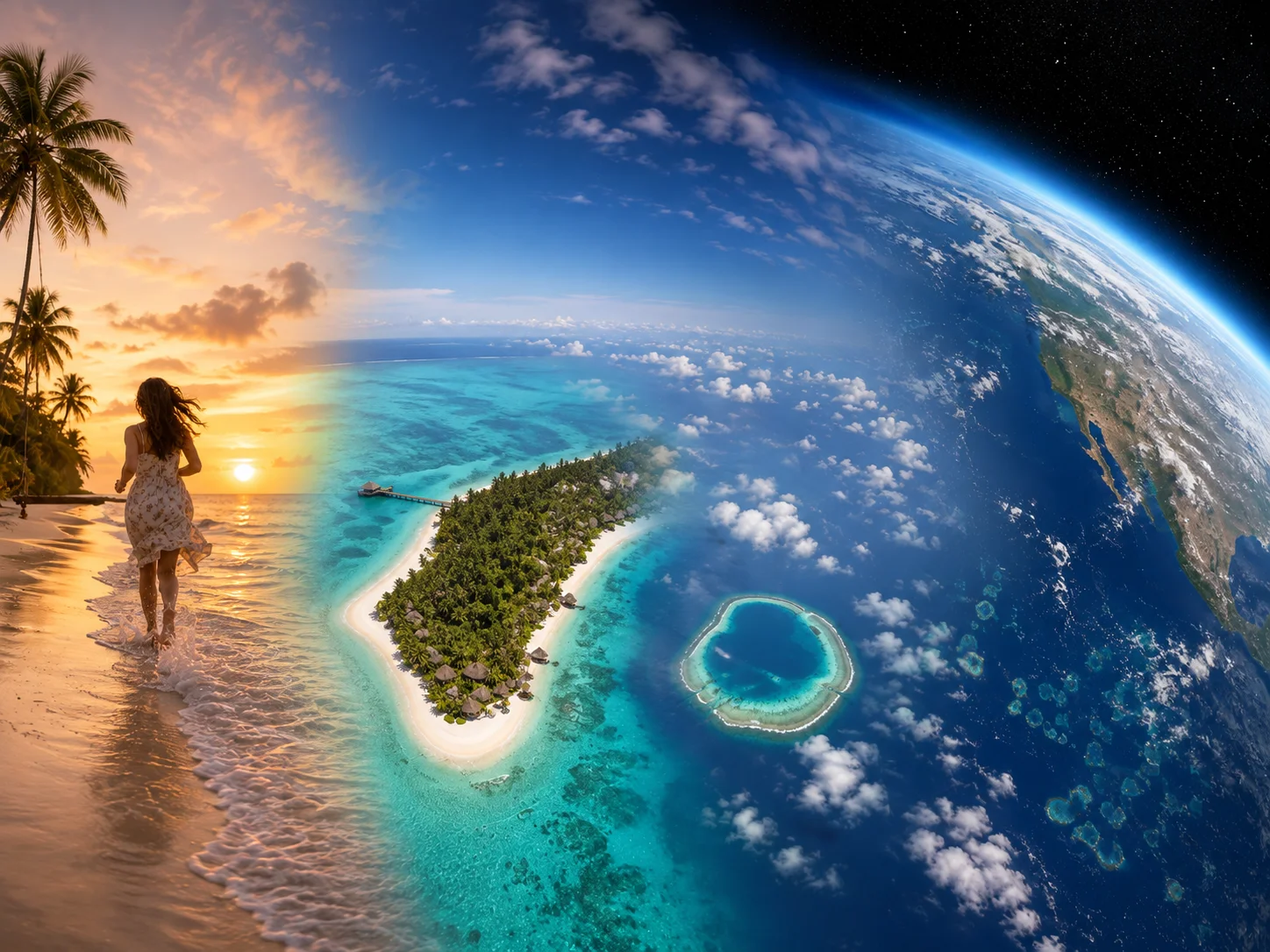
Start with a text description or upload a photo of a person, building, landmark, or outdoor scene. The generator creates a continuous video that pulls the camera upward, reveals the surrounding landscape, crosses the clouds, and ends with Earth framed against space.
Start with a text description or upload a photo of a person, building, landmark, or outdoor scene. The generator creates a continuous video that pulls the camera upward, reveals the surrounding landscape, crosses the clouds, and ends with Earth framed against space.
An earth zoom out effect transforms an ordinary scene into a dramatic change of scale. The camera begins close to the subject, rises above the surrounding area, and continues outward until the planet becomes visible.
Use a photo when you want the video to begin from a recognizable person or place, or describe the opening scene with text when you want to build the sequence from an idea. The resulting clip can support social posts, travel concepts, event reveals, and cinematic transitions.
Upload a clear image of the starting subject or describe the person, location, building, or landscape you want at the beginning of the shot.
Select the available generation settings and describe the desired atmosphere, camera movement, or final space view. Then start generation and let the sequence develop from ground to orbit.
Review the transition, subject continuity, cloud passage, and final Earth view. If needed, refine the input and generate another version before downloading the clip you prefer.
Transform one starting scene into a continuous pullback that reveals the surrounding area, clouds, atmosphere, Earth, and deep space as a connected visual journey.
Use image-to-video mode to anchor the opening in a supplied photo, or use text-to-video mode to describe the initial scene and visual direction without an uploaded image.
Move from familiar details to a planetary view in one concept. The expanding perspective can make personal moments, destinations, landmarks, and reveals feel larger and more dramatic.
Describe the intended camera path instead of assembling many separate aerial and space shots on a timeline. Refine the prompt or source image when you want another interpretation.



Create visuals faster without design skills. Turn ideas into images, thumbnails, social posts, and creative assets in seconds.
Accelerate your creative workflow. Use AI Photo Editor to generate concepts, references, and visual directions, then refine them into production-ready designs.
Produce high-converting visuals on demand. Create ads, campaign visuals, and branded images quickly.
An earth zoom out video begins close to a person, place, or ground-level scene, then pulls upward through the surrounding landscape and atmosphere until Earth appears from space.
Yes. Upload a clear photo to establish the opening subject and scene. Images with a recognizable focal point and enough surrounding context give the camera move a clearer starting direction.
Yes. In text-to-video mode, describe the opening location or subject, the upward camera movement, the cloud and atmosphere transition, and the final view of Earth in space.
Use a clear, well-lit image with one main person, landmark, building, or landscape. Avoid heavy blur, blocked subjects, or confusing compositions that make the intended starting point difficult to identify.
You can guide the result by describing camera speed, smoothness, time of day, cloud movement, lighting, and the final space atmosphere. Generated details may vary, so refine the prompt when you need another version.
Create stunning AI videos from text or images with multiple models.

Google image generation

OpenAI image generation

ByteDance video generation

Google video generation

Kuaishou video generation

xAI image & video generation
AI Photo Editor is your go-to AI video toolkit for generating, editing, and enhancing videos.
Generate cinematic videos from text or images in minutes.
Animate a still image with natural motion and cinematic camera movement.
Turn scripts, ideas, or prompts into generated video scenes.
Create coherent video scenes while using reference images to guide characters and style.
Animate static images with guided, lifelike movement.
Turn text or a portrait into a Renaissance-inspired animation with subtle movement.
Start with a photo or text prompt and turn one scene into a cinematic journey from the ground to Earth in space with AI Photo Editor.