AI ASMR Video Generator

Type an ASMR prompt or upload an image, then create a calming video with soft visuals, synchronized sounds, and relaxing sensory details.

Required inputs: 1 reference image.

0/20000
Advanced settings
40Generate

AI ASMR Video Generator

Type an ASMR prompt or upload an image, then create a calming video with soft visuals, synchronized sounds, and relaxing sensory details.

About

What is an AI ASMR Video Generator?

An AI ASMR video generator is a tool that creates relaxing audio-visual videos from text prompts or images. It can turn descriptions like whispering, tapping, brushing, slicing, rain, soft fabric, or quiet nature scenes into videos with matched motion and sound.

With AI Photo Editor, you can create ASMR videos for sleep, stress relief, meditation, sensory content, short-form platforms, or ASMR channels. The workflow helps you produce soothing visuals and audio without recording equipment, studio lighting, or manual audio syncing.

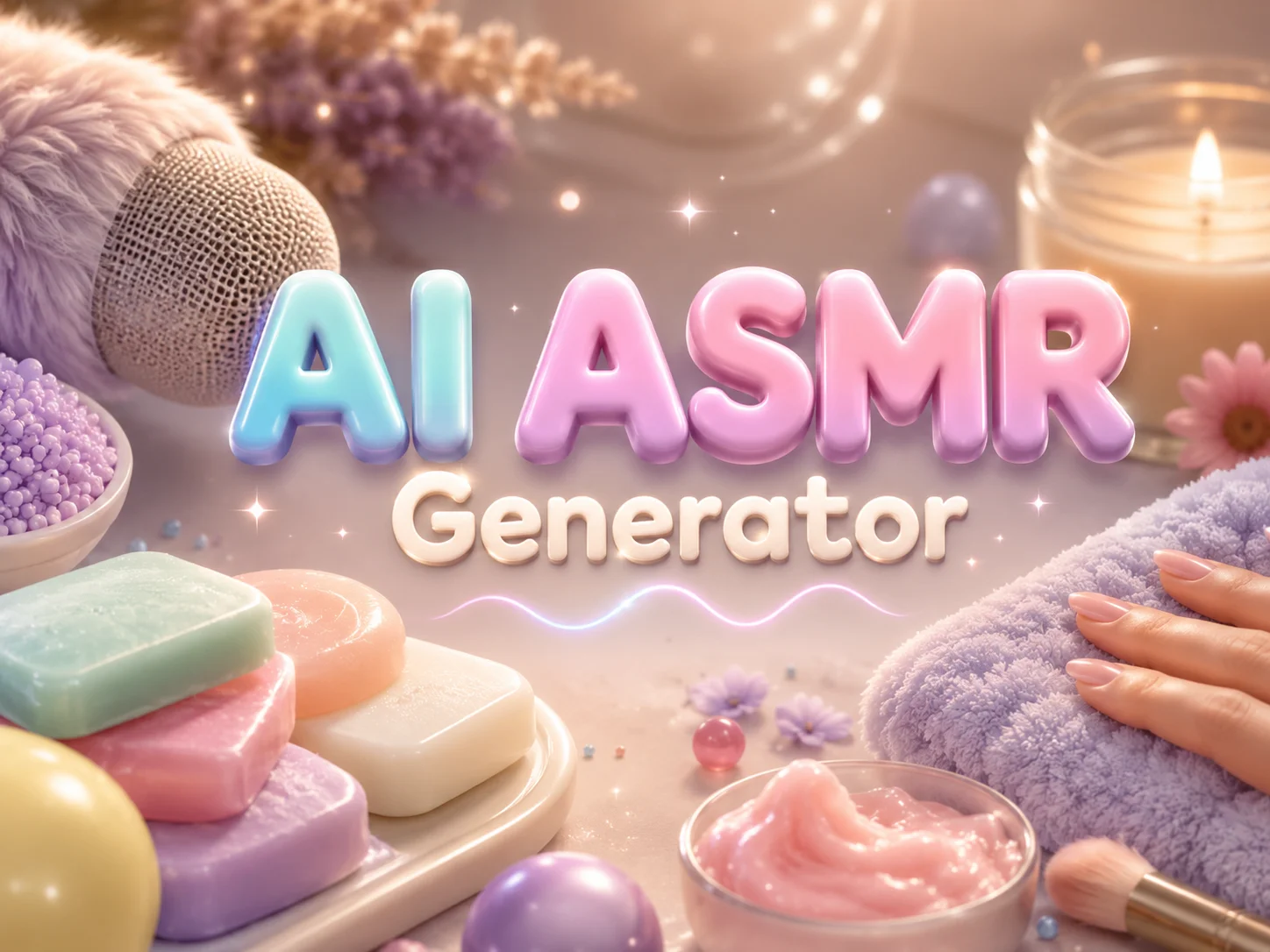
AI ASMR Video Generator preview

How to make an AI ASMR video online?

01

Describe the ASMR trigger or upload an image

Write a short prompt — "slowly slicing crystal jelly," "soft brushing against velvet," "rain on a wooden roof" — or upload a reference image. The more specific the material and motion, the cleaner the audio-visual match.

02

Let AI Photo Editor generate the visuals and ASMR audio

Click generate and AI Photo Editor handles the rest — synthesizing binaural ASMR audio, rendering matching visuals with the right texture and lighting, and aligning every whisper or tap to the motion on screen within minutes.

03

Preview, download, and share

Watch the finished ASMR clip, export it in HD, and post it to YouTube, TikTok, Shorts, or relaxation platforms — or save it to play before sleep.

Why use AI Photo Editor's AI ASMR Video Generator?

Frame-perfect audio and visual sync

Off-beat whispers and laggy taps break the ASMR effect. AI Photo Editor aligns audio with visuals at a millisecond level, so every drip, brush, and crunch lands exactly when it should — no manual editing, no awkward gaps.

All the popular ASMR triggers in one tool

Whispers, tapping, brushing, slicing, rain, fireplaces, unboxing — describe what you want and AI Photo Editor produces it. You don't have to switch tools or hunt for sound libraries when the trigger style changes.

Binaural audio for true immersion

ASMR works because of how sound moves around the ear. AI Photo Editor generates 3D binaural audio with left-right ear stimulation, so headphone listeners get the full tingle effect instead of a flat stereo recording.

Studio-quality without studio gear

No high-end mic, no soundproof booth, no lighting rig. AI Photo Editor produces near-live-action visuals with clean audio from a single text prompt — useful when you want to test concepts, scale a channel, or simply make ASMR without buying equipment.

AI Video Generator Tutorials & Reviews

AI Video Generator Tutorial 1AI Video Generator Tutorial 2AI Video Generator Tutorial 3

Who Use AI Photo Editor

Creators

Create visuals faster without design skills. Turn ideas into images, thumbnails, social posts, and creative assets in seconds.

Designers

Accelerate your creative workflow. Use AI Photo Editor to generate concepts, references, and visual directions, then refine them into production-ready designs.

Marketers

Produce high-converting visuals on demand. Create ads, campaign visuals, and branded images quickly.

QUESTIONS & ANSWERS

FAQs About AI ASMR Video Generator

What is an AI ASMR video generator?+

An AI ASMR video generator creates relaxing videos from prompts or images, combining soft visuals with ASMR-style sounds. With AI Photo Editor, you can create sensory videos without filming or recording manually.

Can I create ASMR videos from text?+

Yes. Describe the action, material, mood, and sound you want, and AI Photo Editor can turn the prompt into an ASMR-style video.

What ASMR triggers can I generate?+

You can create prompts for whispering, tapping, brushing, slicing, pouring, rain, soft fabric, paper sounds, food textures, product handling, and other calming sensory scenes.

Does AI Photo Editor generate both visuals and sound?+

AI Photo Editor can help create ASMR-style videos with visual motion and sound direction depending on the selected model, settings, and available generation mode.

Do I need editing or audio production skills?+

No. You can start with a prompt or image, generate the ASMR video with AI Photo Editor, then preview and refine the result as needed.

Discover More on AI Photo Editor's Models

Create stunning AI videos from text or images with multiple models.

Kling

Kling

Kuaishou video generation

AI Image Tools You May Like

AI Photo Editor is your go-to AI image toolkit for generating, editing, and enhancing photos and artwork.

AI ASMR Video Generator

Create relaxing AI ASMR videos with AI Photo Editor. Turn prompts or images into soothing visuals with matched whispers, tapping, ambient sound, and calm motion.








