Upload
Upload the image containing the watermark, logo, or text you want to remove.
 AI Photo Editor
Upload your image and let AI remove watermarks instantly. Get clean, watermark-free results in seconds.
Upload your image and let AI remove watermarks instantly. Get clean, watermark-free results in seconds.


Upload the image containing the watermark, logo, or text you want to remove.
The AI automatically detects the watermark area and reconstructs the background in seconds.
Download your clean, watermark-free image in high resolution, ready for use.
AI Photo Editor uses advanced algorithms to automatically identify and erase watermarks, logos, and timestamps without manual selection, ensuring precise removal even for complex overlays.
Unlike simple erasure tools, our AI intelligently fills the removed area by analyzing surrounding pixels. This ensures the background texture and colors remain natural and consistent.
Remove unwanted marks without compromising the image's clarity. AI Photo Editor maintains the original resolution and details, delivering professional-looking results for personal or commercial use.
Create visuals faster without design skills. Turn ideas into images, thumbnails, social posts, and creative assets in seconds.
Accelerate your creative workflow. Use AI Photo Editor to generate concepts, references, and visual directions, then refine them into production-ready designs.
Produce high-converting visuals on demand. Create ads, campaign visuals, and branded images quickly.
AI Photo Editor's Watermark Remover uses AI to detect watermark areas and reconstruct the background automatically. It removes watermarks while preserving image details, colors, and textures.
It supports logos, text watermarks, timestamps, repeated patterns, and common overlay watermarks. The AI adapts to different watermark styles automatically.
No. The AI technology reconstructs the background behind the watermark, ensuring the textures and details remain sharp and natural, avoiding the blurry look of manual editing.
The process is incredibly fast. Once you upload your image, the AI detects and removes the watermark in just a few seconds.
Not at all. The tool is fully automated. Just upload your photo, and the AI handles the detection and removal process for you.
AI Photo Editor processes uploads only to run AI Watermark Remover, with privacy-friendly storage and deletion options.
AI Photo Editor is your go-to AI image toolkit for generating, editing, and enhancing photos and artwork.
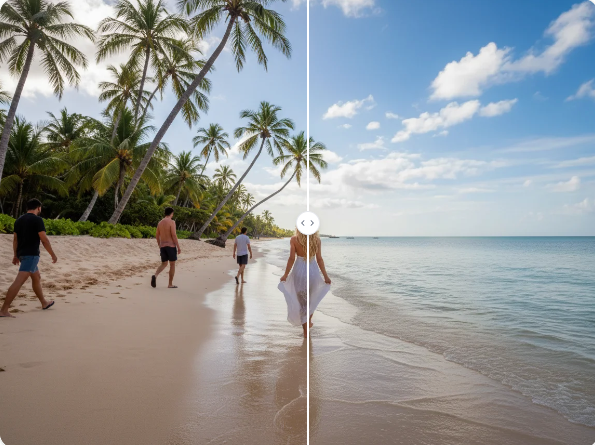
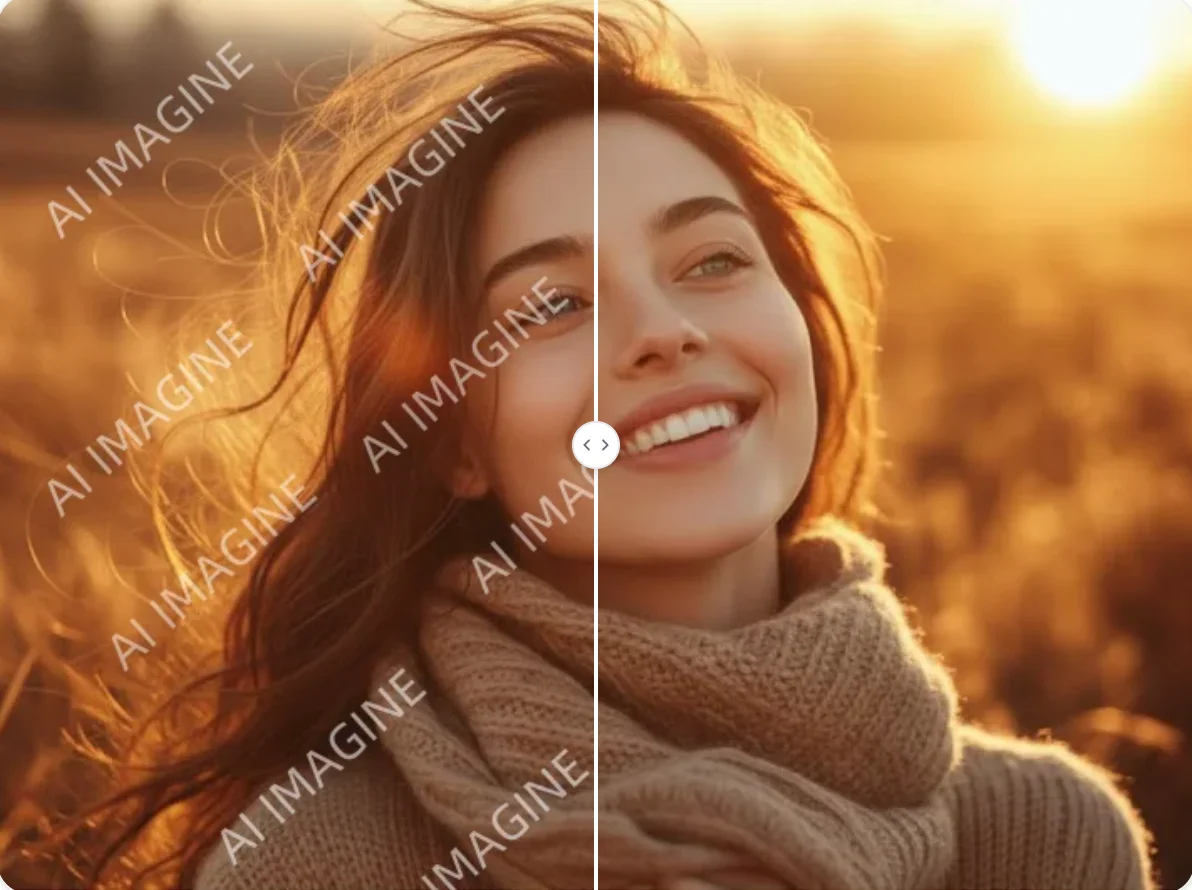

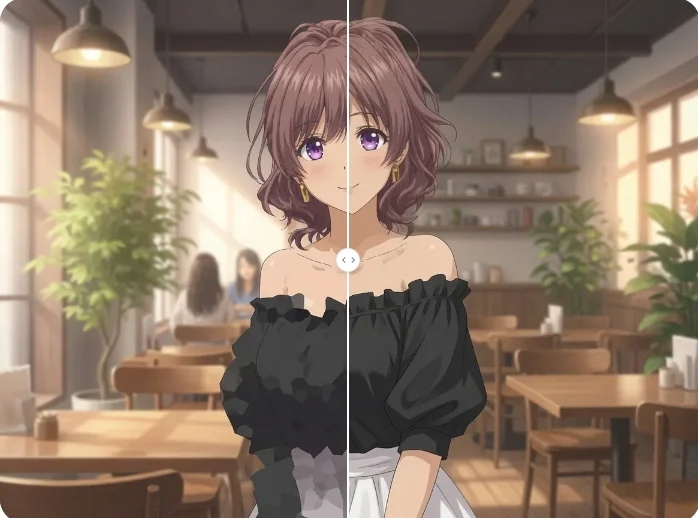
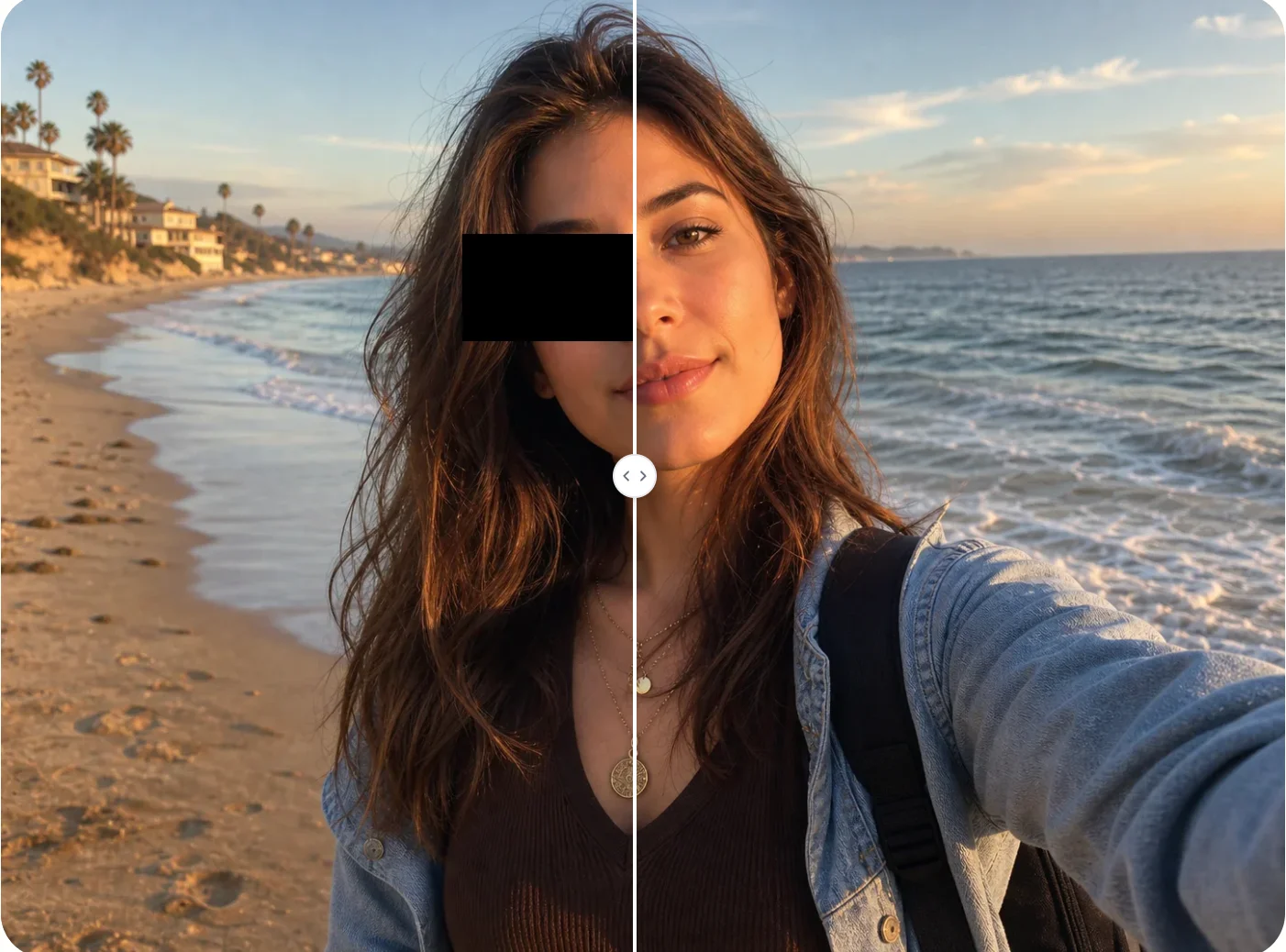
Upload your image and get a clean, watermark-free version instantly using AI Photo Editor.