Upload
Upload the image containing the text you want to remove to AI Photo Editor. For best results, ensure the text area is clearly visible.
 AI Photo Editor
Upload your image and let AI remove unwanted text instantly. Get clean, professional visuals in seconds.
Upload your image and let AI remove unwanted text instantly. Get clean, professional visuals in seconds.

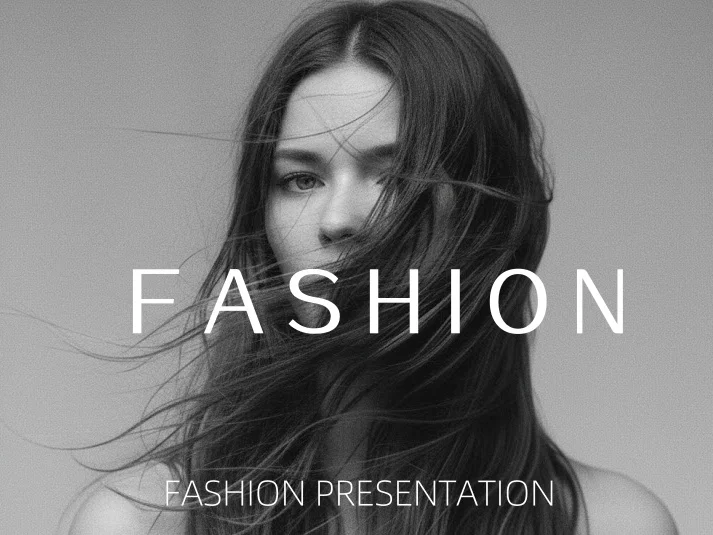
Upload the image containing the text you want to remove to AI Photo Editor. For best results, ensure the text area is clearly visible.
Click the Generate button. AI Photo Editor will detect and remove all text while restoring the background naturally.
Download your clean, text-free image in high resolution, ready for any project or platform.
AI Photo Editor's algorithms accurately identify various text styles, including handwritten notes, subtitles, and logos. It precisely removes only the unwanted elements without affecting the main subject of your photo.
Removing text is just the first step; AI Photo Editor intelligently fills the erased area by analyzing surrounding textures and colors. This ensures the final image looks natural and untouched, as if the text was never there.
Save hours of manual editing time in complex software. Whether for marketing materials or personal photos, AI Photo Editor allows you to clean up images quickly, helping you focus on creativity rather than tedious retouching.
Create visuals faster without design skills. Turn ideas into images, thumbnails, social posts, and creative assets in seconds.
Accelerate your creative workflow. Use AI Photo Editor to generate concepts, references, and visual directions, then refine them into production-ready designs.
Produce high-converting visuals on demand. Create ads, campaign visuals, and branded images quickly.
AI Photo Editor's Text Remover uses advanced AI to detect and erase unwanted text from images. It analyzes colors, textures, and patterns around the text, then reconstructs the background naturally for clean, professional results.
Yes. AI Photo Editor can detect handwritten notes, decorative fonts, and watermarks on complex backgrounds. The AI intelligently removes text while preserving visual quality and background details.
AI Text Remover supports common formats including JPG, PNG, and WebP. It works on screenshots, photos, scanned documents, and marketing visuals across various textures and patterns.
No. AI Photo Editor is designed to preserve the original quality of your image. The text removal process is precise, ensuring that surrounding elements remain sharp and the background looks natural.
No. The tool is fully automatic. Simply upload your image, and AI Photo Editor handles the entire text detection and removal process. No professional editing skills required.
AI Photo Editor is your go-to AI image toolkit for generating, editing, and enhancing photos and artwork.
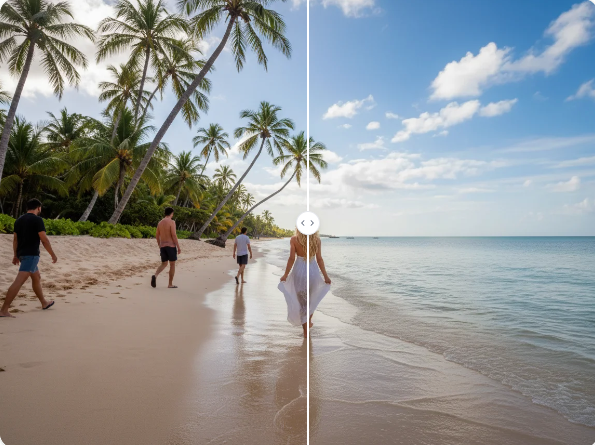
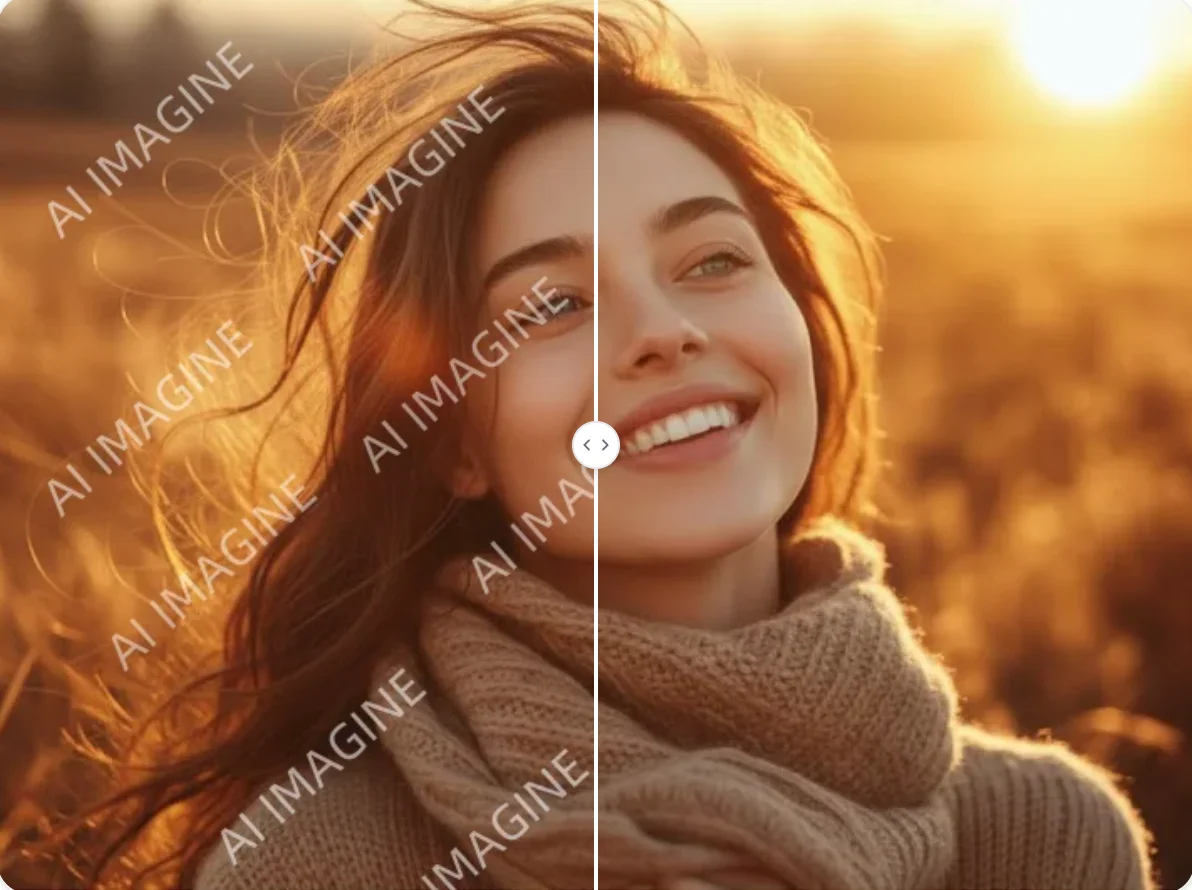
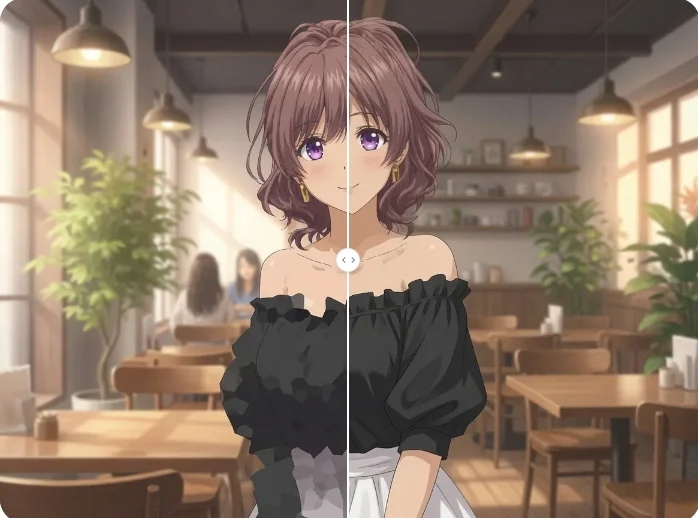
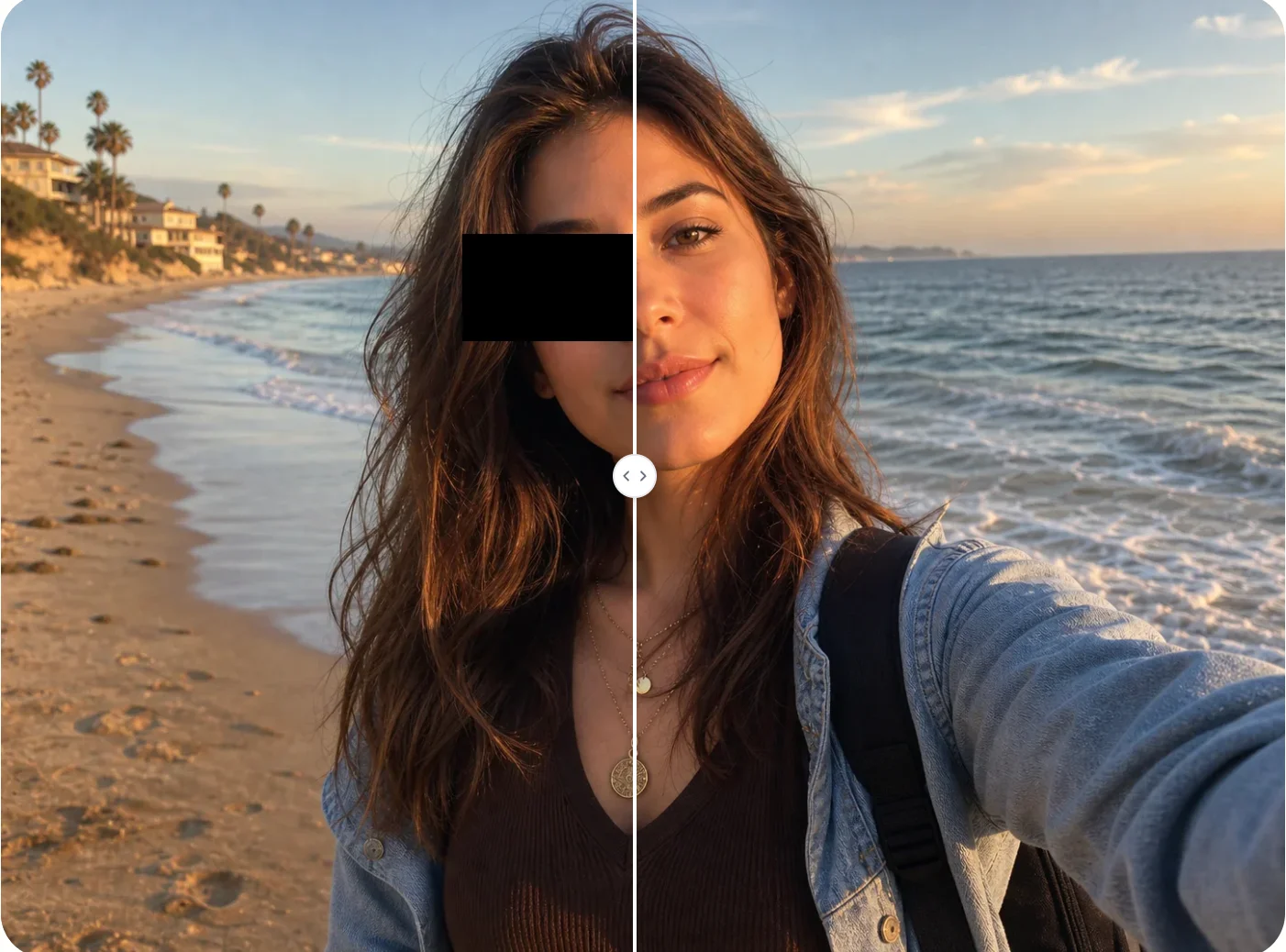
Upload your image and let AI Photo Editor effectively obtain a clean visual by erasing unwanted text instantly.