Upload
Choose a clear photo with an unwanted yellow, blue, red, pale, dull, or overly warm color cast.
 AI Photo Editor
Upload a portrait, product photo, landscape, or everyday image with uneven color. Adjust the editable prompt to correct white balance, exposure, contrast, saturation, and unwanted color casts while preserving the subject and original details.
Upload a portrait, product photo, landscape, or everyday image with uneven color. Adjust the editable prompt to correct white balance, exposure, contrast, saturation, and unwanted color casts while preserving the subject and original details.
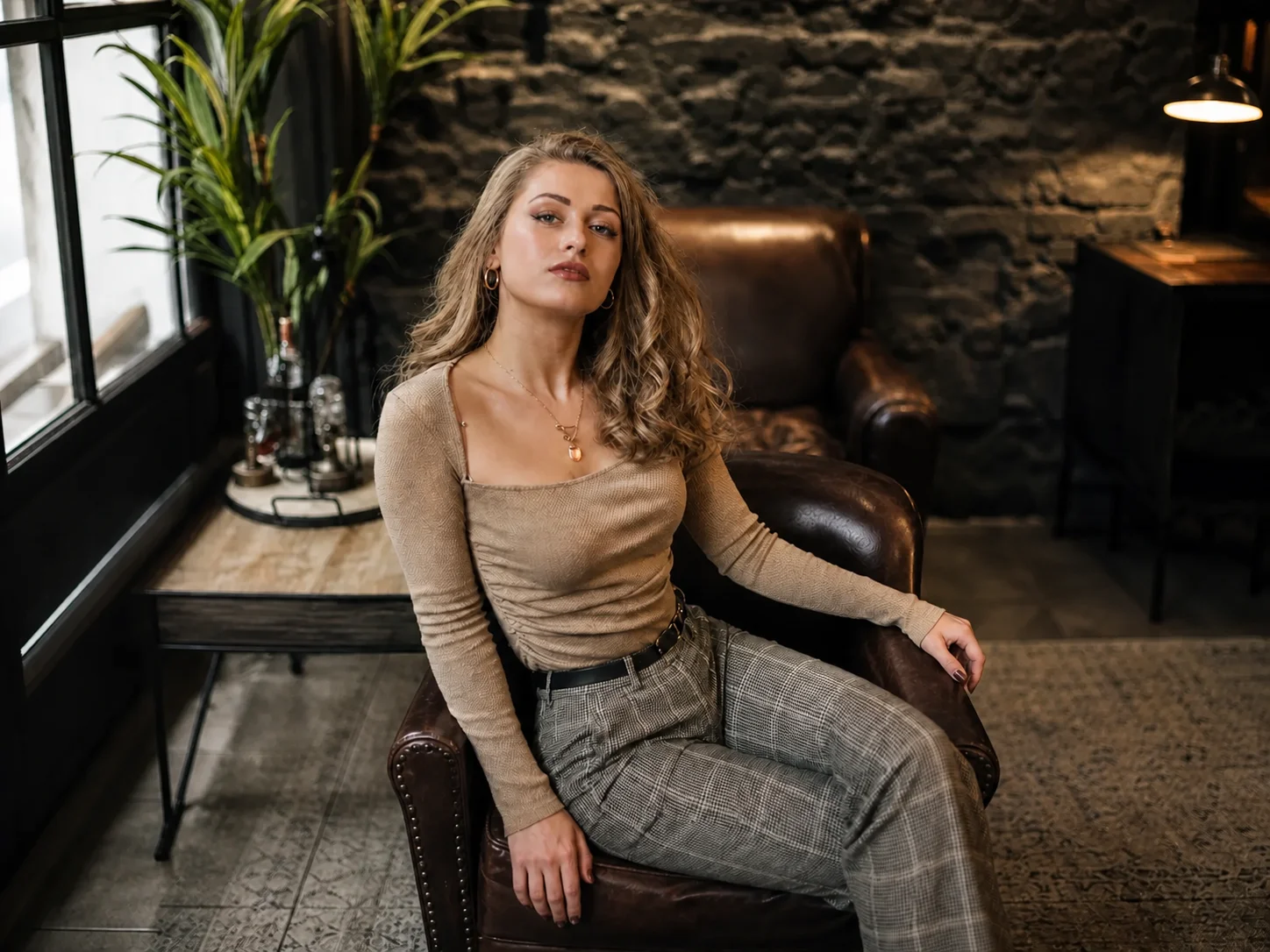
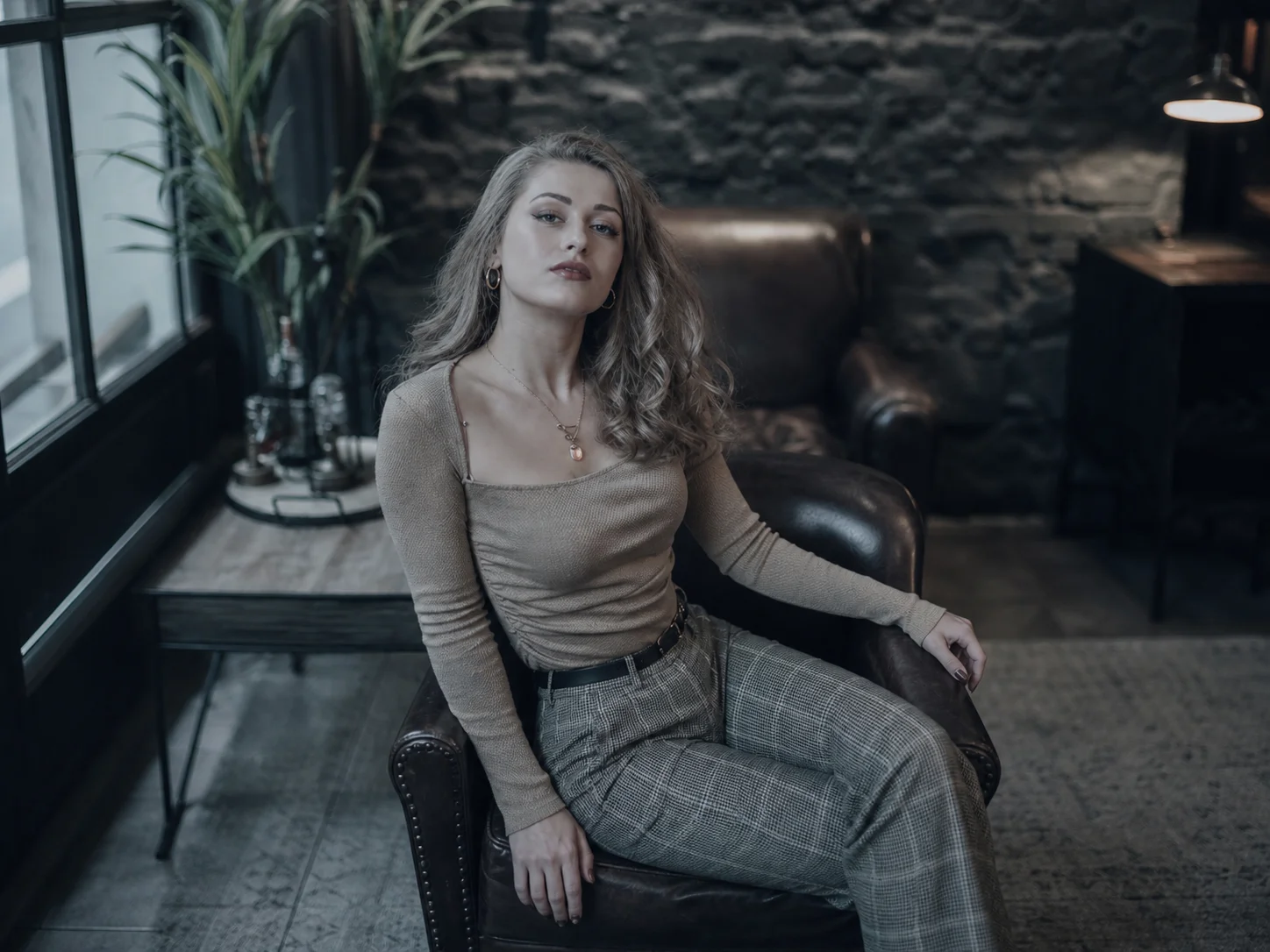
Choose a clear photo with an unwanted yellow, blue, red, pale, dull, or overly warm color cast.
Edit the prompt to describe the color issue and desired balance, then generate a corrected version with coordinated light and tones.
Compare the result with the original, check skin tones and important details, then download the corrected image.
Reduce yellow, blue, green, red, or overly warm casts so portraits, products, and scenes return to a cleaner and more believable color balance.
Correct exposure and tonal separation alongside color intensity, avoiding edits that fix one area while leaving the rest of the image visually disconnected.
Keep faces, hair, products, backgrounds, textures, and composition recognizable while improving the overall color relationship across the photo.
Restore natural color to portraits, travel photos, lifestyle images, and social content before publishing or further editing.
Establish cleaner white balance, tonal relationships, and color consistency before bringing images into a broader visual system.
Improve product photos, campaign visuals, and promotional assets so colors look consistent and subjects remain easy to evaluate.
Color correction adjusts white balance, exposure, contrast, saturation, and color casts so an image looks more balanced and natural while retaining its original content.
It can help with yellow or blue casts, overly warm phone photos, pale skin tones, dull product images, weak contrast, washed-out colors, and uneven lighting.
Yes. The prompt can request natural skin-tone correction while preserving the person's identity, facial structure, hair, clothing, pose, and surrounding background.
No. The intended edit focuses on light and color relationships rather than replacing subjects or rearranging the scene. Clear instructions help keep the original composition intact.
Compare the corrected image with the original and review skin tones, neutral whites, product colors, shadow detail, highlights, and background consistency.
AI Photo Editor is your go-to AI image toolkit for generating, editing, and enhancing photos and artwork.
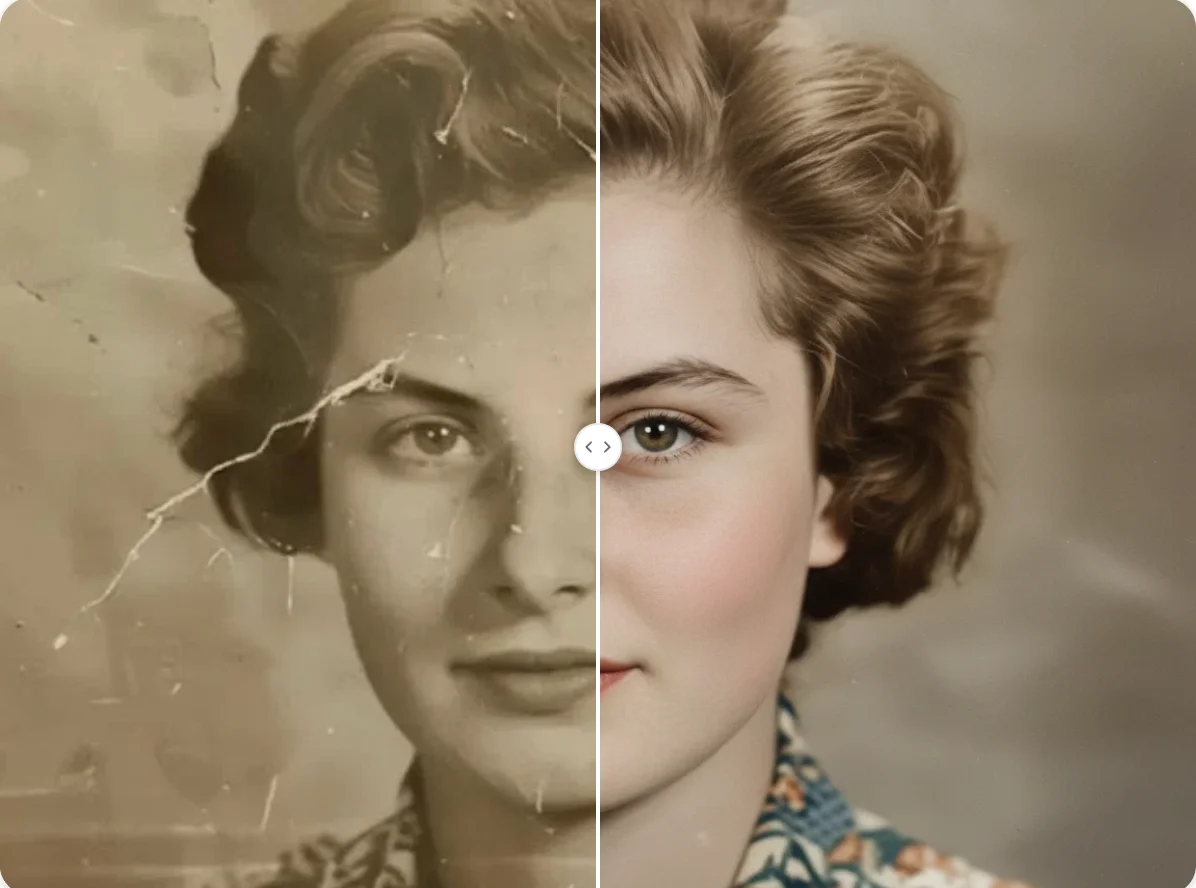
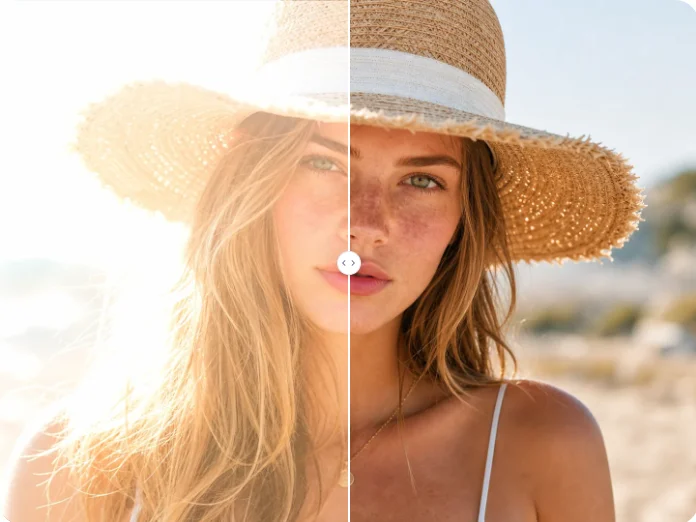
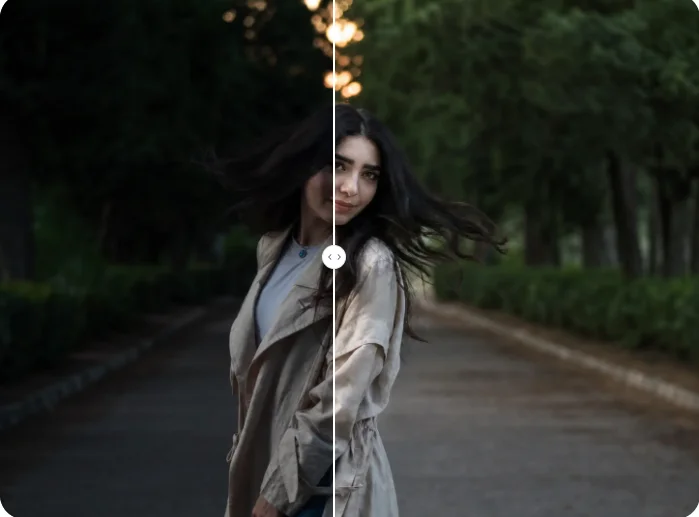
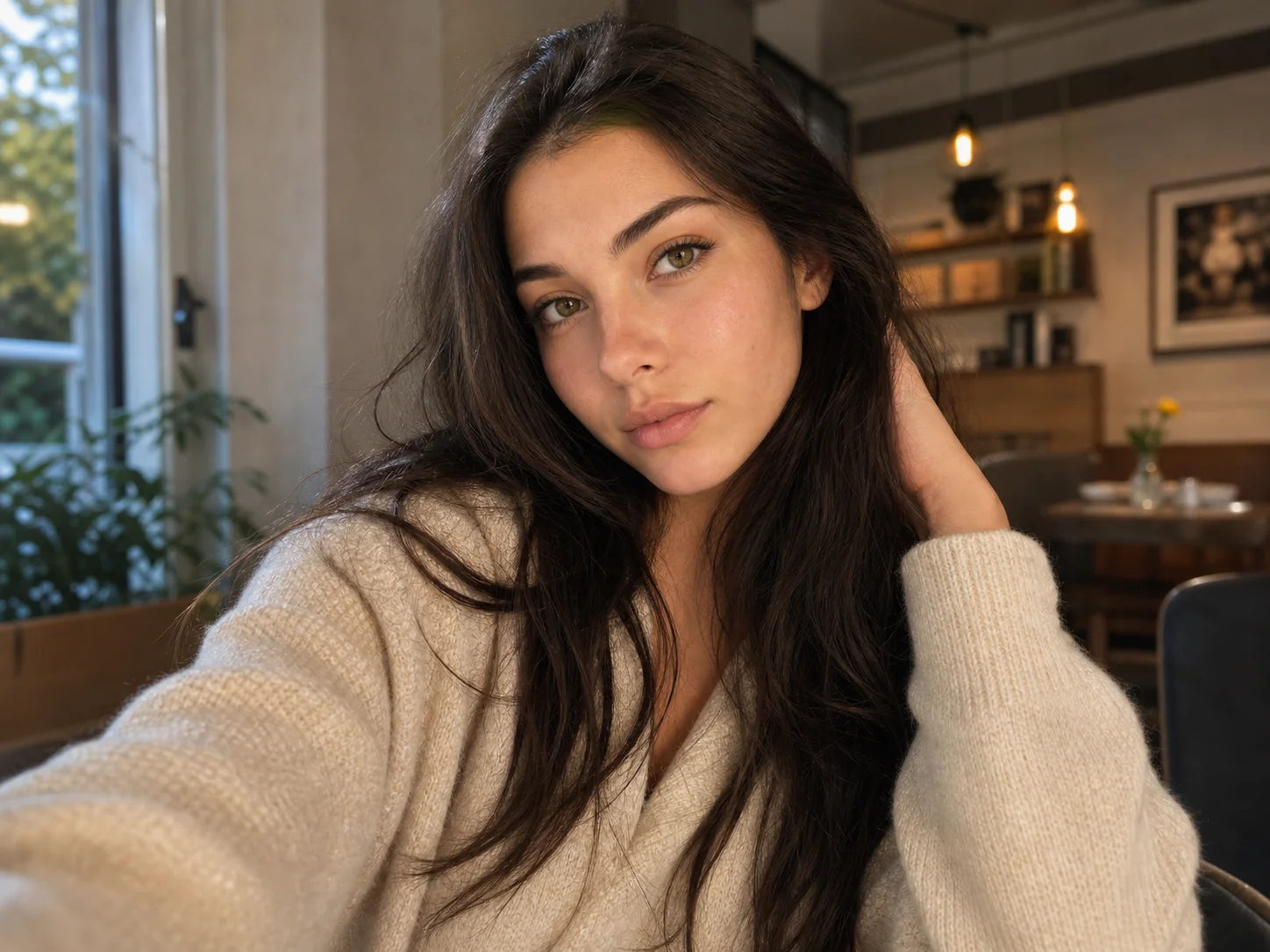
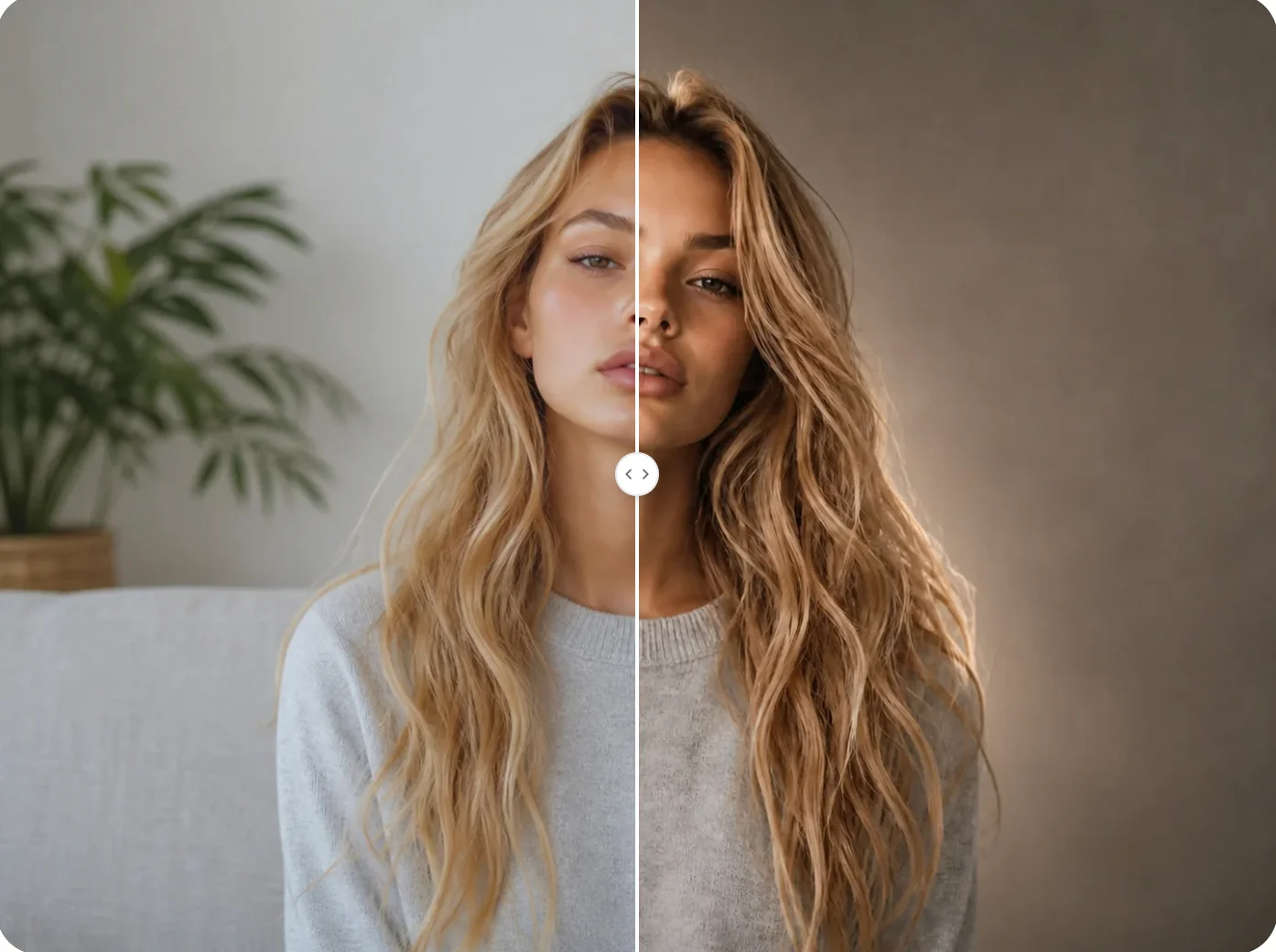
Upload a photo, refine the editable prompt, and balance white balance, exposure, contrast, and saturation while keeping the original subject and details recognizable.