Upload the image you want to improve
Choose a photo that looks blurry, pixelated, compressed, or low resolution. Clear source images usually produce more stable enhancement results.
 AI Photo Editor
 helps convert photos into HD by improving visible clarity and restoring image quality without requiring manual editing.
AI Photo Editor helps convert photos into HD by improving visible clarity and restoring image quality without requiring manual editing.
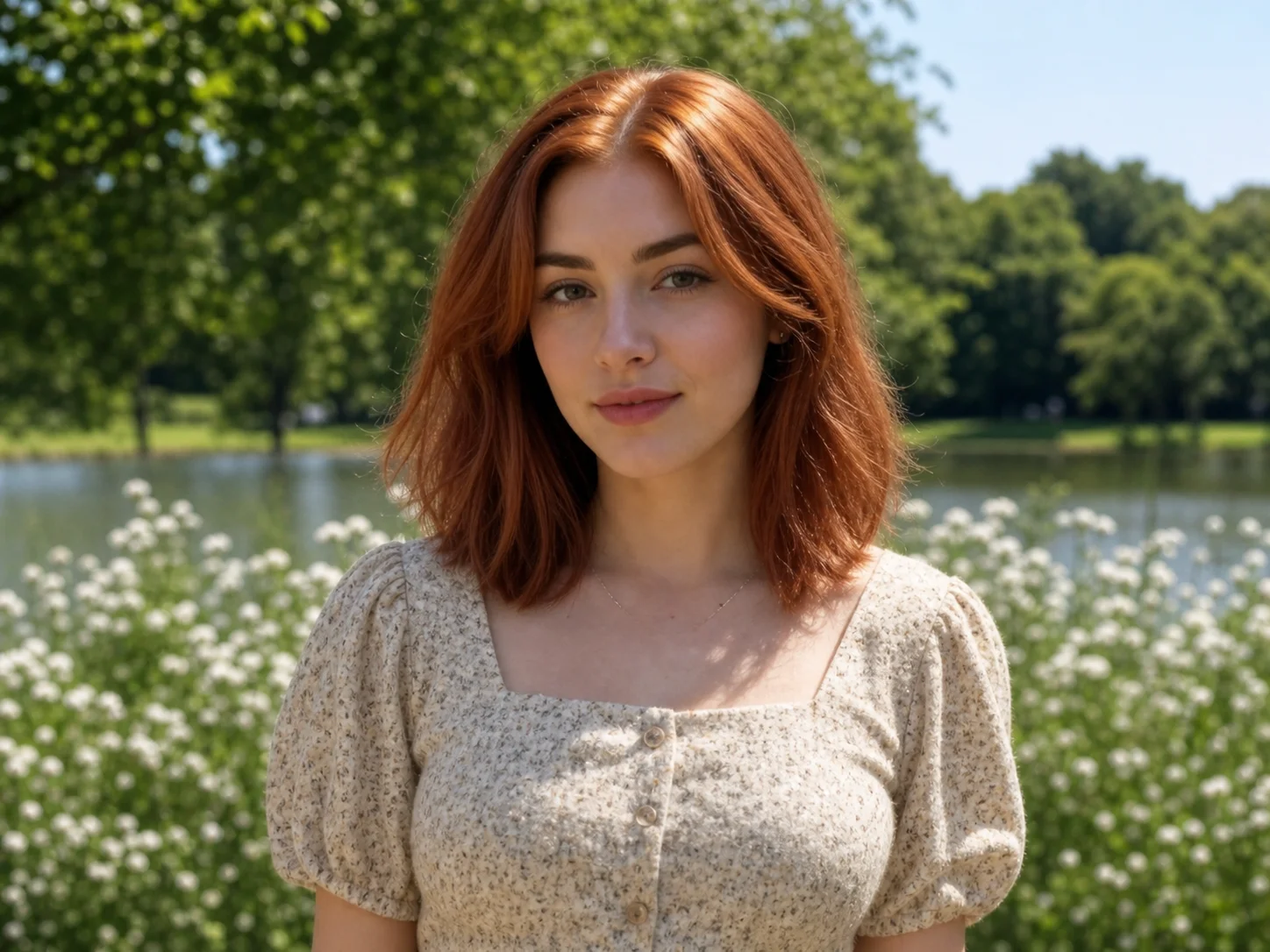
Choose a photo that looks blurry, pixelated, compressed, or low resolution. Clear source images usually produce more stable enhancement results.
Generate an HD version and compare the difference. The process focuses on improving visible details, sharpness, and image clarity.
Review the result before saving. Keeping both versions makes it easier to compare quality improvements side by side.
Many photos cannot be taken again. When the original file is missing, image enhancement becomes one of the few ways to improve visibility. Converting a photo into HD helps recover details that became harder to see after compression or resizing.
One common problem with photo enhancement is over-processing. Excessive sharpening can create unnatural skin texture, harsh edges, or visible artifacts. A useful HD photo converter improves detail without making the image look artificial. Research in image super-resolution also focuses on balancing sharpness and realism instead of maximizing detail alone.
Older photos were often created for smaller displays and lower resolutions. Converting a photo into HD helps adapt older images to current display standards. Higher-resolution displays increase the visibility of compression artifacts and missing details.
Create visuals faster without design skills. Turn ideas into images, thumbnails, social posts, and creative assets in seconds.
Accelerate your creative workflow. Use AI Photo Editor to generate concepts, references, and visual directions, then refine them into production-ready designs.
Produce high-converting visuals on demand. Create ads, campaign visuals, and branded images quickly.
An HD photo converter is a tool that improves the visual quality of an existing image. At AI Photo Editor, the HD Photo Converter helps make blurry, compressed, or low-resolution photos appear clearer by enhancing visible details and image sharpness.
After you upload an image, AI Photo Editor analyzes areas that have lost detail due to compression, resizing, or low resolution. The system then creates a higher-quality version with improved clarity while trying to keep the photo looking natural.
Yes. AI Photo Editor can improve many types of blurry or low-quality photos, including old pictures, social media downloads, and compressed images. The final result depends on the quality of the original file, but clearer source images usually produce better results.
No. AI Photo Editor keeps your original photo unchanged. The HD version is generated as a separate file, allowing you to compare both versions before downloading.
AI Photo Editor is your go-to AI image toolkit for generating, editing, and enhancing photos and artwork.
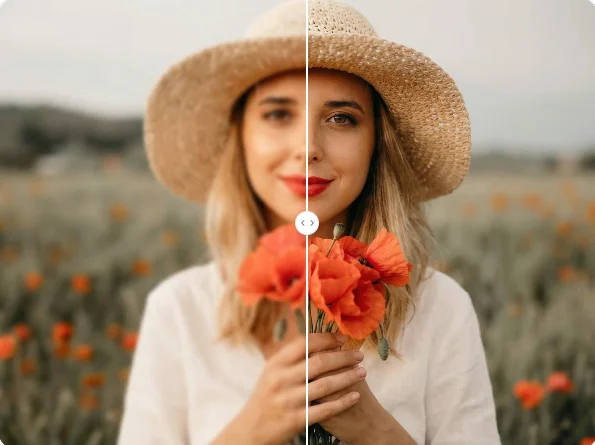
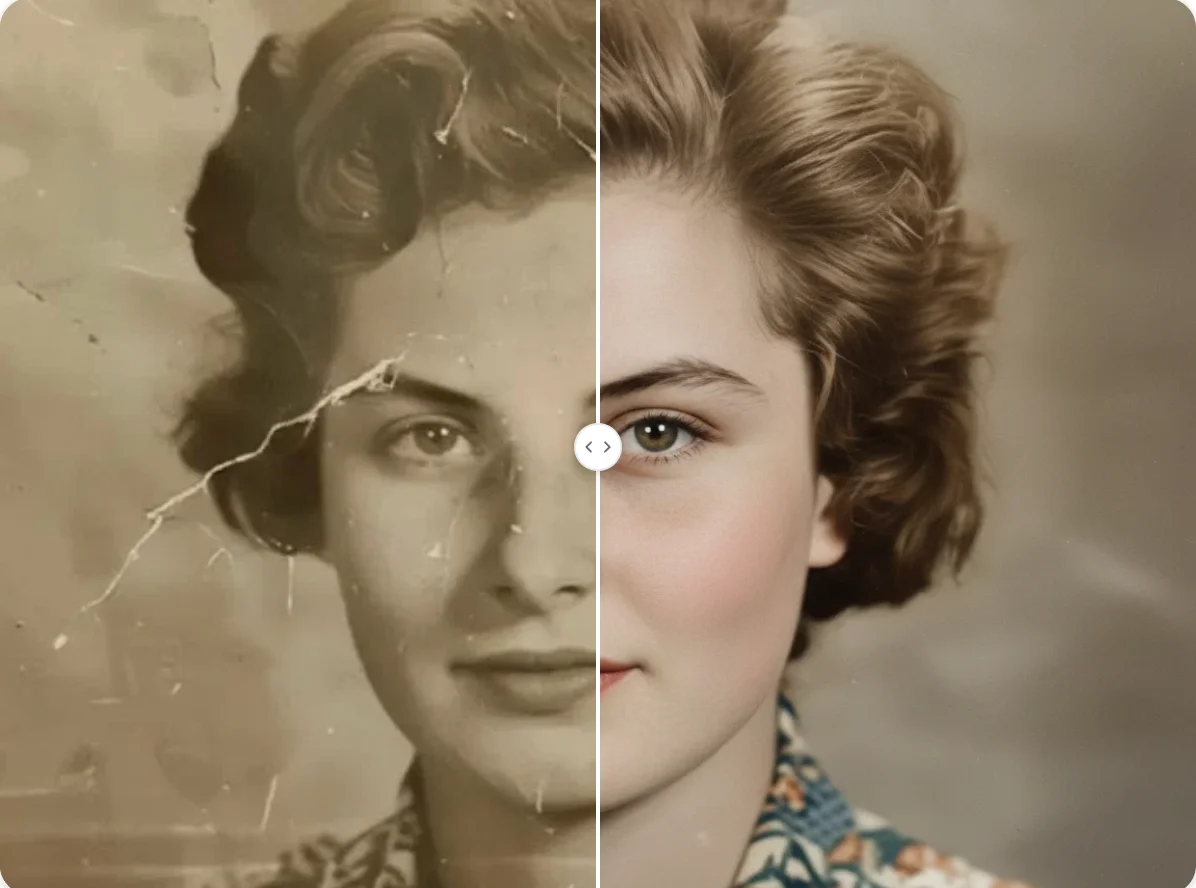
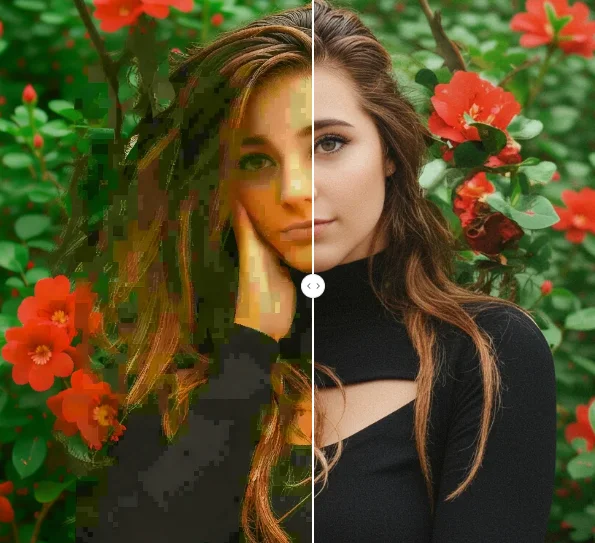
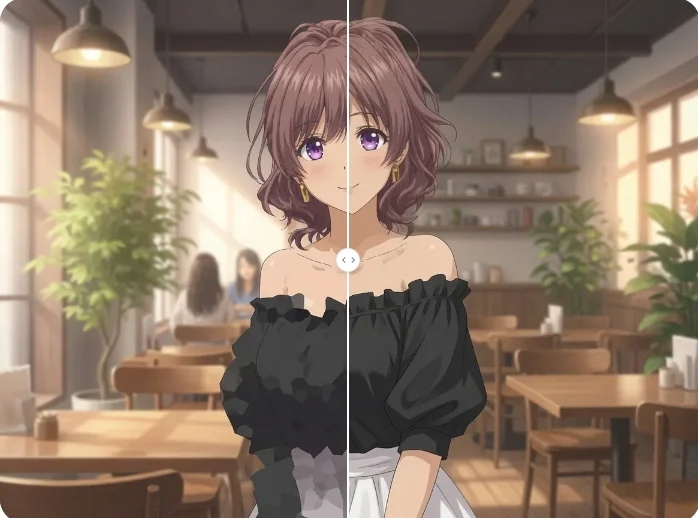
Convert photo into HD and improve image clarity online. Enhance blurry, low-resolution, or compressed pictures while keeping natural details visible.