Upload
Upload a dark or underexposed photo. For best results, ensure the image file is clear despite the low lighting conditions.
 AI Photo Editor
Upload your dark or underexposed photo and let AI brighten it instantly. Reveal hidden details and restore natural colors in seconds.
Upload your dark or underexposed photo and let AI brighten it instantly. Reveal hidden details and restore natural colors in seconds.
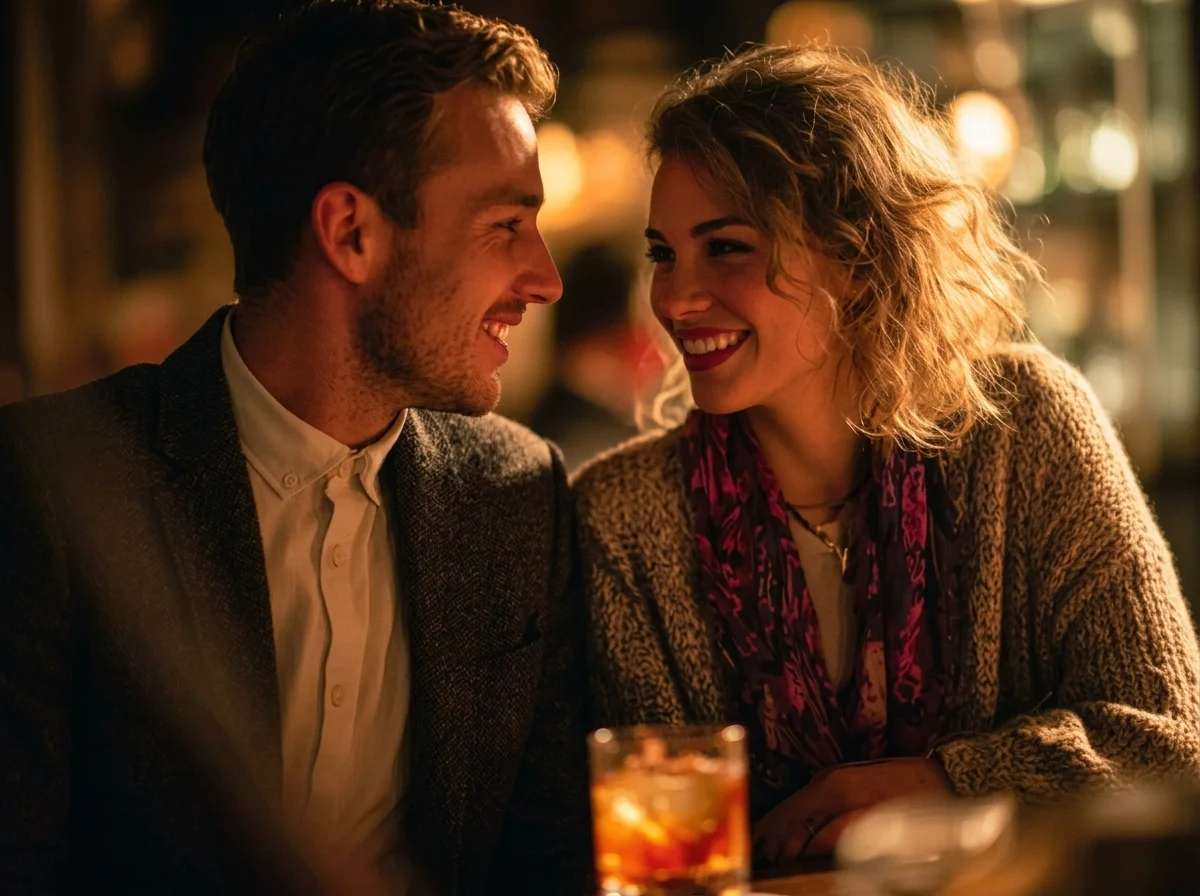
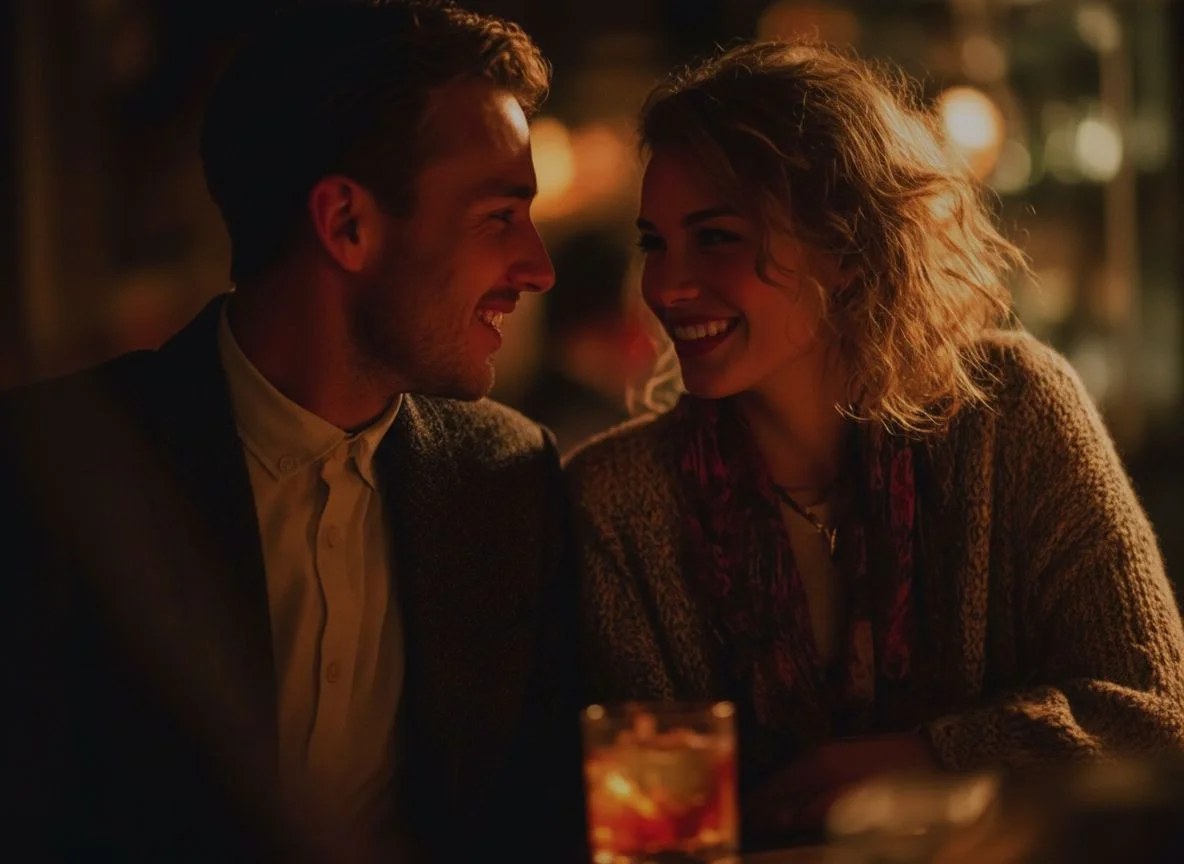
Upload a dark or underexposed photo. For best results, ensure the image file is clear despite the low lighting conditions.
Click the Generate button. AI Photo Editor will analyze the lighting and automatically brighten your image in seconds.
Download your high-quality, brightened image, ready to share on social media or print.
Traditional editing requires manual adjustments of exposure, contrast, and highlights. AI Photo Editor's image brightener uses advanced AI to instantly balance light and shadows, fixing dark photos without washing out colors or overexposing bright areas.
When you brighten an image manually, shadows often become noisy or grainy. AI Photo Editor not only increases brightness but also reduces noise and enhances textures, ensuring your photos look crisp, natural, and highly detailed.
With AI Photo Editor, you can brighten photos directly from your browser on any device. No software downloads needed — just upload your dark photo and get a vibrant, well-lit result in seconds.
Create visuals faster without design skills. Turn ideas into images, thumbnails, social posts, and creative assets in seconds.
Accelerate your creative workflow. Use AI Photo Editor to generate concepts, references, and visual directions, then refine them into production-ready designs.
Produce high-converting visuals on demand. Create ads, campaign visuals, and branded images quickly.
It is an AI-powered online tool designed to automatically adjust exposure and brighten dark or low-light images. It intelligently balances light and shadow to restore visibility and natural colors in your photos.
The AI scans your photo to identify underexposed areas, dark shadows, and highlights. AI Photo Editor then applies calculated adjustments to brighten the image naturally, ensuring colors remain vibrant and realistic without losing quality.
No. The tool is fully automatic. You don't need to understand curves, levels, or any complex settings. Simply upload your photo to AI Photo Editor and the AI brightens it with one click.
Not at all. AI Photo Editor enhances brightness while maintaining high resolution and sharpness. The technology ensures the result is vibrant and realistic without losing clarity.
Any dark or underexposed photo — portraits, landscapes, product shots, indoor photos, or night photography. AI Photo Editor works with all common image formats including JPG, PNG, and WebP.
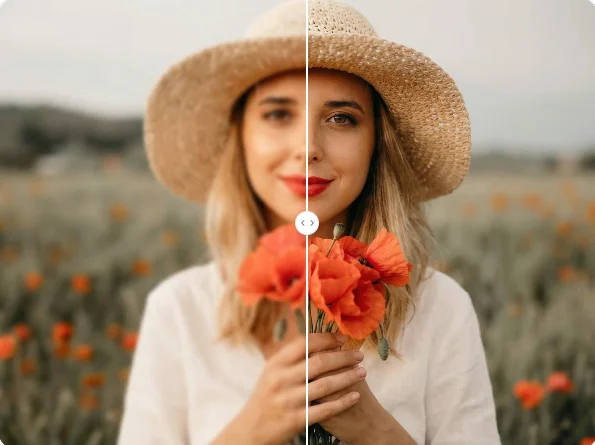
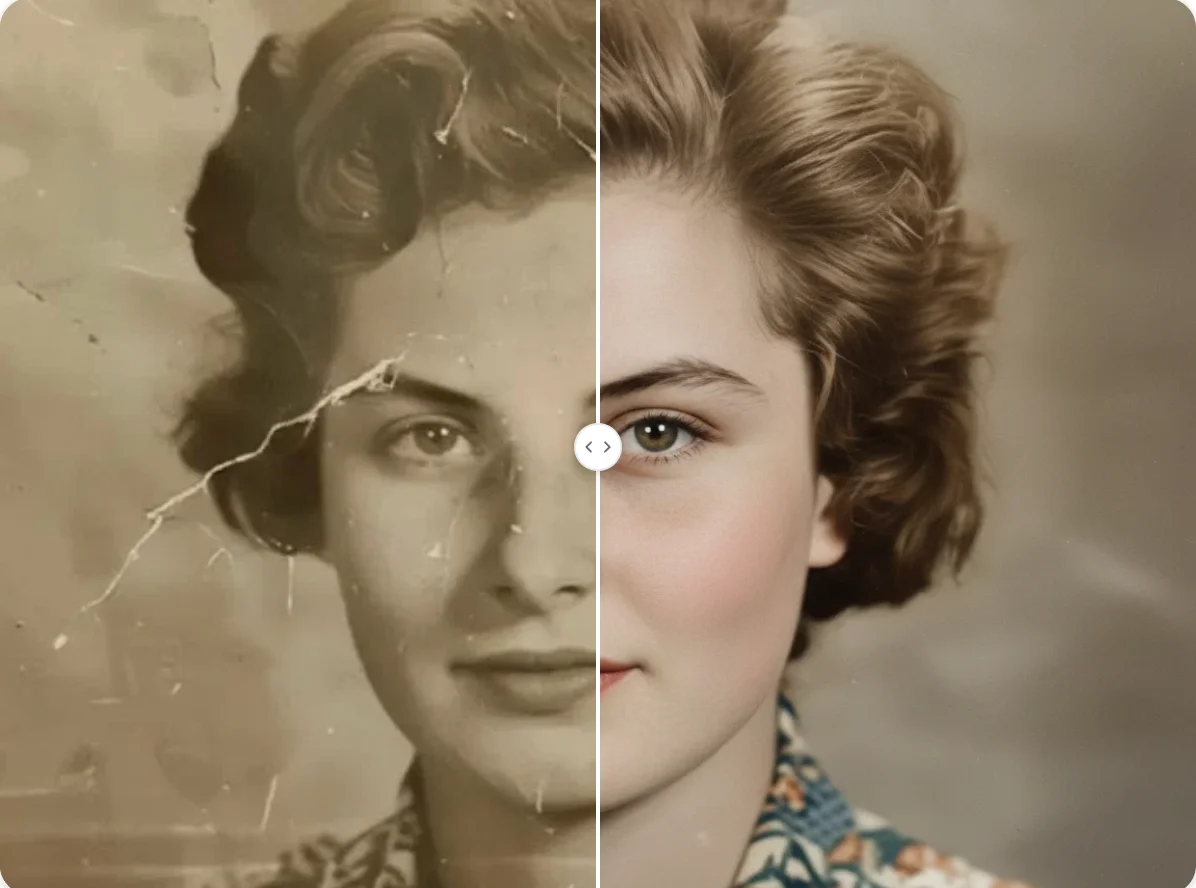
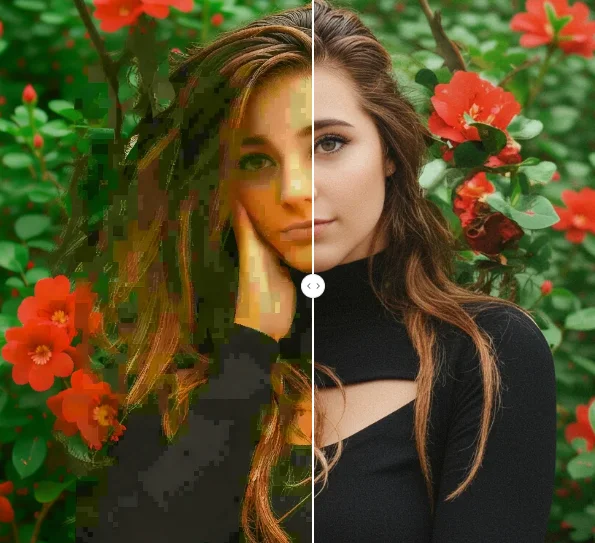
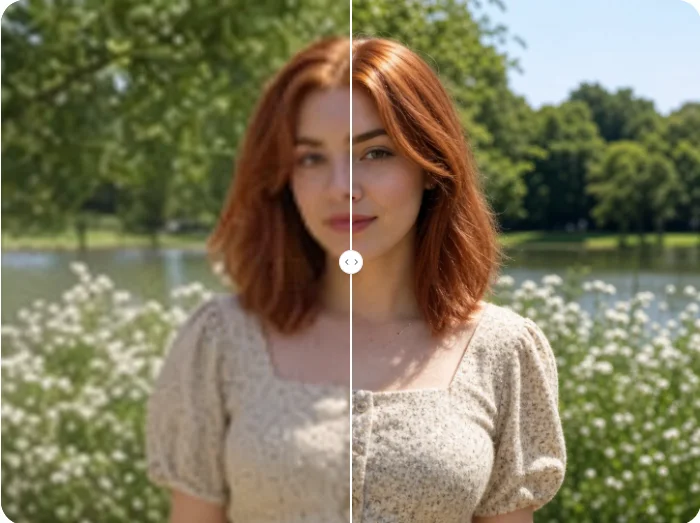
Don't let poor lighting ruin your memories. Use AI Photo Editor to instantly brighten dark photos and reveal every detail with one click.