Upload
Log in and upload the photo containing the mosaic or pixelated area. AI Photo Editor supports common formats like JPG and PNG for high-quality reconstruction.
 AI Photo Editor
Upload your pixelated or mosaic-covered photo and let AI remove the mosaic instantly. Restore hidden details and get a clear image in seconds.
Upload your pixelated or mosaic-covered photo and let AI remove the mosaic instantly. Restore hidden details and get a clear image in seconds.
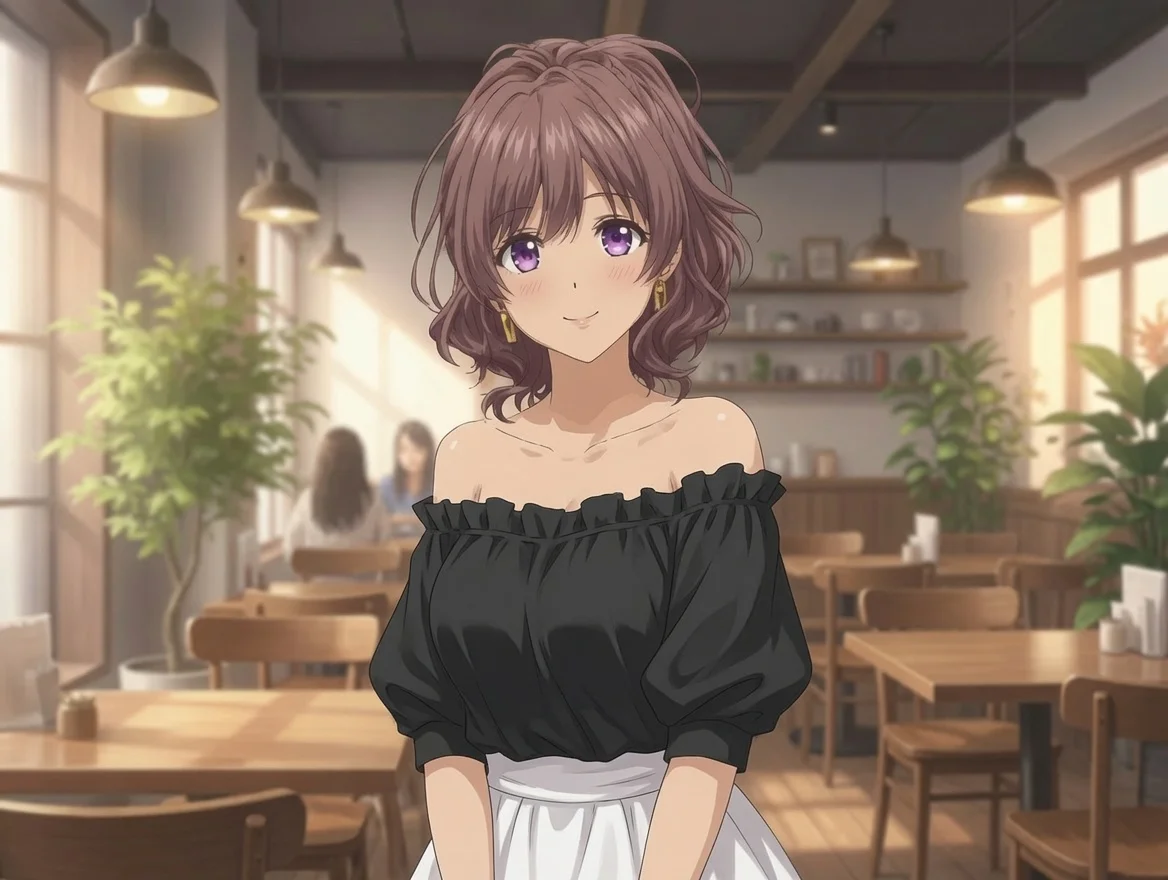
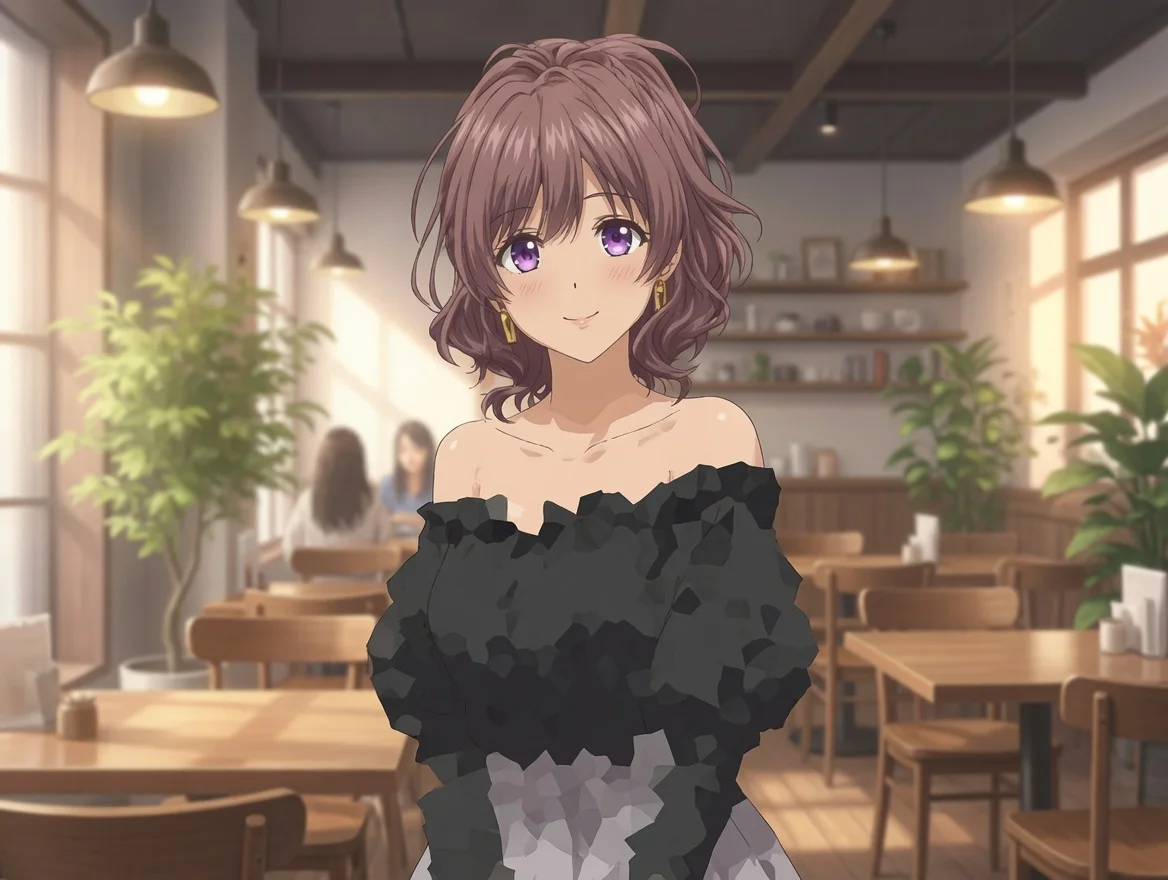
Log in and upload the photo containing the mosaic or pixelated area. AI Photo Editor supports common formats like JPG and PNG for high-quality reconstruction.
Click the "Remove Mosaic" button. The AI Photo Editor algorithm will analyze surrounding pixels and reconstruct hidden details automatically in seconds.
Preview the restored, un-pixelated image and download your high-definition result, ready for any platform or professional use.
AI Mosaic Remover uses deep learning models specifically trained to reconstruct the missing visual information behind mosaics. Unlike simple blur tools, AI Photo Editor intelligently rebuilds textures, edges, and patterns for realistic, natural-looking results.
AI Photo Editor handles various mosaic effects including square pixelation, circular blur, text mosaic, face mosaic, and object mosaic. Whether the mosaic is heavy or light, the AI adapts its restoration approach for optimal clarity.
With AI Photo Editor, you can remove mosaic from photos directly in your browser on any device. No software downloads needed — just upload, generate, and download your restored photo whenever you want.
Create visuals faster without design skills. Turn ideas into images, thumbnails, social posts, and creative assets in seconds.
Accelerate your creative workflow. Use AI Photo Editor to generate concepts, references, and visual directions, then refine them into production-ready designs.
Produce high-converting visuals on demand. Create ads, campaign visuals, and branded images quickly.
AI Mosaic Remover is an AI-powered tool that uses advanced neural networks to identify and remove mosaic or pixelated layers from photos, restoring the clarity and details hidden underneath.
The AI analyzes the patterns of the pixels surrounding the mosaic and uses trained models to reconstruct what the hidden area should look like. AI Photo Editor makes this entire process fully automatic with just one click.
No. Simply upload your image to AI Photo Editor, and the AI handles the entire mosaic removal process automatically. No professional skills or software required.
AI Mosaic Remover works well on common pixelation, square mosaics, circular blur, and light mosaic effects. The restoration quality depends on the complexity and density of the mosaic layer — lighter mosaics generally produce better results.
While it provides highly satisfying visual results in most cases, the success rate depends on the depth and complexity of the mosaic. It is designed to make images look as natural and clear as possible.
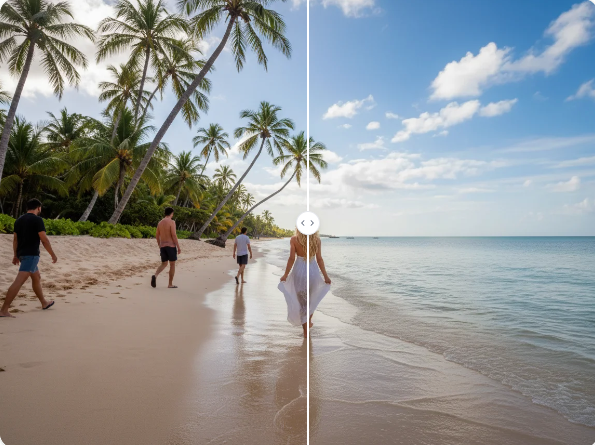
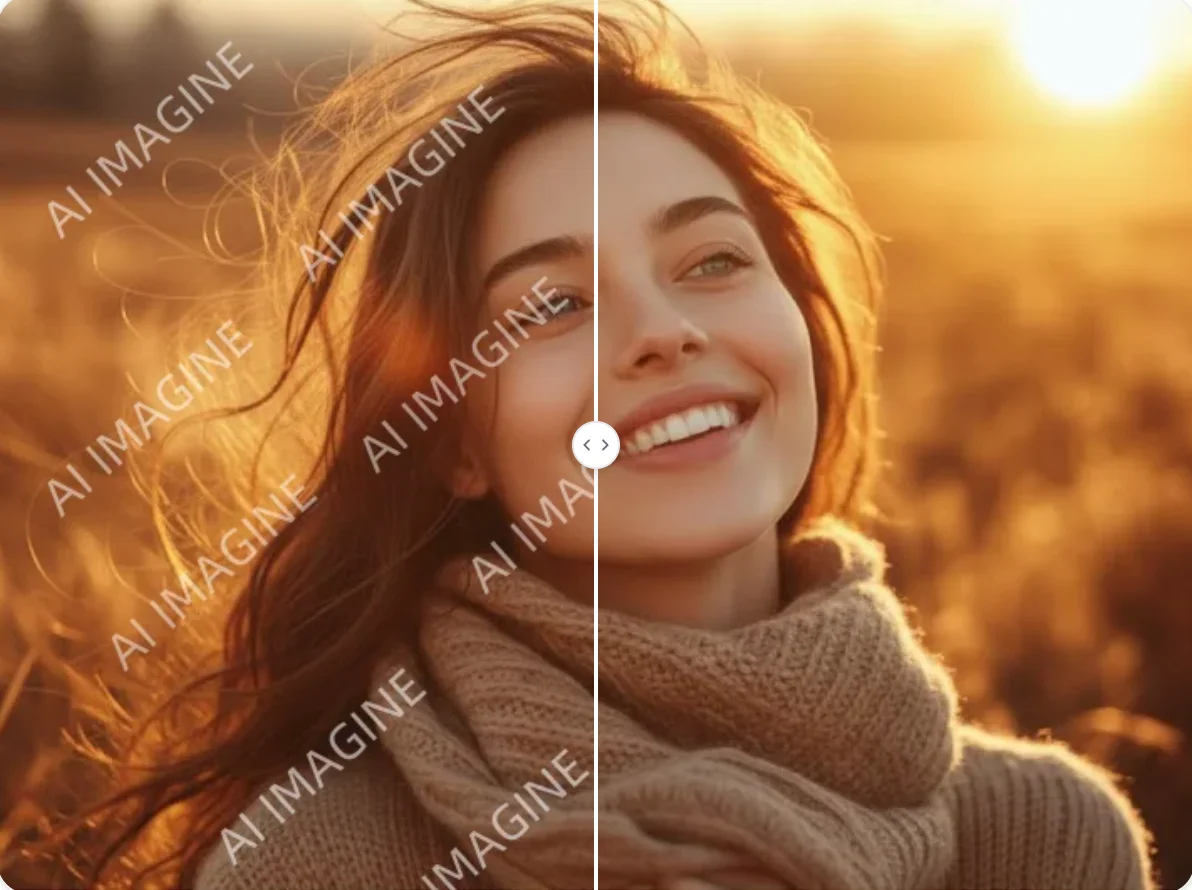
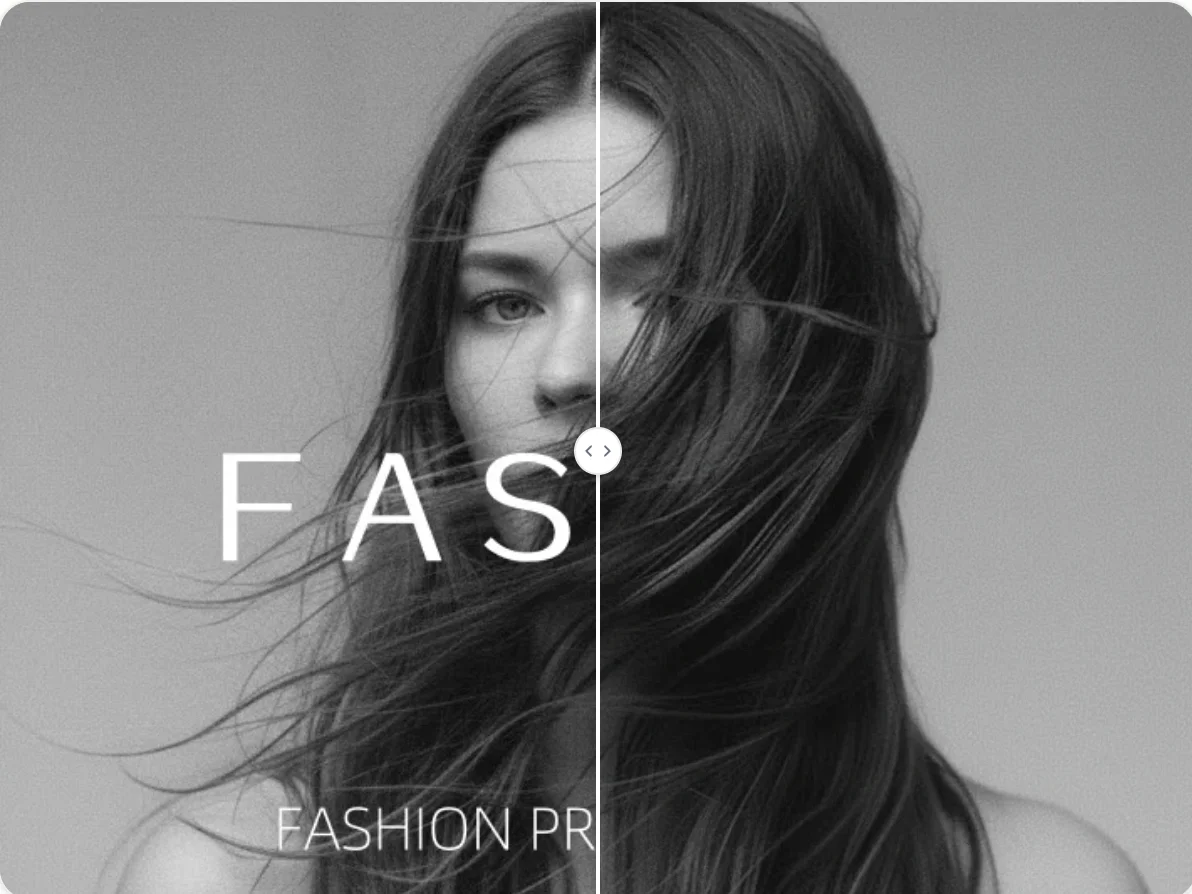
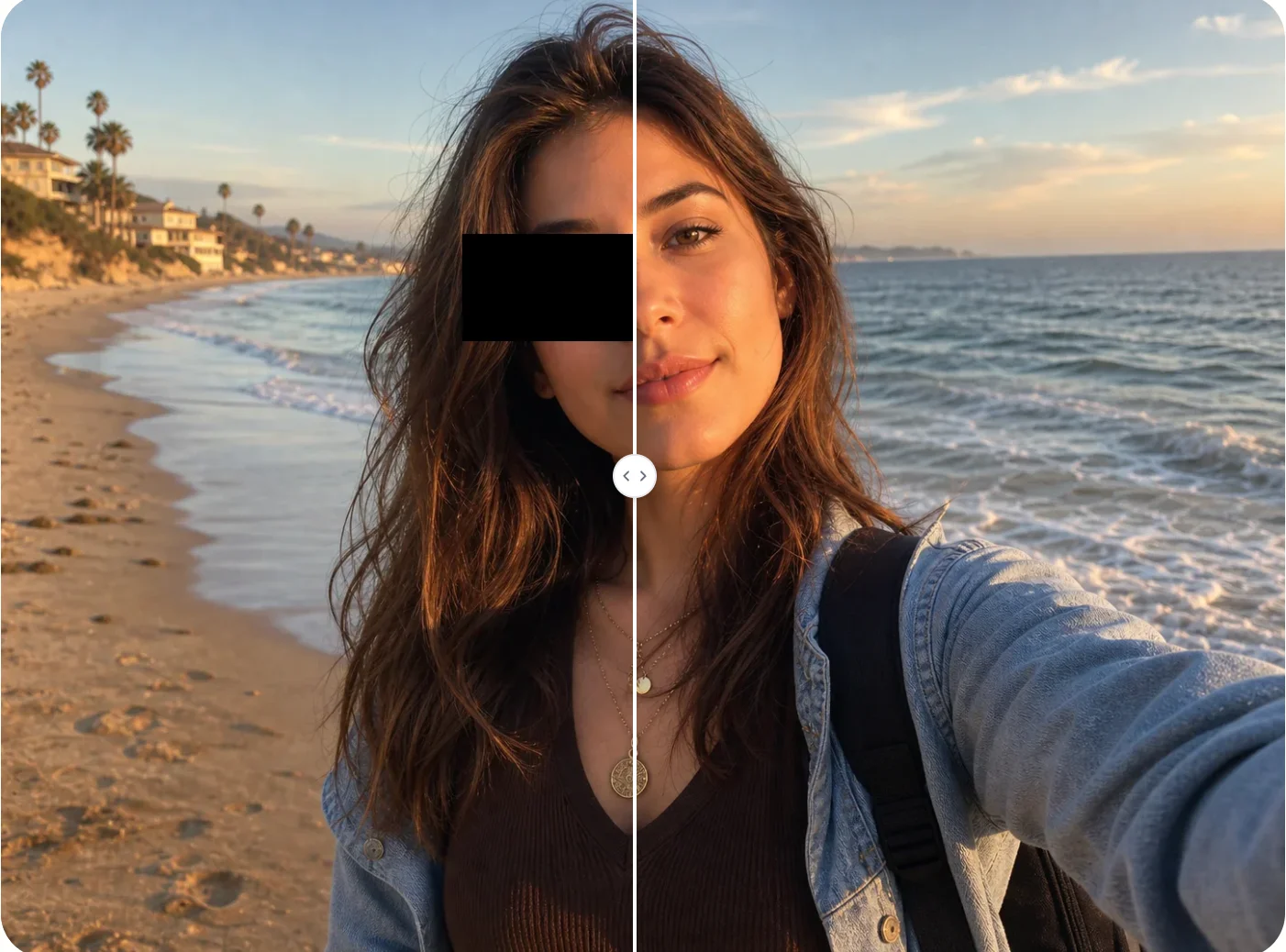
Stop letting pixelation hide the details you need. Restore your images to their original clarity instantly with AI Photo Editor's powerful AI.