Upload a photo to zoom in
Add any photo, screenshot, or illustration. AI Photo Editor supports common formats like JPG and PNG, so no extra preparation is needed.
 AI Photo Editor
Need to see details in a photo without making it blurry? Image Zoomer enlarges images while keeping them clear enough for inspection and editing.
Need to see details in a photo without making it blurry? Image Zoomer enlarges images while keeping them clear enough for inspection and editing.


Add any photo, screenshot, or illustration. AI Photo Editor supports common formats like JPG and PNG, so no extra preparation is needed.
Move the zoom slider or use mouse gestures to enlarge parts of the image. You can inspect edges, text, or other fine details.
Once you find the view you need, take a screenshot or export the image for further use in projects, presentations, or social media.
Enlarging images can make them blurry. Image Zoomer preserves the main details so you can clearly see faces, text, or intricate parts.
Designers often need to inspect background images. Zooming in lets you check textures, colors, and alignment without switching programs.
Close-up views help identify flaws or areas that need adjustment. Users can make informed edits on photos, graphics, or screenshots.
Create visuals faster without design skills. Turn ideas into images, thumbnails, social posts, and creative assets in seconds.
Accelerate your creative workflow. Use AI Photo Editor to generate concepts, references, and visual directions, then refine them into production-ready designs.
Produce high-converting visuals on demand. Create ads, campaign visuals, and branded images quickly.
An image zoomer enlarges photos so users can see small details clearly without degrading quality.
Upload a photo, adjust the zoom level using the slider or mouse gestures, and inspect the details you need.
Yes, background images, textures, and layered graphics can all be zoomed to check colors, patterns, and alignment.
Zooming slightly enlarges pixels, but Image Zoomer preserves main details and avoids making the photo overly blurry.
Yes. Image Zoomer runs entirely in the browser, so it works on phones, tablets, laptops, and Chromebooks without installation.
AI Photo Editor is your go-to AI image toolkit for generating, editing, and enhancing photos and artwork.
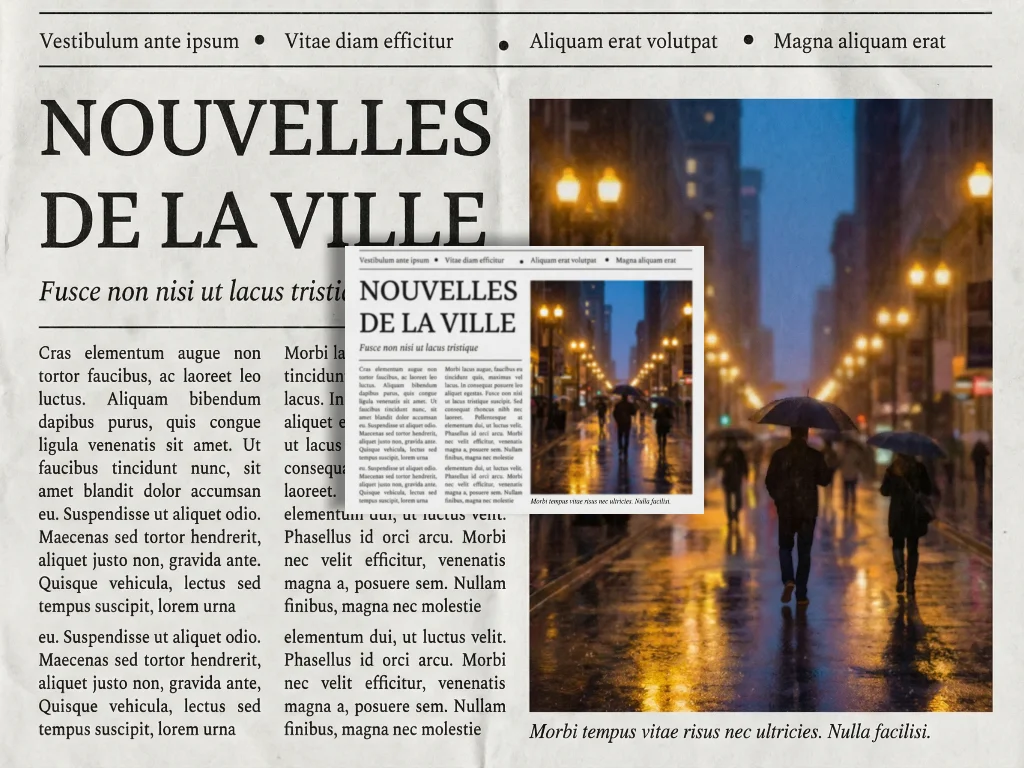
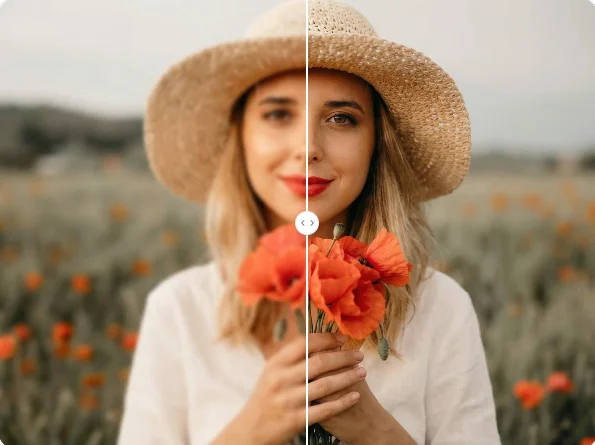
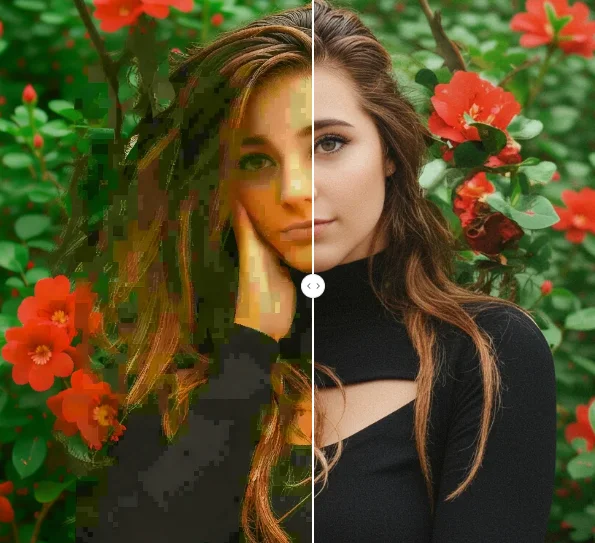
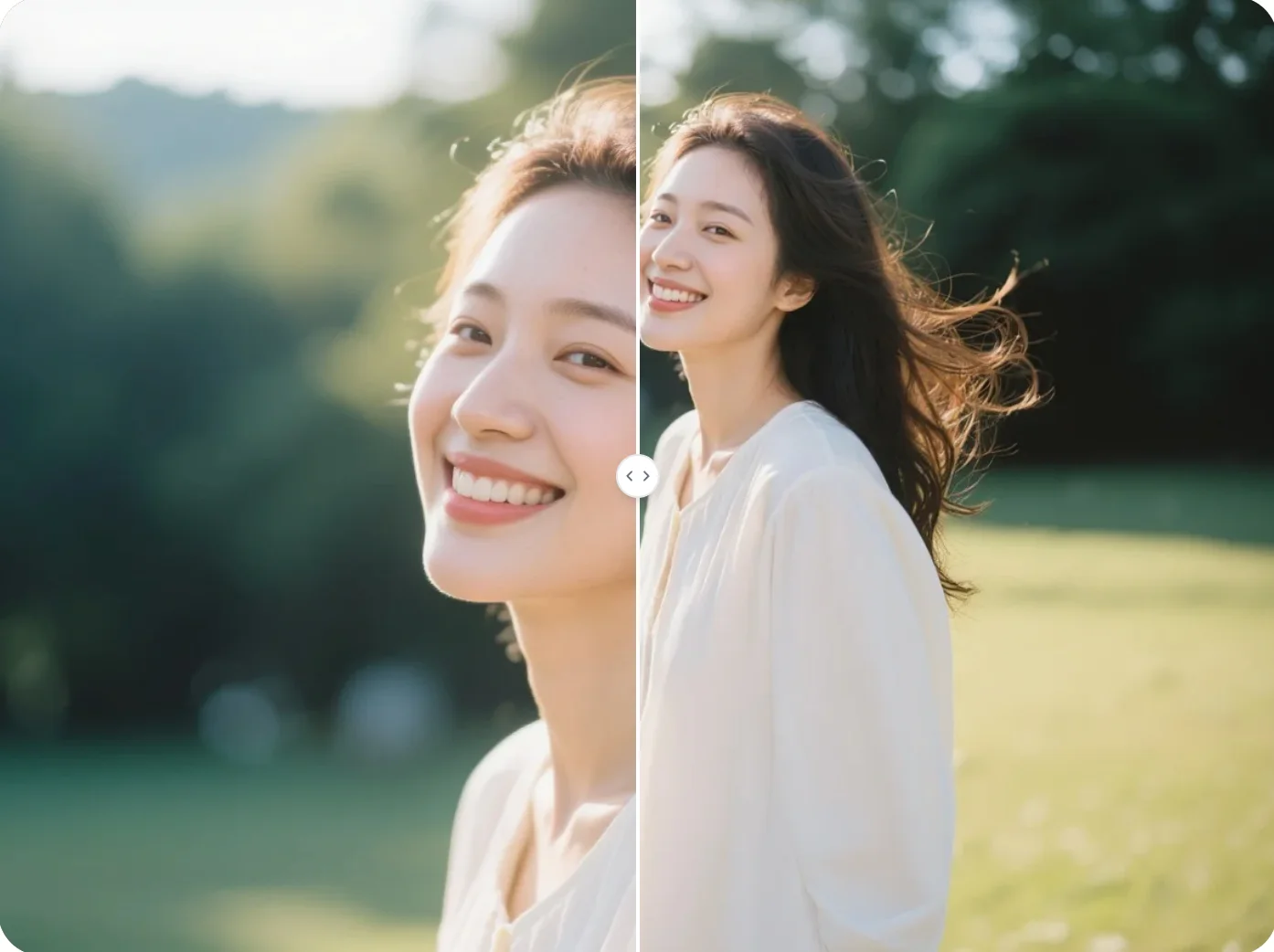
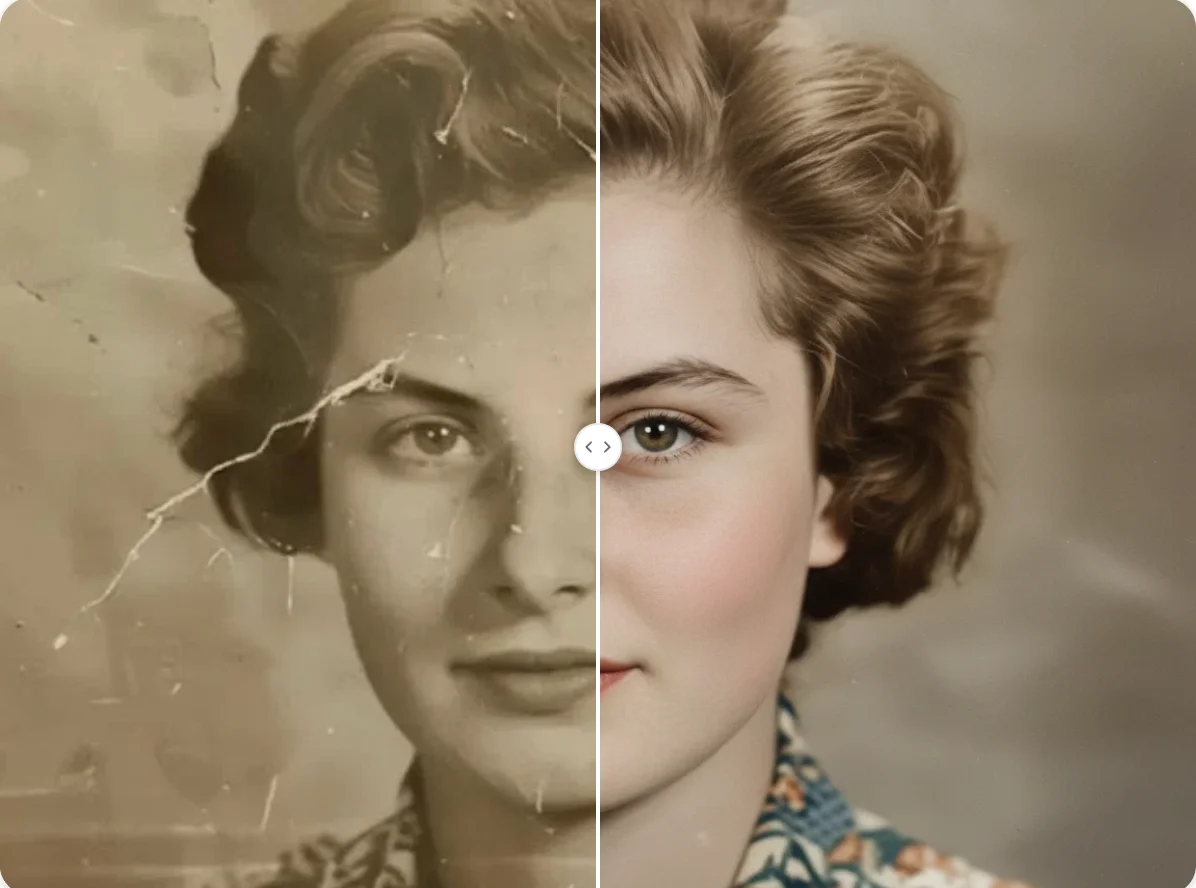
Image Zoomer lets you enlarge images, inspect details, and zoom background images directly in your browser.