Upload the image you want to darken
Select a photo that appears too bright, overexposed, or lacking contrast. The tool works with portraits, product photos, travel pictures, and digital artwork.
 AI Photo Editor
One of the most common editing problems is the opposite. Highlights can look washed out, skies can lose detail, and faces can appear overly bright after shooting in strong sunlight.
One of the most common editing problems is the opposite. Highlights can look washed out, skies can lose detail, and faces can appear overly bright after shooting in strong sunlight.
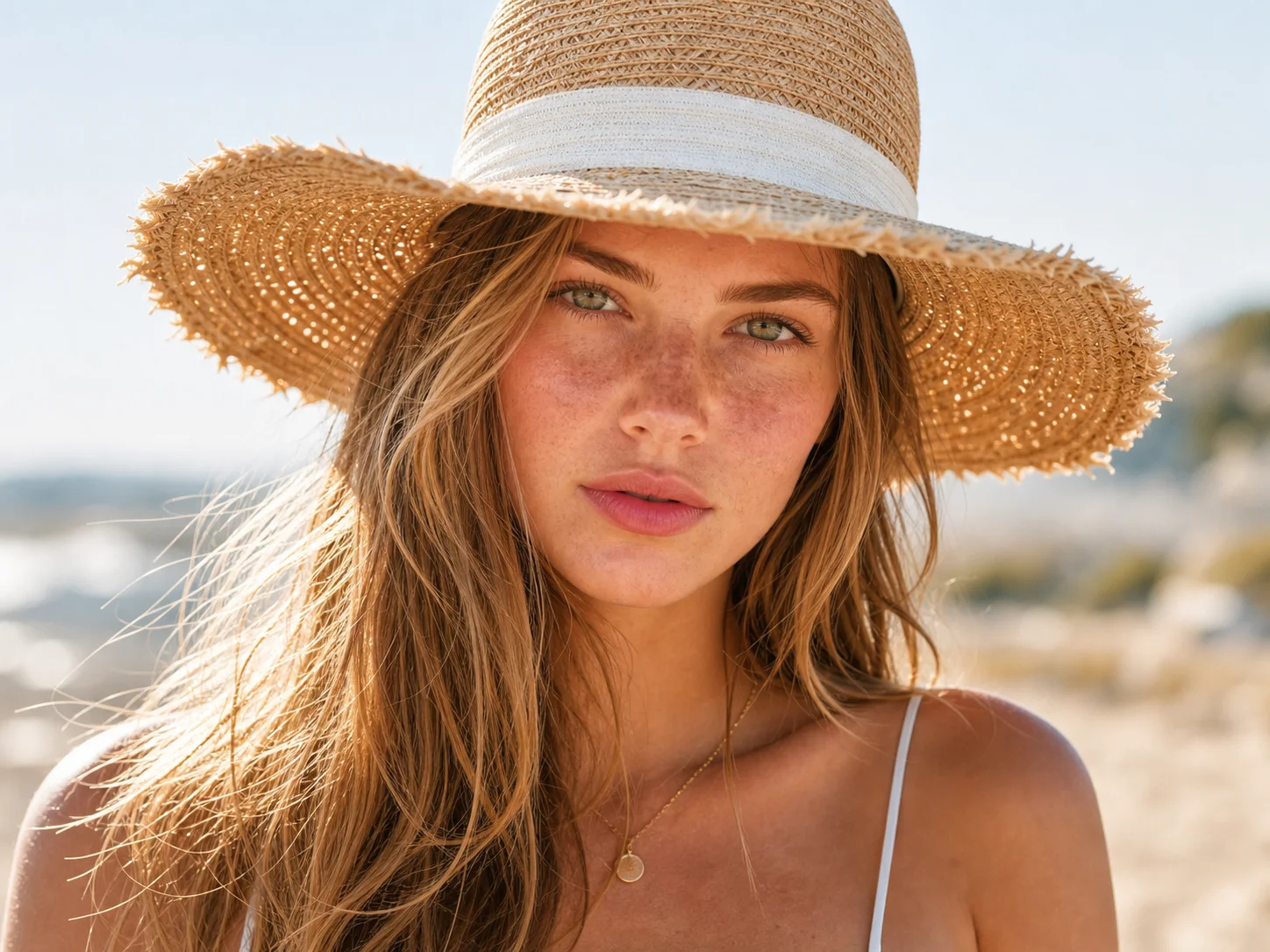
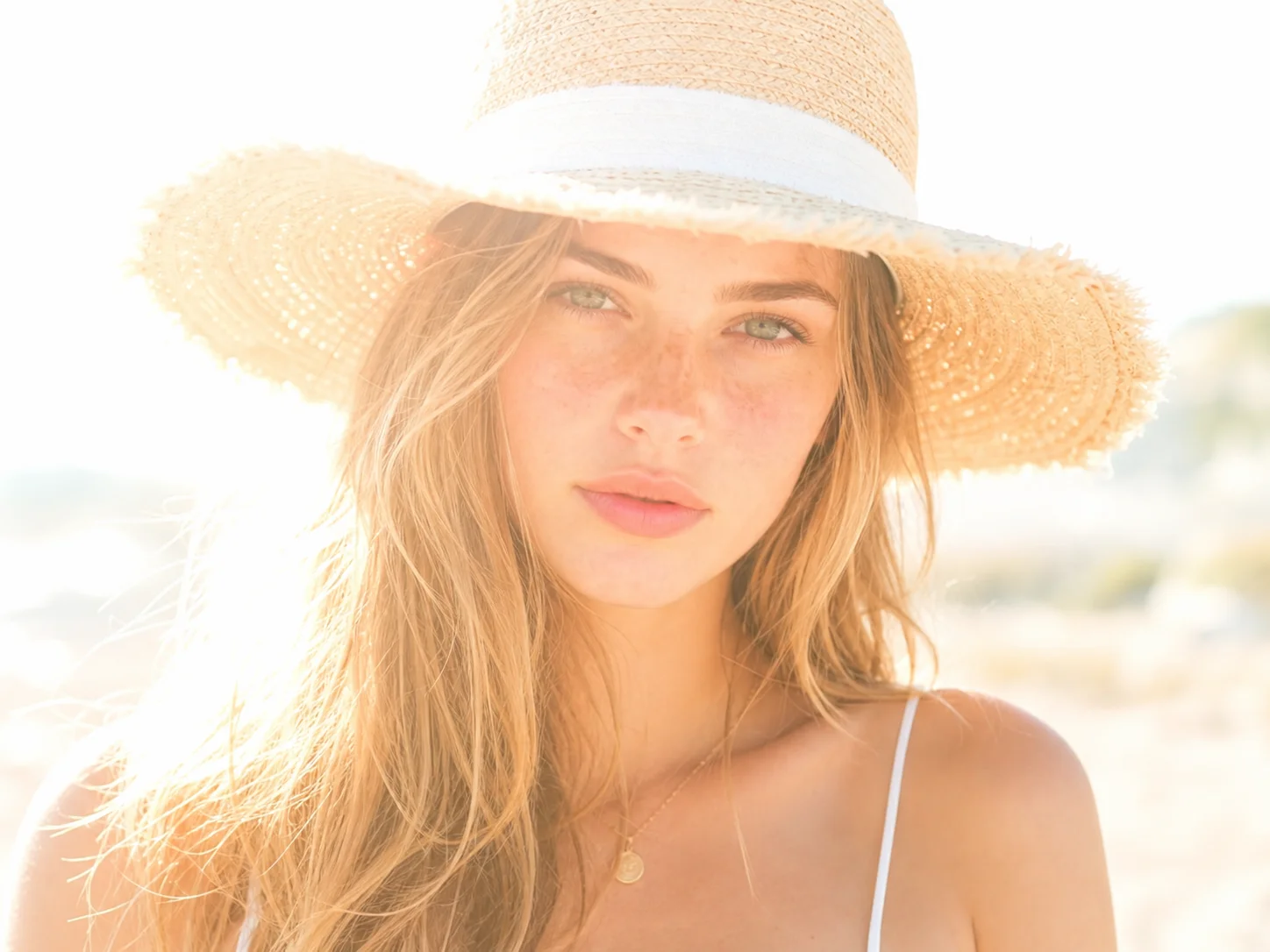
Select a photo that appears too bright, overexposed, or lacking contrast. The tool works with portraits, product photos, travel pictures, and digital artwork.
AI Photo Editor analyzes the image and creates a darker version while preserving important details in shadows, textures, and colors.
Review the result and save the version that best matches your intended look or platform requirements.
Many photos look fine at first glance but contain blown-out highlights that hide important information. This often happens in outdoor portraits, beach photos, snow scenes, or images taken under strong lighting.
Brightness affects mood. A slightly darker image can feel calmer, more professional, or more dramatic depending on the subject.
You don't always notice exposure problems while taking the photo. By the time you view the image on a larger screen, important areas may already look too bright.
Create visuals faster without design skills. Turn ideas into images, thumbnails, social posts, and creative assets in seconds.
Accelerate your creative workflow. Use AI Photo Editor to generate concepts, references, and visual directions, then refine them into production-ready designs.
Produce high-converting visuals on demand. Create ads, campaign visuals, and branded images quickly.
Yes. AI Photo Editor is designed to reduce excessive brightness while preserving visible details and contrast. The goal is to create a darker image that still looks clear and natural.
Upload the photo to AI Photo Editor and generate a darker version. The Image Darkener helps reduce overly bright skies, skin tones, backgrounds, or reflective surfaces while keeping the result natural.
No. AI Photo Editor generates a separate edited version. Your original image remains unchanged and can be downloaded separately at any time.
Yes. Many users darken product photos to reduce glare, improve visual balance, or create a more consistent appearance across an online store or catalog.
AI Photo Editor is your go-to AI image toolkit for generating, editing, and enhancing photos and artwork.
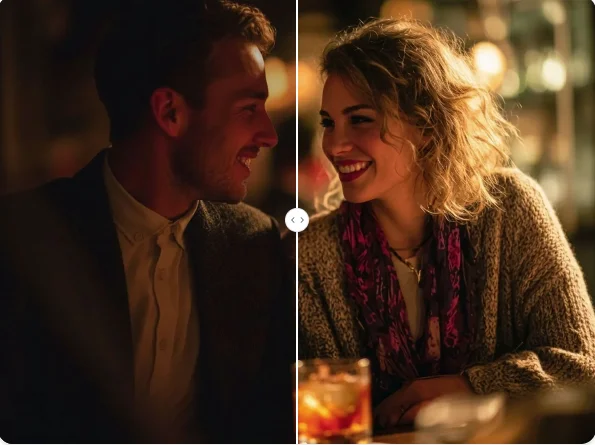
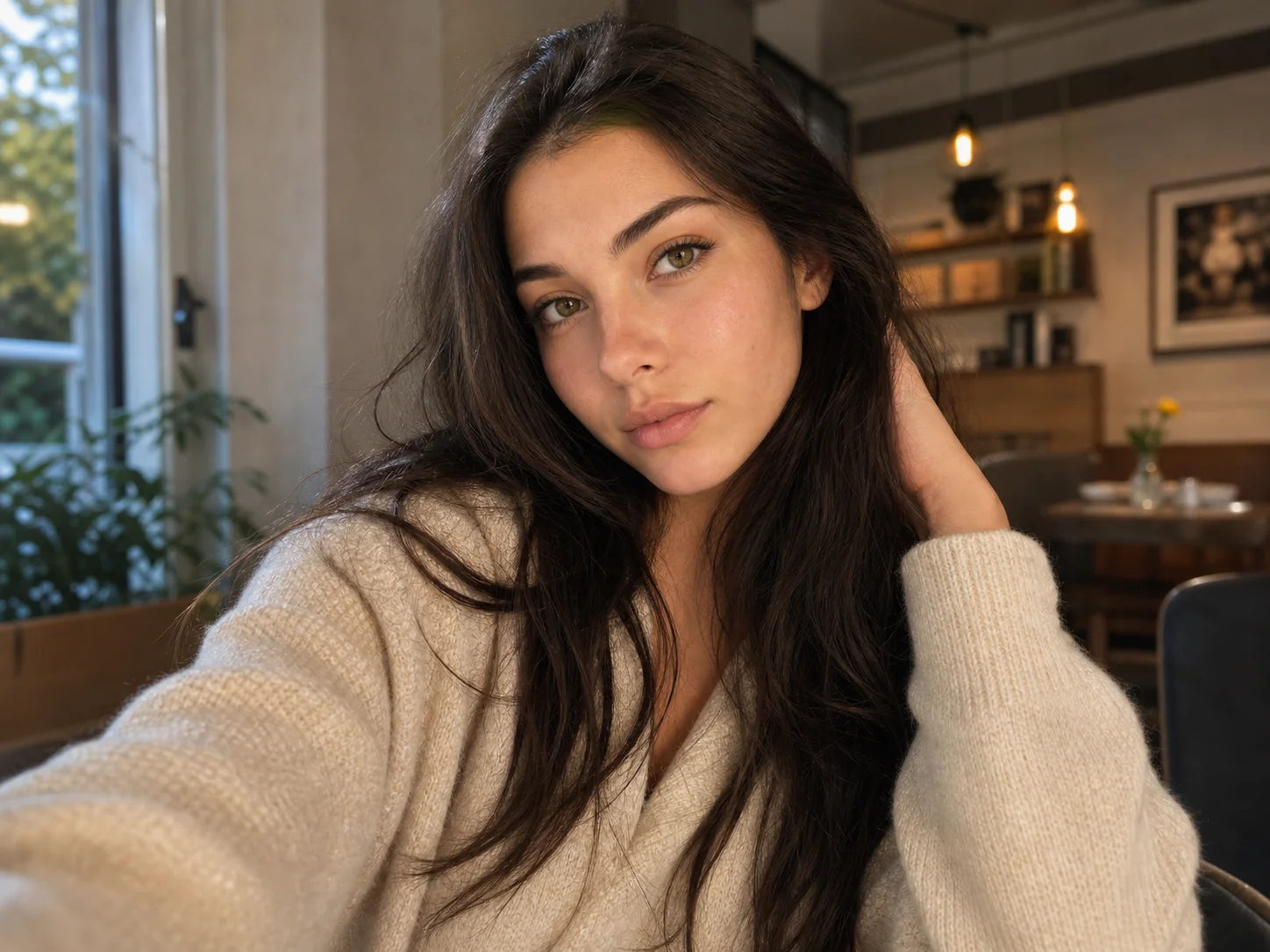
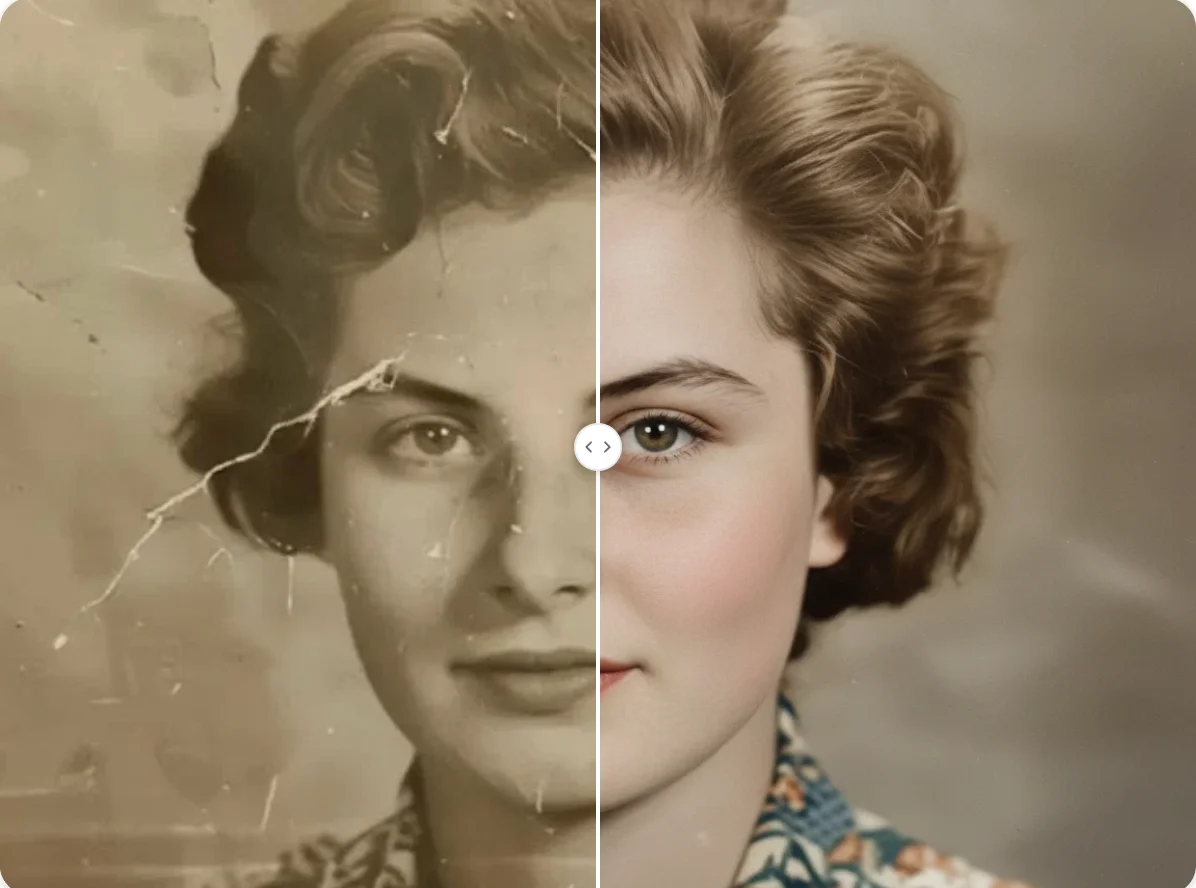
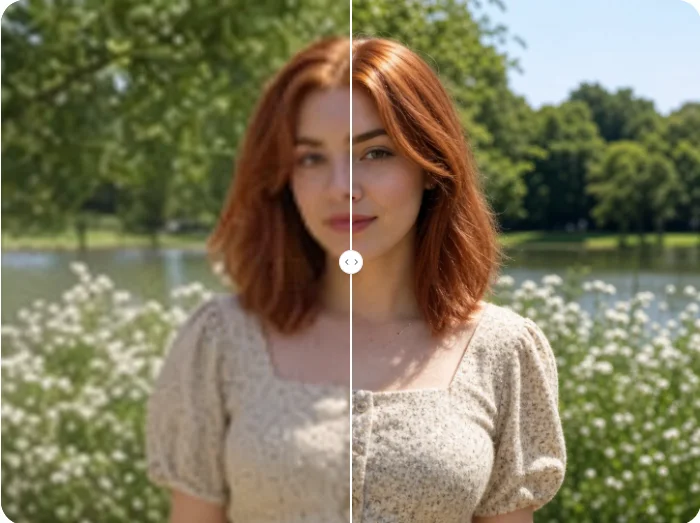
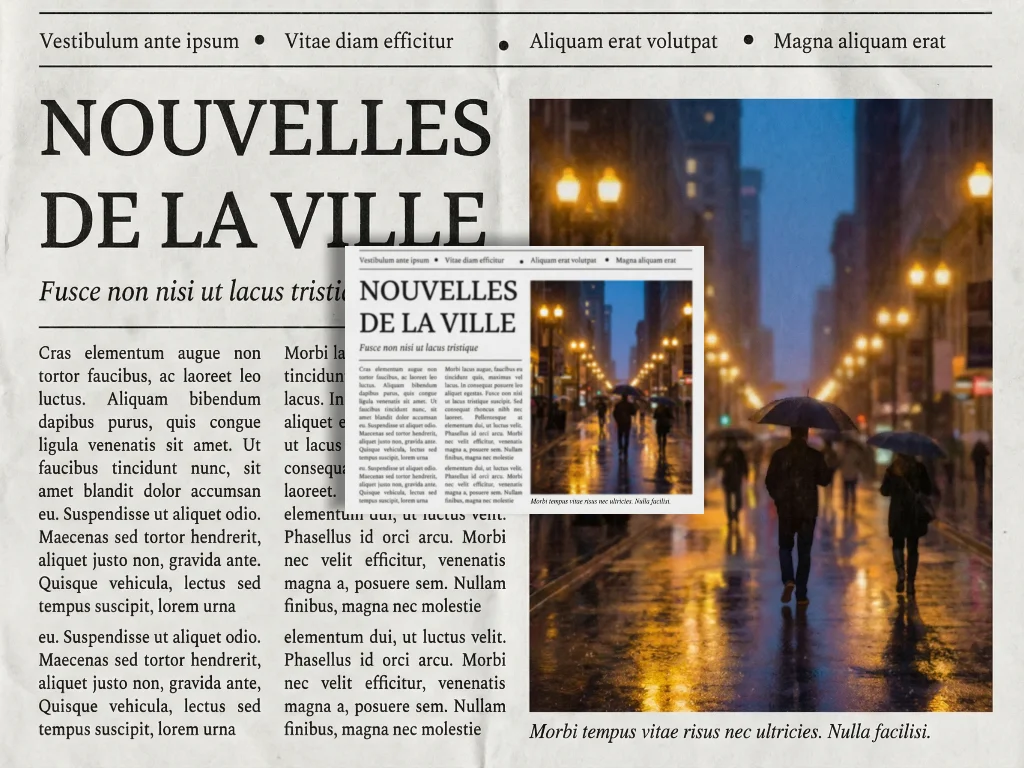
Darken image online without losing important details. Adjust brightness, improve mood, reduce overexposure, and create darker images directly in your browser.