Upload
Upload a clear photo or scan of your handwritten or digital signature. For best results, use dark ink on a plain, light background.
 AI Photo Editor
Upload a photo or scan of your handwritten signature, and AI Photo Editor will remove the paper background while preserving fine strokes, curves, and ink details for a clean transparent signature.
Upload a photo or scan of your handwritten signature, and AI Photo Editor will remove the paper background while preserving fine strokes, curves, and ink details for a clean transparent signature.
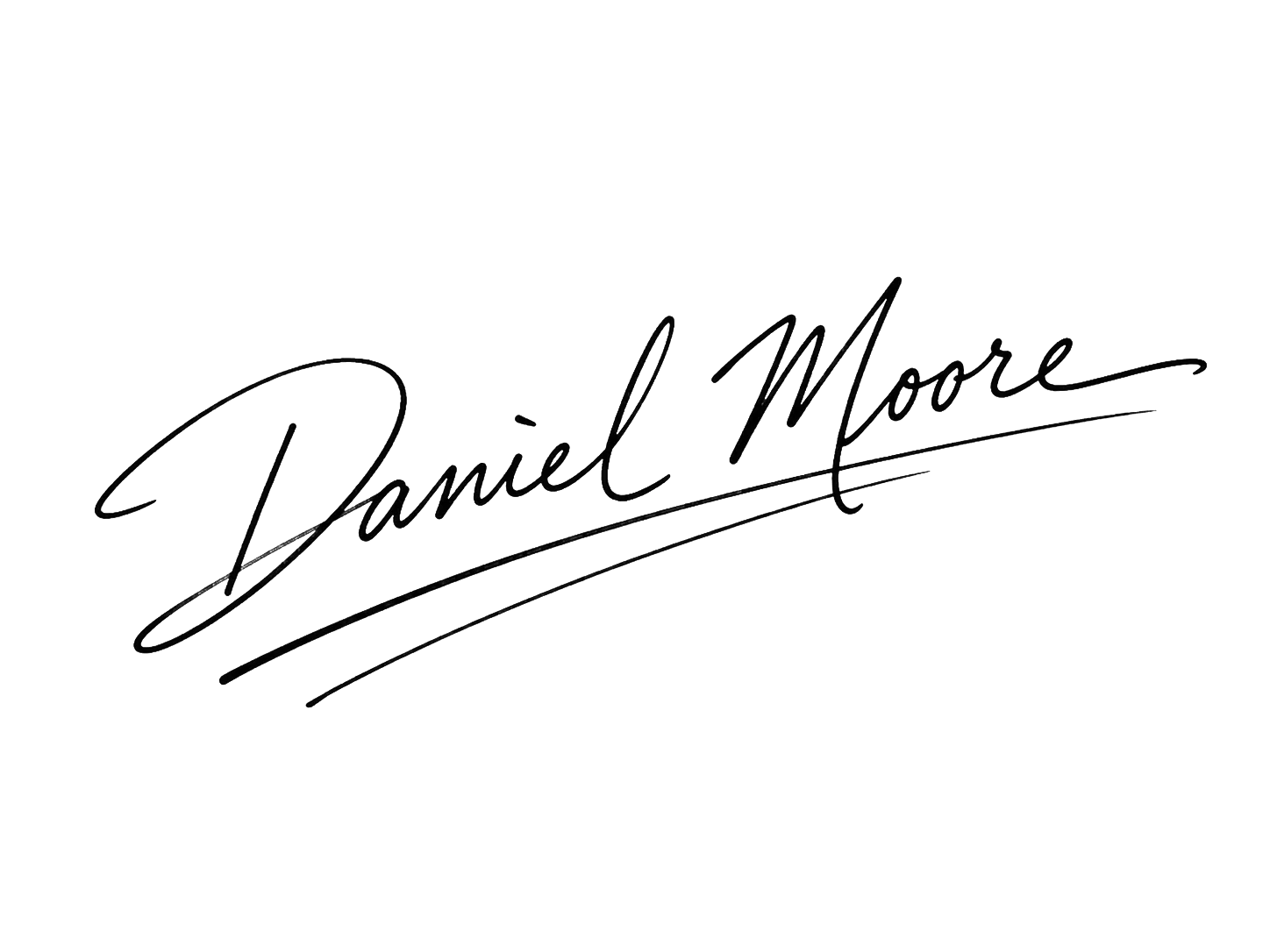
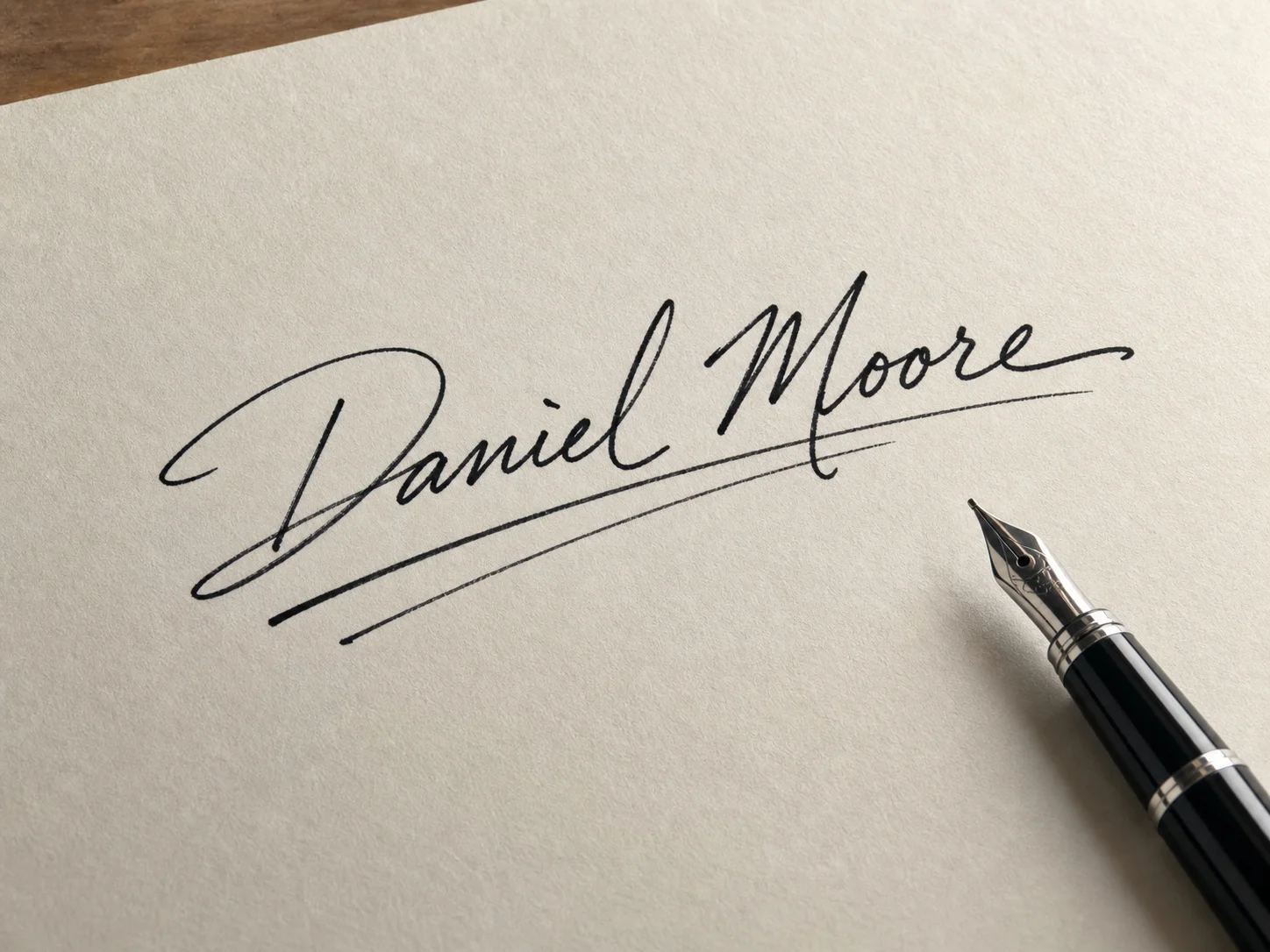
Upload a clear photo or scan of your handwritten or digital signature. For best results, use dark ink on a plain, light background.
Click the Remove Background button. AI Photo Editor will detect the signature strokes and separate them from paper texture, shadows, or uneven lighting.
Preview the transparent signature and download the high-resolution PNG file for PDFs, Word documents, contracts, emails, or design projects.
AI Photo Editor identifies handwriting strokes carefully, keeping thin lines, curves, and ink texture sharp while removing paper backgrounds and unwanted noise.
Convert your handwritten signature into a reusable digital asset. The transparent PNG output works well for PDFs, Word files, contracts, emails, and online forms.
Instead of tracing around every stroke manually, AI Photo Editor removes the background automatically, helping you create a professional digital signature in seconds.
Create visuals faster without design skills. Turn ideas into images, thumbnails, social posts, and creative assets in seconds.
Accelerate your creative workflow. Use AI Photo Editor to generate concepts, references, and visual directions, then refine them into production-ready designs.
Produce high-converting visuals on demand. Create ads, campaign visuals, and branded images quickly.
AI Photo Editor's Signature Background Remover is an AI tool that takes a photo or scan of your handwritten signature and outputs it on a clean transparent background. It preserves every stroke and pressure detail while removing paper, shadows, and lighting noise.
The AI runs stroke-level detection on the image — identifying ink versus paper at the pixel level instead of just trimming the outline of a shape. It then masks out everything that isn't ink, including shadows and paper grain, and renders the strokes on transparency.
AI Photo Editor works best when the signature is signed in dark ink on plain white paper, photographed under even lighting with no strong shadows. Avoid wrinkled paper or other text near the signature.
AI Photo Editor is designed to preserve the fine details of handwriting, including thin strokes, curves, and ink edges, while removing the unwanted background.
AI Photo Editor outputs a high-resolution PNG with transparency. That format drops straight into PDF contracts, Word documents, email signature blocks, design files, and most digital signing platforms without further editing.
AI Photo Editor is your go-to AI image toolkit for generating, editing, and enhancing photos and artwork.
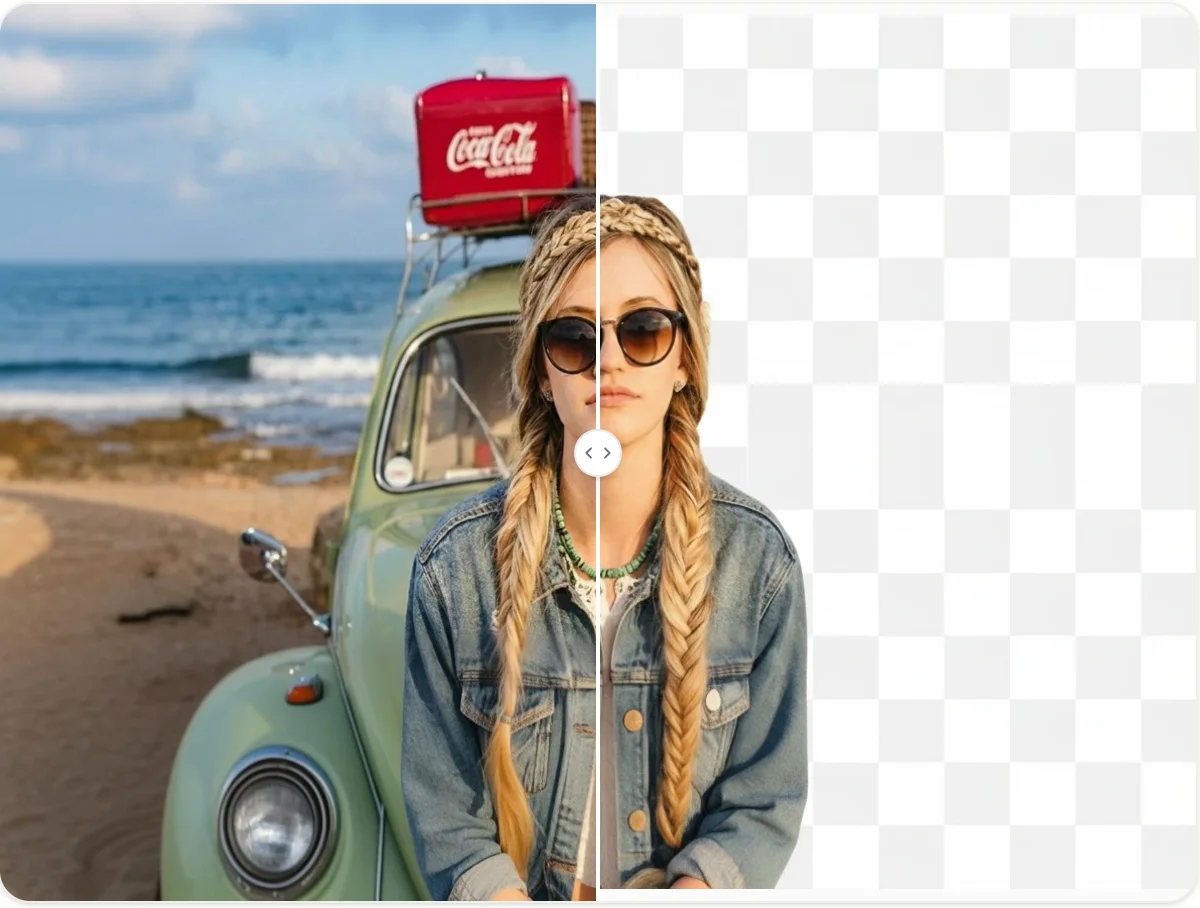
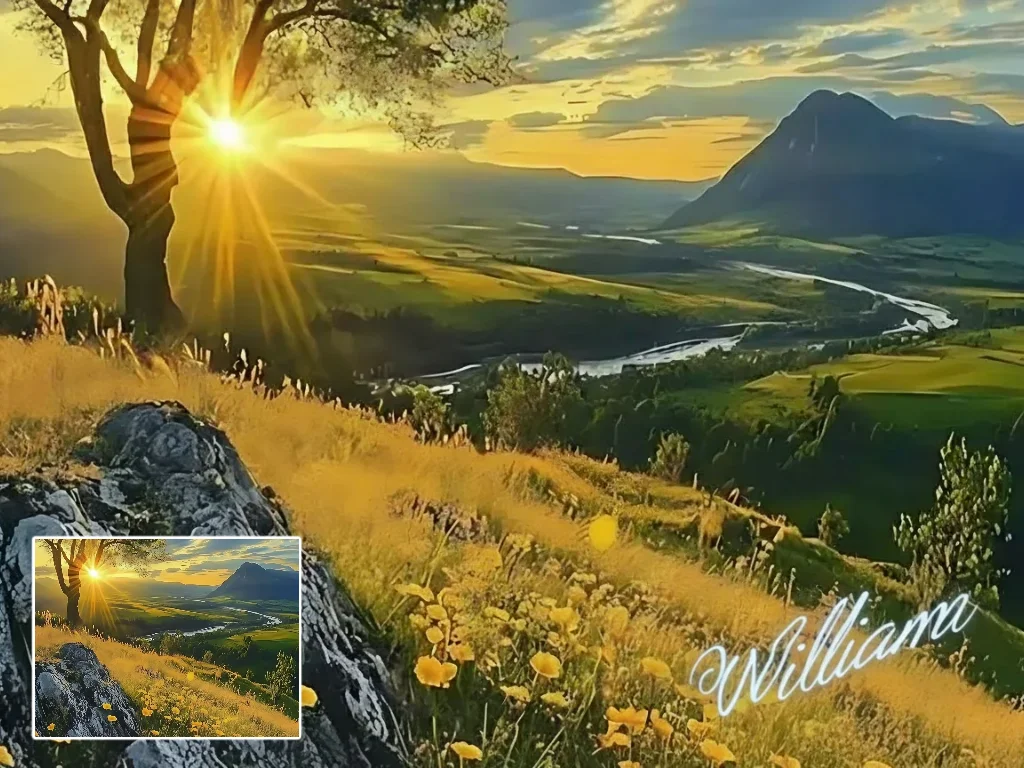


Turn your handwritten signature into a clean transparent PNG with AI Photo Editor. Create a professional digital signature for documents and contracts.