Upload
Select a low-resolution image from your device and upload it to AI Photo Editor. We support JPG, PNG, and WebP formats.
 AI Photo Editor
Upload your low-resolution photo and let AI upscale it to crystal-clear 4K quality. Transform blurry images into sharp, detailed visuals instantly.
Upload your low-resolution photo and let AI upscale it to crystal-clear 4K quality. Transform blurry images into sharp, detailed visuals instantly.
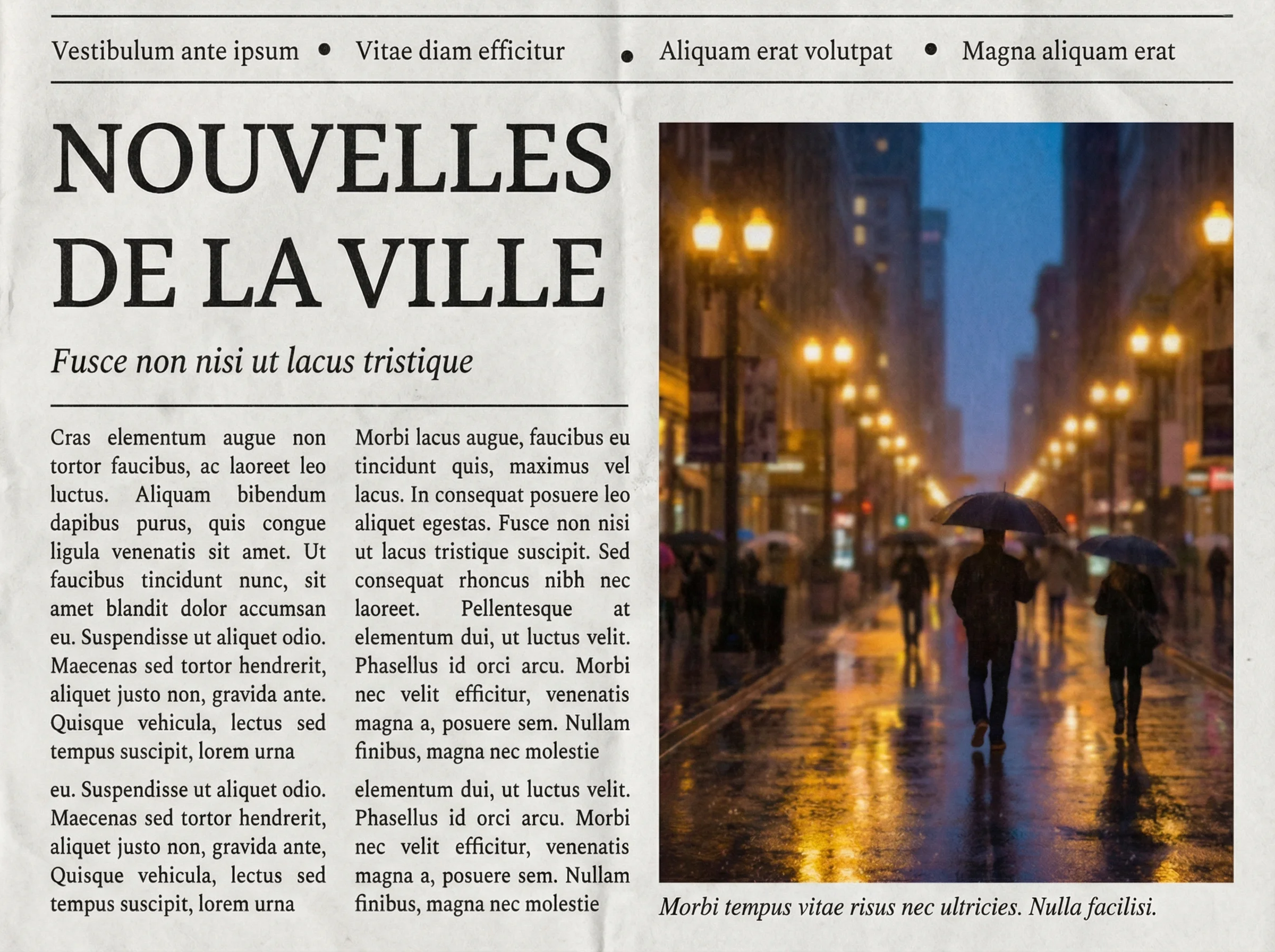
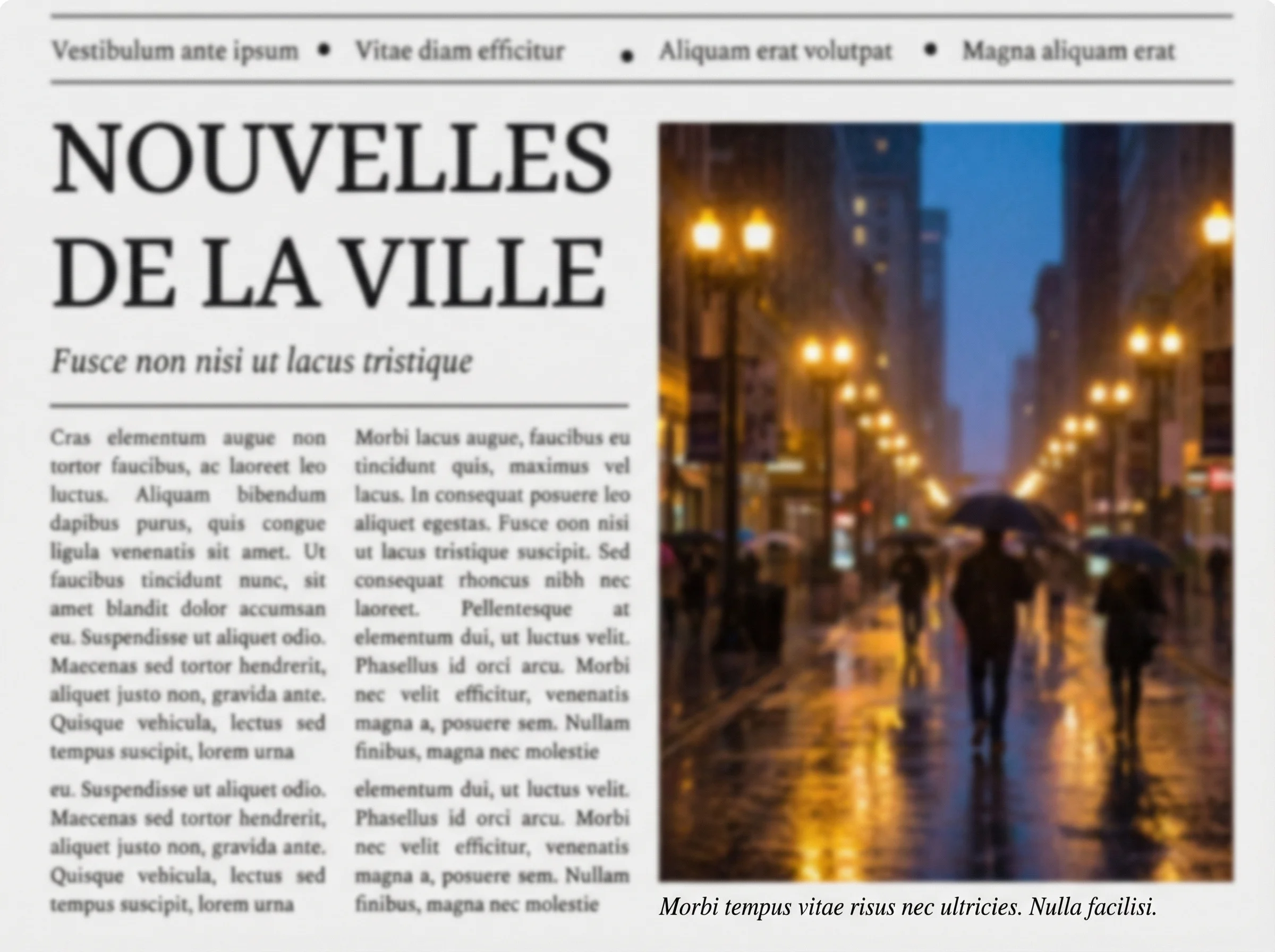
Select a low-resolution image from your device and upload it to AI Photo Editor. We support JPG, PNG, and WebP formats.
Click the Generate button. The AI will analyze your image and enhance resolution within seconds.
Preview the crystal-clear result. Log in to download your high-resolution image, ready for printing or professional use.
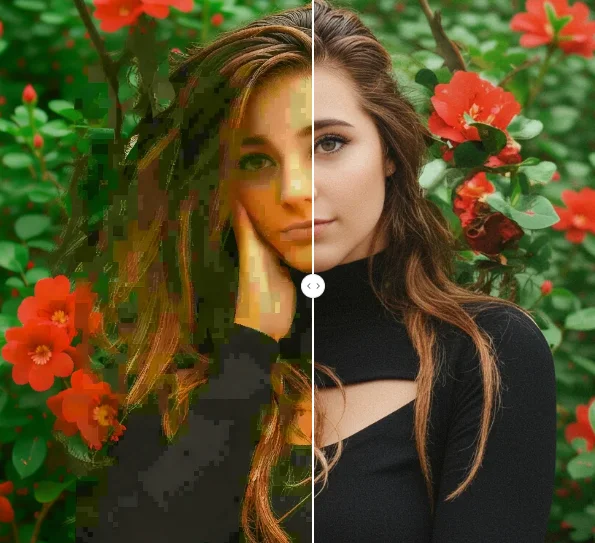
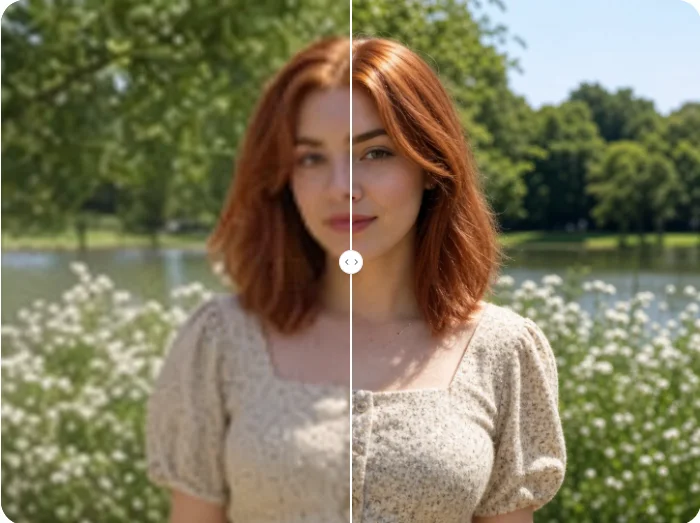
AI Image Upscaler intelligently reconstructs missing details and removes pixelation from low-resolution images. Unlike basic resizing tools, AI Photo Editor preserves natural textures in hair, skin, and fabric while delivering crystal-clear results.
AI Photo Editor uses cutting-edge AI models specifically trained for image upscaling tasks. These models understand image context and intelligently add details, making enlarged photos look natural and high-definition.
With AI Photo Editor, you can upscale images online directly from your browser on any device. This flexible workflow makes it easy to enhance photos for social media, printing, or professional design projects.
Create visuals faster without design skills. Turn ideas into images, thumbnails, social posts, and creative assets in seconds.
Accelerate your creative workflow. Use AI Photo Editor to generate concepts, references, and visual directions, then refine them into production-ready designs.
Produce high-converting visuals on demand. Create ads, campaign visuals, and branded images quickly.
AI Image Upscaler is an online tool that uses artificial intelligence to increase image resolution and enhance quality. It transforms small, blurry, or pixelated photos into sharp, high-definition visuals.
The AI analyzes patterns, textures, and content in your image, then predicts and generates new pixels to fill in missing details. This process increases resolution while maintaining natural-looking results.
No, the AI is designed to enhance and restore the existing details, not to alter the subject. It sharpens edges and cleans up noise while keeping the original look intact.
You can upscale almost any image type, including portraits, landscapes, product photos, artwork, and screenshots. The tool works best on images that are not heavily damaged or extremely low quality.
No. AI Photo Editor's upscaler is fully automatic. Simply upload your image and the AI handles the entire enhancement process without any manual adjustments.
AI Photo Editor is your go-to AI image toolkit for generating, editing, and enhancing photos and artwork.
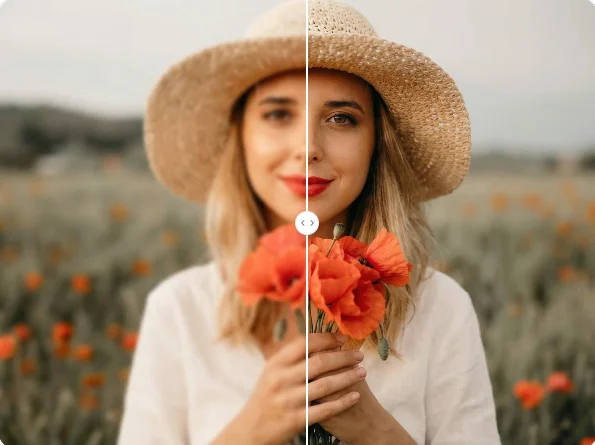
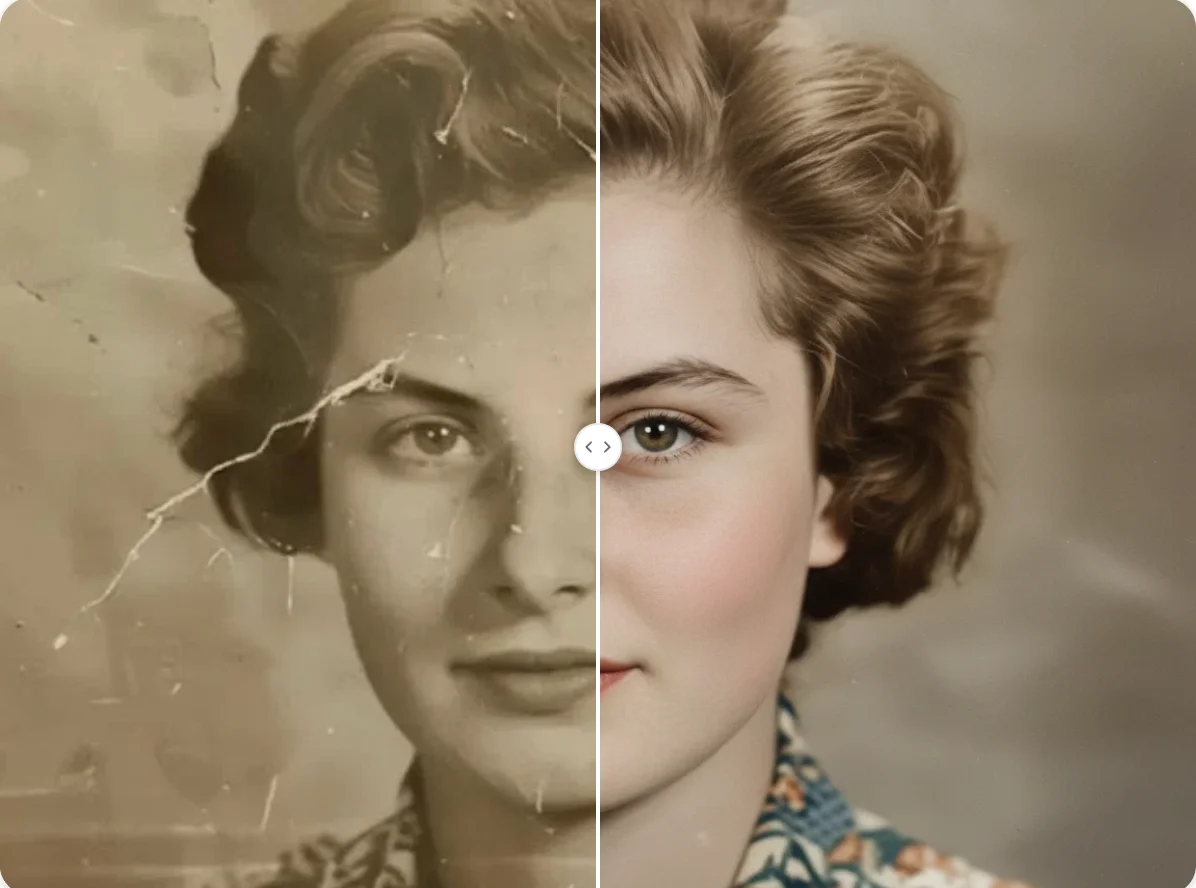
Don't settle for blurry photos. Upload your image now and let AI Photo Editor transform it into a stunning high-resolution masterpiece.