Upload Your Image
Choose the portrait, product photo, landscape, or social graphic you want to fit into a wider or taller layout.
 AI Photo Editor
Upload a photo, describe what should continue beyond its edges, and choose a target direction or aspect ratio. The tool extends the canvas with new background details while keeping the main subject proportionate.
Upload a photo, describe what should continue beyond its edges, and choose a target direction or aspect ratio. The tool extends the canvas with new background details while keeping the main subject proportionate.
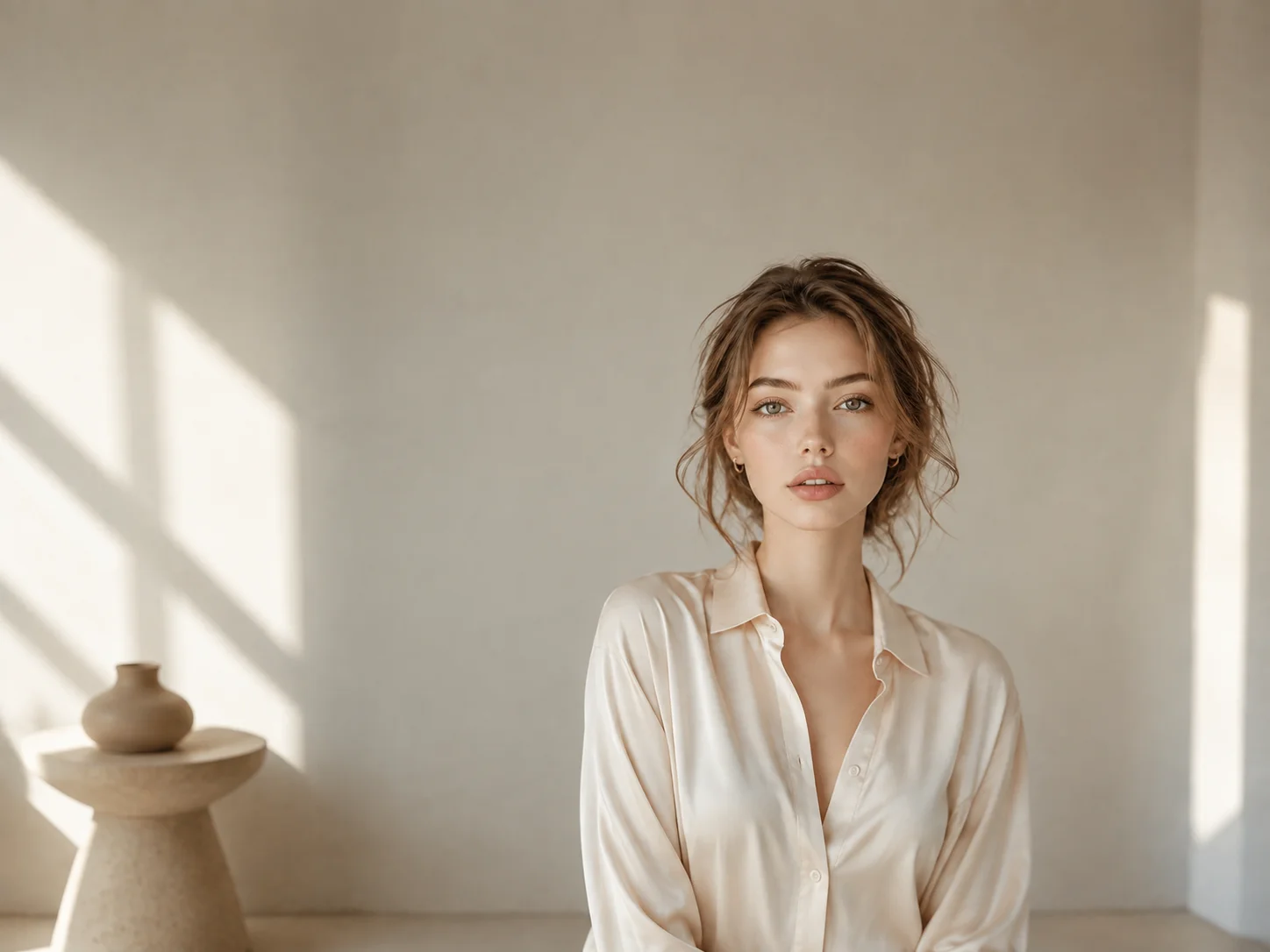
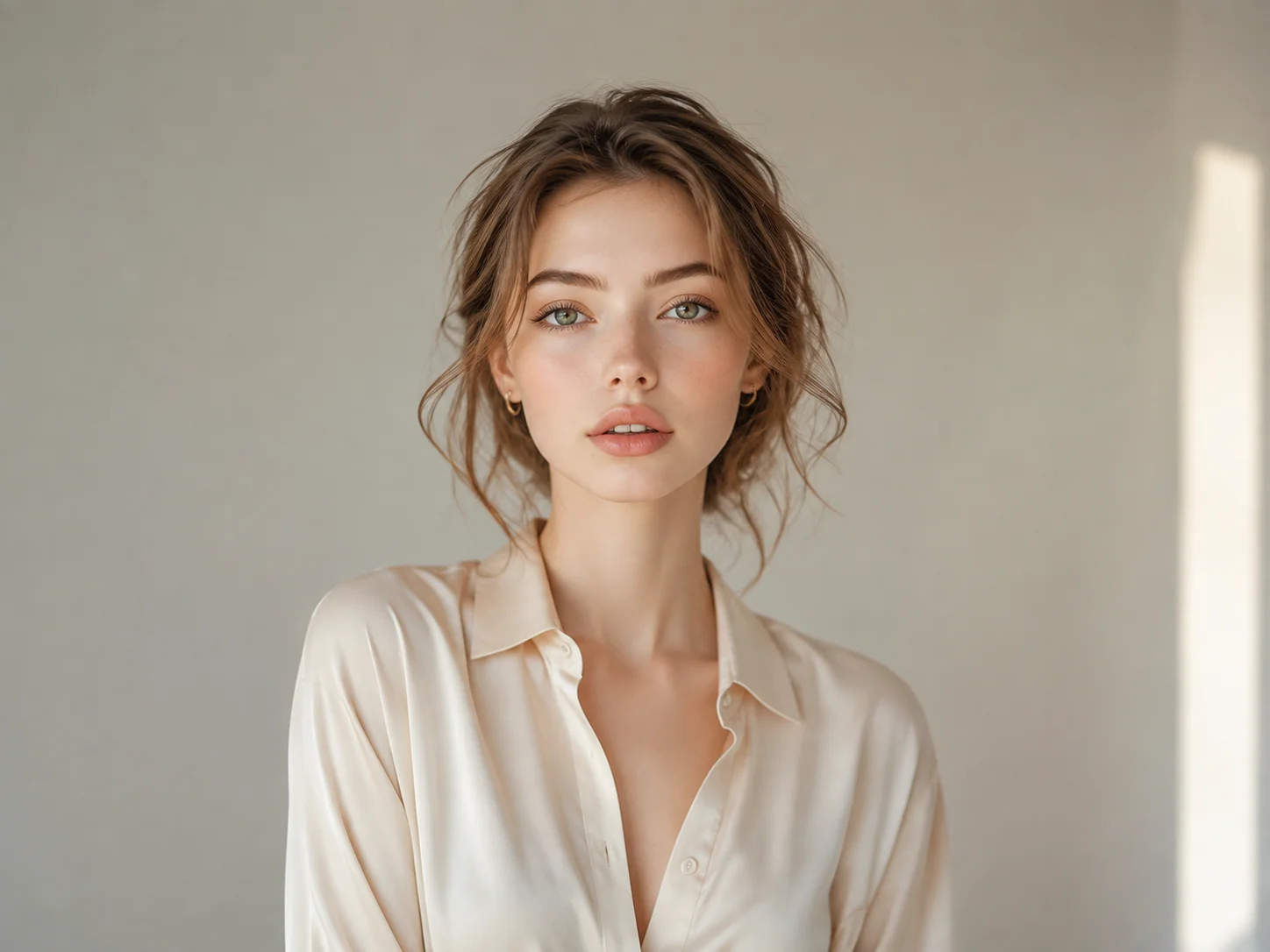
Choose the portrait, product photo, landscape, or social graphic you want to fit into a wider or taller layout.
Select a direction, dimensions, or aspect ratio, then add a prompt describing the background details the AI should continue.
Generate the extended image, inspect the subject and new edges, and download the result when the composition fits your project.
The stretch image workflow adds new content around the original frame, helping faces, products, and focal objects retain natural proportions.
Use the photo stretcher to turn a portrait into a wider banner or extend a landscape for vertical and platform-specific layouts.
AI-generated areas follow nearby lighting, texture, color, and depth so the expanded canvas feels connected to the original image.
Reframe photos for thumbnails, posts, covers, and banners without squeezing the main subject into the new canvas.
Explore wider or taller compositions, recover useful edge space, and prepare flexible visual layouts from one source image.
Resize campaign and product visuals for multiple placements while preserving the focal subject and extending surrounding context.
It expands an image's canvas horizontally, vertically, or in both directions and generates new visual content beyond the original edges.
Use AI canvas extension instead of scaling every pixel. The tool keeps the original subject area and generates matching background content around it.
Yes. Regular resizing scales existing pixels, while an AI photo stretcher can create new content outside the original frame to change the composition.
Yes. Choose a target direction, dimensions, or available aspect-ratio preset before generating the expanded result.
Images with a clear subject and recognizable surrounding background give the model more visual context for extending textures, lighting, and depth.
AI Photo Editor is your go-to AI image toolkit for generating, editing, and enhancing photos and artwork.
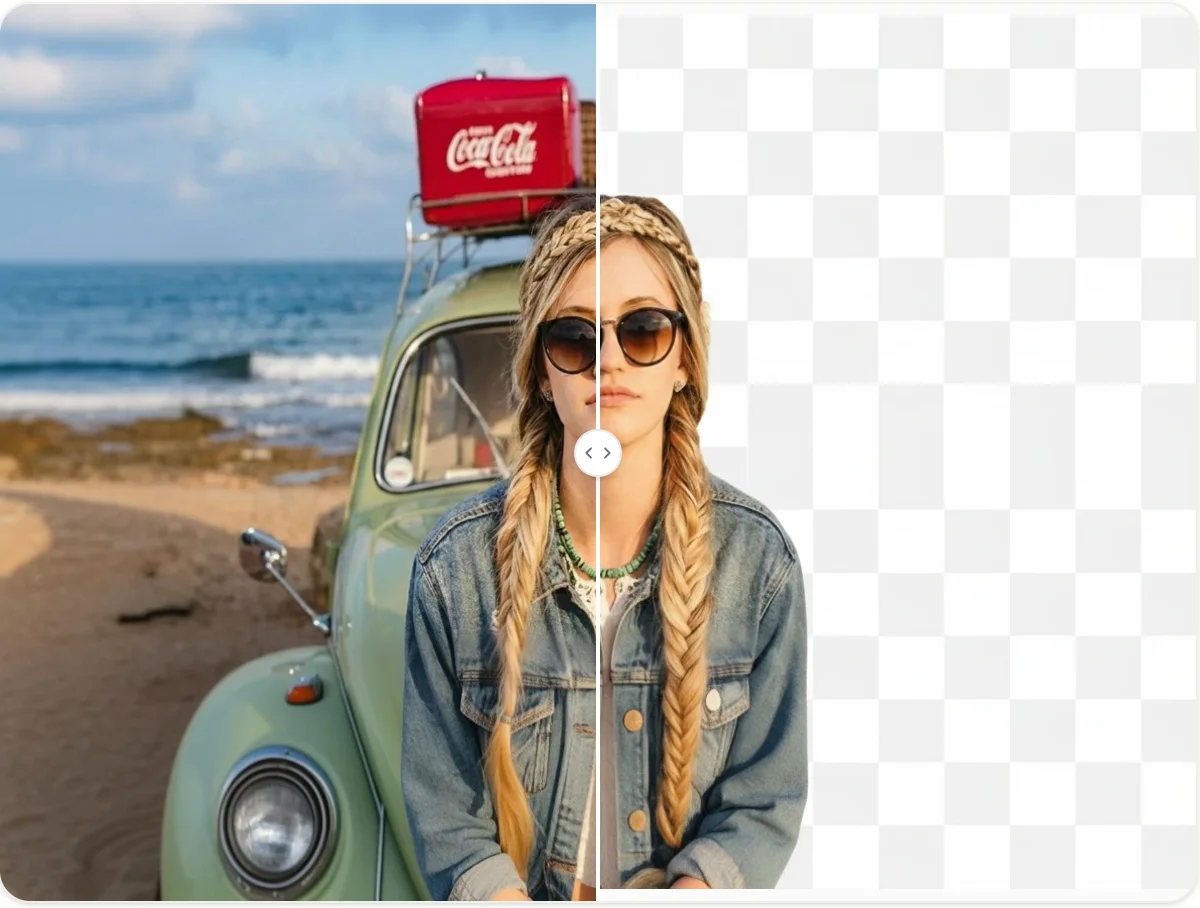
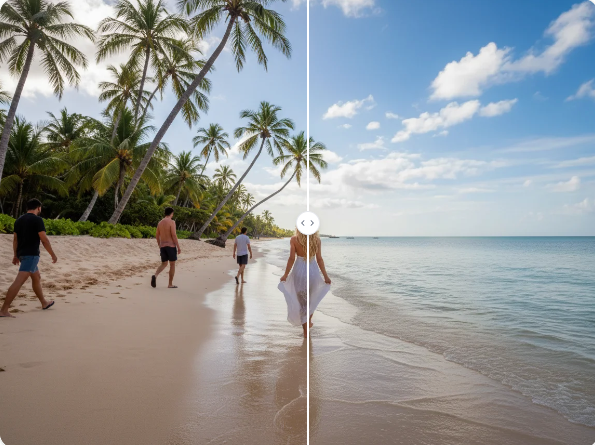
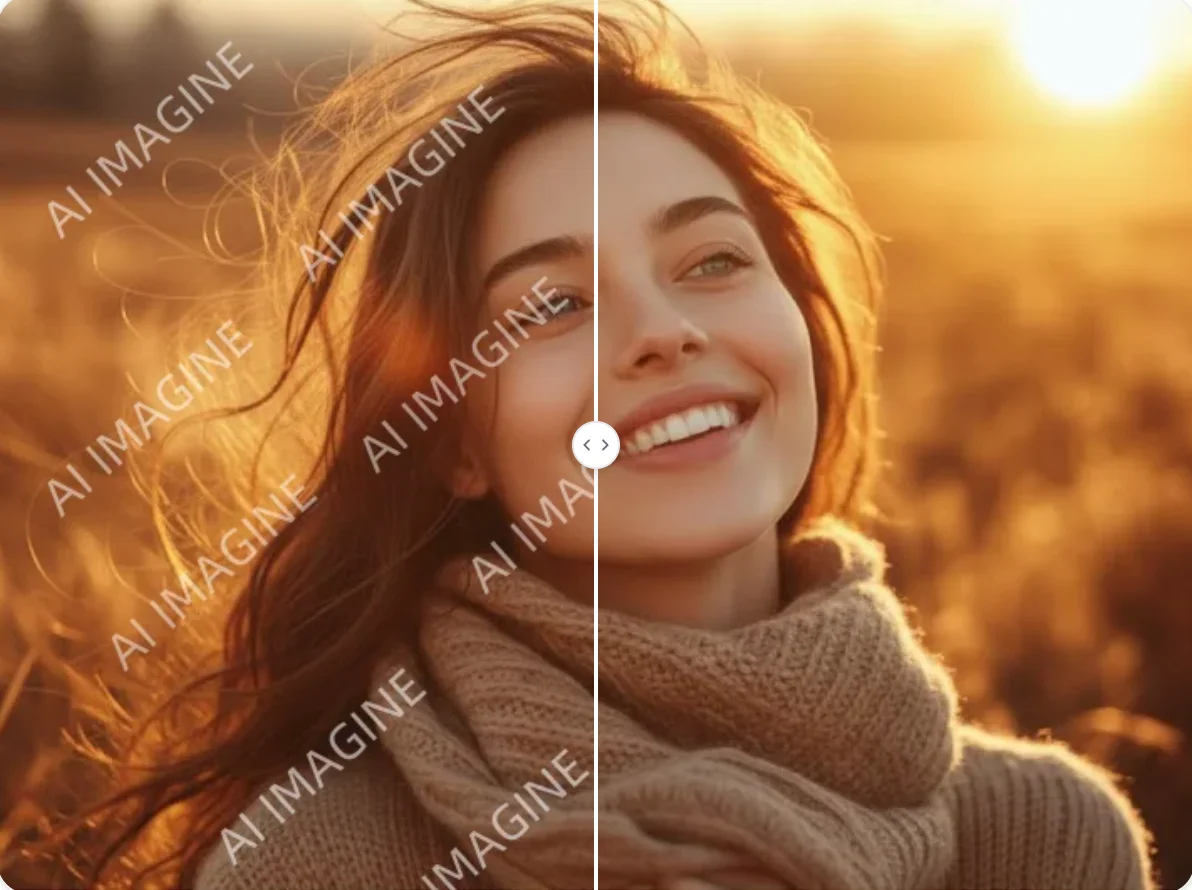
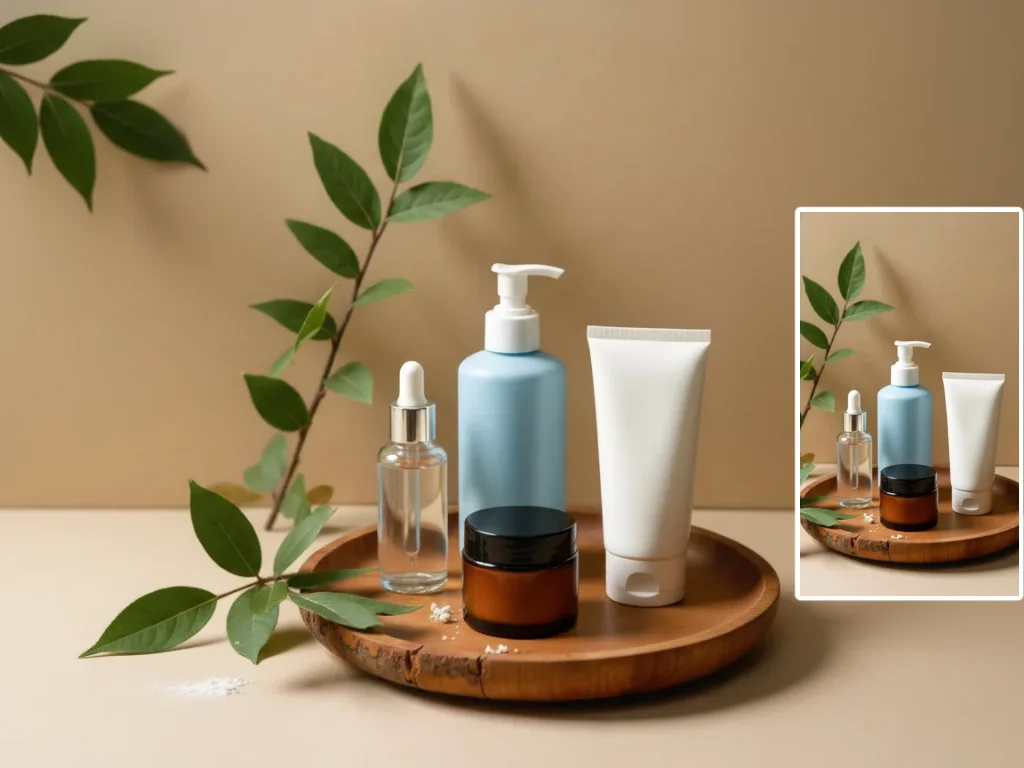
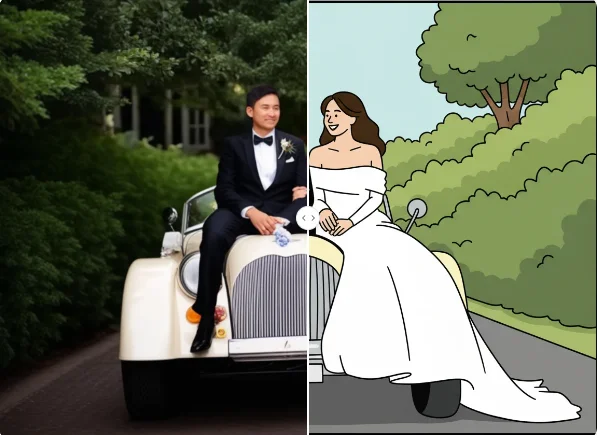
Upload a photo, choose where the canvas should expand, and generate new edges that preserve the subject and match the original scene.