Upload
Upload a clear photo. For best results, use an image where the main subject — a person, pet, or object — is clearly separated from the background.
 AI Photo Editor
Upload your photo and let AI blur the background automatically. Create a natural depth-of-field effect while keeping the main subject sharp.
Upload your photo and let AI blur the background automatically. Create a natural depth-of-field effect while keeping the main subject sharp.
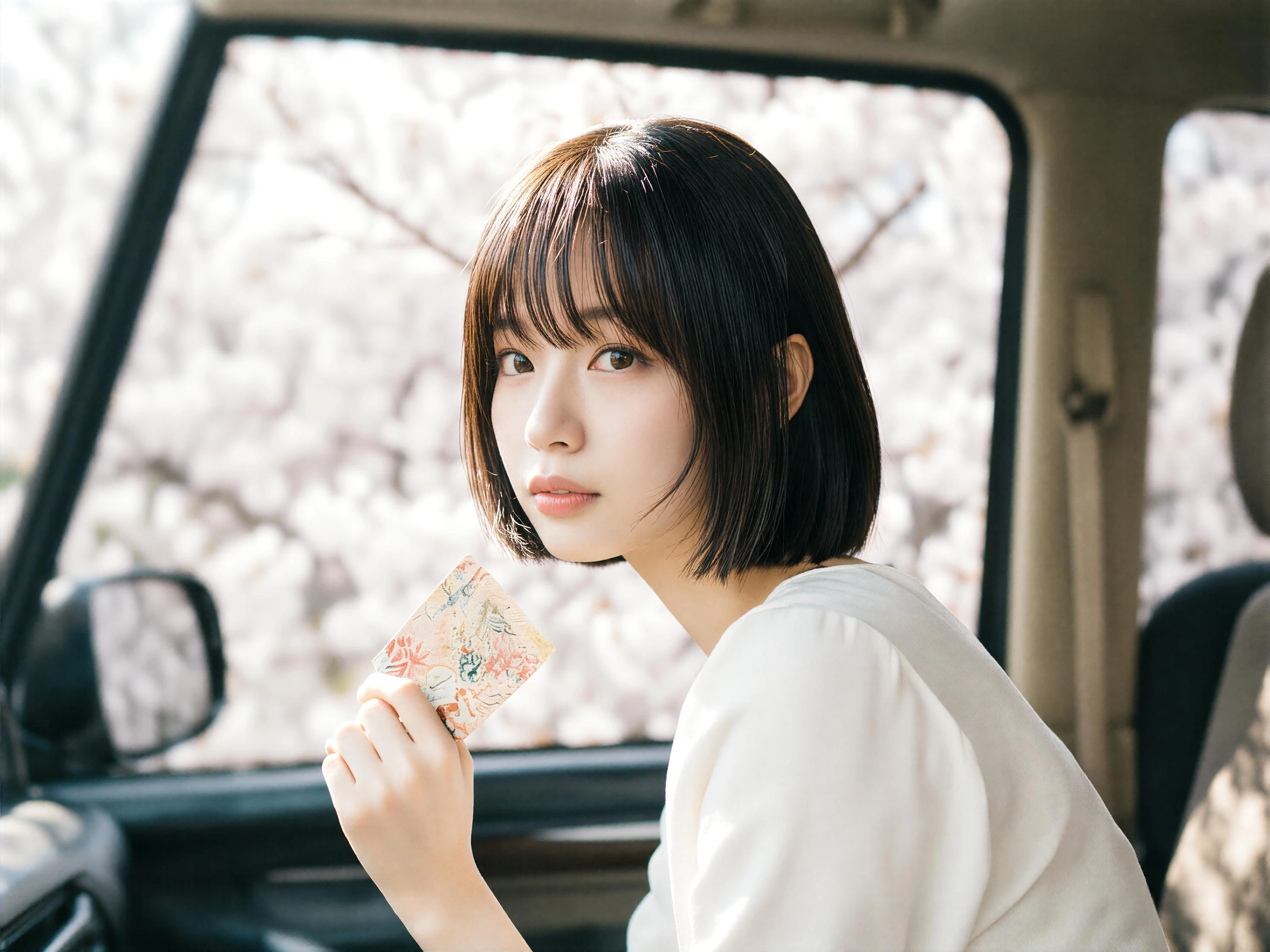
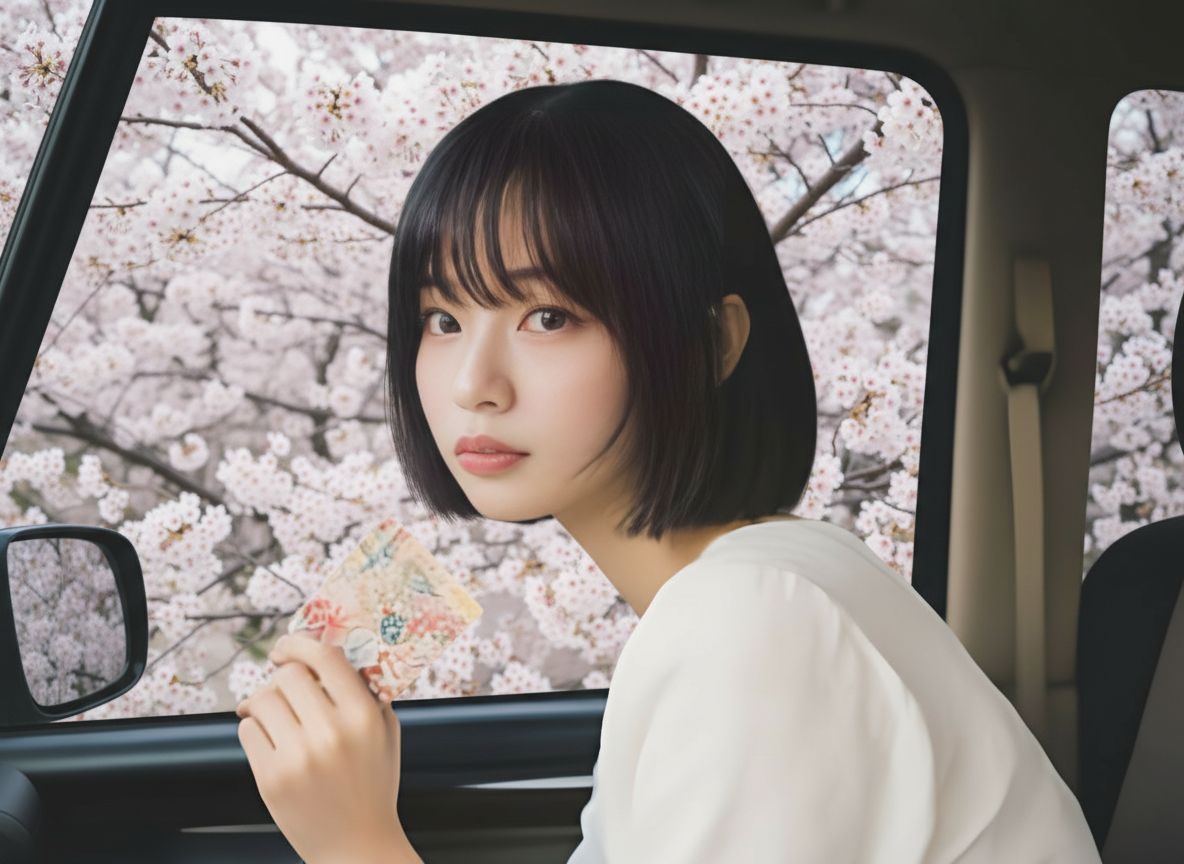
Upload a clear photo. For best results, use an image where the main subject — a person, pet, or object — is clearly separated from the background.
Click Generate and AI Photo Editor handles the rest — its subject-detection model isolates the foreground, applies a smooth DSLR-style blur to the background, and previews the result in real time so you can adjust the intensity.
Download your high-resolution, blurred-background image, ready for social posts, profile pictures, product shots, or print.
AI Photo Editor uses AI to separate the main subject from the background automatically. It keeps people, products, pets, and objects sharp while softly blurring distractions behind them, creating a cleaner visual focus.
Basic blur filters often make photos look flat or artificial. AI Photo Editor creates a more natural depth-of-field effect, helping portraits, product shots, and lifestyle images look closer to DSLR-style photography.
With AI Photo Editor, you can blur photo backgrounds directly in your browser without manual masking or heavy editing software. Upload, generate, preview, and download your image in a simple workflow.
Create visuals faster without design skills. Turn ideas into images, thumbnails, social posts, and creative assets in seconds.
Accelerate your creative workflow. Use AI Photo Editor to generate concepts, references, and visual directions, then refine them into production-ready designs.
Produce high-converting visuals on demand. Create ads, campaign visuals, and branded images quickly.
AI Photo Editor's Blur Background is an AI-powered photo editor that automatically identifies the main subject and blurs the rest of the image to create a professional depth-of-field effect — without needing a DSLR camera or manual masking.
AI Photo Editor analyzes the image for depth cues and visual focus, separating the foreground subject from the background. The model is trained on portraits, pets, and products to recognize fine edges like hair strands and apply the blur precisely.
No. The tool is fully automatic. Simply upload an image, click generate, and the blur is applied without any manual selection or masking work.
AI Photo Editor offers multiple effects beyond a basic blur — Gaussian for a classic shallow depth of field, motion blur for action shots, and bokeh for portraits and product photography. Pick the one that fits the mood.
Yes. AI Photo Editor can help reduce background distractions and make sensitive details less visible, such as people in the background, cluttered rooms, signs, or private surroundings.
AI Photo Editor is your go-to AI image toolkit for generating, editing, and enhancing photos and artwork.
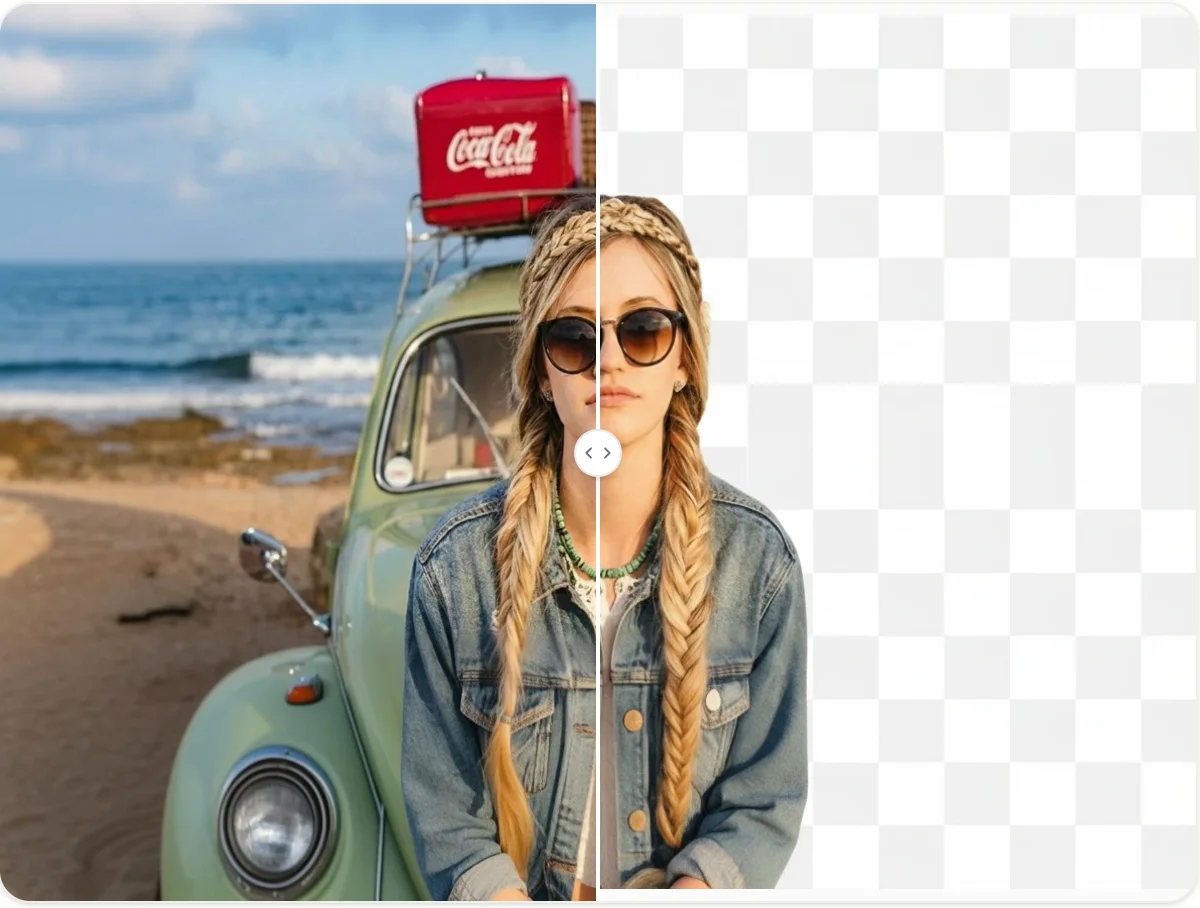
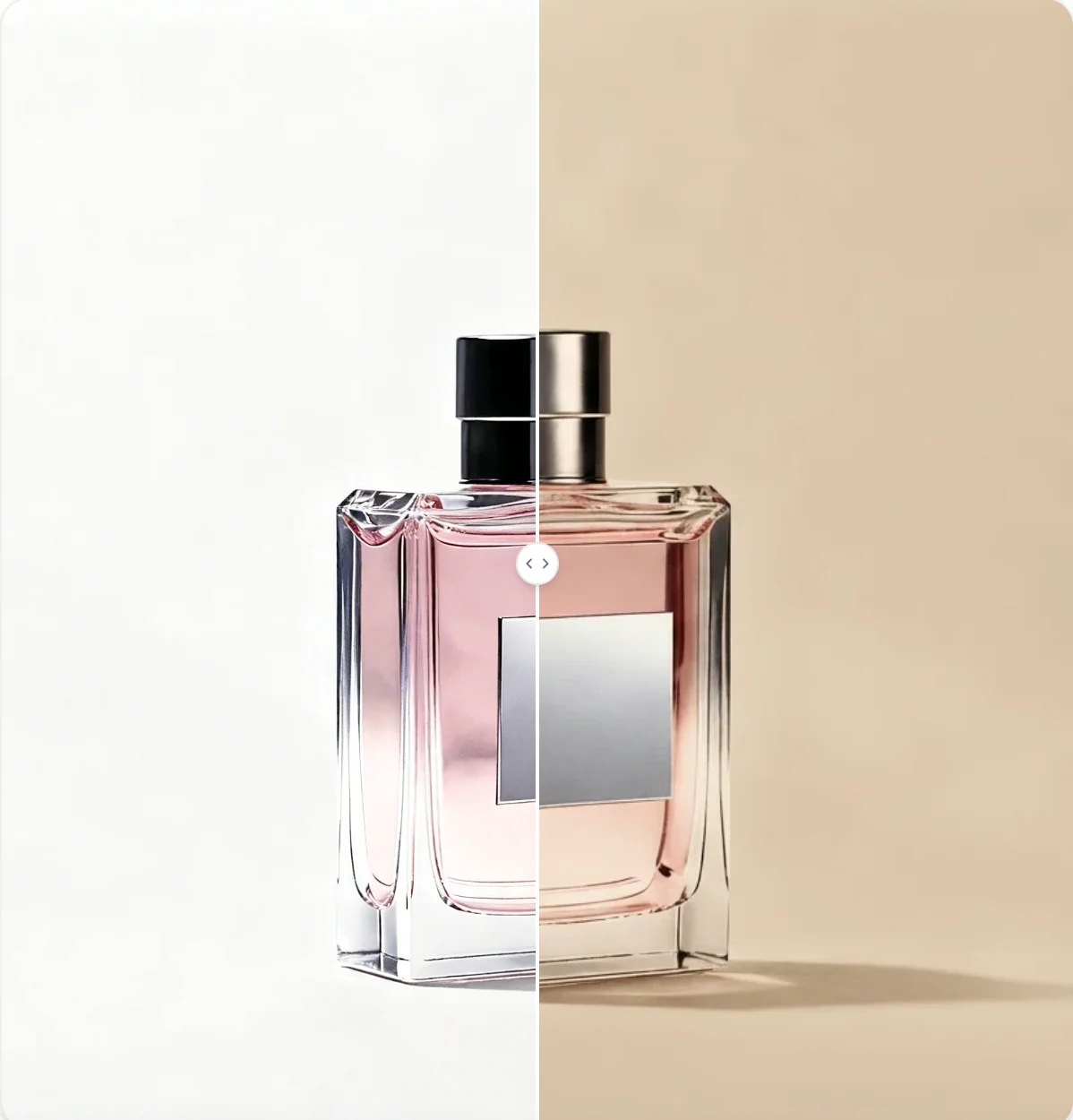

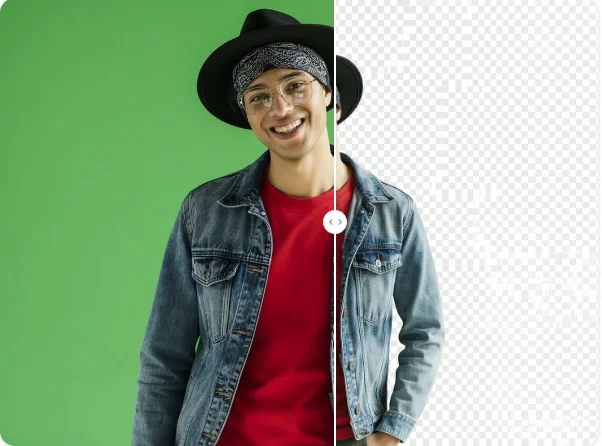
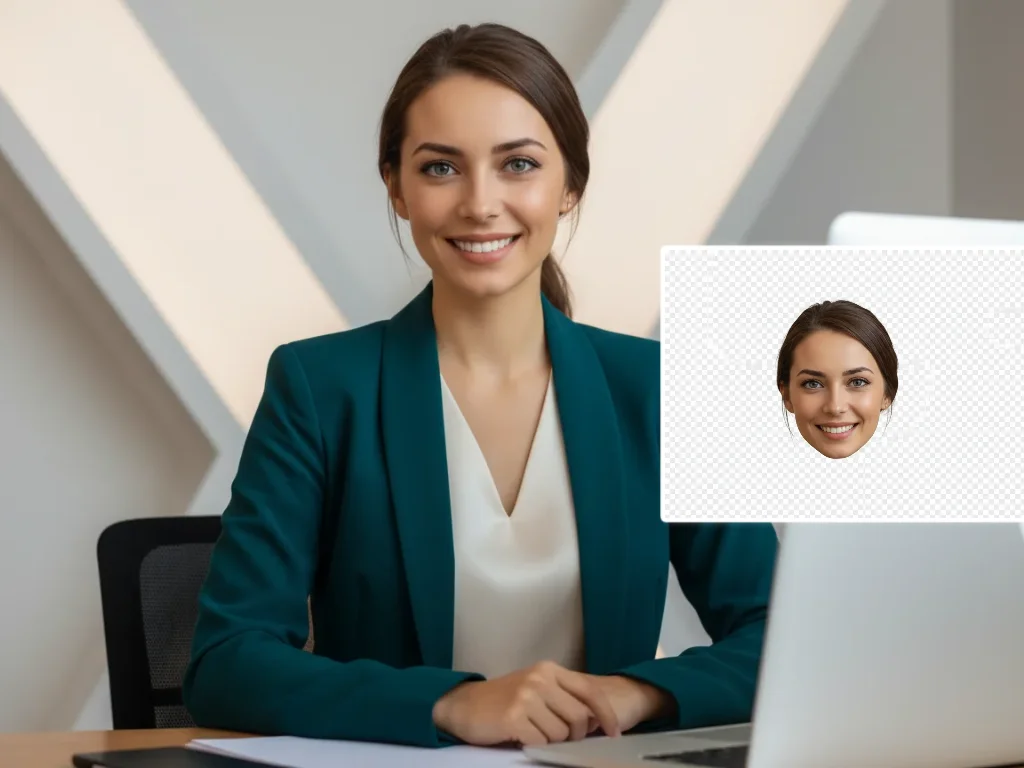
Upload your photo and let AI Photo Editor blur the background automatically. Add depth, reduce distractions, and make your subject stand out.