Upload
Upload a photo or graphic containing the logo you want to extract. For the best results, use an image with good contrast between the logo and background.
 AI Photo Editor
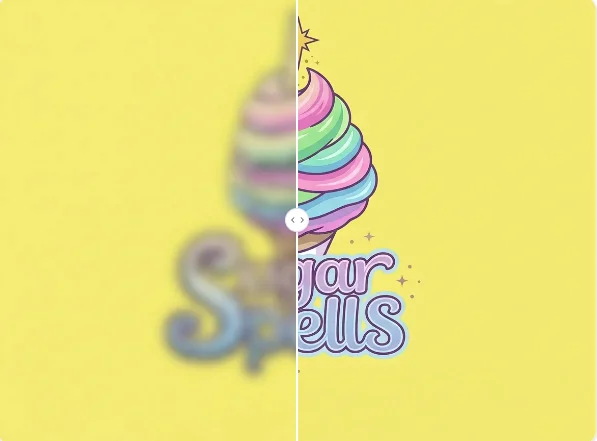
Upload any photo containing a brand mark and let AI automatically identify the logo, remove the background, and deliver a clean, professional cutout in seconds.
Upload any photo containing a brand mark and let AI automatically identify the logo, remove the background, and deliver a clean, professional cutout in seconds.

Upload a photo or graphic containing the logo you want to extract. For the best results, use an image with good contrast between the logo and background.
Click the Generate button. AI Photo Editor's AI will automatically detect the logo, remove the surrounding background, and create a clean cutout in seconds.
Preview the extracted logo and download your high-resolution transparent PNG, ready for websites, business cards, or any design project.
Extract Logo from Image uses edge-detection technology specifically tuned for graphic design. AI Photo Editor preserves sharp lines, intricate details, and original colors of your logo while cleanly eliminating complex backgrounds.
AI Photo Editor handles all types of logos — from text-based trademarks to detailed graphics. Whether the logo is on a product photo, business card, or web screenshot, the AI identifies and isolates it precisely regardless of background complexity.
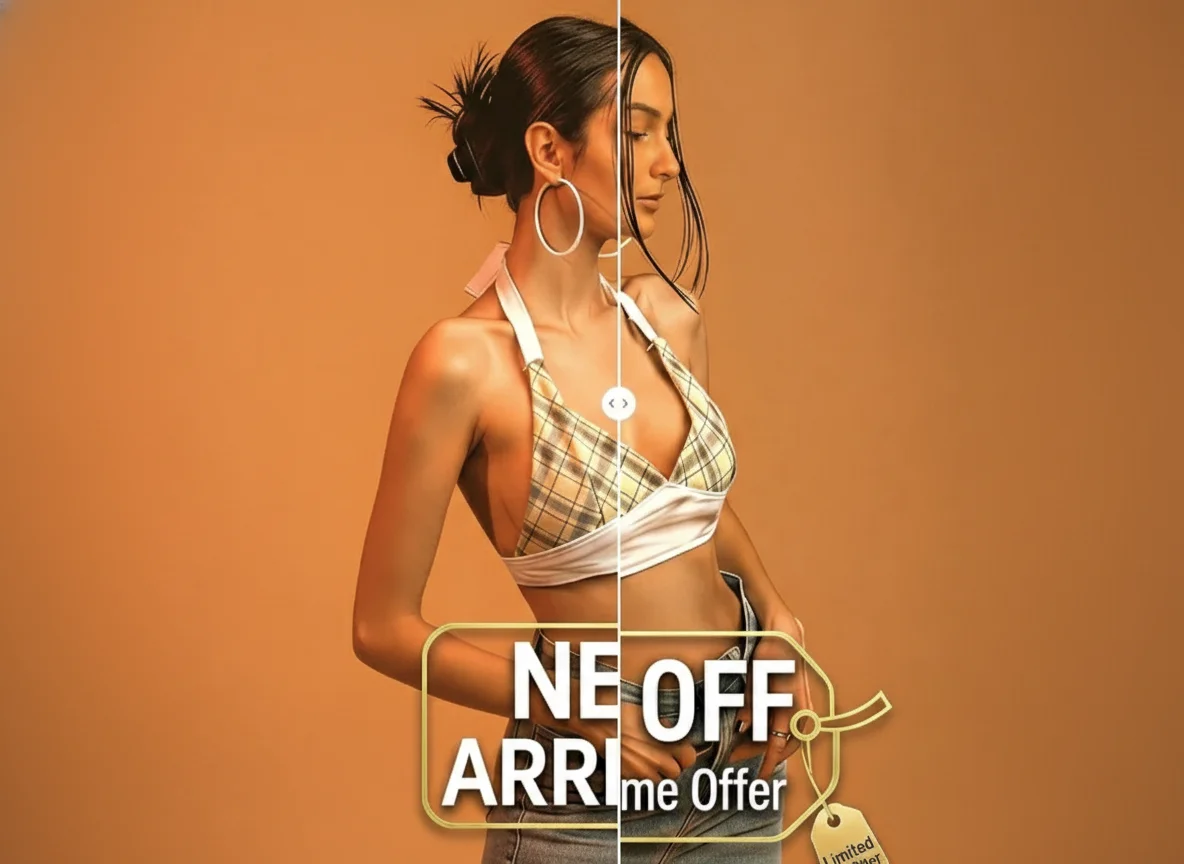
Whether it's a photo of a package, a garment, or a screenshot, the AI identifies the logo or text accurately, providing a balanced and professional cutout every time.
Create visuals faster without design skills. Turn ideas into images, thumbnails, social posts, and creative assets in seconds.
Accelerate your creative workflow. Use AI Photo Editor to generate concepts, references, and visual directions, then refine them into production-ready designs.
Produce high-converting visuals on demand. Create ads, campaign visuals, and branded images quickly.
Extract Logo from Image is an AI-powered tool that identifies brand marks within a picture, removes the surrounding background, and creates a standalone, transparent logo file ready for professional use.
Simply upload the image to AI Photo Editor. The AI model is trained to distinguish between foreground logos and complex backgrounds, making the extraction process fully automatic — no manual selection needed.
No. Simply upload your image to AI Photo Editor and the AI handles all the heavy lifting — from detection to background removal. You just need to upload and download.
The extracted logo is provided as a high-resolution PNG with a transparent background, ensuring it fits perfectly onto any design — websites, business cards, presentations, or marketing materials.
Absolutely. AI Photo Editor's logo extractor is designed to keep edges sharp and maintain original colors, ensuring your brand mark stays clean, crisp, and ready for use.

Isolate any brand mark instantly with professional AI precision. Sign up for AI Photo Editor and get your transparent logos ready for use today.