Upload Your Image
Choose the photo or artwork you want to edit and load it into the inpainting workspace.
 AI Photo Editor
Upload an image, brush over the area you want to change, and describe the result in a prompt. The selected region is rebuilt to match the surrounding texture, lighting, color, and composition.
Upload an image, brush over the area you want to change, and describe the result in a prompt. The selected region is rebuilt to match the surrounding texture, lighting, color, and composition.
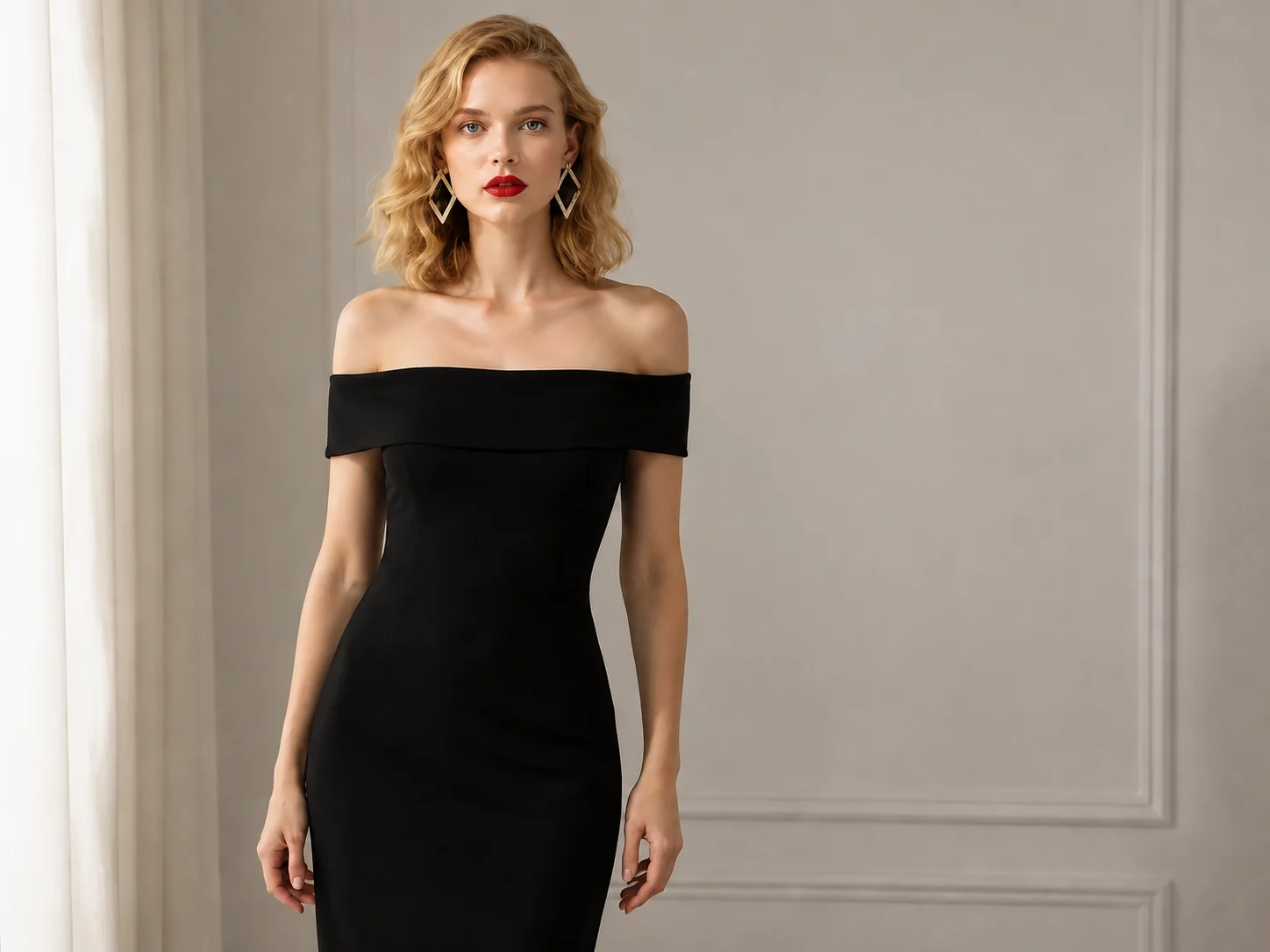
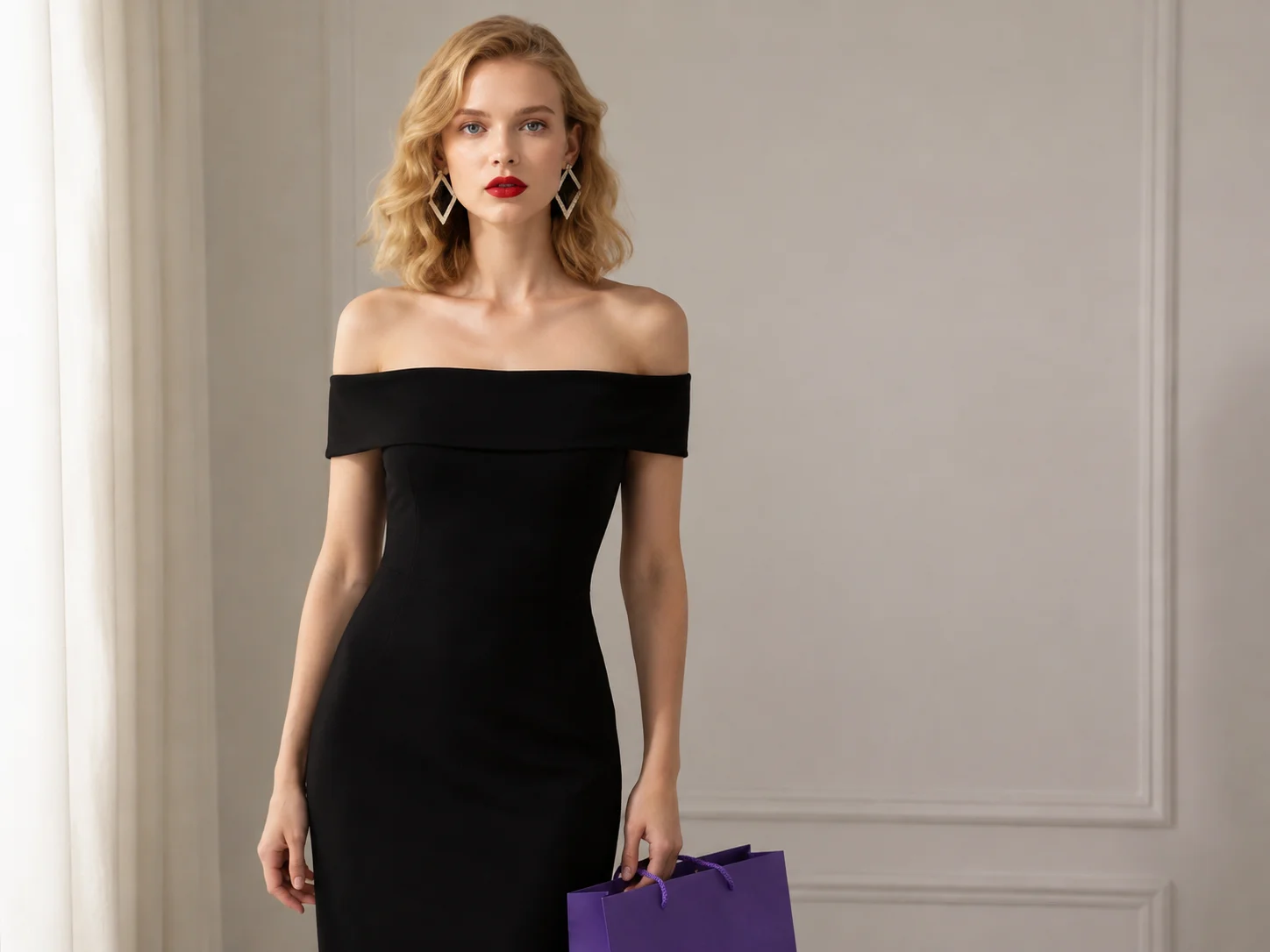
Choose the photo or artwork you want to edit and load it into the inpainting workspace.
Brush over the object, damage, or detail you want to change, then enter a clear prompt describing what should appear.
Generate the edit, review how it blends with the original image, and download the result when it matches your intent.
Use a brush to define exactly where the change belongs, leaving the rest of the image and its composition intact.
The edit considers nearby textures, colors, lighting, and shadows so removed, repaired, or replaced content fits the surrounding scene.
Clean up distractions, restore damaged parts, replace objects, or add new visual elements through the same prompt-guided workflow.
Remove distractions, add imaginative details, and refine social posts or artwork without rebuilding the full composition.
Explore object replacements, visual variations, and local corrections while keeping the original design direction consistent.
Adjust product shots and campaign visuals by cleaning up unwanted elements or testing focused content changes.
AI inpainting edits a selected part of an image by analyzing the surrounding scene and rebuilding that area according to your prompt.
You brush over the target area and describe the intended change. The model then generates content that follows nearby texture, color, lighting, and composition.
Yes. Select the object, then describe whether it should disappear or be replaced. The empty region is reconstructed to fit the surrounding image.
Yes. It can help rebuild selected scratches, blemishes, or missing details when the surrounding image provides enough visual context.
A precise selection and a clear prompt help the generated area follow the original image's perspective, lighting, texture, and color balance.
AI Photo Editor is your go-to AI image toolkit for generating, editing, and enhancing photos and artwork.
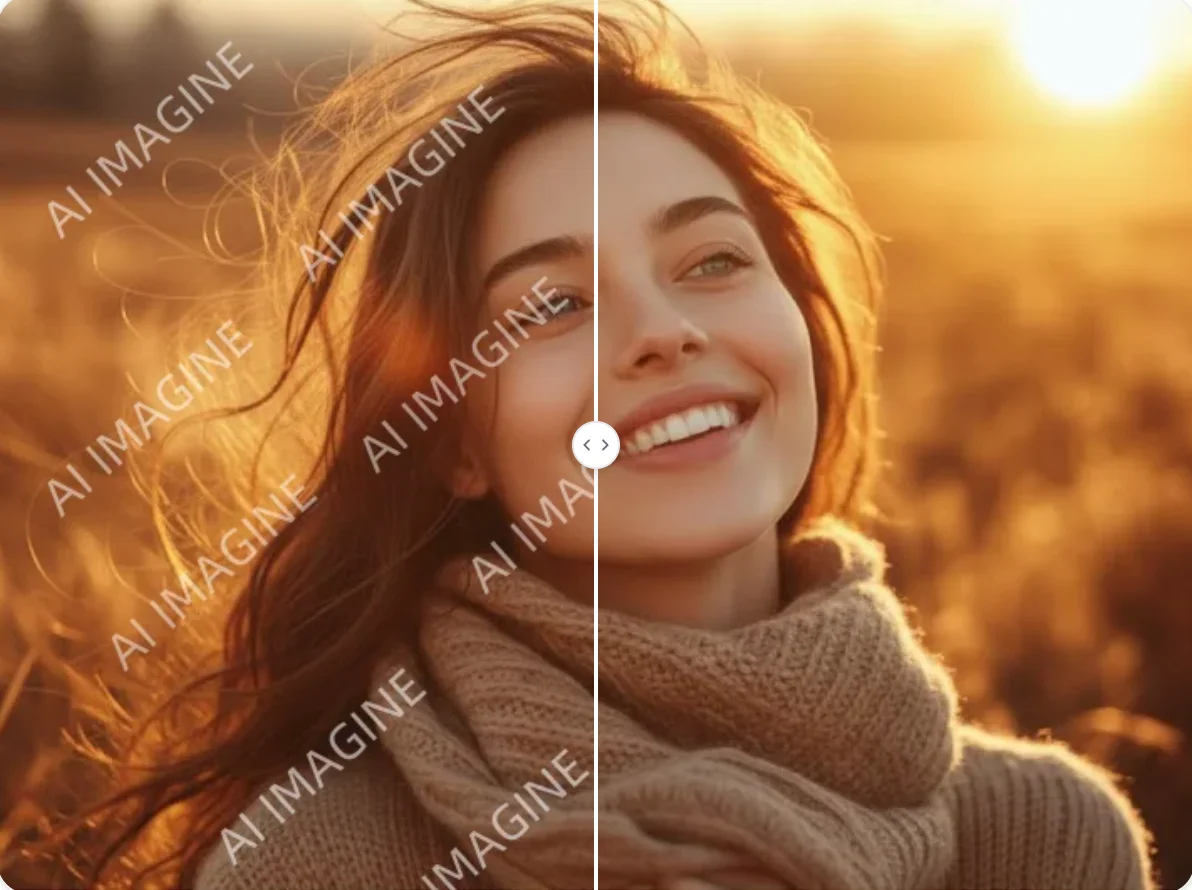
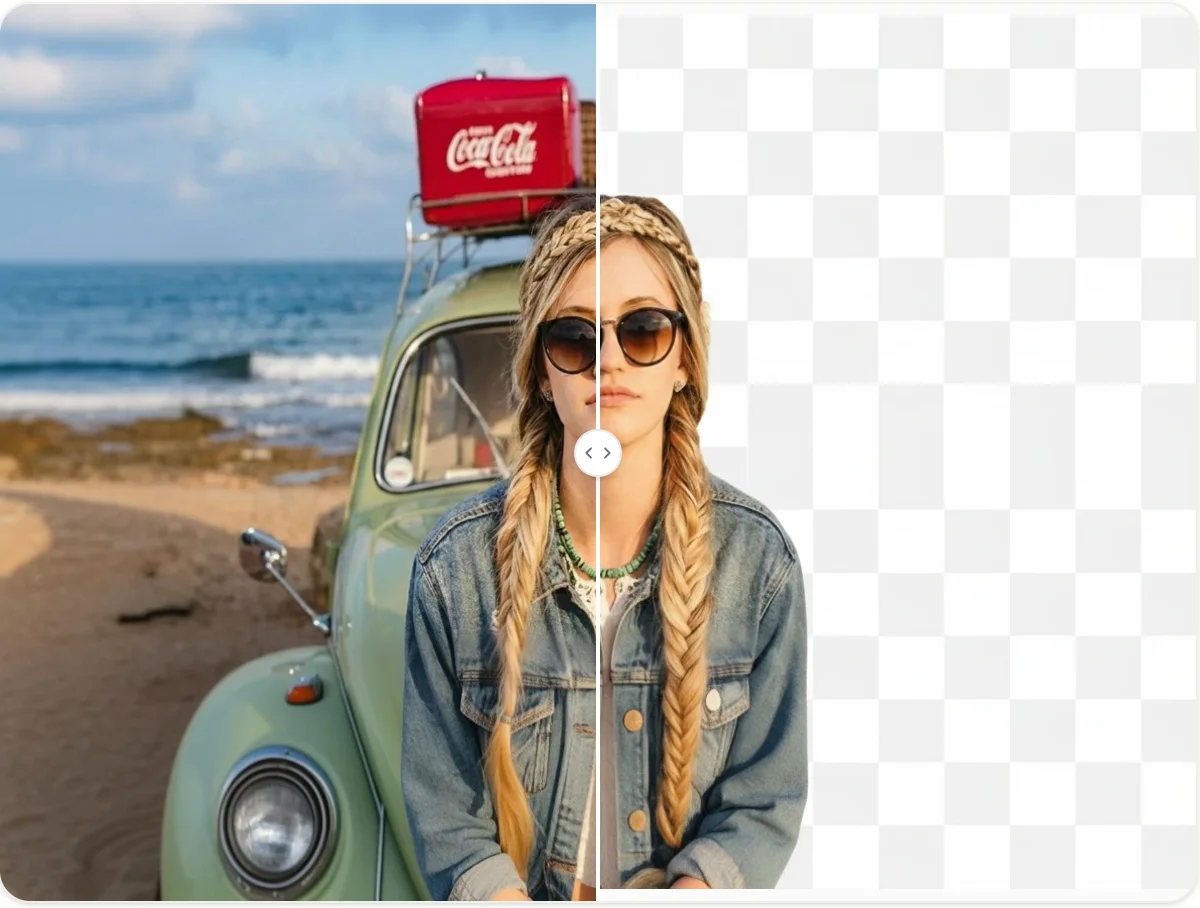
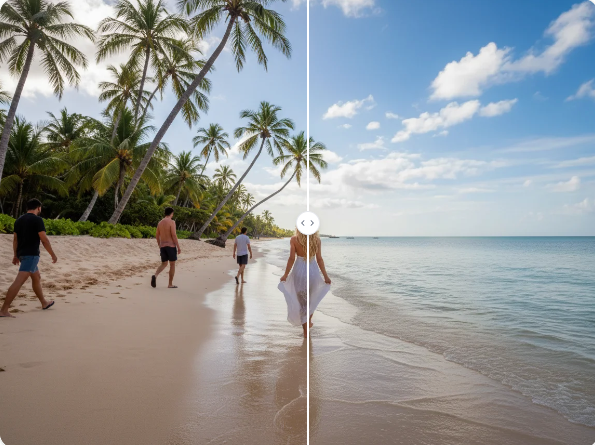
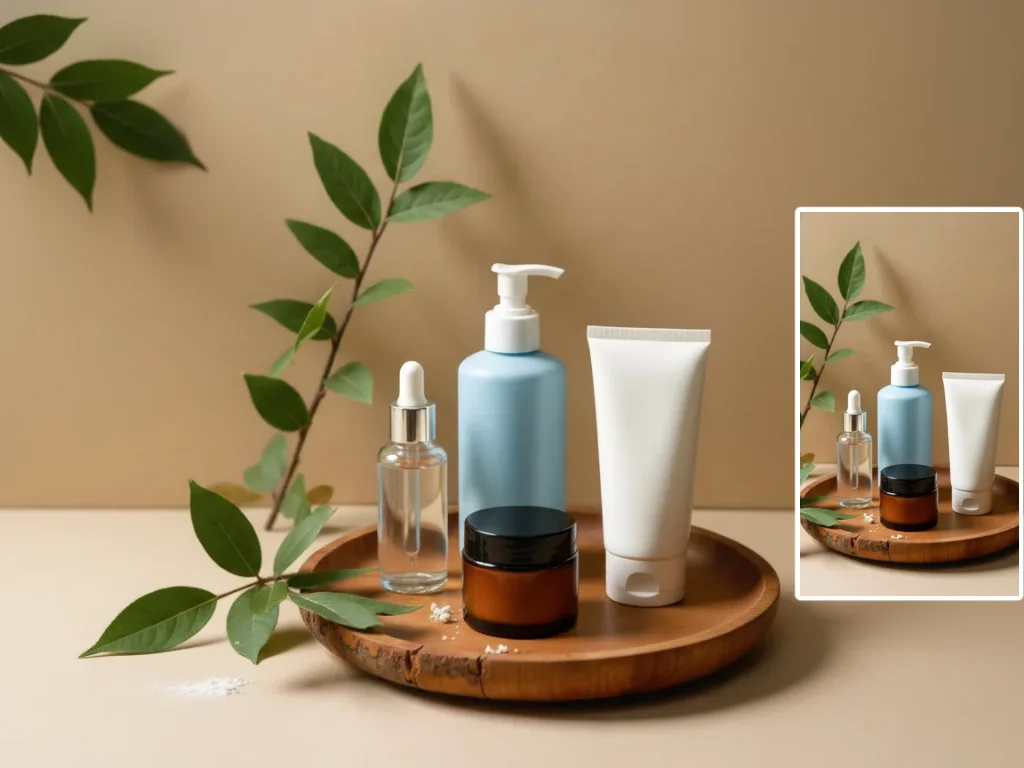
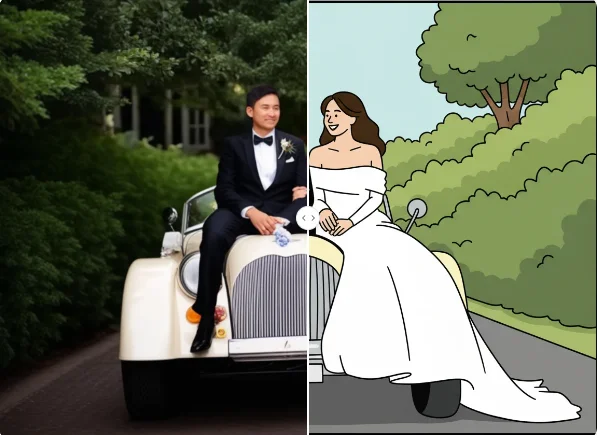
Upload an image, select the area to change, and turn a simple prompt into a clean repair, removal, replacement, or creative edit.