Upload
Upload the image you want to clean up. Supported formats include JPG, PNG, and WebP.
 AI Photo Editor
Quickly erase unwanted objects and restore a clean, natural look to any photo with AI Photo Editor's smart editing.
Quickly erase unwanted objects and restore a clean, natural look to any photo with AI Photo Editor's smart editing.


Upload the image you want to clean up. Supported formats include JPG, PNG, and WebP.
Use the brush tool to highlight the unwanted object, person, or text. Click "Remove" to let AI erase it instantly.
Preview the clean result compared to the original. Download your high-quality, polished image ready for use.
AI Photo Editor analyzes the surrounding pixels to intelligently fill the erased area with matching textures and colors. The result is a seamless, natural-looking photo with no trace of the removed object.
Whether it's removing tourists from travel photos, date stamps, watermarks, or unwanted clutter in product shots, our tool handles both simple and complex backgrounds effectively.
No professional Photoshop skills are required. Simply mark the area you want to remove, and AI Photo Editor does the rest in seconds, saving you time and effort on manual retouching.
Create visuals faster without design skills. Turn ideas into images, thumbnails, social posts, and creative assets in seconds.
Accelerate your creative workflow. Use AI Photo Editor to generate concepts, references, and visual directions, then refine them into production-ready designs.
Produce high-converting visuals on demand. Create ads, campaign visuals, and branded images quickly.
AI Photo Editor's Object Remover is an online tool that clears unwanted items from photos and rebuilds the background naturally. It helps you fix travel images, improve product photos, and prepare visuals for social posts.
The AI analyzes surrounding pixels of the selected area, then uses trained models to fill in the space with matching colors and textures, making the result look smooth and realistic.
Yes. AI Photo Editor can handle both small and large objects, including people, vehicles, or any element. It accurately detects and fills the space naturally.
Not at all. AI Photo Editor preserves the original resolution and clarity. The AI carefully fills removed areas with matching textures and colors, ensuring professional output.
No. AI Photo Editor is designed for simplicity. Just upload, brush over the object, and click a button. The AI handles all the complex editing for you.
AI Photo Editor is your go-to AI image toolkit for generating, editing, and enhancing photos and artwork.
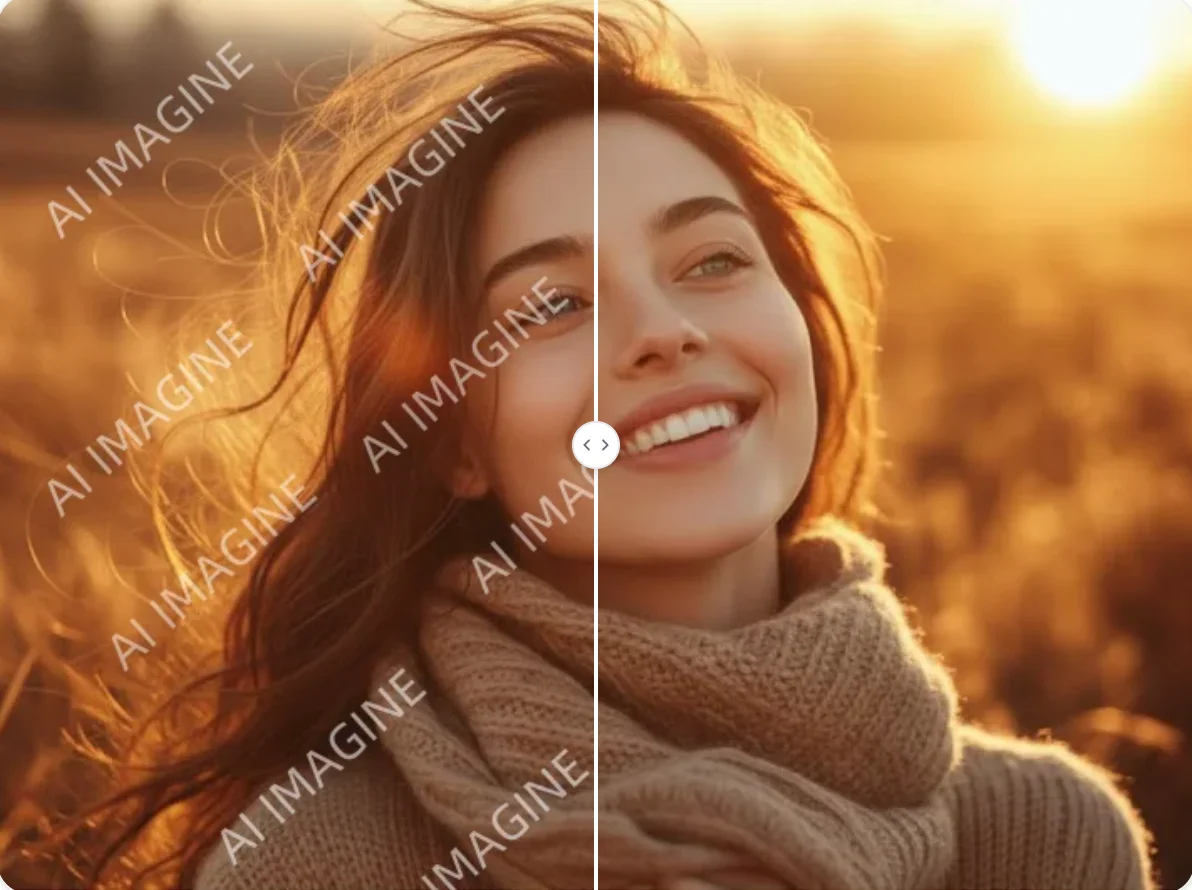
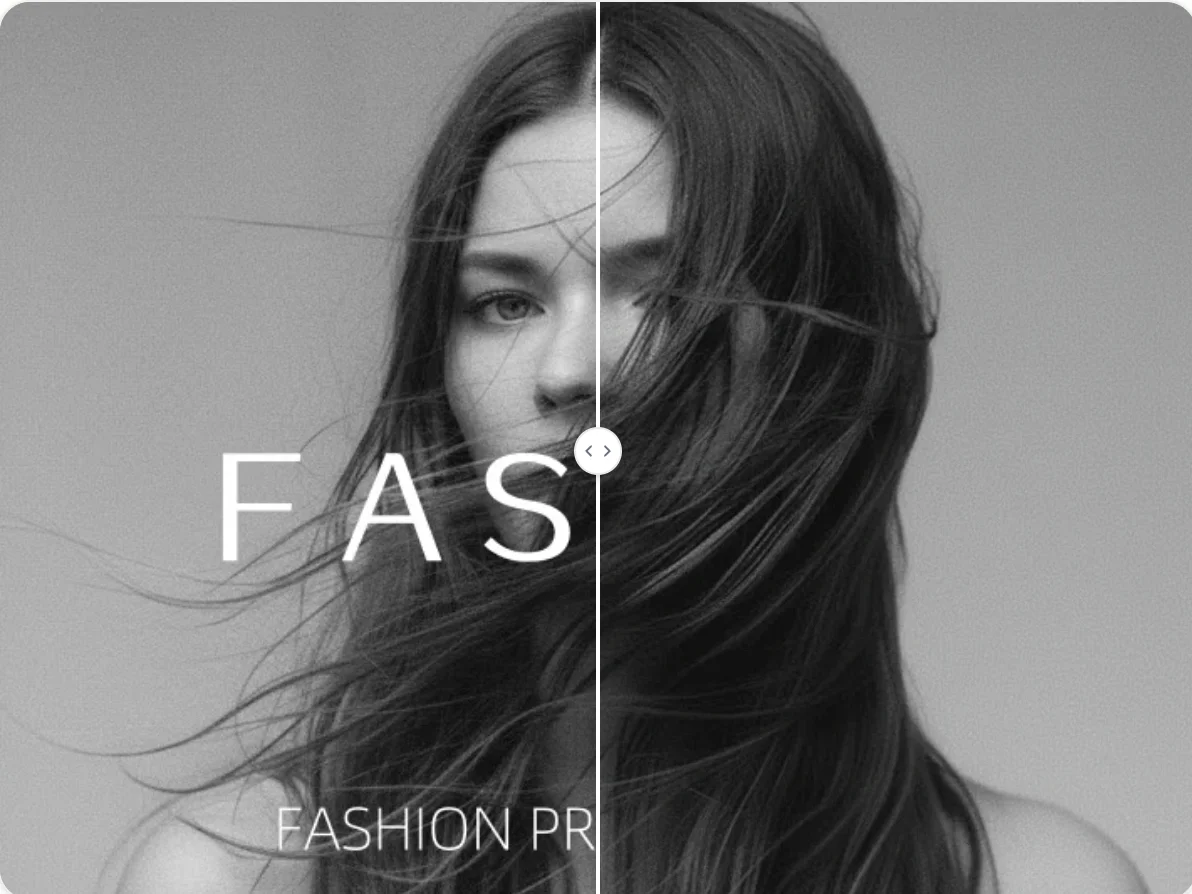
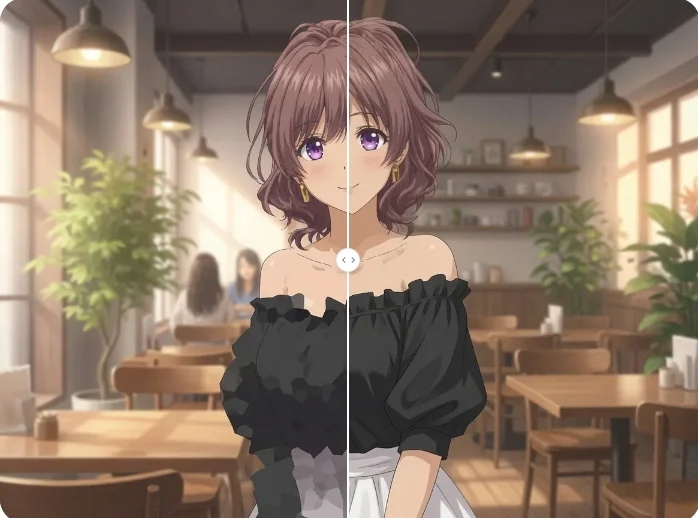
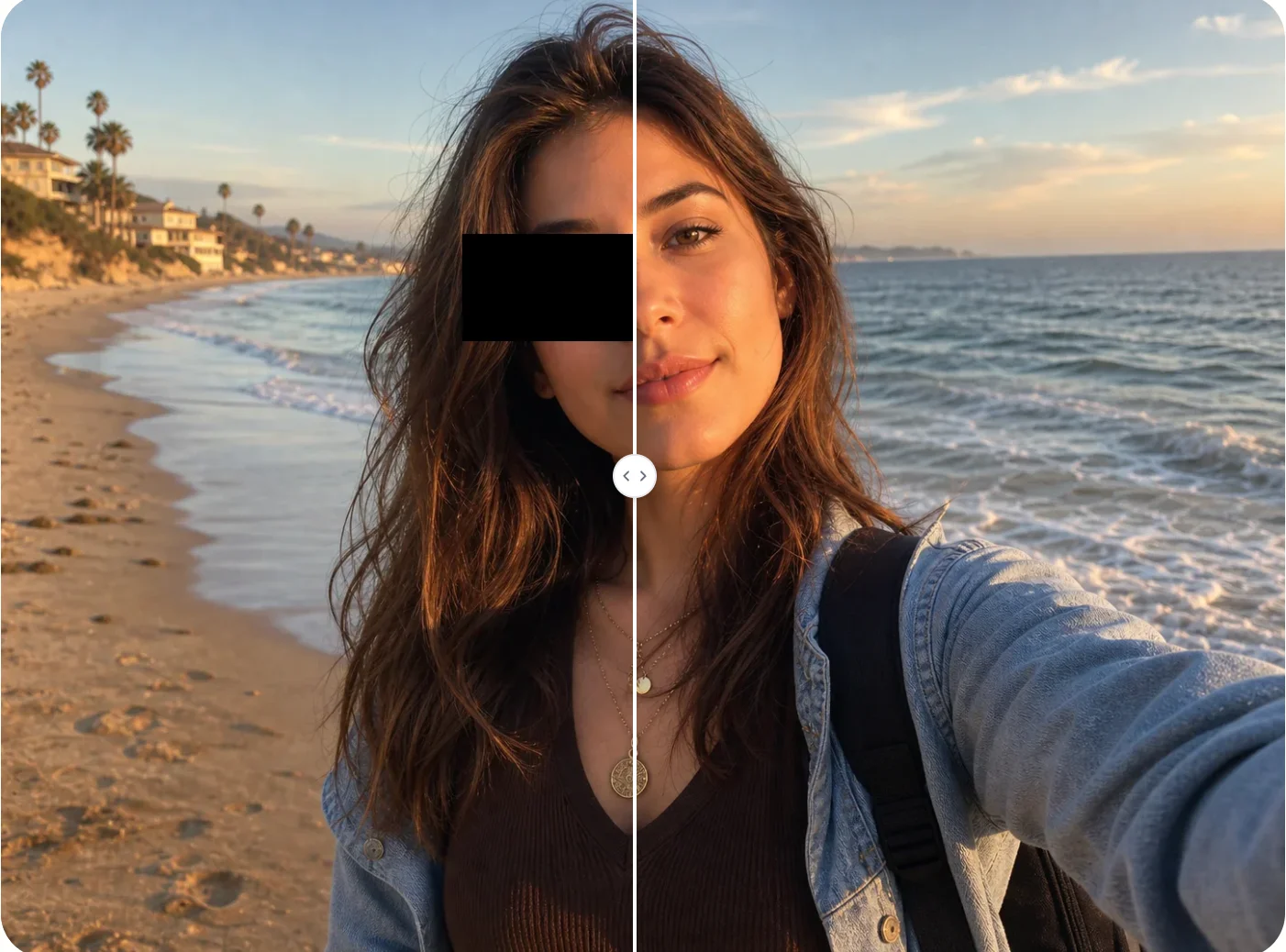
Clean up your photos instantly. Remove unwanted objects, people, or text with a single click.