Upload an image to the image outliner
Add any photo, screenshot, or illustration. AI Photo Editor supports common formats like JPG and PNG, so no extra preparation is needed.
 AI Photo Editor
This image outline generator is useful for sketches, coloring pages, design drafts, or anytime you need a simplified version of an image.
This image outline generator is useful for sketches, coloring pages, design drafts, or anytime you need a simplified version of an image.
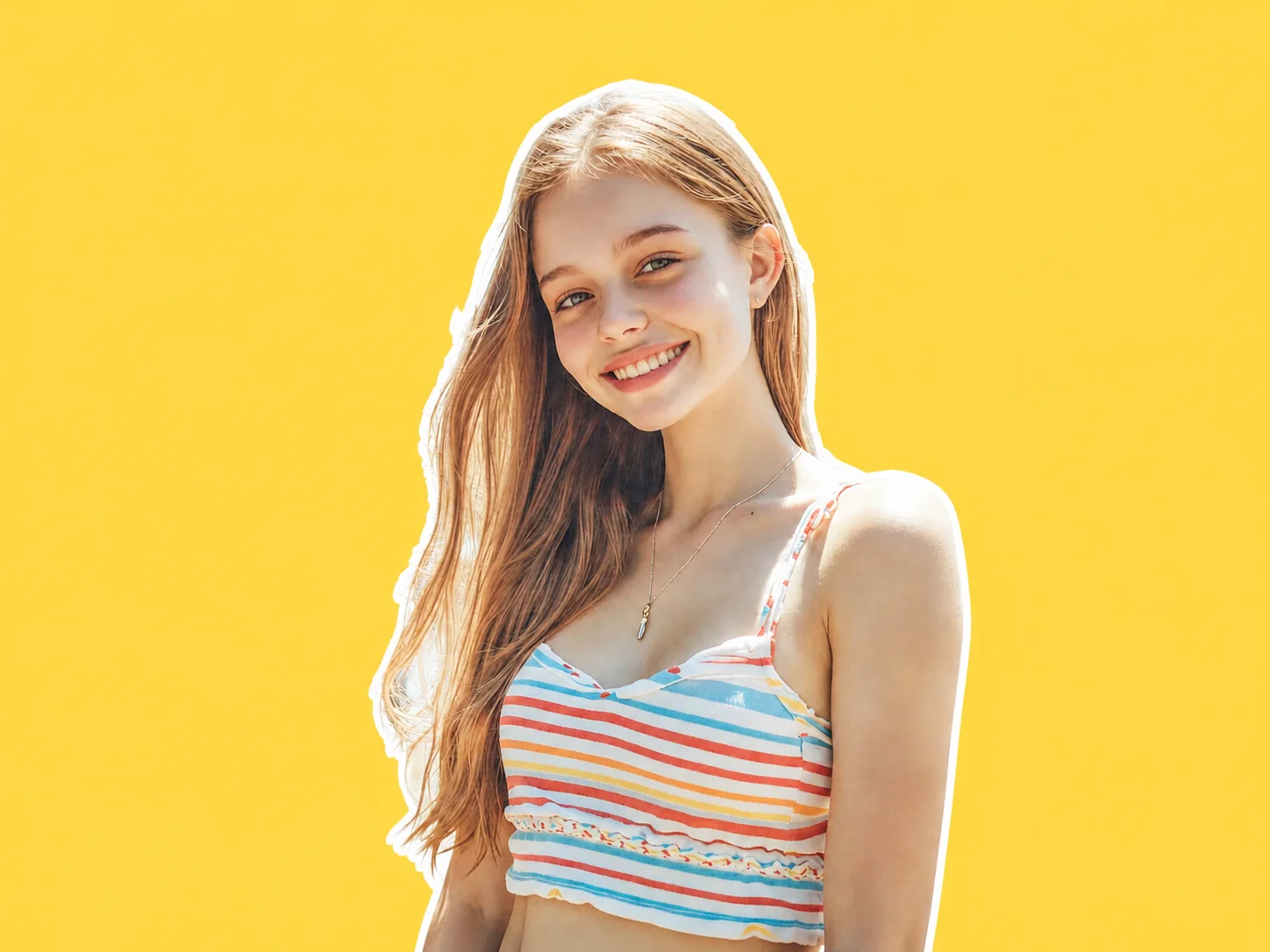
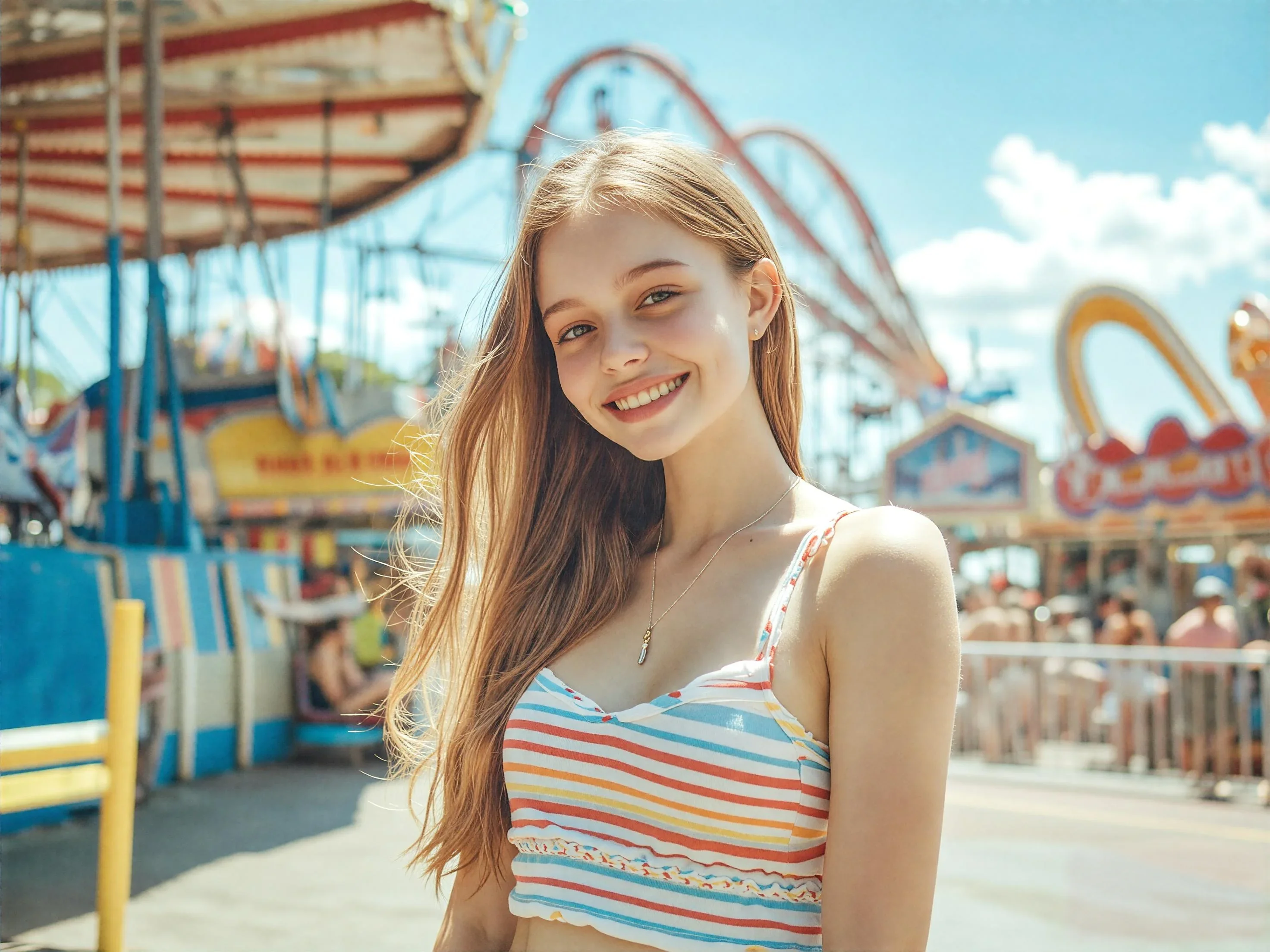
Add any photo, screenshot, or illustration. AI Photo Editor supports common formats like JPG and PNG, so no extra preparation is needed.
The image outliner analyzes edges and contrast to outline an image while filtering out noise. The result keeps structure while removing visual clutter.
Preview the generated outline and download it instantly. The output works well for design drafts, tracing, or print-ready line art.
AI Photo Editor focuses on major edges instead of every small detail. This keeps outlines readable and avoids the messy look that often happens with basic filters.
Everything runs directly in the browser. No plugins, no software downloads, and no need to switch between different design apps.
Outlining an image is useful for sketch references, coloring pages, UI structure drafts, and even tattoo planning. Clean lines make further editing easier.
Create visuals faster without design skills. Turn ideas into images, thumbnails, social posts, and creative assets in seconds.
Accelerate your creative workflow. Use AI Photo Editor to generate concepts, references, and visual directions, then refine them into production-ready designs.
Produce high-converting visuals on demand. Create ads, campaign visuals, and branded images quickly.
An image outliner extracts edges from an image and converts it into a simplified line-based version.
Upload an image, generate the outline, and download the result. No design experience or extra software is required.
Both use cases work. The output can be used directly as an outline or as a base layer for sketches and illustrations.
Low contrast or overly detailed images can lead to minimal outlines. Images with clearer subjects usually produce better results.
Yes. The outlined results are yours to use in design projects, prints, or other commercial work, as long as you own the original image's rights.
AI Photo Editor is your go-to AI image toolkit for generating, editing, and enhancing photos and artwork.
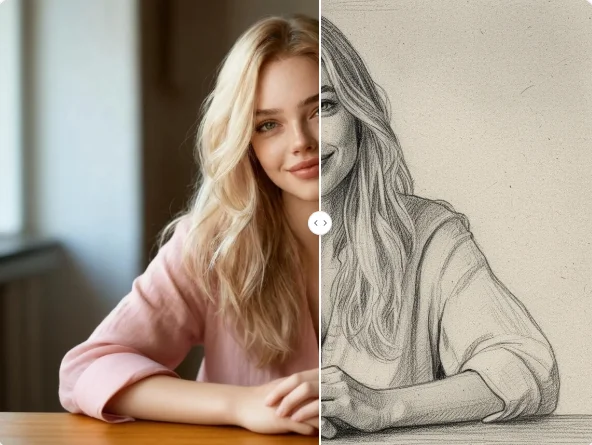
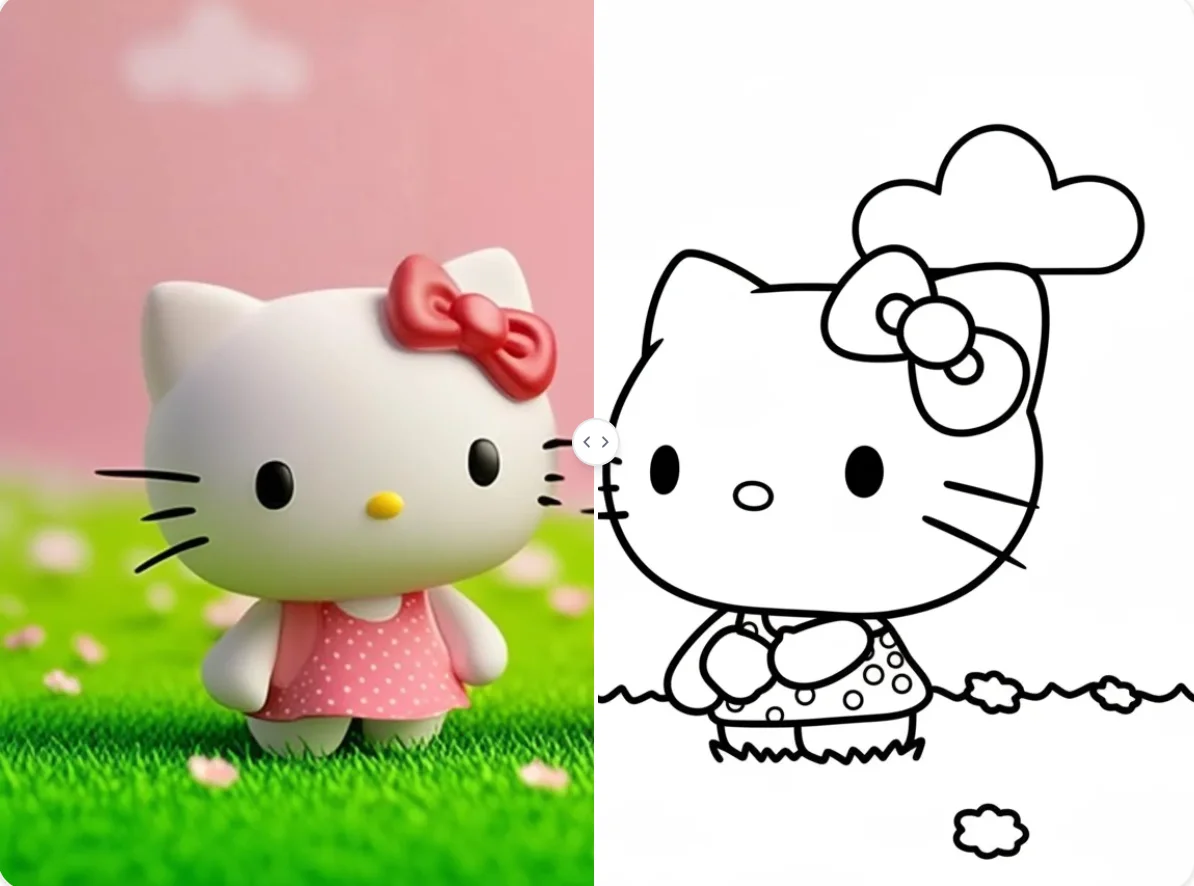
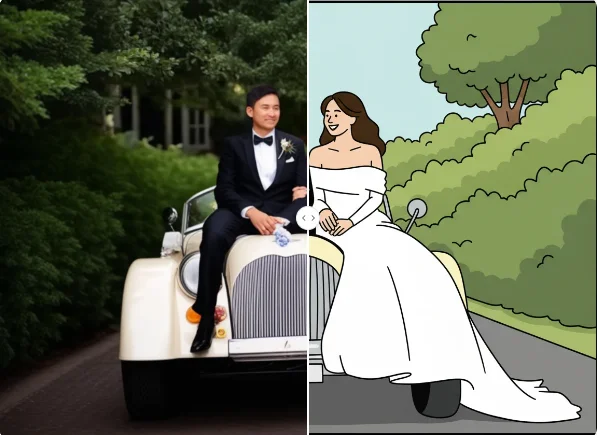
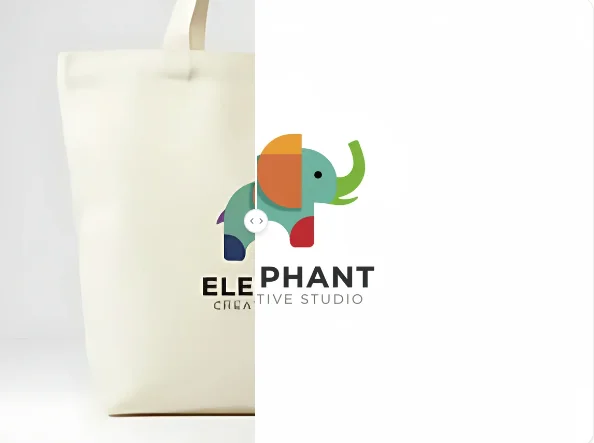
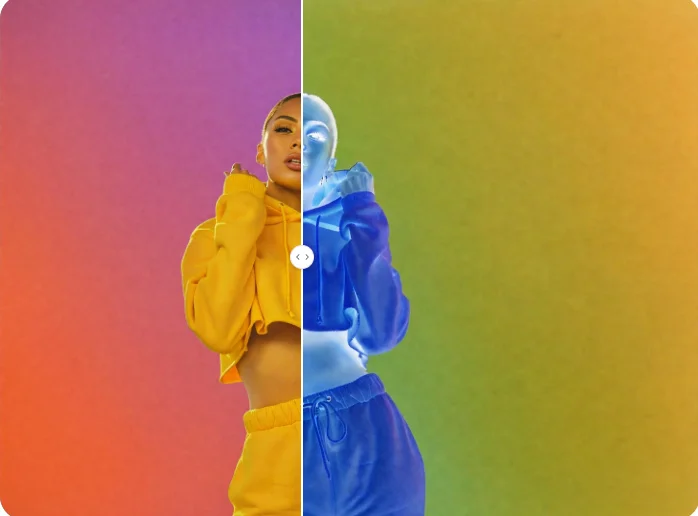
Create clean outlines from any image in seconds. AI Photo Editor's image outline generator helps you extract edges, simplify visuals, and turn photos into line art directly in your browser.