Upload Your Image
Upload the photo you want to edit to the AI Photo Editor editor.
 AI Photo Editor
Upload a photo, select what you want to change, and let the AI generate seamless results you can download and use for design, marketing, or creative projects.
Upload a photo, select what you want to change, and let the AI generate seamless results you can download and use for design, marketing, or creative projects.
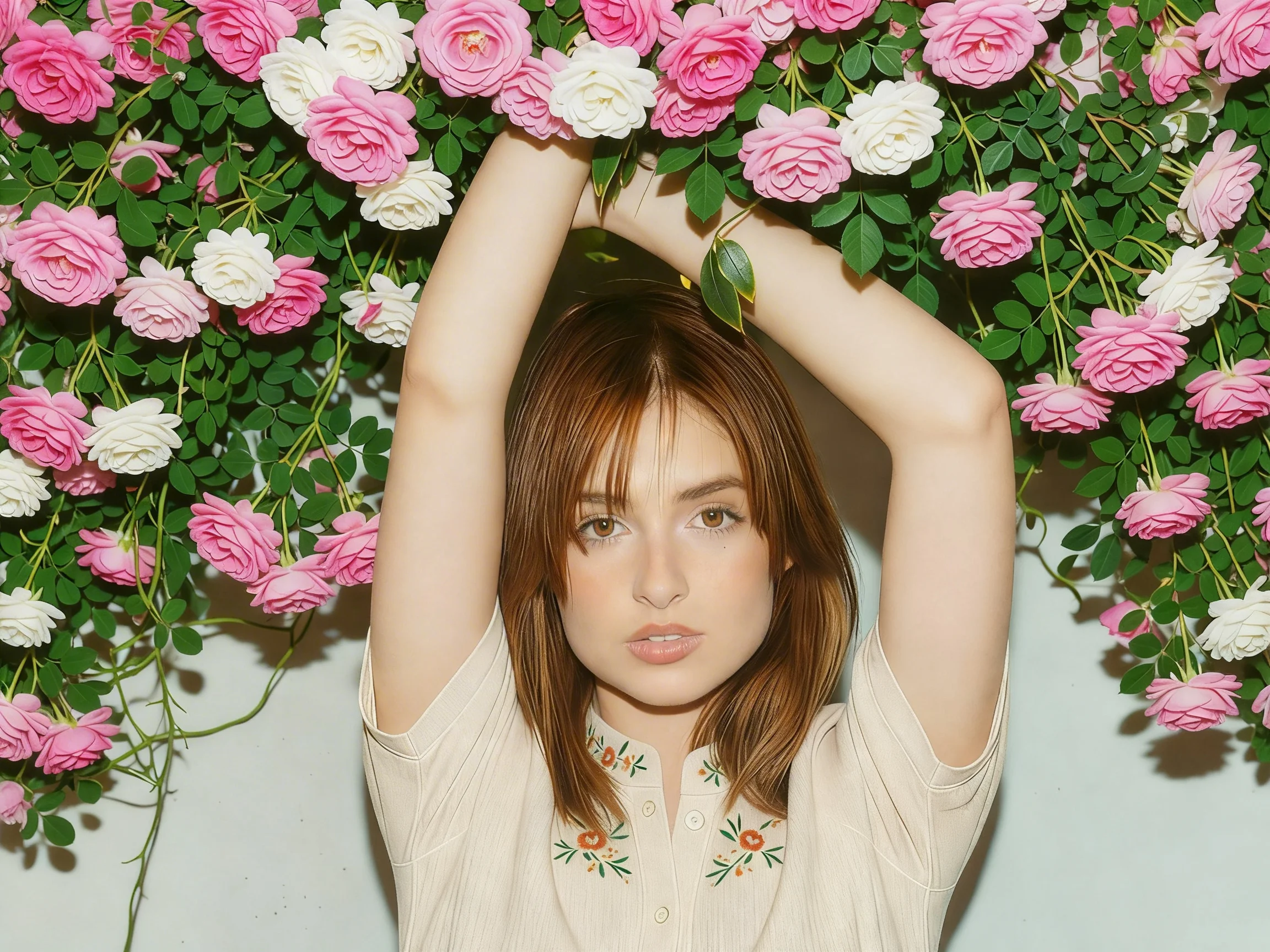
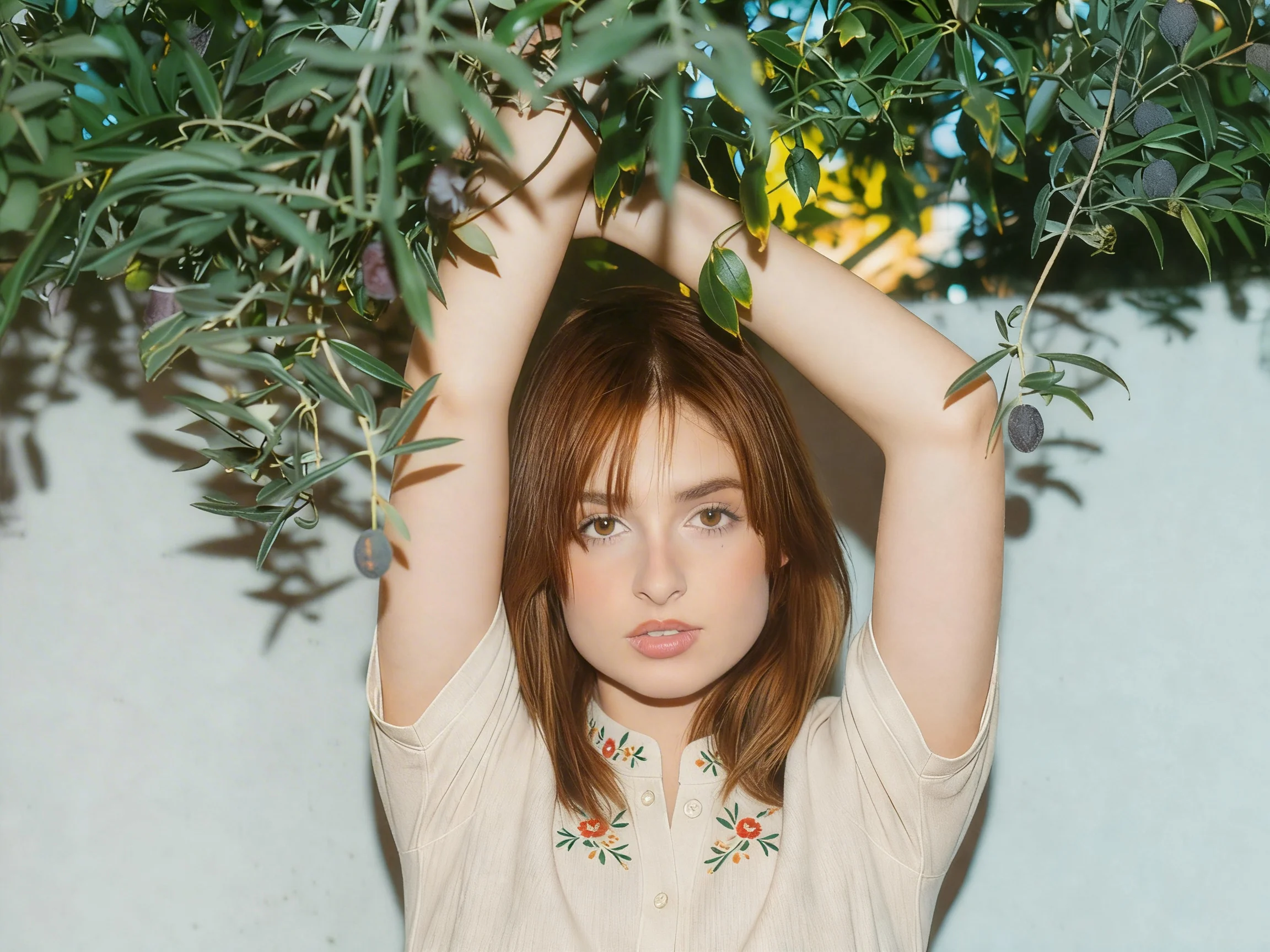
Upload the photo you want to edit to the AI Photo Editor editor.
Brush over the area you want to replace, or describe the object using a prompt.
Submit the task and wait a few seconds while the AI replaces the selected element automatically.
AI Photo Editor's ai image replacer lets you swap unwanted elements in seconds. Upload your photo, highlight the area you want to change, and describe what should appear instead. The tool automatically fills the space with a natural looking result, so you do not need complex editing skills.
The system analyzes lighting, shadows, colors, and surrounding textures before making changes. This allows the ai image replace process to blend new elements smoothly into the original scene without obvious edges or mismatched tones. From replacing backgrounds to inserting new objects, the object replacer keeps perspective and composition consistent, producing edits that look naturally captured rather than digitally altered.
You can complete edits quickly directly in your browser, making the ai image replacer practical for rapid content updates and creative experimentation. There is no need to install heavy software or learn complicated tools. Your images are handled with privacy in mind, and files are processed only for the editing task. This lets you confidently ai replace image content while keeping your original photos protected.
Create visuals faster without design skills. Turn ideas into images, thumbnails, social posts, and creative assets in seconds.
Accelerate your creative workflow. Use AI Photo Editor to generate concepts, references, and visual directions, then refine them into production-ready designs.
Produce high-converting visuals on demand. Create ads, campaign visuals, and branded images quickly.
AI Photo Editor uses advanced generative models to analyze the surrounding pixels, textures, shadows, and context of your image. When you choose an area to modify and enter a prompt, the AI intelligently reconstructs that section so the replacement blends naturally with the rest of the photo. This makes object replacement fast, realistic, and effortless.
AI image replacement does not replace professional design entirely, but it significantly speeds up editing workflows. For quick edits, content creation, marketing visuals, and concept mockups, AI can save hours of manual Photoshop work. Designers can also use AI as a creative assistant to test variations and ideas before final refinement.
AI tools like AI Photo Editor are designed for creative and visual editing purposes — such as replacing objects in photos or marketing images. They are not medical diagnostic tools. In professional fields like medical imaging, AI may assist experts, but it does not replace trained professionals. AI Photo Editor focuses purely on creative image editing and visual enhancement.
You should use an AI object replacer when you want to: Remove or swap unwanted objects in a photo, Update product images without reshooting...
AI Photo Editor is your go-to AI image toolkit for generating, editing, and enhancing photos and artwork.
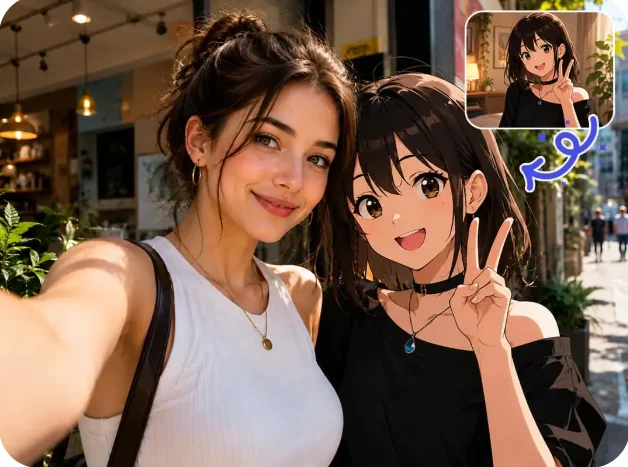
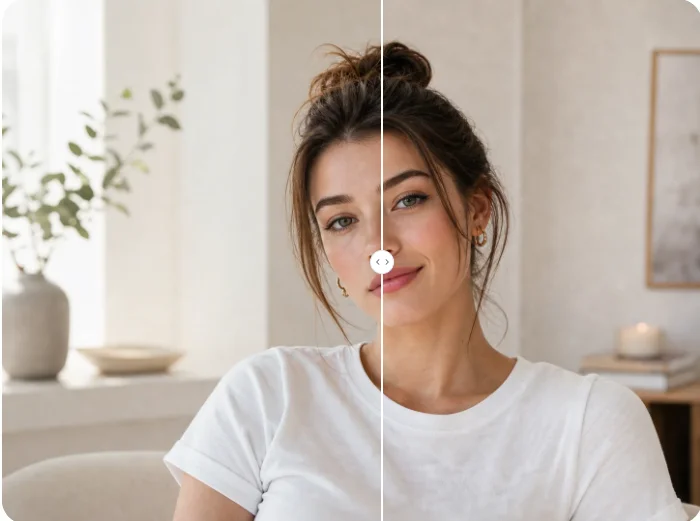
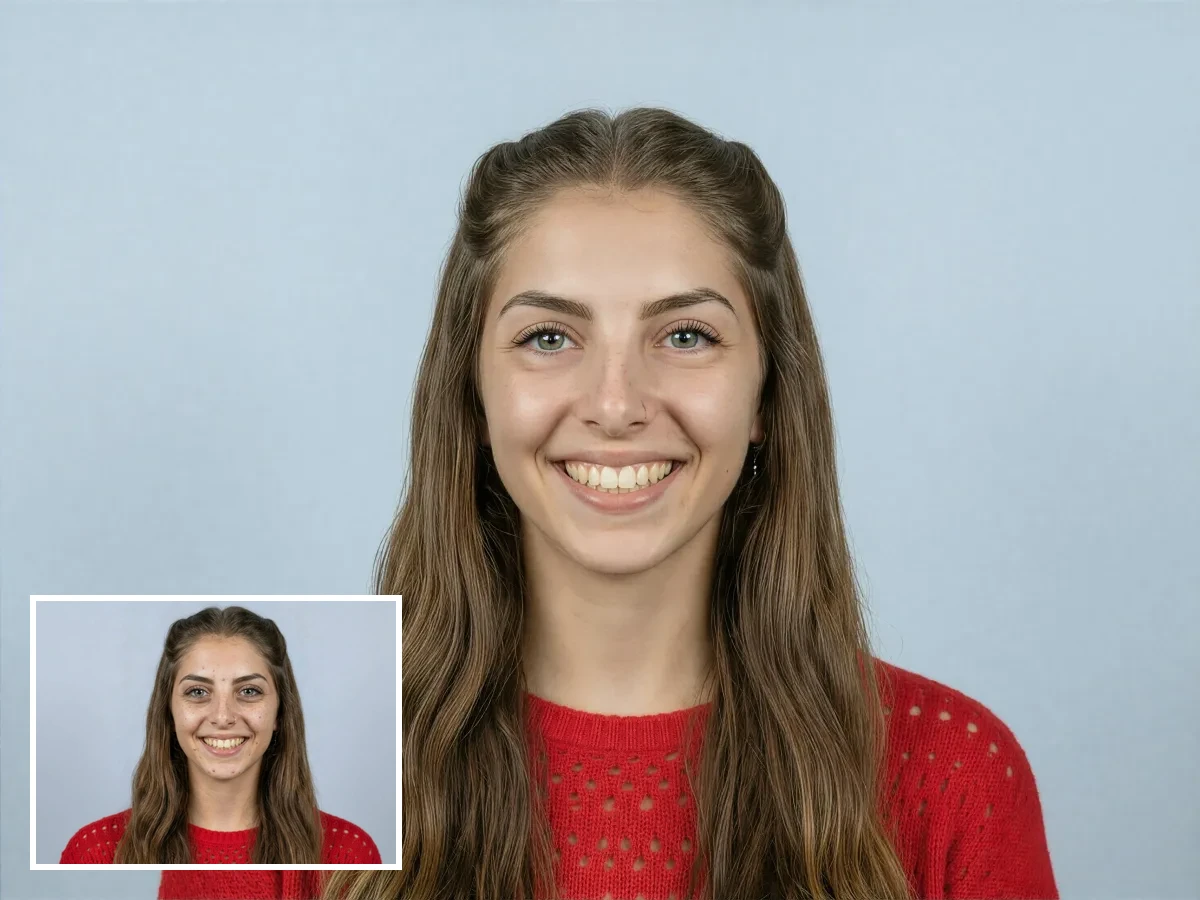
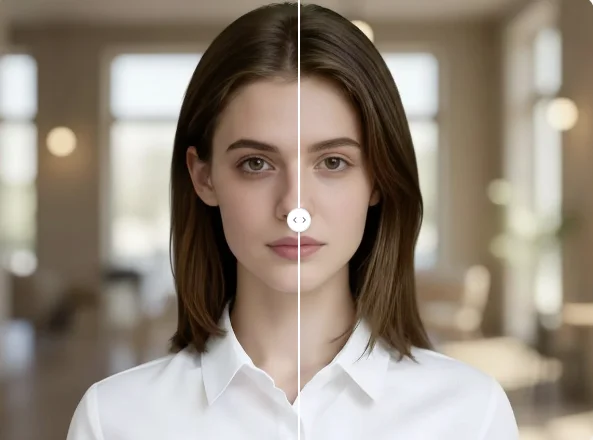
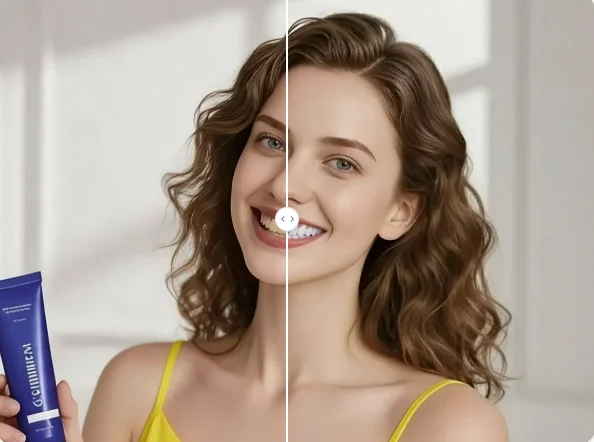
Easily swap objects, backgrounds, or elements in your photos using AI Photo Editor's image replacer. Automatically replace image content with smart AI editing tools.