Upload a photo with a visible face
Choose a photo where the face is clear and unobstructed. Front-facing portraits usually provide the best results for expression editing.
 AI Photo Editor
 helps add a smile to a photo by adjusting facial expressions while keeping the person's identity and overall appearance consistent.
AI Photo Editor helps add a smile to a photo by adjusting facial expressions while keeping the person's identity and overall appearance consistent.


Choose a photo where the face is clear and unobstructed. Front-facing portraits usually provide the best results for expression editing.
Generate a smiling version and compare it with the original image. You can review how the smile fits the face before saving the result.
Export the edited image and keep both versions if you want to compare different expressions later.
A photo session may be over before you notice that someone looks too serious or distracted. In many situations, recreating the same lighting, location, and pose is difficult. Adding a smile afterward helps save images that would otherwise be overlooked.
Facial expression often influences how people respond to a photo. A neutral expression can sometimes appear distant, even when that was not the intention. A subtle smile can make a portrait feel more approachable while keeping the original character of the image. The goal is not to completely change the face, but to adjust the emotional tone of the photo.
In group pictures, one person may smile while another looks distracted or expressionless. This can make an otherwise strong photo feel unbalanced. Adding a smile to a photo helps create more consistent expressions across the group, making the image feel more natural when viewed as a whole.
Create visuals faster without design skills. Turn ideas into images, thumbnails, social posts, and creative assets in seconds.
Accelerate your creative workflow. Use AI Photo Editor to generate concepts, references, and visual directions, then refine them into production-ready designs.
Produce high-converting visuals on demand. Create ads, campaign visuals, and branded images quickly.
AI Photo Editor's Add Smile to Photo tool adjusts facial expressions in existing images and generates a version where the subject appears to be smiling. The goal is to make the expression look natural while preserving the person's identity and facial features.
After a photo is uploaded, AI Photo Editor analyzes visible facial features and modifies areas such as the mouth, cheeks, and surrounding facial structure to create a smiling expression that matches the original face.
Yes. AI Photo Editor focuses on expression editing rather than replacing facial features. The intention is to adjust the smile while keeping the person's overall appearance recognizable.
Yes. AI Photo Editor works directly in a browser, so you can add a smile to a photo from a phone, tablet, or desktop device without installing additional software.
AI Photo Editor is your go-to AI image toolkit for generating, editing, and enhancing photos and artwork.
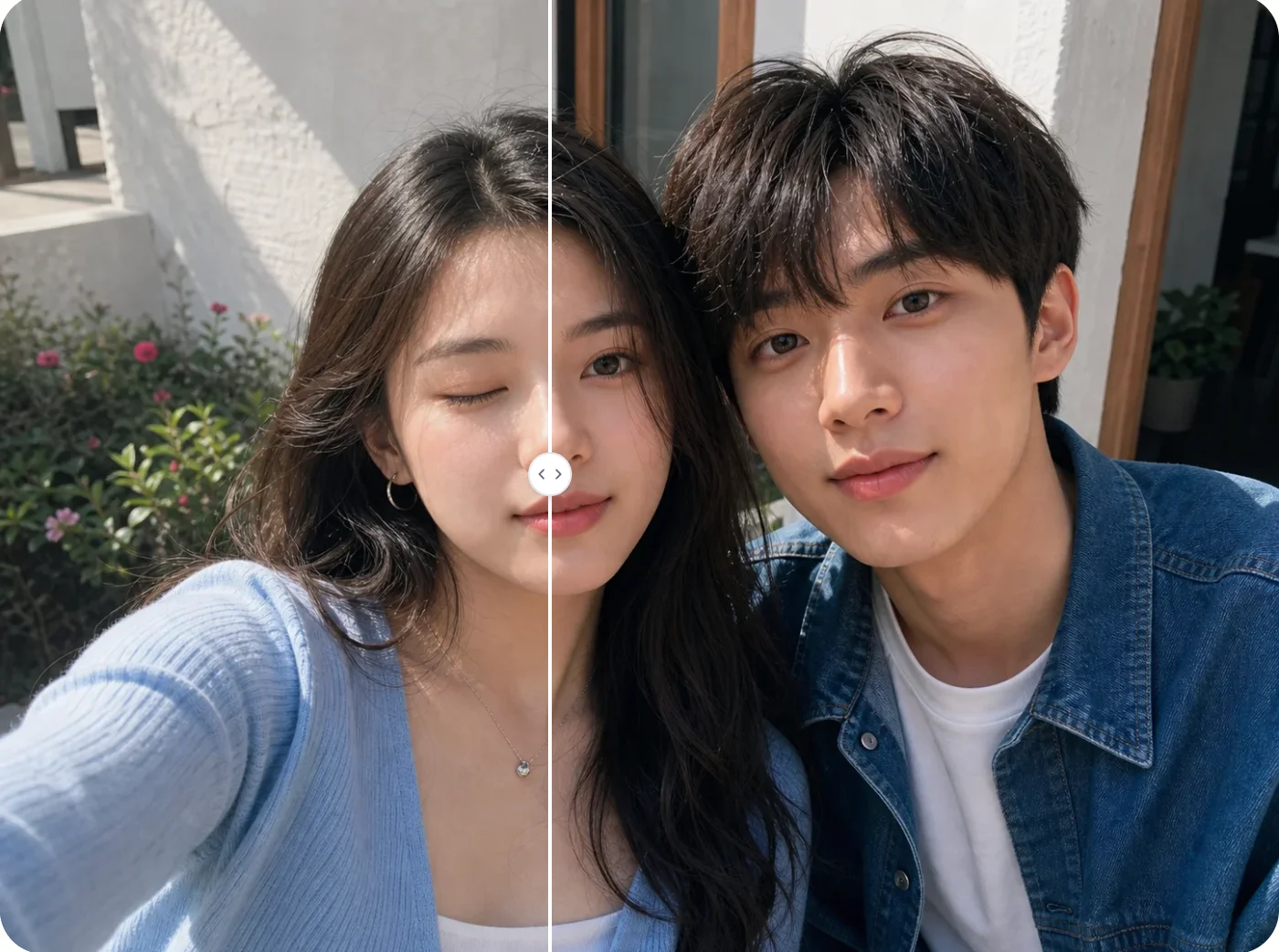
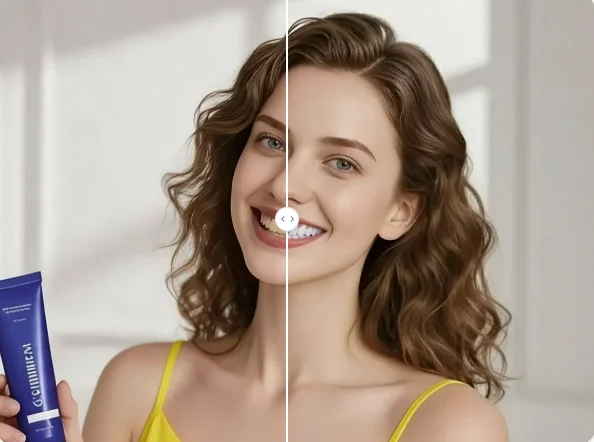
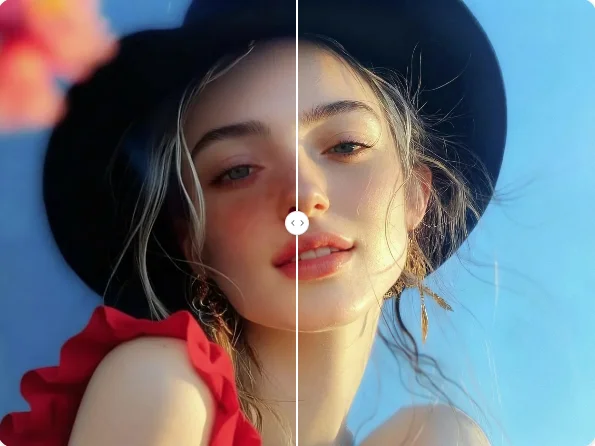
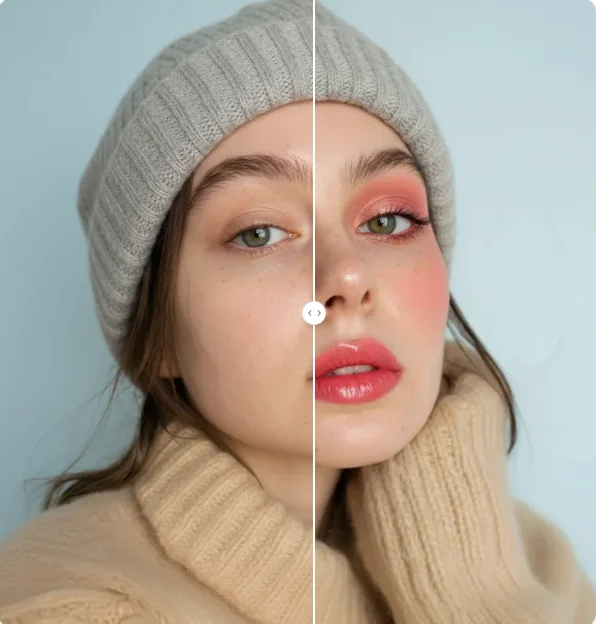
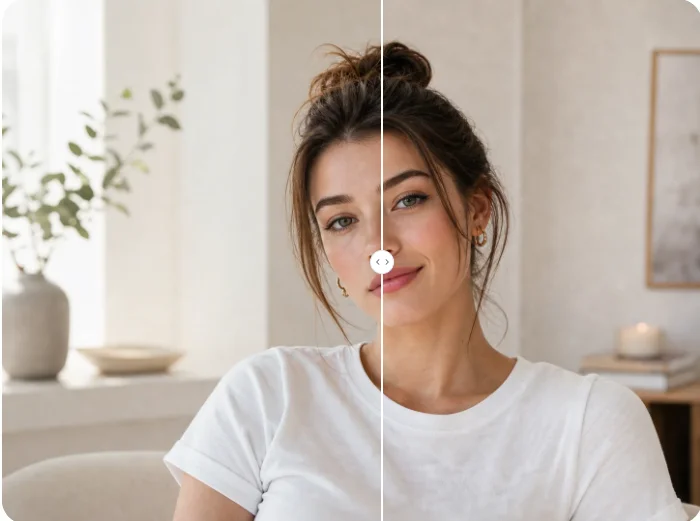
Add smile to photo online and adjust facial expressions without retaking the picture. Upload a photo and create a more natural smiling version.