Upload a Clear Photo
Upload a clear image where your facial features and eyes are visible for the best result. The AI eye color changer detects your eyes automatically to ensure precise and realistic color changes.
 AI Photo Editor
Curious about a new eye color? Instantly change it with natural results.
Curious about a new eye color? Instantly change it with natural results.
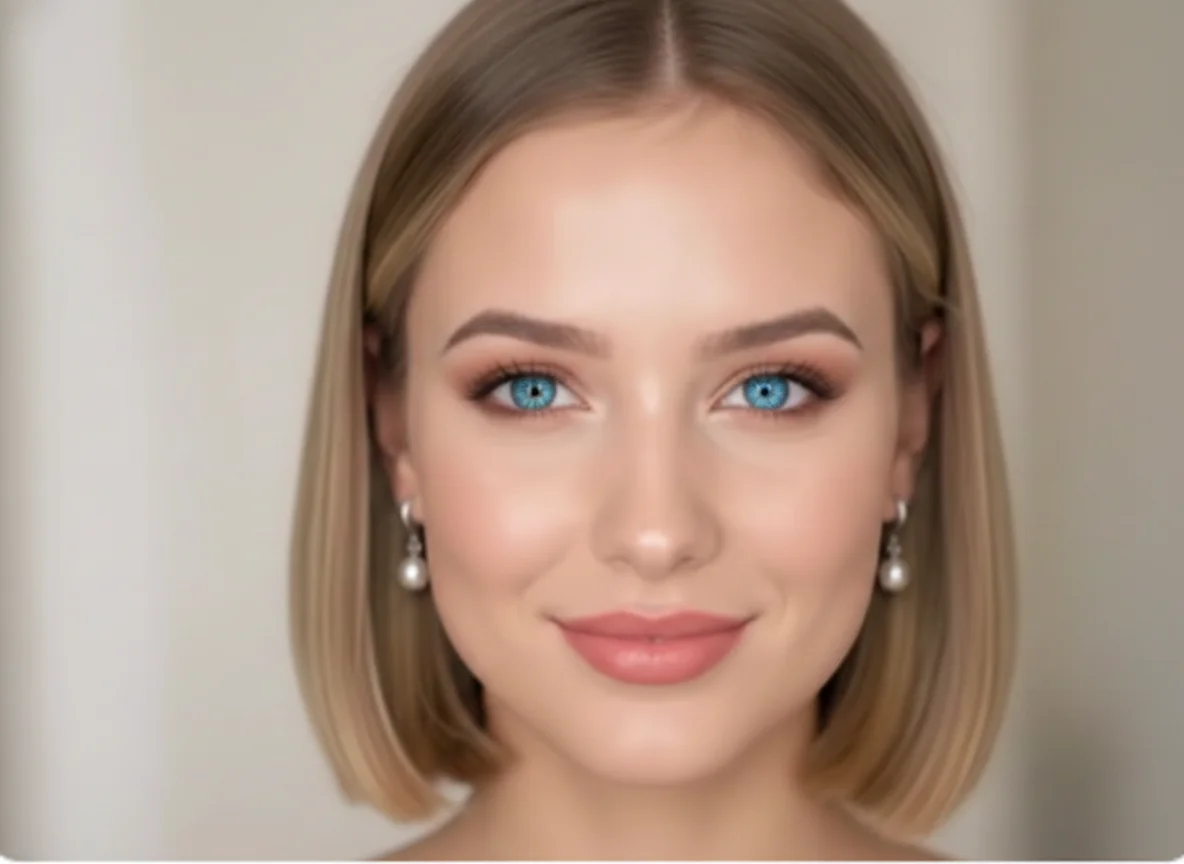
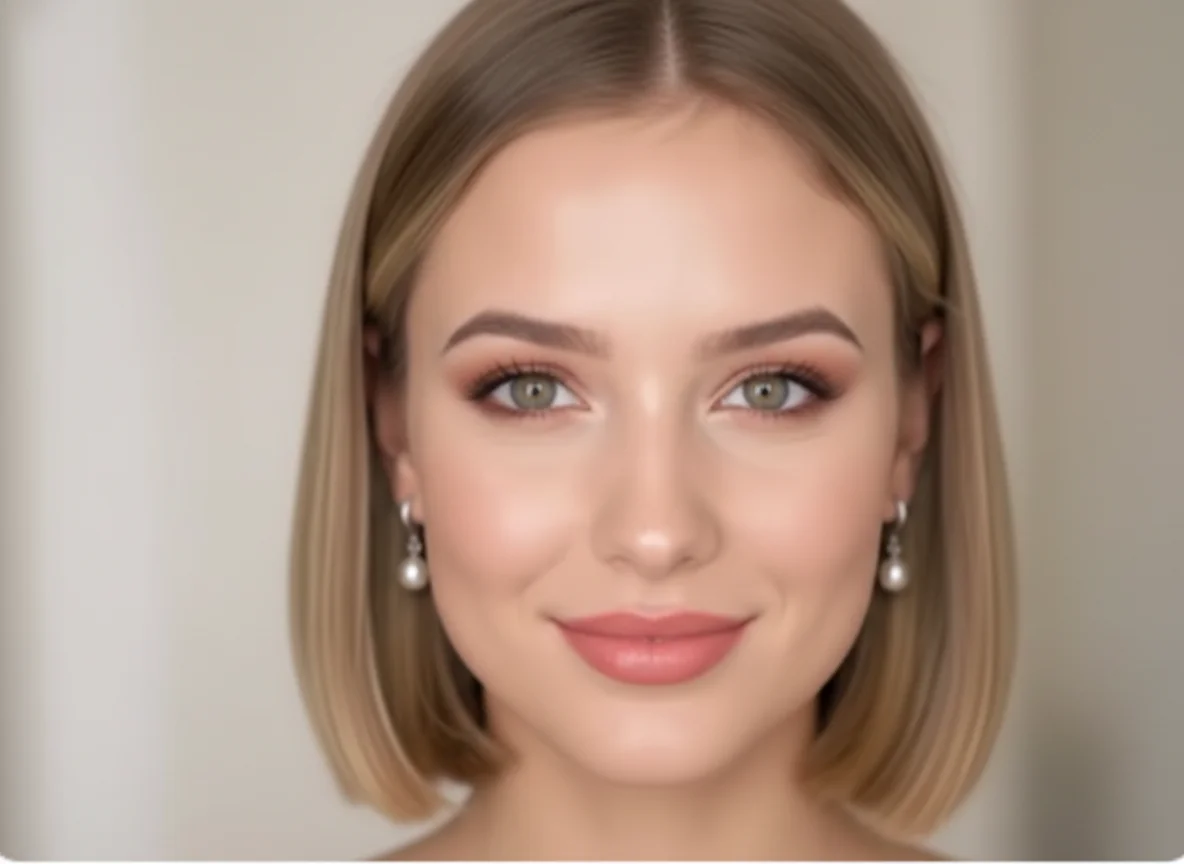
Upload a clear image where your facial features and eyes are visible for the best result. The AI eye color changer detects your eyes automatically to ensure precise and realistic color changes.
Choose the eye color you want to try, from natural shades to bold styles. You can also select your preferred image ratio such as 1:1, 3:4, or 4:3 before generating the result.
Wait a few seconds while the AI applies the eye color change. Once ready, download your image or try more colors to explore different looks for free.
AI Photo Editor's AI eye color changer analyzes eye shape, lighting, and iris details to deliver natural-looking results. The eye color change blends smoothly without covering reflections or losing eye texture. Unlike basic filters, this AI eye color change keeps your original facial features intact. The result looks realistic enough for profile photos, social media, or style previews.
Want to see how blue, green, hazel, or gray eyes look on you? With this tool, you can change eye color on a photo instantly and explore different styles without commitment. This change eye color AI free experience removes guesswork. You can compare multiple eye colors side by side before choosing a look you truly like.
The AI eye color changer works fully online, with no downloads or installations required. Just upload a photo and change your eye color in seconds directly in your browser. If you're looking for a fast and free way to change eye color with AI, this tool is designed for simplicity. Anyone can use it, even with no editing experience.
Create visuals faster without design skills. Turn ideas into images, thumbnails, social posts, and creative assets in seconds.
Accelerate your creative workflow. Use AI Photo Editor to generate concepts, references, and visual directions, then refine them into production-ready designs.
Produce high-converting visuals on demand. Create ads, campaign visuals, and branded images quickly.
Yes. With AI Photo Editor's AI eye color changer, you can change your eye color on a photo in just a few seconds. Simply upload your image, choose a new eye color, and see the result instantly.
Photos where the eyes are clearly visible work best. A front-facing photo with good lighting will help the AI eye color change look more natural and realistic.
Yes. The tool adjusts color, brightness, and detail so the eyes still look natural. The result blends well with your original photo instead of looking fake or over-edited.
Of course. You can test multiple eye colors—blue, green, brown, hazel, and more—on the same photo before choosing your favorite look.
Yes. Once you download the image, you can share it on social media, use it as a profile photo, or keep it for personal use.
AI Photo Editor is your go-to AI image toolkit for generating, editing, and enhancing photos and artwork.
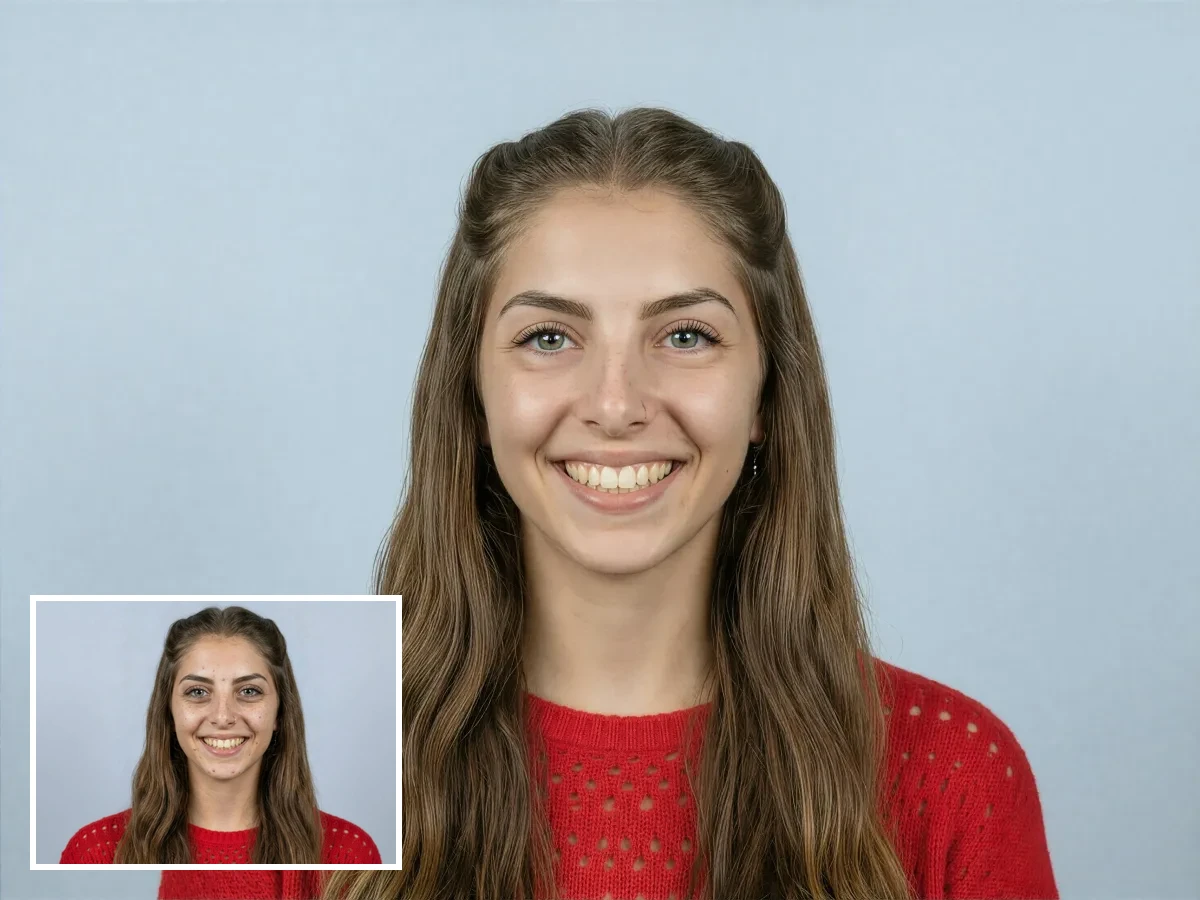
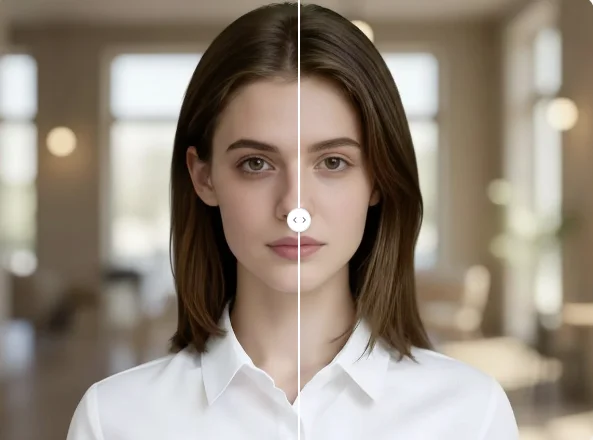
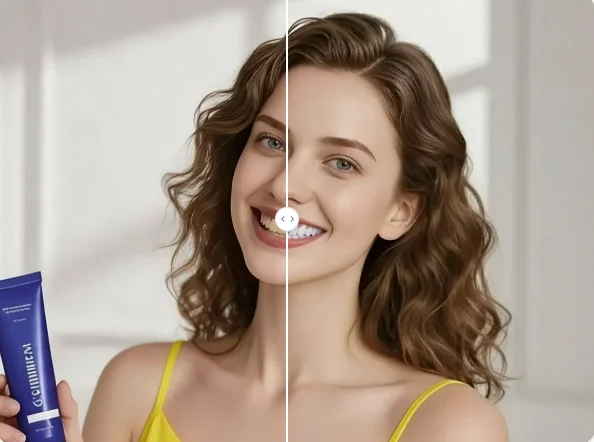
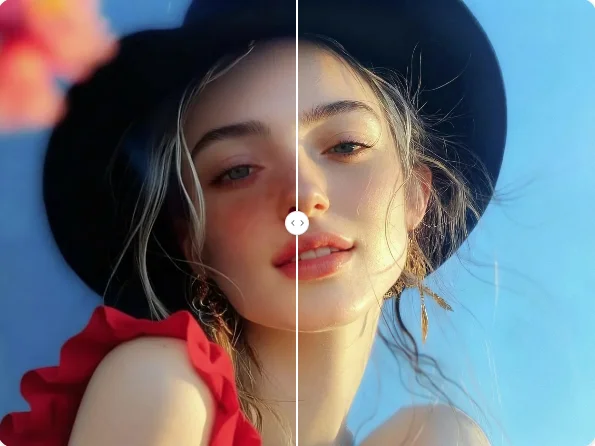
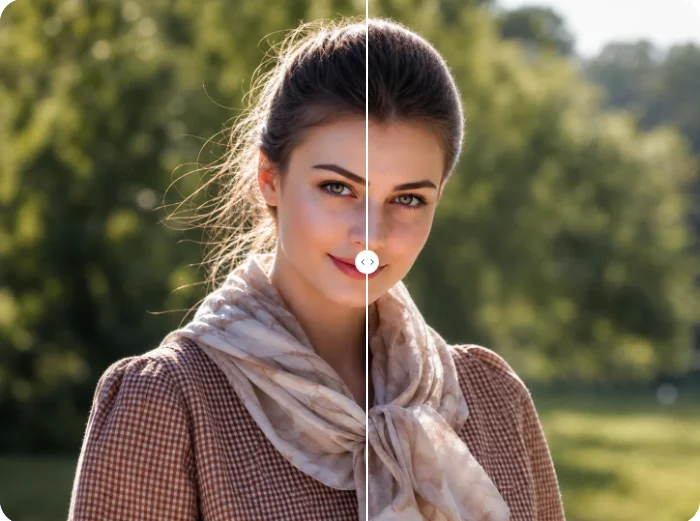
Use AI Photo Editor's eye color changer to change your eye color on photos instantly. Upload your image and try realistic eye color changes online for free with AI-powered precision.