Upload
Choose a clear portrait or scene photo with enough background space for the ghost effect.
 AI Photo Editor
Upload a photo and describe the ghostly presence you want. Add a translucent figure, drifting mist, eerie shadows, and cinematic haunted lighting while keeping the original person, composition, and setting recognizable.
Upload a photo and describe the ghostly presence you want. Add a translucent figure, drifting mist, eerie shadows, and cinematic haunted lighting while keeping the original person, composition, and setting recognizable.
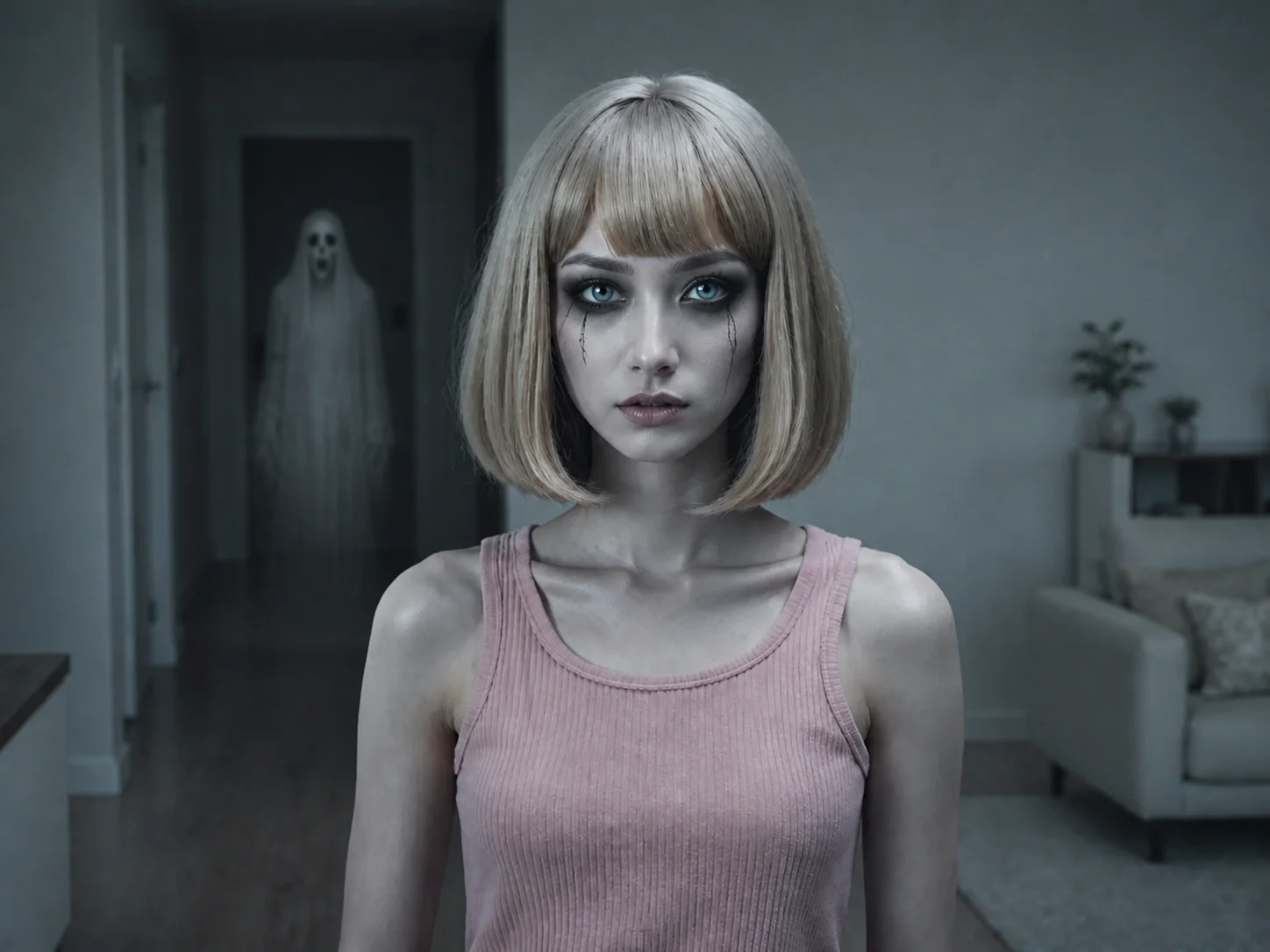
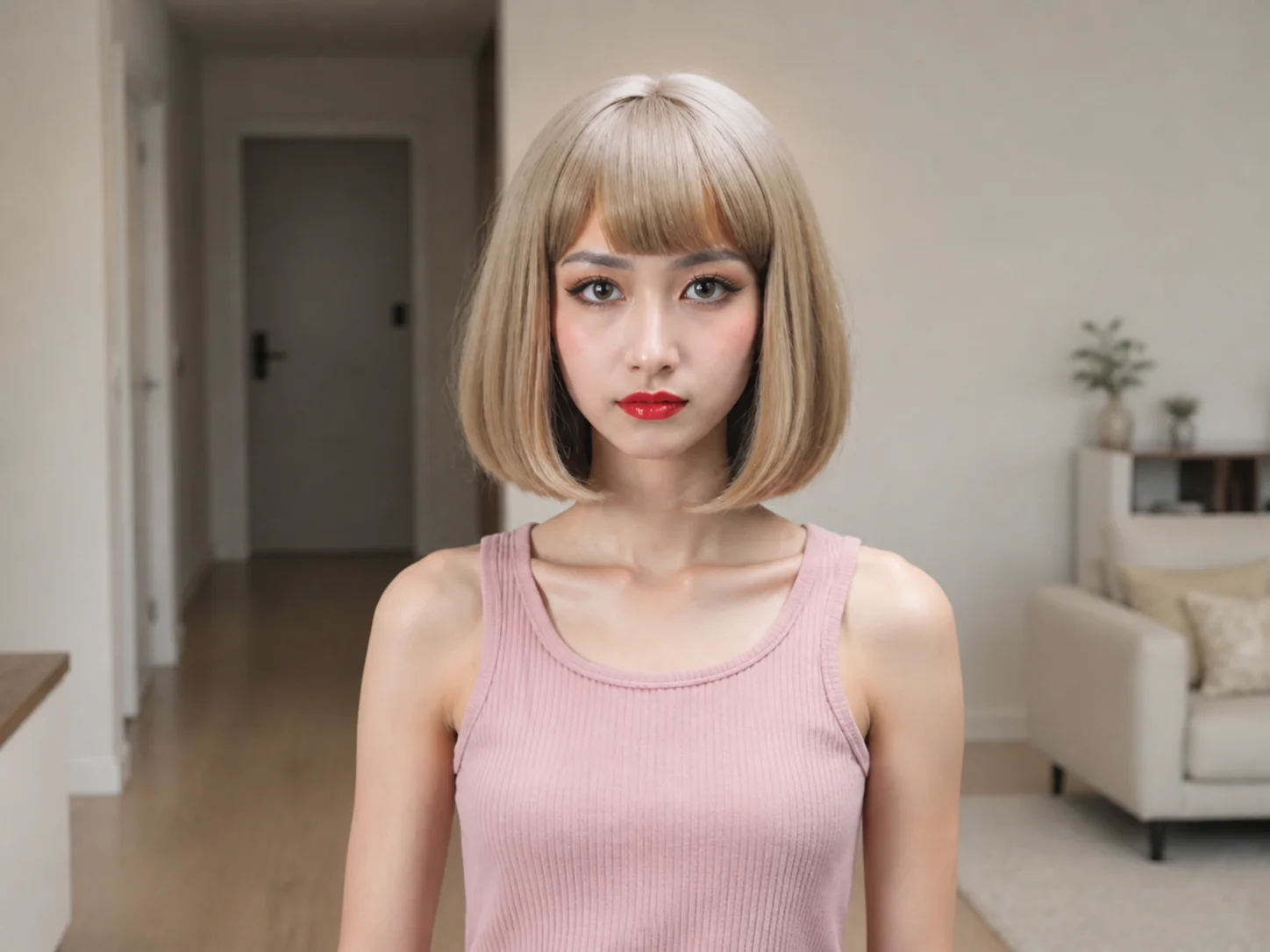
Choose a clear portrait or scene photo with enough background space for the ghost effect.
Describe the ghost's appearance, position, transparency, mist, lighting, and mood, then generate the haunted transformation.
Review the result and download your ghost photo for Halloween posts, horror concepts, invitations, or creative projects.
Match transparency, blur, perspective, shadows, and ambient light so the spirit appears integrated with the original environment instead of pasted on top.
Describe a subtle background apparition, a misty silhouette, or a dramatic supernatural presence, then guide the intensity and placement through your prompt.
Keep the subject's identity, pose, clothing, composition, and recognizable setting while adding only the requested ghost, mist, shadow, and lighting treatment.
Create eerie portraits, Halloween posts, horror thumbnails, and supernatural visual stories without building every effect manually.
Explore haunted compositions, spectral lighting, mist treatments, and horror concepts as references for posters, invitations, and campaigns.
Produce attention-grabbing seasonal visuals for Halloween promotions, themed events, social campaigns, and entertainment content.
A ghost filter uses AI to add translucent spirits, mist, eerie shadows, and haunted lighting to an uploaded photo while retaining the original scene.
It aligns the ghost's transparency, perspective, blur, lighting, and shadows with the uploaded image so the added figure fits the environment more naturally.
Yes. Describe the intended position and appearance in the prompt, such as a faint figure behind the subject or a misty spirit in a doorway.
Sharp photos with a visible subject, consistent lighting, and some open background space usually provide clearer placement and more convincing atmosphere.
The edit is designed to preserve the person's identity, pose, clothing, and core scene while adding the requested supernatural elements around them.
AI Photo Editor is your go-to AI image toolkit for generating, editing, and enhancing photos and artwork.
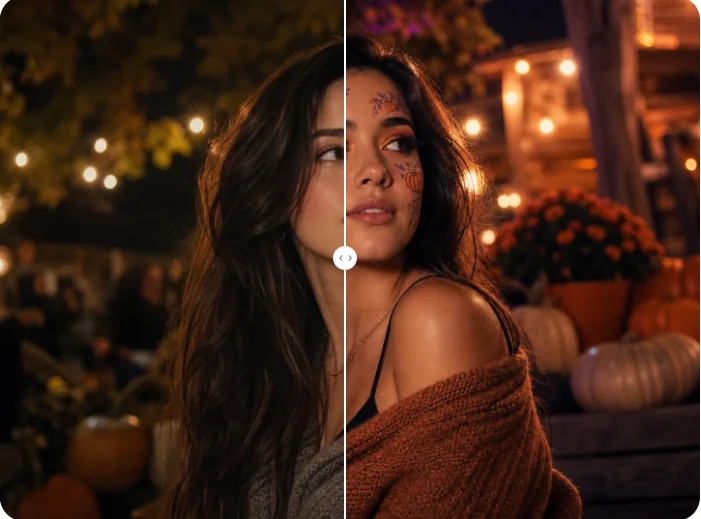
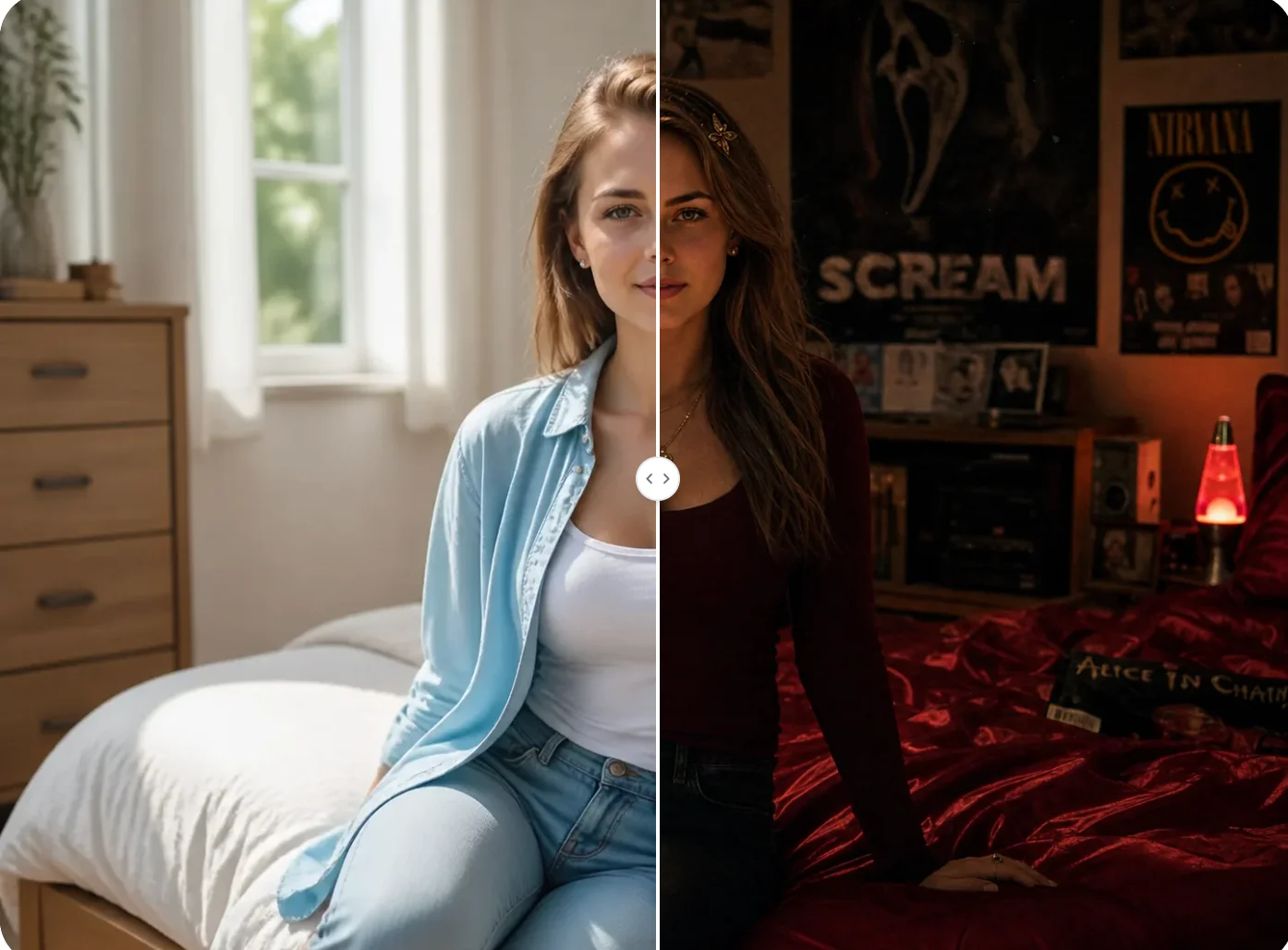
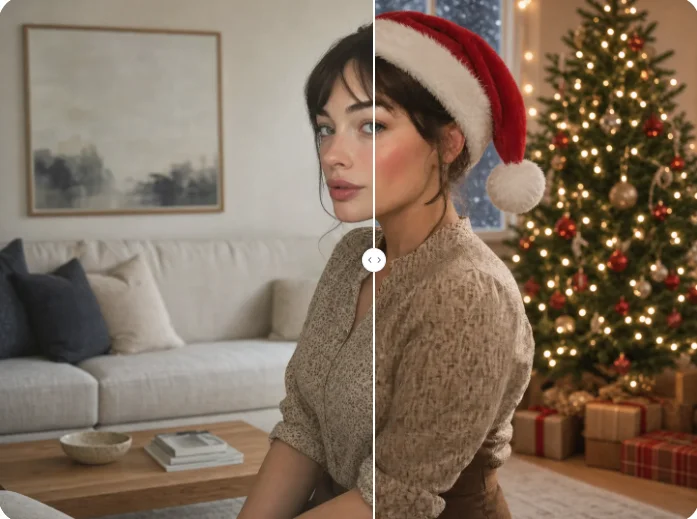
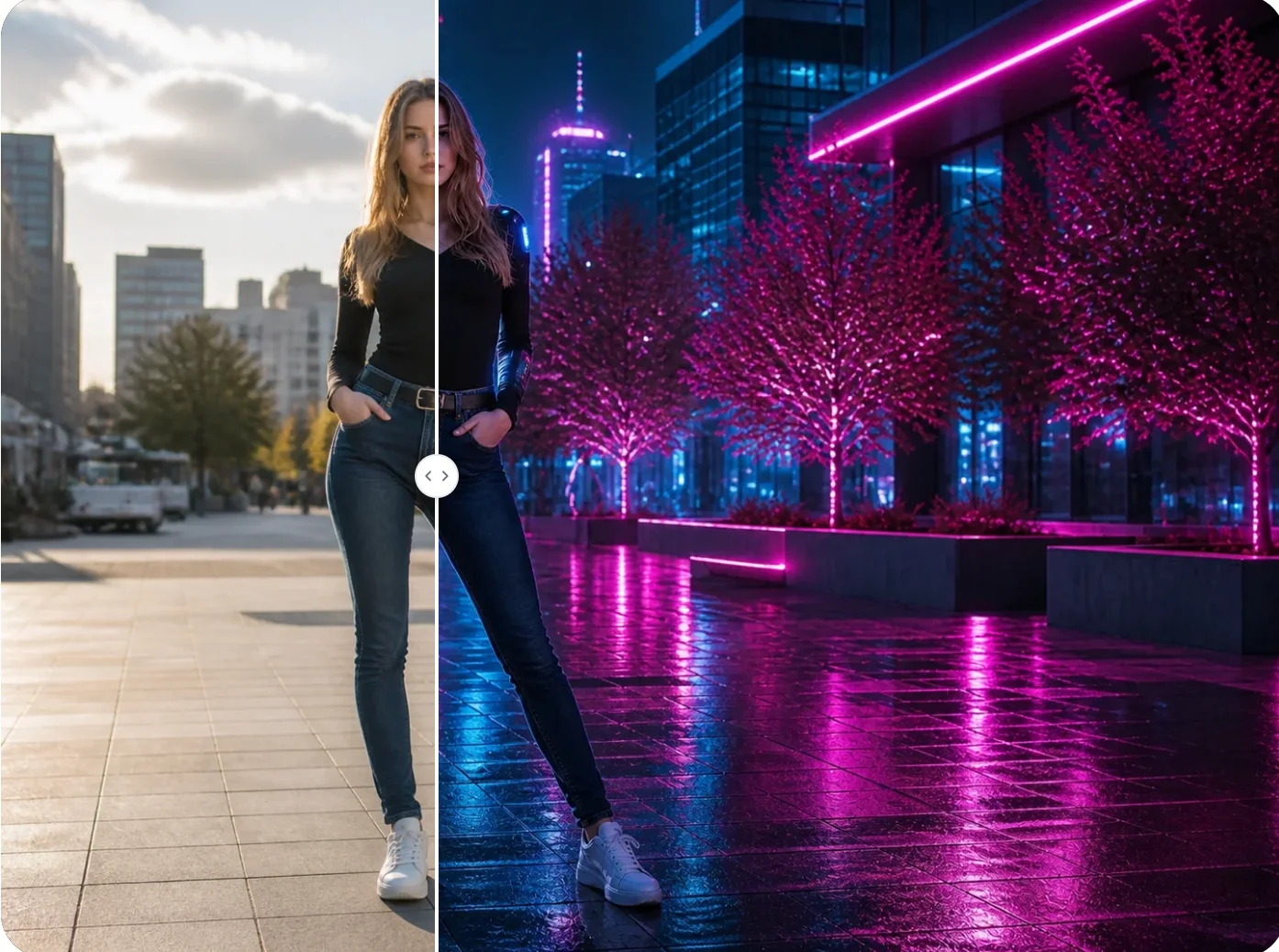
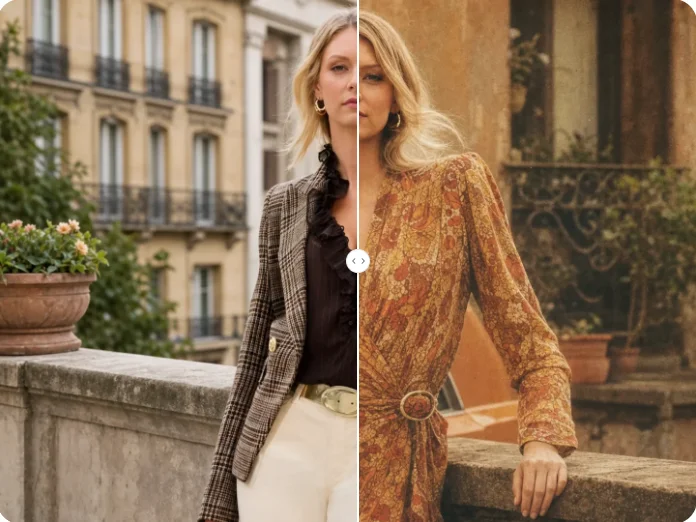
Upload a photo and add a translucent ghost, eerie mist, shadows, and cinematic lighting while keeping the original subject and scene recognizable.