Upload
Upload your photo with a green screen or solid color background. For the best results, use an image with even lighting on the green screen.
 AI Photo Editor
Effortlessly remove green screen backgrounds from your images with a single click. Seamlessly integrate new backdrops to match your creative needs and achieve professional results in seconds.
Effortlessly remove green screen backgrounds from your images with a single click. Seamlessly integrate new backdrops to match your creative needs and achieve professional results in seconds.
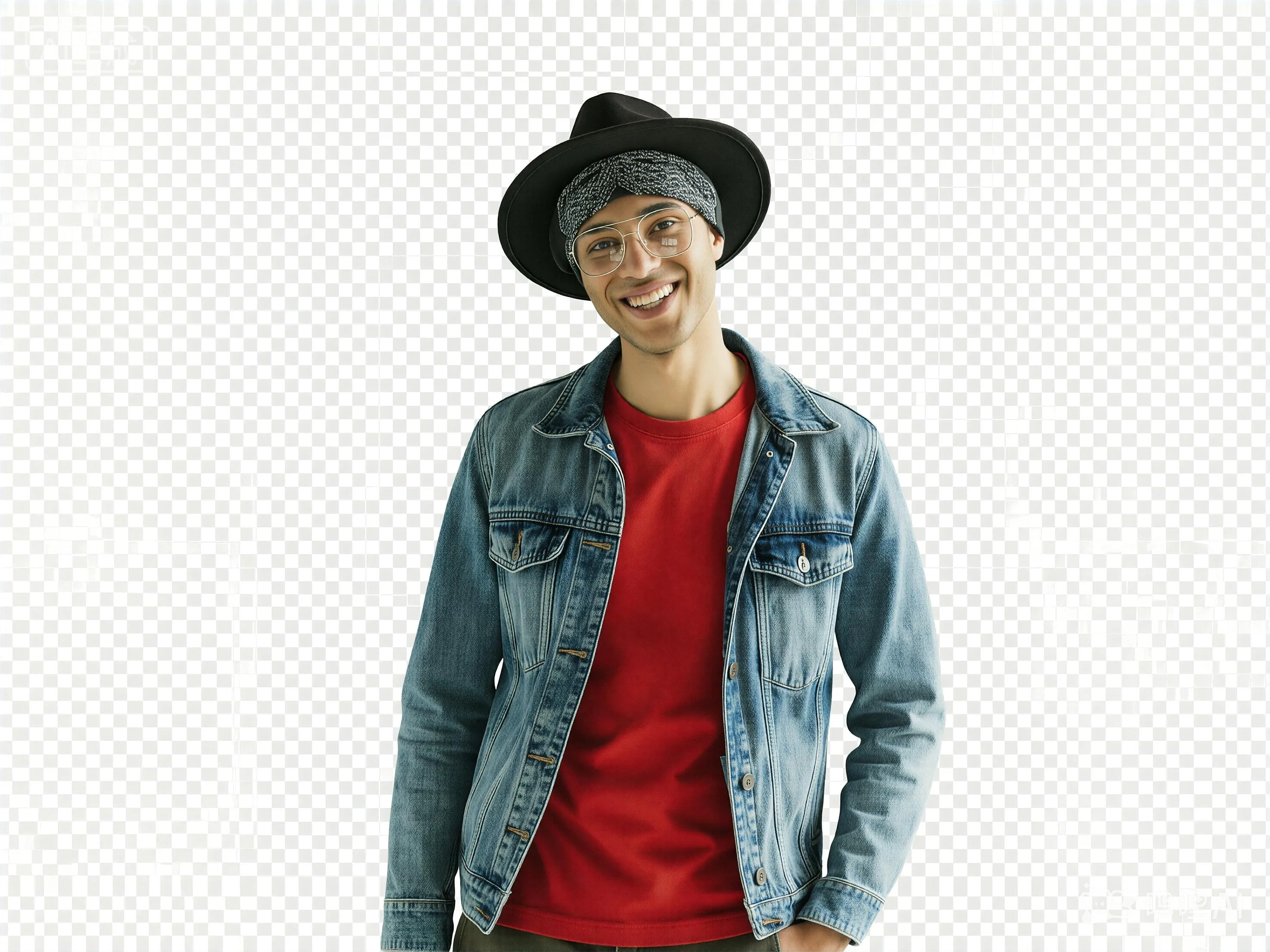

Upload your photo with a green screen or solid color background. For the best results, use an image with even lighting on the green screen.
Click the Generate button. AI Photo Editor's AI will automatically detect and remove the green screen background with precision in seconds.
Preview the transparent result or add a new background, then download your high-resolution edited image ready for any project.
Green Screen Photo Editor uses advanced AI to handle tricky areas like hair, translucent fabrics, and fine edges that traditional editors often miss. AI Photo Editor delivers clean, precise cutouts that look professionally produced.
Beyond simple green screen removal, AI Photo Editor allows you to instantly blend your subject into new environments with realistic lighting adjustments and color matching. Create any scene you envision effortlessly.
With AI Photo Editor, you can remove green screen backgrounds directly from your browser on any device. No complex software like Photoshop needed — just upload, generate, and download your edited image whenever you want.
Create visuals faster without design skills. Turn ideas into images, thumbnails, social posts, and creative assets in seconds.
Accelerate your creative workflow. Use AI Photo Editor to generate concepts, references, and visual directions, then refine them into production-ready designs.
Produce high-converting visuals on demand. Create ads, campaign visuals, and branded images quickly.
Green Screen Photo Editor is an AI-powered tool designed to detect and remove green screen (or any solid color) backgrounds from photos. It makes backgrounds transparent or replaces them with any scene you choose.
The AI identifies the specific green hue (chroma key) and separates it from the subject. AI Photo Editor handles complex lighting, shadows, and fine details like hair to ensure a clean, professional cutout every time.
No. The process is fully automated. Simply upload your green screen image to AI Photo Editor, and the AI handles the extraction and background removal for you automatically.
AI Photo Editor's AI preserves fine details like hair, intricate props, and semi-transparent elements during green screen removal. The result is a clean, professional cutout with smooth edges.
Yes. AI Photo Editor's AI identifies specific hues and separates them from the subject, even handling complex lighting to ensure a clean cutout every time.
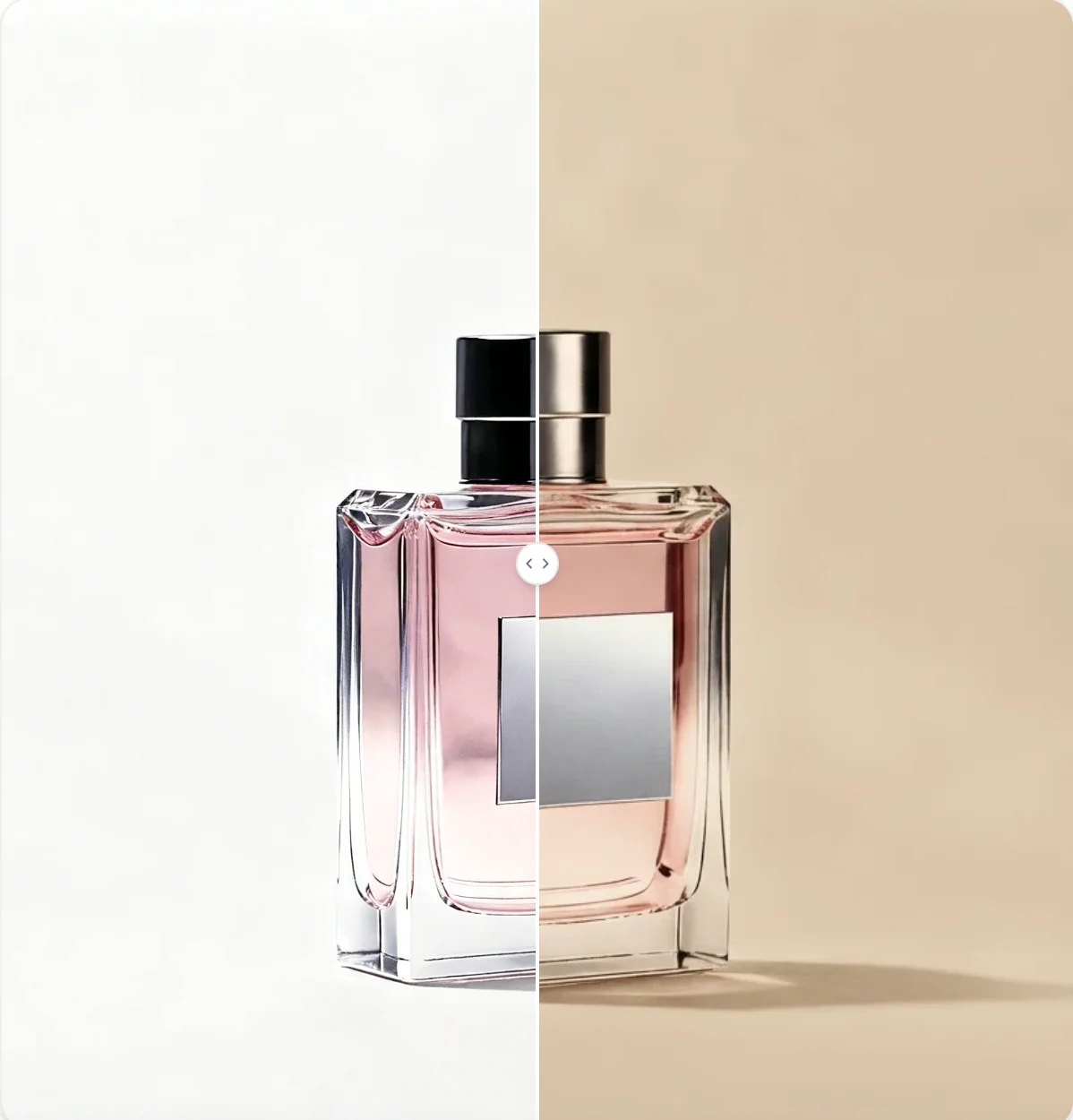
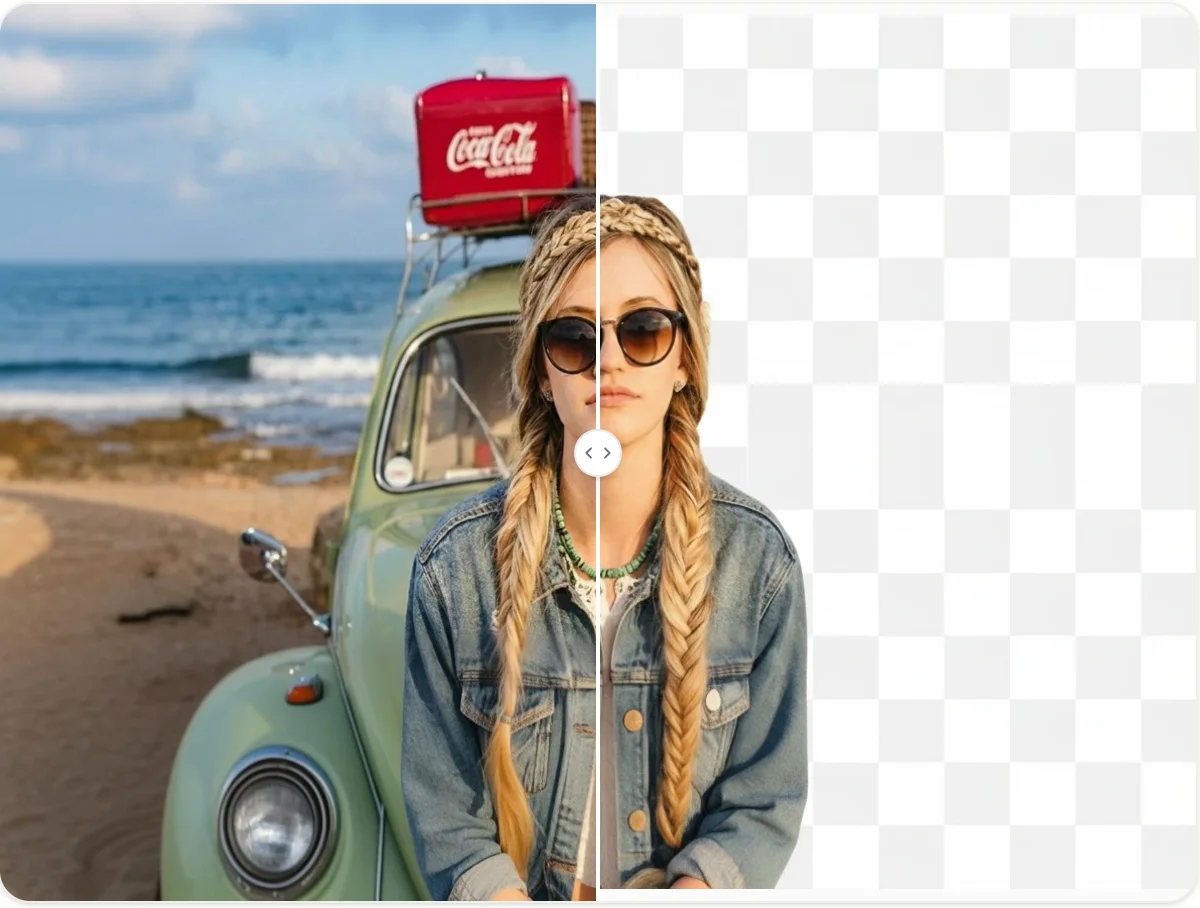
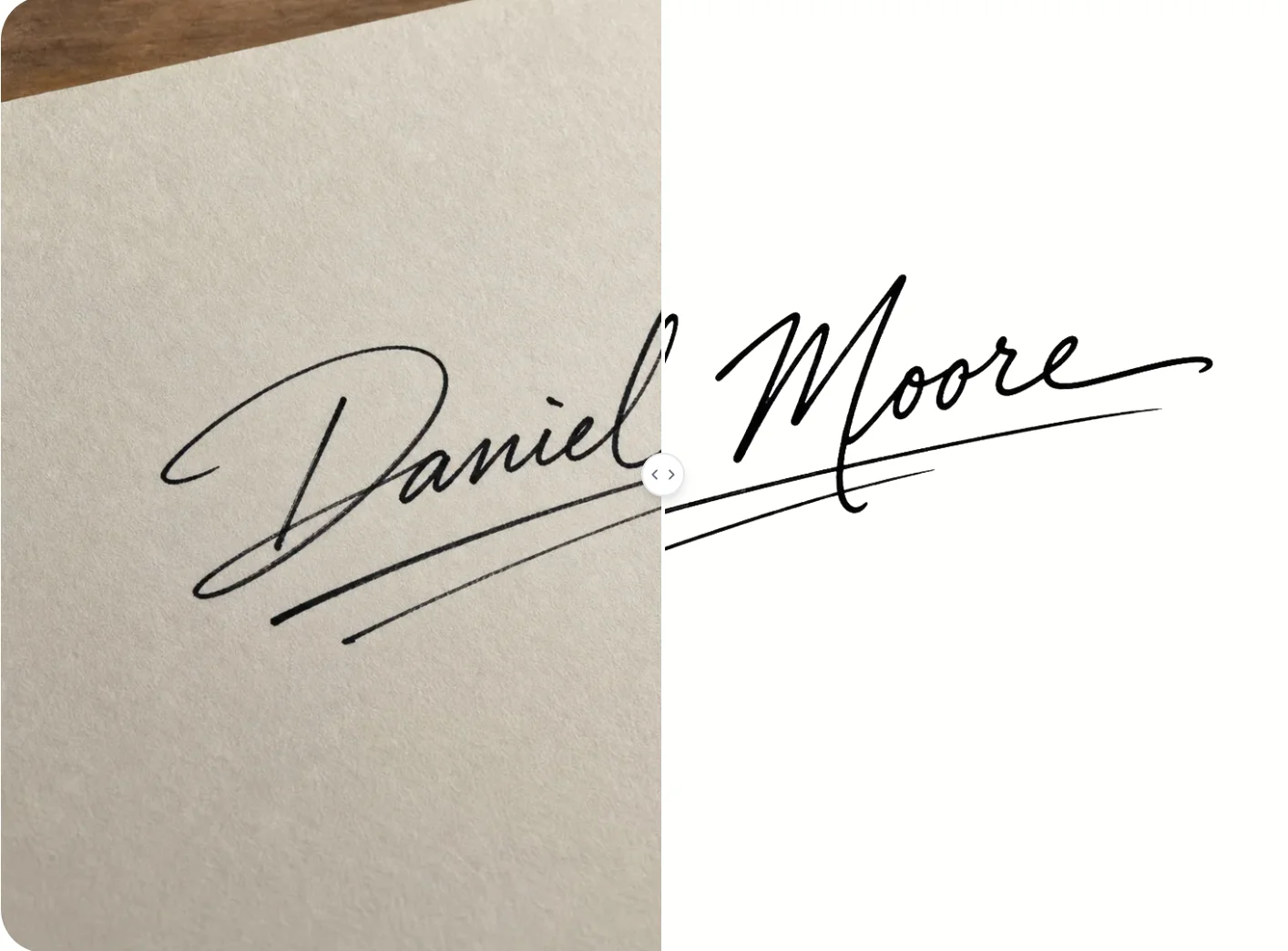


Need to remove a green screen and add a stunning new background? Upload your photo to AI Photo Editor and replace your backdrop with AI precision in seconds!